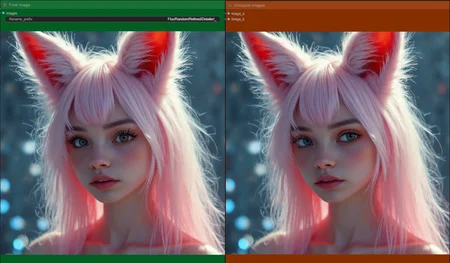
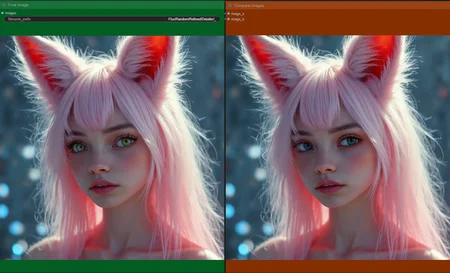
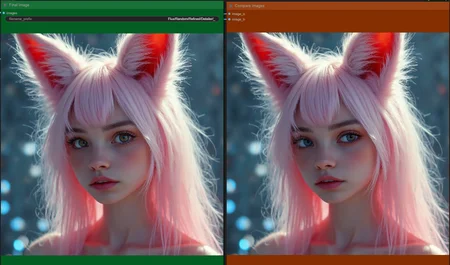
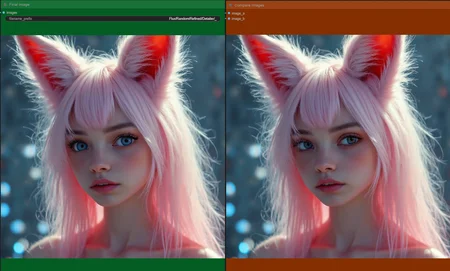
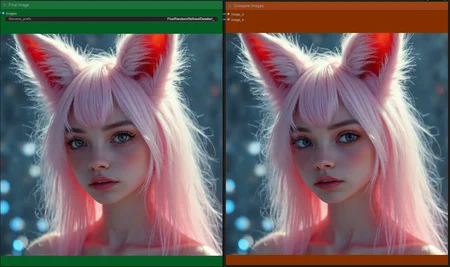
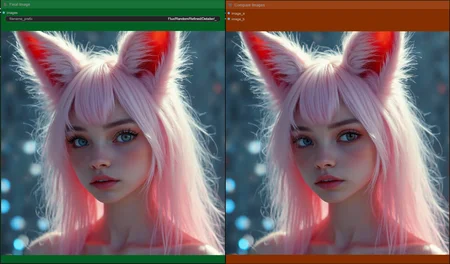
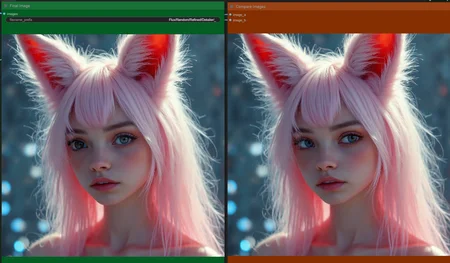
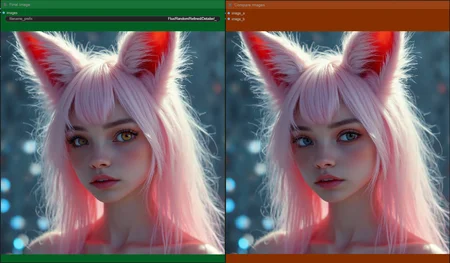
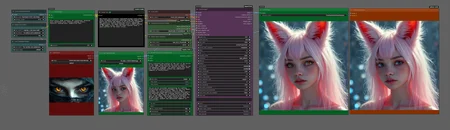








Version information
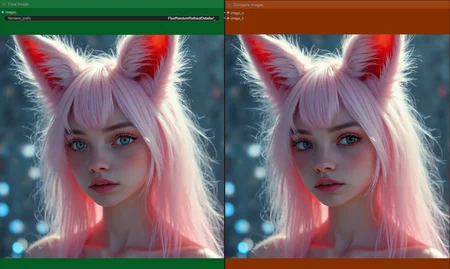
Version: Gemini Enhanced Eye Detailer
Improve eye detail and/or change color of the eyes on an already existing image.
NOTE: If you have an issue loading the Gemini node, try to pip install sounddevice
Works best for normal eye colors using Euler or Deis with sgm_uniform or beta.
I have not been able to re-create eyes such as cat's eyes or very abnormal colors, such as red irises. Maybe it's possible together with a Lora though.
Requires Eyeful individual
Version: Extractor
This workflow has two options.
Generate an image using an SDXL model and SDXL prompt and have Gemini 2.0 extract a Flux prompt from that image. The Flux prompt will then be used to generate a second image using any Flux checkpoint you want.
Upload an image and have Gemini 2.0 extract a Flux prompt from that image. The Flux prompt will then be used to generate a second image using any Flux checkpoint you want.
Version: ReActor
This is the same as the Extractor version, but with added ReActor nodes.
Version: Dual Prompt
This workflow will get Gemini 2.0 to create two separate prompts for two different CLIP's and pass them on (separately) to the T5XXL-CLIP and the L-CLIP encoders.
The idea is to eventually be able to connect a .txt or .json that contains either structured wildcards, or pretty much any word salad, and have it build a:
L-CLIP prompt with keywords/tags and max 77 tokens.
T5XXL descriptive prompt in synergy with the L-CLIP prompt.
GEMINI FLASH 2.0
For instructions on how to install and use the Gemini Flash 2.0 node, check out the repository at Github.
COMMON ERROR
If you get an API error from the Gemini Flash 2.0 node, but know that you have a valid API, check the inputs to the node. For some reason there has to be an actual input in all the nodes inputs, even if you aren't using them. Just upload whatever mp4 clip and mp3 clip you have to the nodes that are hidden behind the Gemini Flash 2.0 node. Some times you might have to also restart Comfy, or clear the cache from Gemini Flash 2.0 node in some other way in order to get it to work.
If it still doesn't work, paste your API key directly to the node. Just be careful not to export it with some image, and accidently share it.
Description
Gemini Enhanced Eye Detailer
Works best for normal eye colors using Euler or Deis with sgm_uniform or beta.
I have not been able to re-create eyes such as cat's eyes or very abnormal colors, such as red irises. Maybe it's possible together with a Lora though.