


 Recommended settings (v7+):
Steps: 16+CFG scale: 2.5+Note - This checkpoint is capable of generating decent results with just 8-10 sampling steps (recommended settings: Sampler – DPM++ 2M Karras, CFG Scale – 2.5). Because of this, there is no need to use the SDXL Lightning LoRA, which is also not highly compatible with this model.
Positive Prompt
[unholy-aesthetic (OR) unholy-detailing] <-(Optional),masterpiece,best quality,amazing quality,very aesthetic,absurdres,ultra detailed face,ultra detailed eyes, Negative Prompt
bad quality,worst quality,worst detail,sketch,censor, extra limbs, deformed fingers, bad anatomy, mutated body, lowres, worst quality, low quality, low score, bad score, blurry, text, ugly, hooded eyes, watermark, pale, bad hands, bad anatomy, bad proportions, poorly drawn face, poorly drawn hand, missing finger, extra limbs, blurry, pixelated, distorted, lowres, jpeg artifacts, watermark, signature, text, (deformed:1.5), (bad hand:1.3), overexposed, underexposed, censored, mutated, extra finger, cloned face, bad eyes,Recommended settings (v6):
Steps: 40+CFG scale: 7+Negative Prompt
lowres, worst quality, low quality, low score, bad score, blurry, text, ugly, hooded eyes, watermark, pale, bad hands, bad anatomy, bad proportions, poorly drawn face, poorly drawn hand, missing finger, extra limbs, blurry, pixelated, distorted, lowres, jpeg artifacts, watermark, signature, text, (deformed:1.5), (bad hand:1.3), overexposed, underexposed, censored, mutated, extra finger, cloned face, bad eyes,🔥 Unholy Desire Mix - Sinister Aesthetic (ILLUSTRIOUS) v5 is Now Online
Previous version Online Generator - https://tensor.art/models/835952257007743162/Unholy-Desire-Mix-Sinister-Aesthetic-(Illustrious)-v1.0
Positive Prompt
unholy-aesthetic <-(Optional),masterpiece,best quality,amazing quality,very aesthetic,absurdres,ultra detailed face,ultra detailed eyes, Negative Prompt
bad quality,worst quality,worst detail,sketch,censor,Recommended settings:
Steps: 25-40CFG scale: 5-7Sampler: Euler a Working with and without Keyword "unholy-aesthetic"
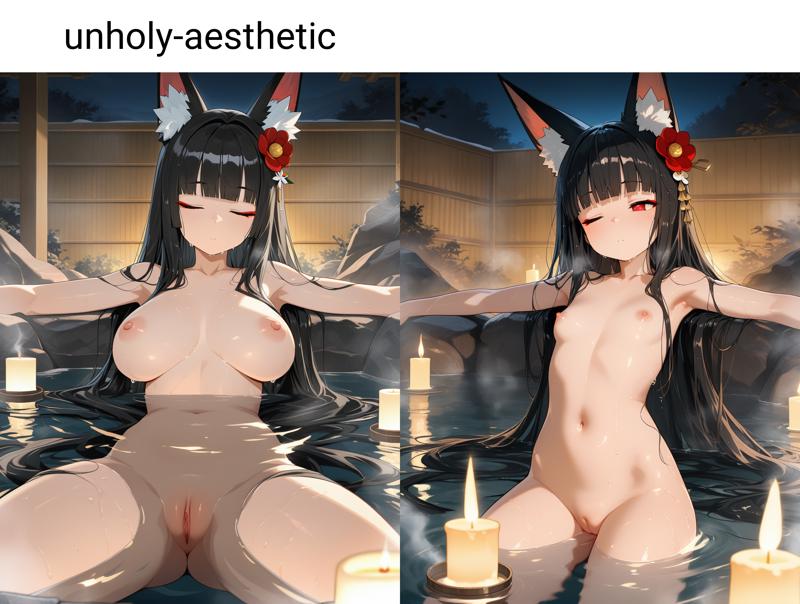
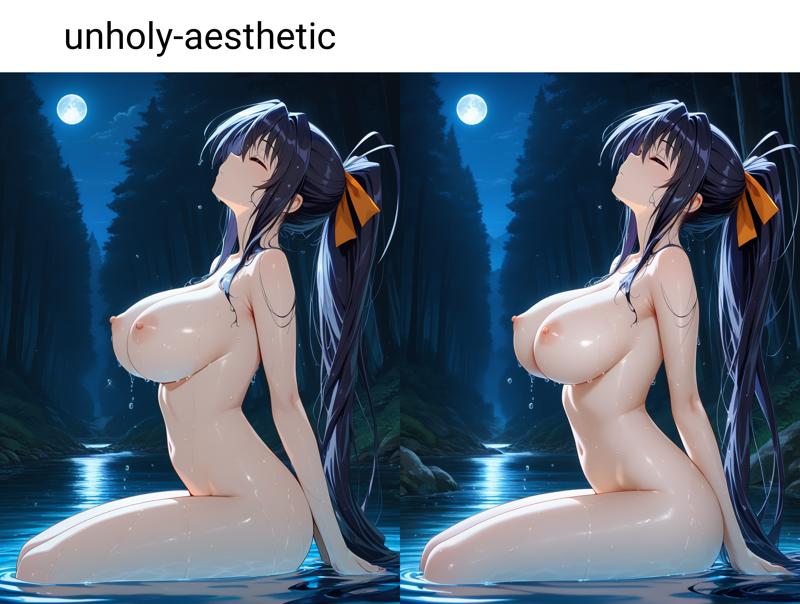
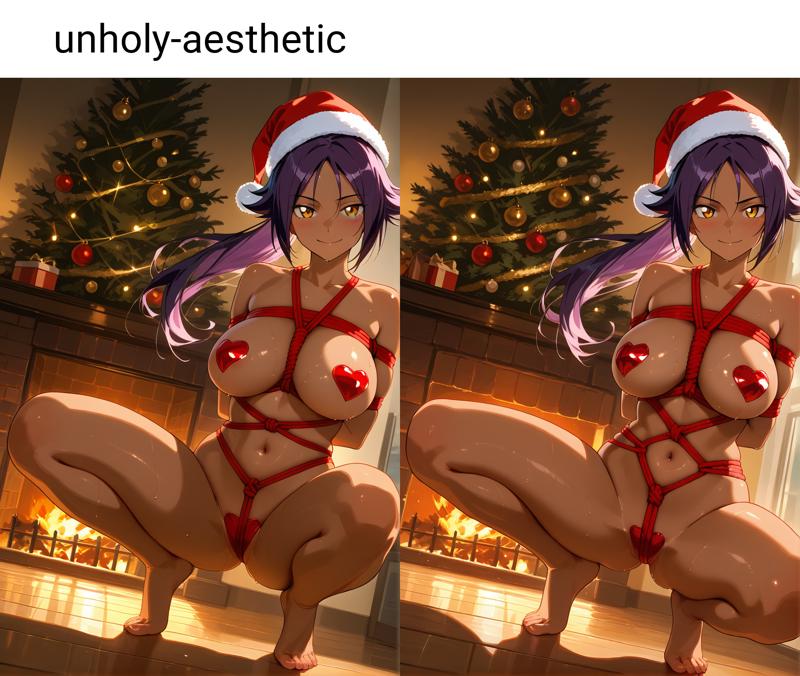
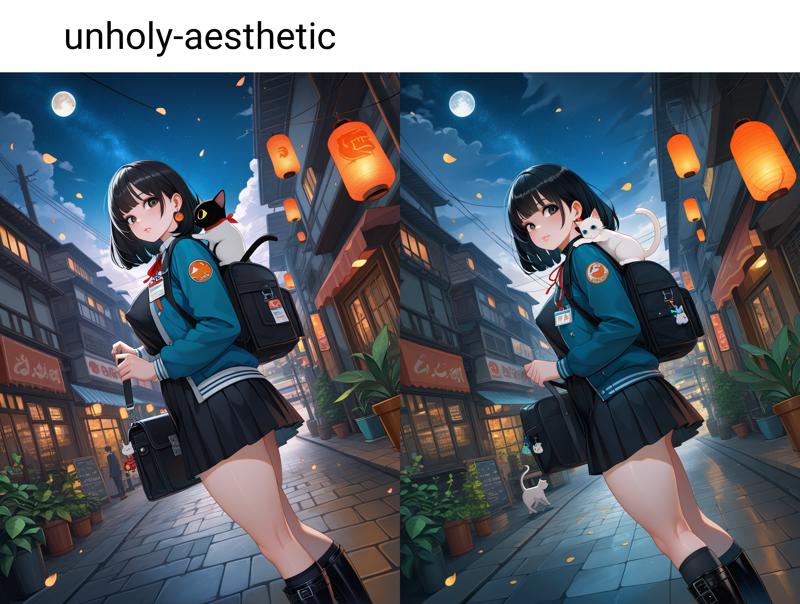 Conclusion
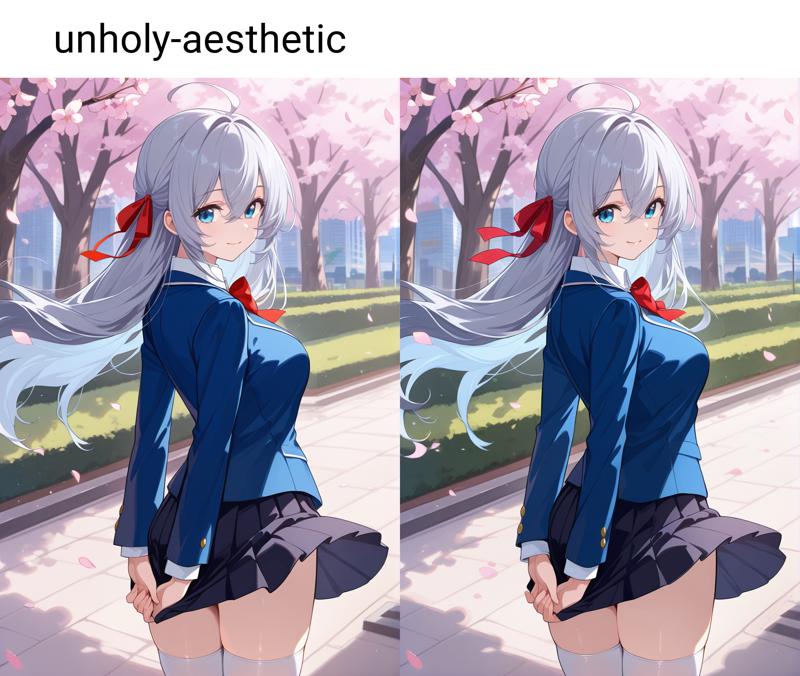
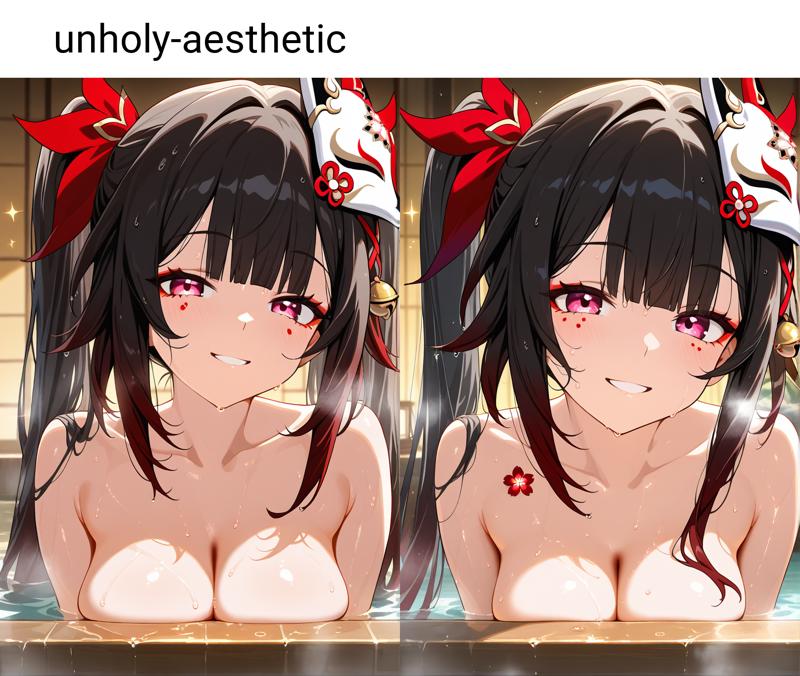
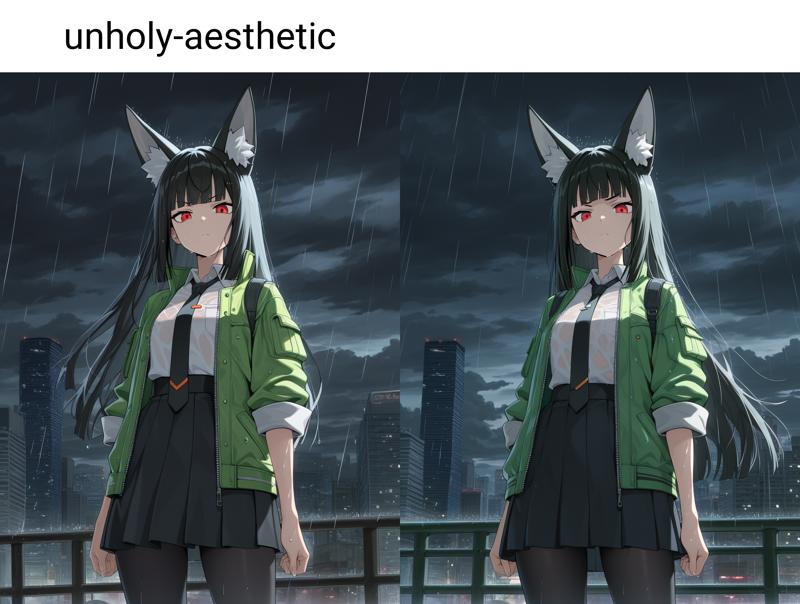
Use Keyword "unholy-aesthetic" for post processing, additional background detail or colour adjustments (Note – depending on the amount of detail / environment in an image, It may or may not work.) e.g. -
Description
FAQ
Comments (29)
This checkpoint is capable of generating decent results with just 8-10 sampling steps (recommended settings: Sampler – DPM++ 2M Karras, CFG Scale – 2.5). Because of this, there is no need to use the SDXL Lightning LoRA, which is also not highly compatible with this model.
Does this new version have a list of trained characters?
Baked in DMD2 with low merge ratio?
Note for V7 : Use either the unholy-aesthetic or unholy-detailing keyword. Using both together may lead to sub-optimal results in some cases.
is there a list of pre integrated characters somewhere?
is there a list of characters pre integrated into each version?
DPM++ 2M SDE works better for me than DPM++2M in low steps.
That Upscaler and Denoising Strength are recommended?
That goddamn image has made me get smote so many times.
Very strange, when I just downloaded and tested that checkpoints, it's worked, but after that I get error "NansException: A tensor with NaNs was produced in Unet. This could be either because there's not enough precision to represent the picture, or because your video card does not support half type." or black screen if bypass that check. And every other model is working, only this one which i have, act like that - for example v5 of this model.
I like the style of unholy aesthetic's models very much, is one of the best models I have used. BUT, its loli bias is so annoying
Cap, lemme see lol
Doesnt seem much more than average.
https://civitai.com/models/1302719?modelVersionId=1833199
Anyway, put this in negative, optionally increase strength in negative and it should do what you want.
@Mescalamba I already use it in the negatives. Even writing "adult" and "aged up" in the positive it is still strong biased. There is a prompt pre-built that I use on every model to test it and this model here is the one that by far give the most loli-biased results. It happens in 60 ot 70% of the time. It is by far one of the best models, but this is annoying.
stop complaining loli is amazing
Try using "mature", "mature girl", "mature women" Keyword
@Lurkin "loli" just means anything that isn't a titty monster or milf to a lot of people, unfortunately.
@goeypants400 disgusting pedophile
i really like v7, very good version
7.5/10 prompt adherence
10/10 character + lighting
4/10 background detail
So which model is better in your opinion ?
@HonZuna too subjective. sometimes i use unholy and just inpaint the area with another lora or another checkpoint, sometimes i just use other checkpoints entirely.
really good job
Looks awesome, but what vae should I use with this?
EDIT: Apparently, according to SD Prompt Reader, the image posted by the author use the sdxl_vae
It is normally written in the generation data without using any special tools.
Personally I prefer IllustriousXL20_v10 for anything that's meant to look drawn.
Edit: If you have A1111/Forge/ReForge and have SuperMerger installed you can just bake the VAE into it yourself and never have to worry about it again.
@Chronos_Shinomori woah, thanks! I'm still learning the ropes for image generation, and I'm also still learning how to properly use ReForge, so your advice comes in more than just a little handy, thank you!
唯一缺点就是脚趾有问题
Details
Files
unholyDesireMixSinister_v70.safetensors
Mirrors
unholyDesireMixSinister_v70.safetensors
unholyDesireMixSinister_v70.safetensors
unholyDesireMixSinister_v70.safetensors
unholyDesireMixSinister_v70.safetensors
unholyDesireMixSinister_v70.safetensors
unholyDesireMixSinister_v70.safetensors
unholyDesireMixSinister_v70.safetensors
unholyDesireMixSinister_v70.safetensors
unholyDesireMixSinister_v70.safetensors
unholyDesireMixSinister_v70.safetensors
unholyDesireMixSinister_v70.safetensors
unholyDesireMixSinister_v70.safetensors