


NEW: version 1.3: Now including Qwen Hand-Fixer + Easy Simple Inpaint + Original Full Qwen Edit with Distortion Fixes.
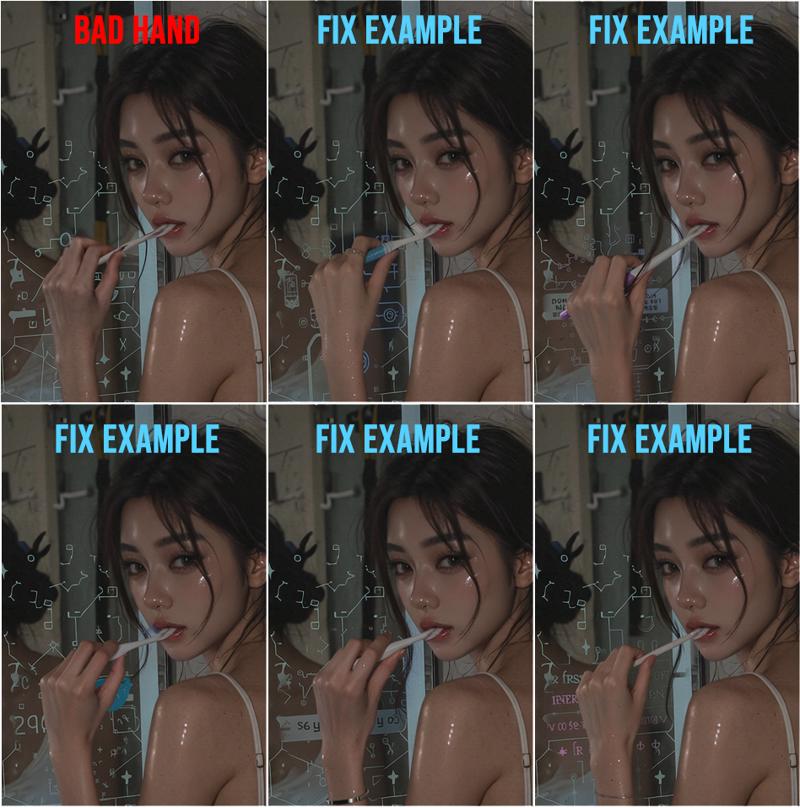
This workflow fixes the problem of Qwen Edit not fixing hands/fingers unless you change it significantly enough to trigger a change. This workflow's method will now consistently fix hands in one-shot while retaining whatever pose you want.
Update: v1.3a: I added further instructions and a save node. For the hand-fixer/simple inpaint top section, do not use instructions as prompt, just describe the masked area content you want.
note: You MUST mask something for workflow to work.
This workflow fixes the warp/blur/distortion problems with Qwen Edit. With this workflow, you can generate the main image in any image model you want, and then fix hands/feet/face/pose/whatever with this perfect qwen edit workflow.
Qwen Hand-Fixer + Simple Inpainter that just works
NO MORE BLUR / NO MORE DISTORT / NO MORE INPAINT MISALIGNMENT
KEEP IMAGE ORIGINAL PIXELS / USE ANY IMAGE SIZE
PRECISE EDITING / ADJUSTABLE POSE SIZE / ACCURATE COLORS
*Recommended Samplers:
Fastest = Euler/Simple
Steps: 8-12
CFG: 1
*Multiple-Objects Instructions:
There are toggles for optional Object 1, and Object 2.
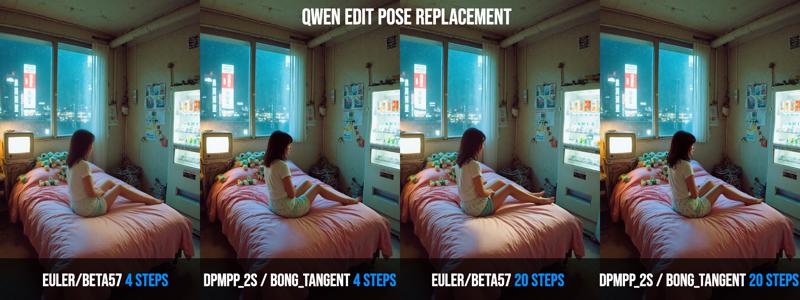
You can input an image into Object 1 and Object 2 to be referenced/placed into the main image in various ways. The slot for Object 2 also have an optional POSE converter, which will convert the image slotted into Object 2 into a POSE skeleton image which you can prompt to change a character's pose to.
Tech details: The key is that Qwen will resize processing images to being divisible by 112. However this will cause inpaint misalignment, distortion, blur, ghosting. I also didn't want to resize/crop entire image to fit 112, because that will downgrade the details of your image as well.
So the idea here is to resize the MASKING area, to avoid resizing entire image, to be divisible by 112. In this workflow, I also used this technique for optional Object 1 and 2, so you just fill in the slots and it'll just work.
I use clownshark sampler in there, but it's not mandatory, I've also included the original basic sampler in there for you to use.
(Credit to GGardens' original Qwen inpaint workflow that I based the original inpaint functions on: https://civarchive.com/models/1996440/qwen-edit-2509-inpaint-anything )
Description
Added Dual-Mode Inpaint.
Mode 1: Simple Inpaint/Hand Fixer Mode 2: Full Qwen Edit Inpaint
Update: 1.3a: added file save and more instructions