

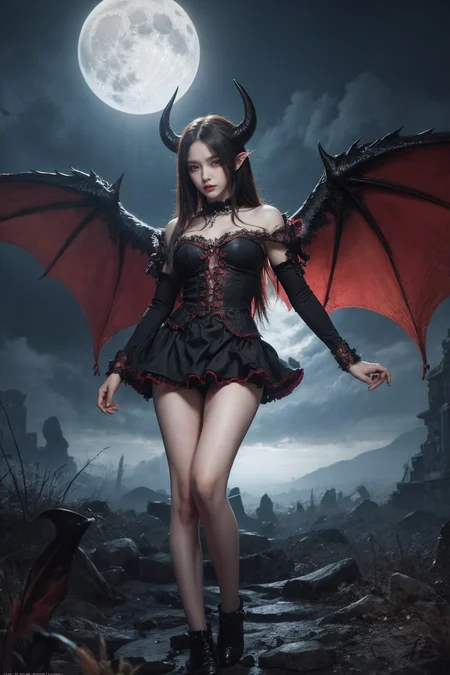

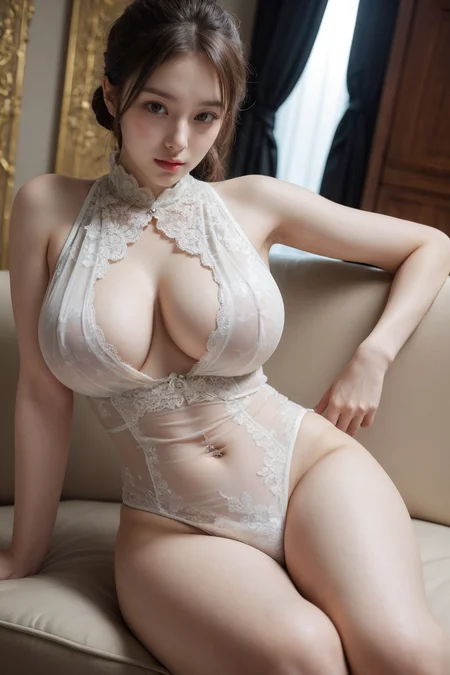
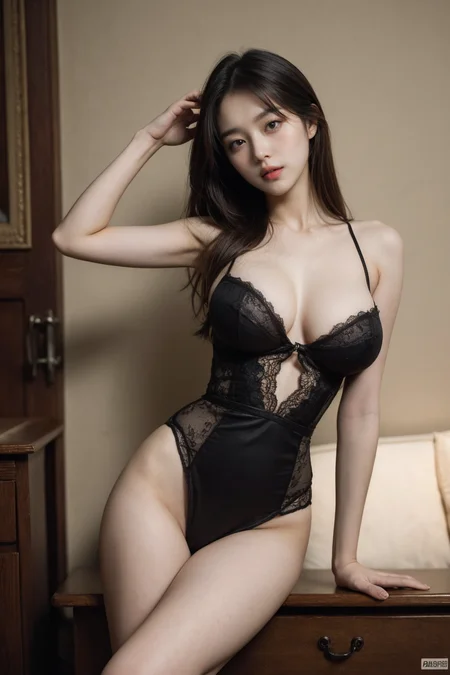






It's a model that was merged using a supermerger
↓↓↓ fantasticmix2.5D ↓↓↓
https://civarchive.com/models/20632/fantasticmix25d
An example is using dynamic thresholding. Reduce the CFG scale to 7 or less when not in use
You must use VAE
Description
The previous versions were mixed-race models, but this one is the Asian model with a new recipe
fantasticmix v3 and v6.7, v7 are also included
FAQ
Comments (36)
k1 version ?
what is new worth 9 GB ? !!!
It isn't? It's 2.91GB A 1.5 fine tuning cannot be 9GB.
Well, it's writen in blue "Donwload 9,41 GB" !!! This is UGE !
I also offer pruning models of 2.91gb
Yes, no problem, but ... can you PLEASE tell us what is worth 9.41 Gb of data ? Something special ?
Yes, it's over 9GB and takes ages to produce images with that size :|
@phillabaule359 https://imgur.com/a/PBmxJVJ Where does it say that?
EDIT: I checked again, under the "Files" tab. You are referring to the unpruned 32bit version. Use the 16bit pruned one instead, it should be basically indistinguishable assuming that there's not something wrong with it. As for why it's that size: Both pruning and 32bit -> 16bit cut the model size in half
Is k for Korean? Looks like you made this 100% Asian.
as he said: "The previous versions were mixed-race models, but this one is the Asian model with a new recipe
fantasticmix v3 and v6.7, v7 are also included"
Yeah, you're right
@okhello I see that nowhere in the description.
@okhello I see that nowhere in the description.
@meholegnome Click on the "About this version" tab
9.41 gb too big
I also offer pruning models of 2.91gb
New in K1\Differences? where is the info about the difference models?
좋네요 굿
Hey...do you have any plan for prouned version upload?If you are not, can I upload prouned k 1version?
Version 7 is also Korea version?
It's a mixed-blood version
@michin thanks 💕
What ever happened to versions 5?
Here's the v5 if you want
Any plans for a SDXL model?
I don't have any plans yet
My pictures' saturation are low. Why do I keep getting this?
Your program is most likely not using any VAE file
When you go to the vae tab on Auto1111, make sure you press "Apply" at the top of the screen.
I really like this model, any plans to make a Inpainting version? Very much looking forward to it.
Unfortunately, it's not in the plan
Just use inpainting ControlNet.
@Miragenerate This may not meet my needs, but thank you very much!
@Olbanets Wow, that’s great, thank you so much, I’m going to give it a try.
Details
Files
Available On (1 platform)
Same model published on other platforms. May have additional downloads or version variants.