

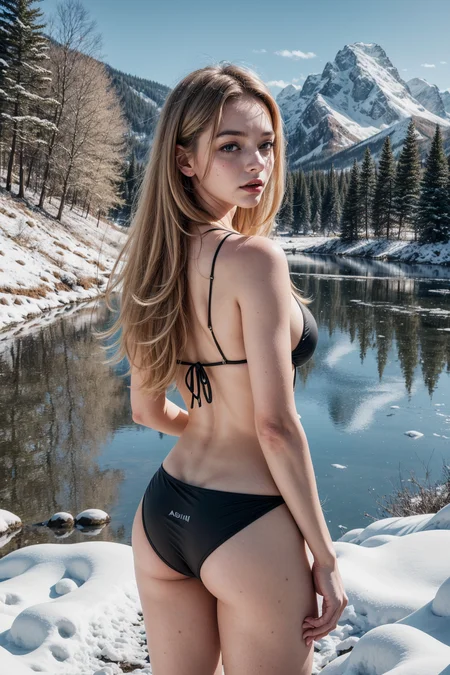

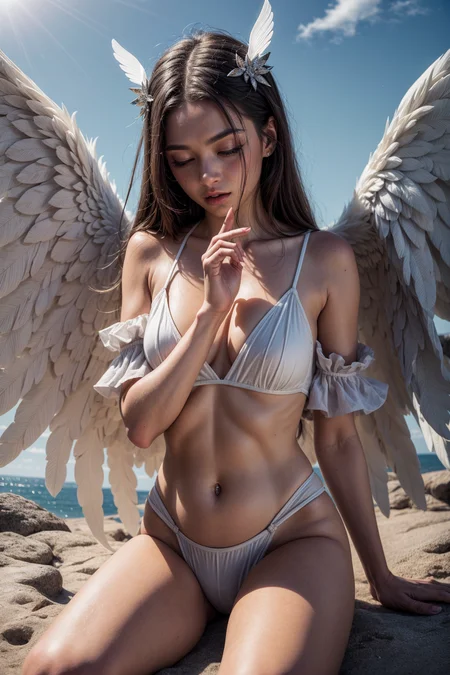

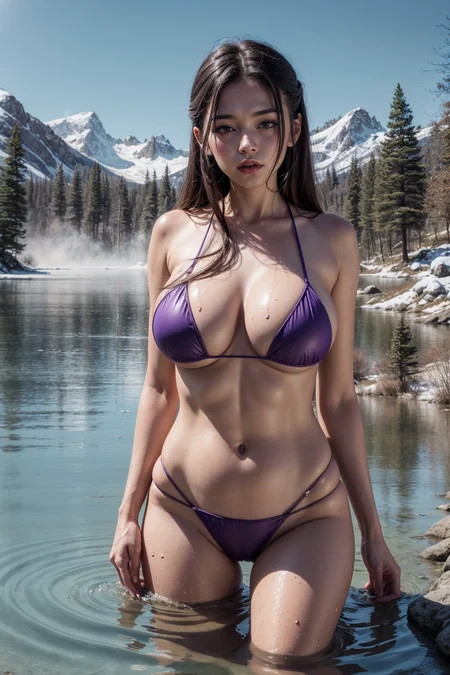
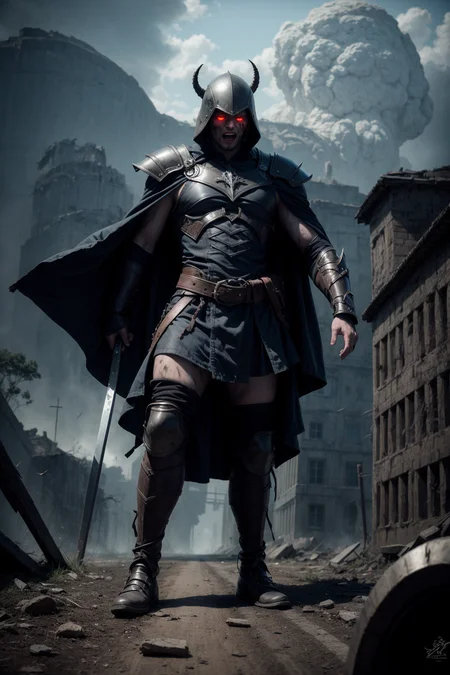


It's a model that was merged using a supermerger
↓↓↓ fantasticmix2.5D ↓↓↓
https://civarchive.com/models/20632/fantasticmix25d
An example is using dynamic thresholding. Reduce the CFG scale to 7 or less when not in use
You must use VAE
Description
This is the result of a considerable number of merge attempts based on v4.0
I made it a little more realistic than the previous versions, and I made it more detailed and capable of various expressions
Recommended Prompt
(masterpiece), (best quality:1.4), absurdres
Negative Prompt
(worst quality, low quality:1.4), lowres, blurry, (bad anatomy, wrong hand),
FAQ
Comments (31)
Michin, there are a lot of amazing models out now but (imo) yours are among the best. Both versions are wonderful and consistently so. I find myself going back to them all the time. Pat yourself on the back for me. Super stuff.
Thank you for the compliment
Please add a description of what changed in each version.
I agree, what changed? Not downloading the new one until I know what was changed.
@LindezaBlue It may not be enough, but I added an explanation
更新的好频繁( ̄▽ ̄") !!
The models you make are the best.
If possible I would like to see a model keeping the V2.0 face.
for some reason, V6.5 looks a little older.
agree
Why is the picture noisy and black and white?
Model: FantasticMix6.5
Photo: https://ibb.co/nmRpd6v
i think with some u net modifications without remixing it could be possible to force it even closer to reality from this semi 3d
this is already a quite interesting result with much less Ambient occlusion overdraw
Excellent detail retention in upscales. Very good material texturing.
Thank you so much
Hi you are the best model on civitai, the detail is insane, the body, the eyes, the hand, the skin, the skin pore, the hair, perfect !
Thank you very much.
what's the difference between this and the 2.5D model?
This is a realistic model, and the 2.5D model is a V2 mixed with a 2D face
@michin thanks
6.5 seems a bit over cooked, 4 gives more consistent and cleaner results
Thank you for your advice
6.5 is 100% worse than version 4.0
compared a few images from 4.0 and 4.0 was always better
I use the right VAE but it still has faded colors and purple splotches. The results are also mutated despite many negative prompts. Can anyone help?
Same here, but some LORA it give deep color in the result i don't know why?
i use this lora at 0.5 with great results saturation - v1.0 | Stable Diffusion LoRA | Civitai
@Nemelphia thanks for the recommendation but I still get faded results and purple splotches
@cdhassh heres what i did, i merged the checkpoint into itself and baked in the vae-ft-mse-840000-ema-pruned.safetensors, also used bright colors with the saturation lora at the begining and got good results
@Nemelphia Is there a tutorial on how to do this?
@cdhassh there might be, i just played around with it myself to figure it out. i set "primary model" and "secondary model" as the checkpoint, give it a custom name if u like, "interpolation method" select weighted sum, "checkpoint format" safetensor, then on "bake in vae" select the vae-ft-mse-840000-ema and click merge, so far though this is the only checkpoint ive had to mege into itself to get the vae in it, most others will go much easyier or already have a vae in them.
Had this problem for a while. Cause was the vae not being picked up, and possibly i had the wrong one at some point too. Eventually got it working by downloading the default one mentioned in the description and selecting it in the dropdown in a1111 settings to always use it as a default.
@TaiVat I did that from the beginning unfortunately and no change
Details
Available On (1 platform)
Same model published on other platforms. May have additional downloads or version variants.