

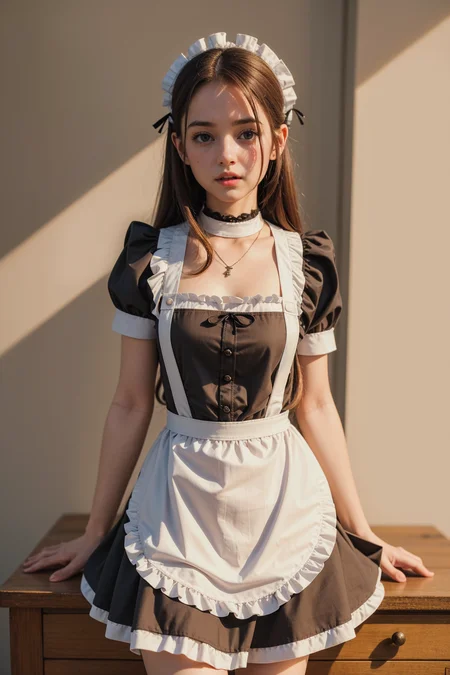
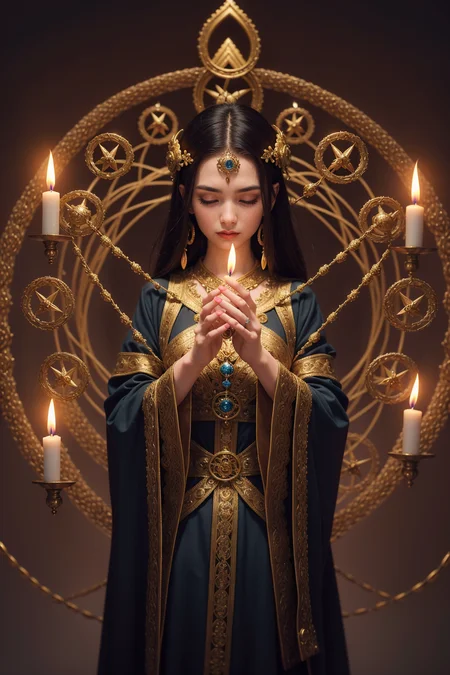
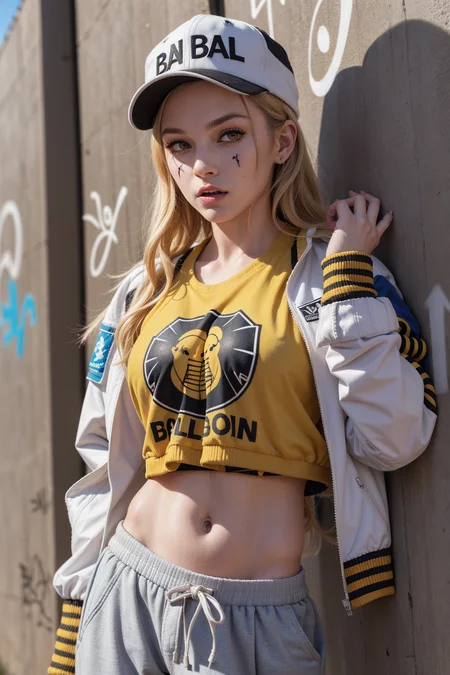
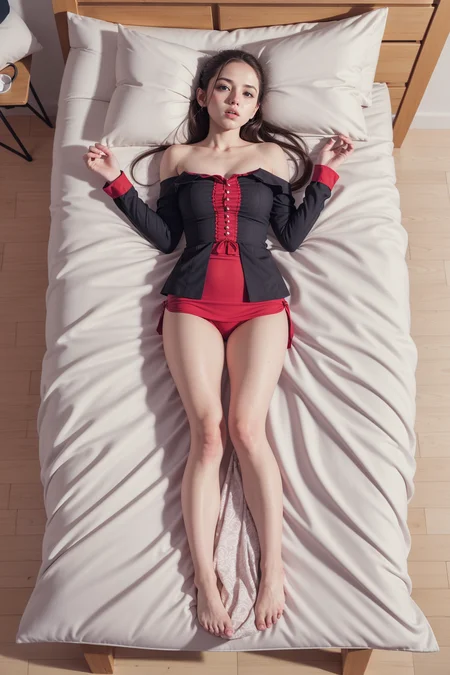
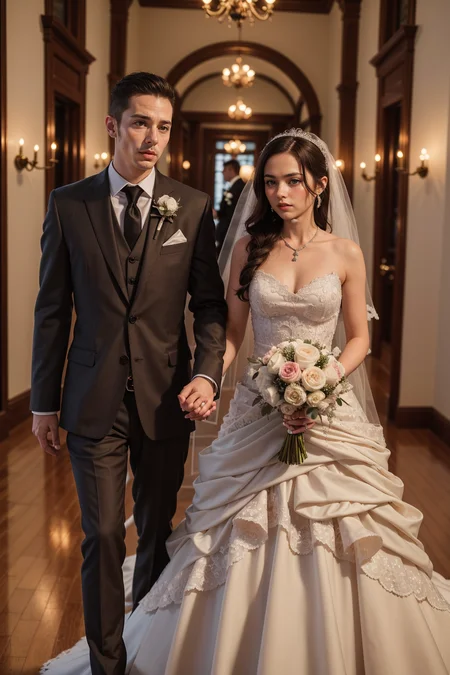
It's a model that was merged using a supermerger
↓↓↓ fantasticmix2.5D ↓↓↓
https://civarchive.com/models/20632/fantasticmix25d
An example is using dynamic thresholding. Reduce the CFG scale to 7 or less when not in use
You must use VAE
Description
New Merge Model
I made it a little more realistic than the previous version. And it goes into the water well with a towel around it
Recommended Prompt
(masterpiece), (best quality:1.2), absurdres
Negative Prompt
paintings, sketches, (worst quality, low quality, normal quality:1.2~1.3), lowres, blurry, text, logo, ((monochrome)), ((grayscale)),
FAQ
Comments (32)
I cant match the kitchen girl...
what am i missing?
screenshot of 1111
I don't know... I don't use restore faces, and it's weird why there are 105 tokens in the negative prompt. It's not going to be over 75 tokens
Looking back, I think it's because the prompt has been applied twice
Yeah both positive and negative prompts are doubled up for some reason (pasted twice by accident?). Maybe that's why.
给的词不对
I am having exactly the same issue... I can match exactly your image as well...
Hi, i managed to replicate it, you missed in the cfg scheduler change it to half cosine up
@yourowndesires ty, I tried again and got it. Then figure out that you can just drop it into PNG Info tab -> Send to TXT2IMG and it loads all the settings (provided you have it all installed).
What was mixed only Asian Models ?
i see a lot of chinese skull and facial features in your results
Are you Chinese ?
Wassup Beijing
what is the difference between v4 and v5
Maybe v5 is more diverse than v4
The model is good, but the image is paler compared to the previous version. And a lot of yellow tint.
You have changed the recommended prompt.
It's my mistake. Please use the recommendation prompt again and let me know if you have any problems. Thank you.
@michin Yes, changing the negative Promt made the pictures more saturated. Because of this, the yellow shade was not so clearly visible. I have uploaded new examples to the gallery.
I read in another of your comment sections that you don't use restore faces. Do you have any tips on how to achieve such amazing face results without having to resort to restore faces?
Use ddtailer
use the correct vae file
the latest versions are somehow dull, faded ((5 and 5.5 have become ugly in color rendering. Compare your images of the girl in the kitchen 4 versions and 5 (5.5) The faces are all pale, circles under the eyes, the skin is pale. The colors of the picture have become cold.
It was intended because there was an evaluation that the color was yellow. However, I think this can be improved by adding a prompt
Are you using a VAE?
@mjranum150 yes
@UncleRimus - ah. I had desaturation issues before I started using VAE. ((saturated colors)) in my prompts also helped.
Good model, would be nice if less Asian though.
Thank you. I didn't mean to, but I think it's because there are 2D models mixed in
@michin Ah okay, it is actually really good so if there was just less Asian bias (I literally can't create a Caucasian) it would most likely be my favorite model. Thanks for making it!
@TiGeRR Try this embedding:
@Pichi I actually did! It didn't even make much difference, but thank you for the suggestion :)
what is your Lora?
I'm just really impressed with that kitchen, I want it.
Best dishwasher ever. LOL
Details
Files
Available On (1 platform)
Same model published on other platforms. May have additional downloads or version variants.