


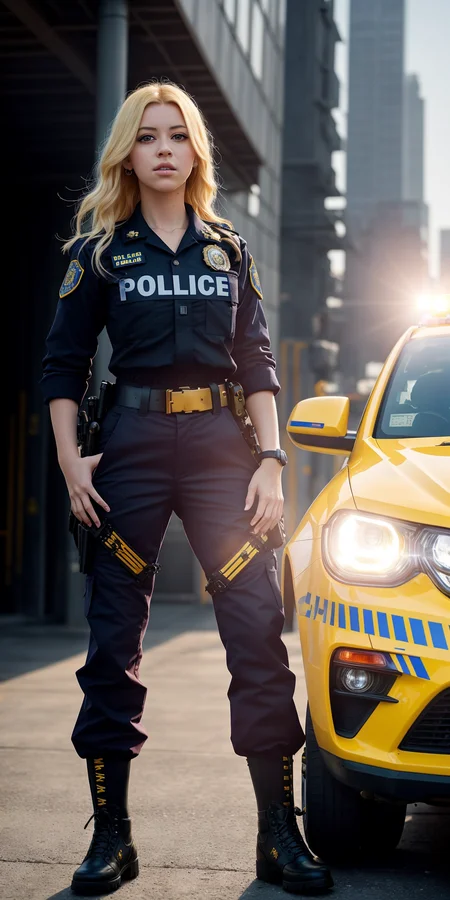
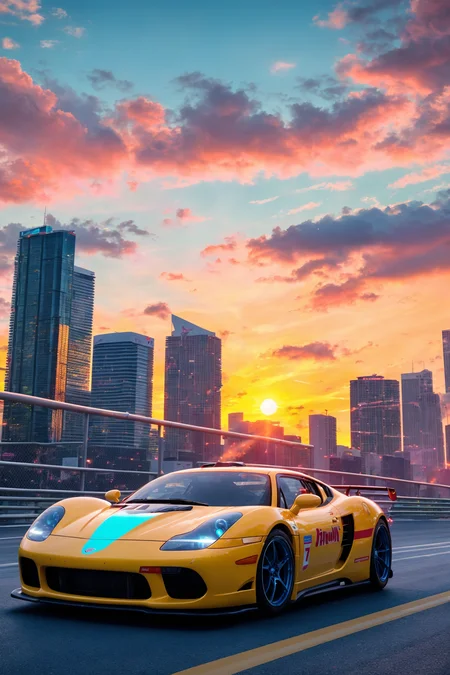


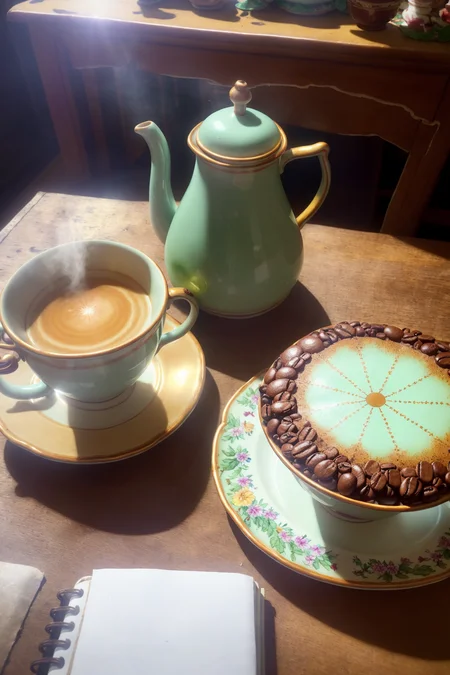
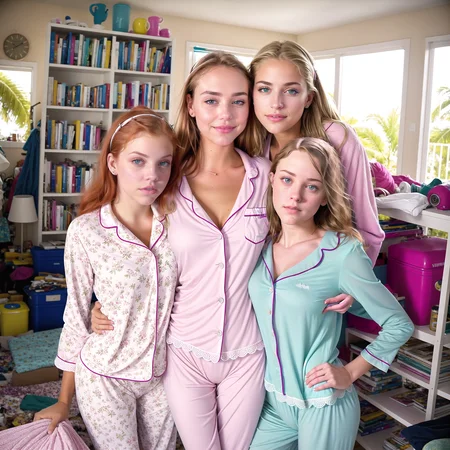

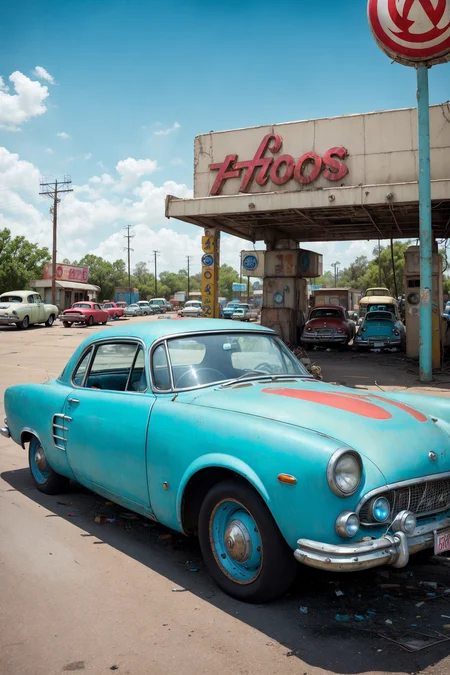
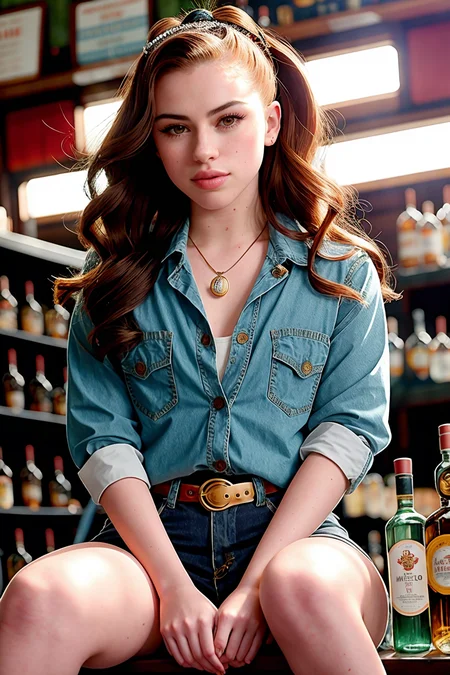
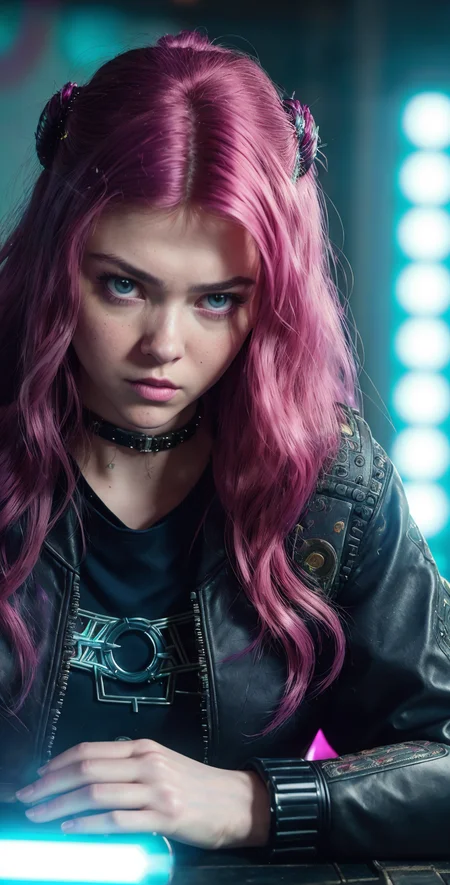
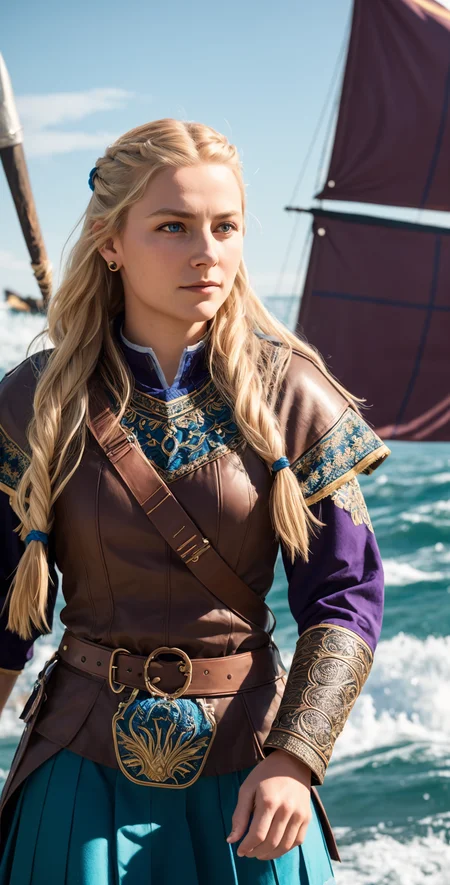
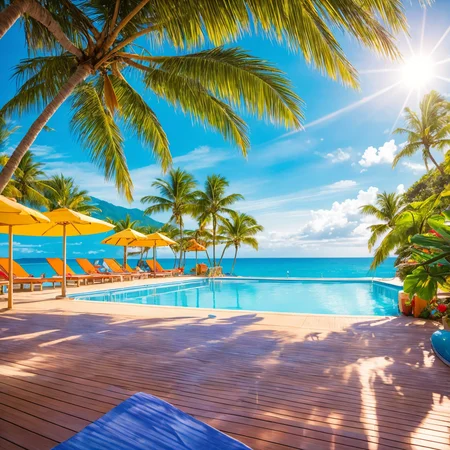
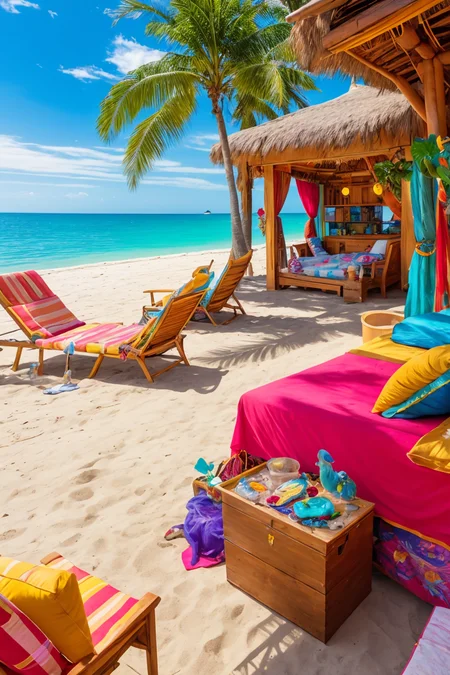
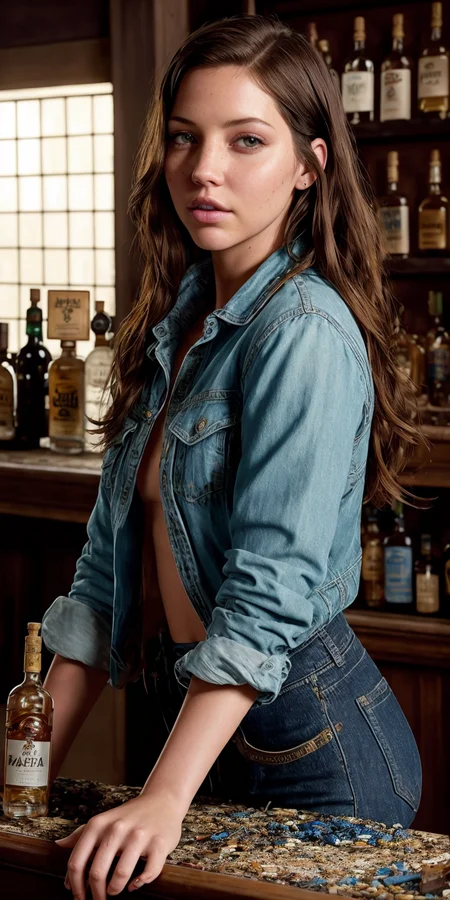
Update June 28th, added V3+VAE, pruned and fp16 versions also added.
V3
More training added to supplement some things I feel are missing in current models. Skin textures, darker lighting and more variety in race in people.
V2
After weeks in the making, I have a much improved model. No longer a merge, but additional training added to supplement some things I feel are missing in current models. Lots of new training for skin textures, lighting and non-asian faces to balance out the asian dominance in models. If you create a generic prompt, you'll get a greater variety of races and faces now. Skin textures are increased by a large amount, if that's not your thing, you can put detailed skin in the negative prompt and get back that airbrushed look if you like.
A photorealistic model I've been using for a little bit. I hate smooth airbrushed skin so I refined this model to be very realistic with great skin texture and details. There are 2 models, a standard and an ultra.
The Ultra model is nearly 3 times as large, but it's not 3 times as good. It is better though with a broader knowledge. You can even generate 1024x1024 in many cases. The config file is required for the Ultra model, be sure to download that too.
So I recommend using the normal version unless you have the need or vram to run the Ultra model. If you'd like to run the Ultra model with modest vram, try --medvram or --lowvram in your auto1111 startup script.
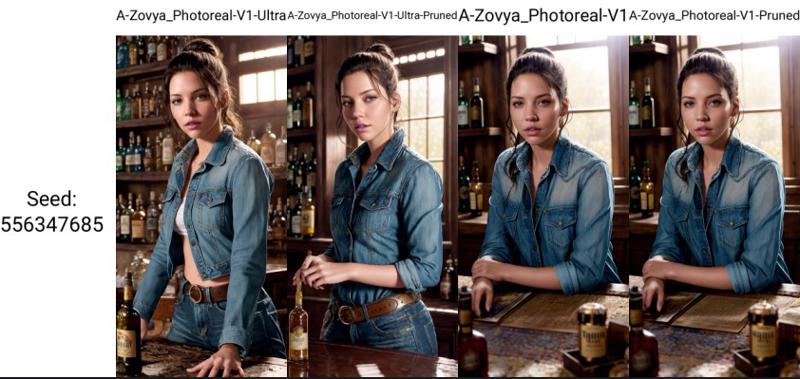
A side-by-side comparison. Link to see full-size samples with metadata. Like I said, the Ultra model isn't 3 times as good, but it is better across multiple subjects, not all. The pruned version of the Ultra model is debatable, might be better to use the normal V1 model in some cases. But all have been provided so you can make the choice yourself. For me, I use the Ultra model in every case.
Do you have requests? I've been putting in many more hours lately with this. That's my problem, not yours. But if you'd like to tip me, buy me a beer. Beer encourages me to ignore work and make AI models instead. Tip and make a request. I'll give it a shot if I can. Here at Ko-Fi
Description
Stable Diffusion 1.5 (512 x 512)
A-Zovya Photoreal V1 Ultra
Config file is required. Download and place in the same folder.
VAE recommended vae-ft-mse-840000-ema-pruned.ckpt
FAQ
Comments (42)
How many high res fix steps should i throw at this?
most of the example images were generated at 512x768 or 384x768 and hires fixed 2x or 2.5x
@Zovya getting wild outputs with 1152x768 and 1,75 hires fix, ill post some picture later, slow process. Just wanted to know wat a good hires fix step amount is.
@Dutchgrasss check this tutorial on how I make my images. it explains why you shouldn't generate the initial image too large
@Zovya Thanks, had to edit the config to go beyond 2048 in img2img. Let's hope everything holds together. Takes a long while to render everything but i will let it run during the night for some funny results.
Wonderful model !!! I hope you can cross that later with SD XL
I cannot wait for SDXL. Thanks
Woow your model it's now on my top 5, sooo great. I'll post some results later!!
Wow, outstanding model so far! Using the Ultra non pruned- its better then Analog Madness V4 or MegaRealistic Model! Great Job!!!
thanks
Do you need to do anything with the config file, or do I just put it in the directory with the model?
Fantastic, thank you for all the work you do for us!
Very interesting that it's such a small difference between Ultra and Ultra-pruned over all, but that the difference in hand-quality is so extreme. Are we running too small models in general to get good hands?
How the config file works? never used it
Place it in the same folder as the model, it should be picked up automatically when you load the model.
Do i need the config file for the pruned version of the ultra model? btw, should i use a vae?
you just need the config for the normal ultra model. VAE recommended vae-ft-mse-840000-ema-pruned.ckpt
@Zovya thanks!
@Zovya For curiosity, is that one functionally diff from vae_ft_mse_840000_f16.ckpt ?
Not sure what I'm doing wrong. My A1111 keeps buffering when I select the un-pruned Ultra model and then reverts to my previous selection. I've got high end specs & 20GB Vram, Using directml A1111 for AMD 7900 XT on Win11, so not sure if that's a factor
i have the same issue
it's rare, but sometimes the download can get corrupted. try restarting auto1111 completely. if that doesn't work, try re-downloading
@Zovya Restarting helped! I think it was just A1111 freaking out over such a beast of a model lol, Thanks <3
i downloaded both versions of the model and renamed them so i can switch between them, and this is what happened.
Solved it by duplicating the yaml file and renaming them to match the file name of the models, not sure if this is how i'm supposed to do it but it works :-)
do an inpainting pls. you model is AMAZING !!!
good idea
You can create it easily by yourself :
1 Go to Checkpoint Merger in AUTOMATIC1111 webui
2 Set model A to "sd-1.5-inpainting" model ( https://huggingface.co/runwayml/stable-diffusion-inpainting )
3 Set model B to any model you want
4 Set model C to "v1.5-pruned" model ( https://huggingface.co/runwayml/stable-diffusion-v1-5 )
5 Set Multiplier to 1
6 Choose "Add difference" Interpolation method
7 Make sure your model has the "-inpainting" part at the end of its name (Anything3-inpainting, DreamLike-inpainting, etc.)
8 Click Run buttom and wait
9 Have fun!
@Goldmojo
Which one should I use is there any difference?
v1-5-pruned-emaonly.safetensors
@SnG17 pruned ver is way better, verify by me
@Goldmojoi know but want a original version from the creater
@cykjablyat nice, ty. have a good day.
I should have the inpainting version ready today. will post shortly
inpainting version tested thoroughly and added
@Zovya thanks for fast response, will clone it n and feedback for u
cant download the ultra pruned version. when i started the download it was 4 seperate versions on the top of the page and the download failed halfway, when i came back to download again it was only 2 versions and you put the pruned version as a version variant on the right. when i try to download it there it opens the dialog to download the full ultra version instead. please fix
edit:
it seems the file itself is still there, only the linking is wrong. i managed to recover the direct downloadlink from my download manager and was able to download it that way. but still, guess nobody else can download it atm so please fix asap
yeah, the site has been wonky today. causing lots of issues. but they said they're getting it fixed pretty quickly.
@Zovya Hey model looks interesting, but still no option to download any of the Ultra Versions?
@Paintboxer you're not seeing the option? If you click the V1 Ultra tab at the top, to the right you see a big blue download button. Look down a little and you see a "files" dropdown box, there you'll find more options.
@Zovya Got it now, sorry my mistake! Thanks for the quick reply!
Yo have you thought about adding noise offset into the model? I think it could be a very cool thing for you to add onto this already amazing model
its in it. but you can use the lora version of it to add more strength. also the LowRa lora is good too.
Details
Files
aZovyaPhotoreal_v1Ultra.yaml
Mirrors
matrixHentaiPlus_v231.yaml
theoneabovethemall_v10.yaml
pornmasterSD15_pornmasterv1FP16.yaml
juggernaut_v16.yaml
juggernaut_v17.yaml
juggernaut_final.yaml
juggernaut_v18.yaml
juggernaut_v10.yaml
juggernaut_v11.yaml
juggernaut_v22Bakedvae.yaml
juggernaut_finalBakedVAE.yaml
factoryMIX_popFactory.yaml
pornmasterSD15_pmaV1FP16.yaml
pornmasterSD15_pornmasterv1FULL.yaml
pornmasterSD15_pmaV1FULL.yaml
refined_v11.yaml
refined_v11Dark.yaml
basedModel_v10.yaml
pornmasterSD15_pmaV1FP32.yaml
juggernaut_v2.yaml
juggernaut_aftermath.yaml
juggernaut_v19.yaml
juggernaut_v14.yaml
juggernaut_v12.yaml
factoryMIX_sweetFactory.yaml
factoryMIX_dreamFactory.yaml
aZovyaPhotoreal_v1Ultra.yaml
pornmasterFantasy_v1FP16.yaml
pornmasterFantasy_v1FP32.yaml
pornmasterFantasy_v1FULL.yaml
juggernaut_v13.yaml
juggernaut_v21.yaml
juggernaut_v15.yaml
juggernaut_v22.yaml
pornmasterSD15_pornmasterv1FP32.yaml
visionary_v10.yaml
amIPerfection_v20.yaml
Available On (1 platform)
Same model published on other platforms. May have additional downloads or version variants.