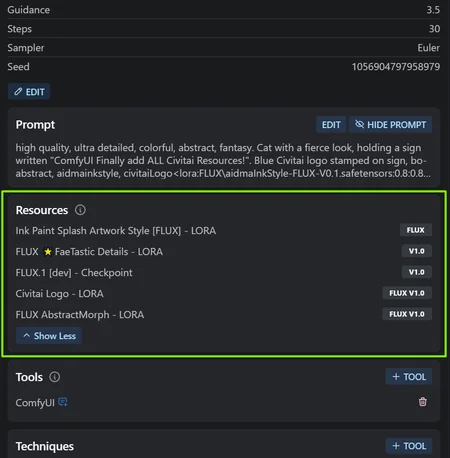
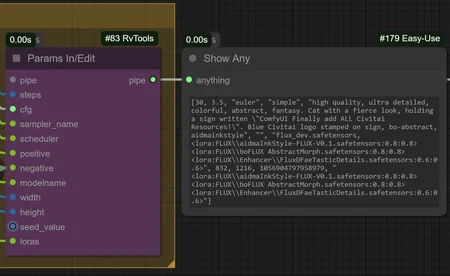







ComfyUI can indeed store all your metadata for Civitai!
This workflow utilizes the RvTool nodes that gather all information used for your images, including the Loras. I've also added my trusty Lora Auto Trigger Words node that automatically adds the trigger word to enable the Lora.
With this workflow, you should be able to post your image anywhere and it will automatically find all the resources for you!
Working on the Pony version. Done ✔️Working on the SD3.5 version. Done ✔️Working on the Flux version. Done ✔️Working on the SDXL version. Done ✔️
If you find this workflow helpful, you can share your appreciation by reacting to one of my images❤️, donating some Buzz⚡ or buying me a coffee☕
SD3.5 Workflow Preview
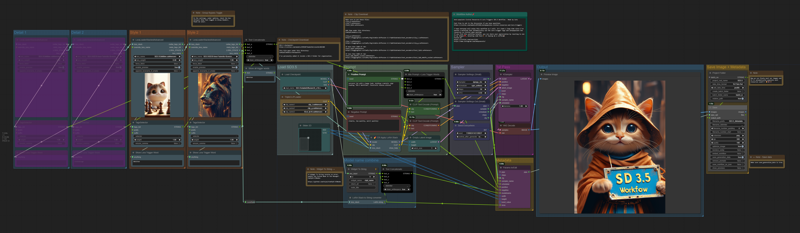
Flux Workflow Preview
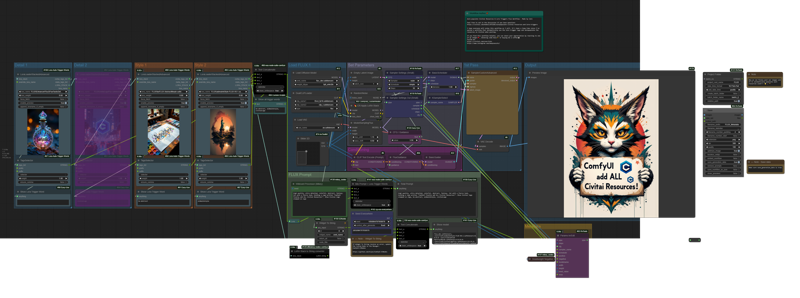 Pony Workflow Preview
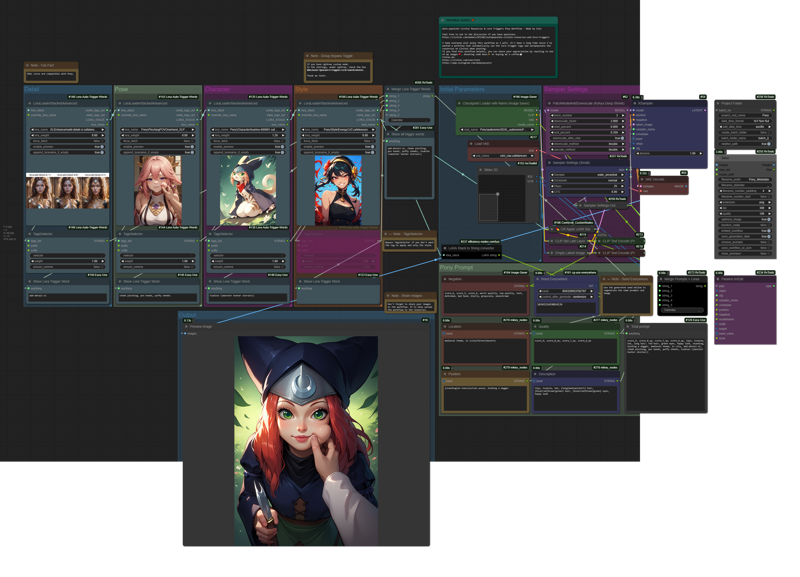 SDXL Workflow Preview
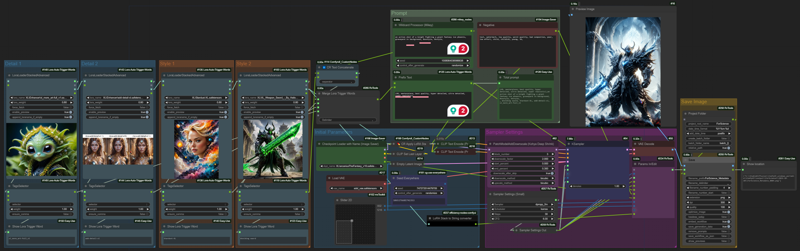
Description
Flux time!
FAQ
Comments (4)
Currently there is an issue where it won't find the right Flux Dev resource. The official Flux doesn't seem to be in the list.
I am trying to find a way if it's possible to include the modelVersionId in the workflow to pin-point the official Flux model in the metadata. But for now, at least all other loras are a success and potentially different Flux model.
it is possible, you can use a Model Info node to get that info
@scruffynerf Thanks for the suggestion! I gave it a shot and it does give some information about the model, but unfortunately the specific model information would need to come from Civitai site as there are no owner of the official Flux page. I thought of using the Civitai AIR model, but it requires a ckpt_name output, which I haven't found a node that covert Model to ckpt_name