
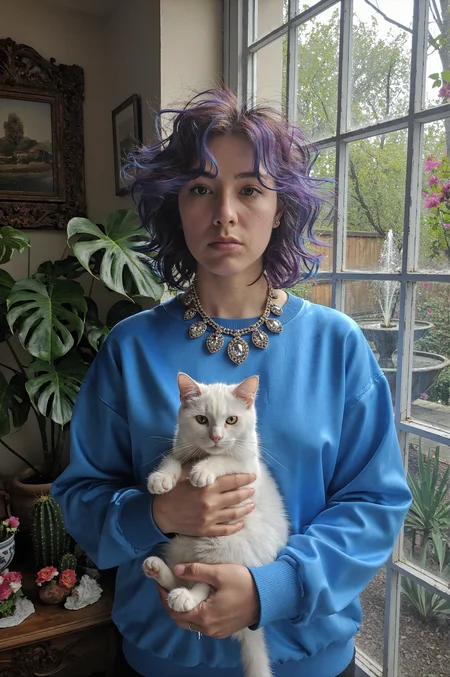


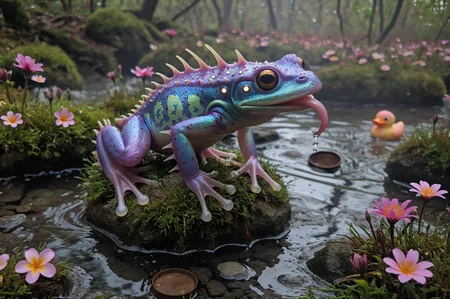
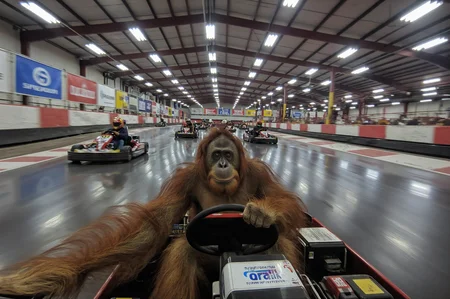

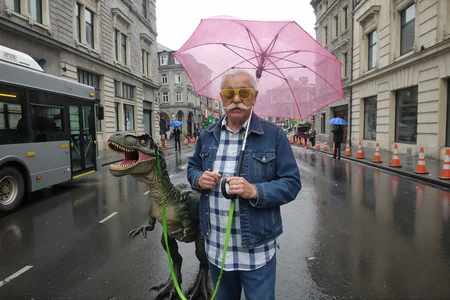


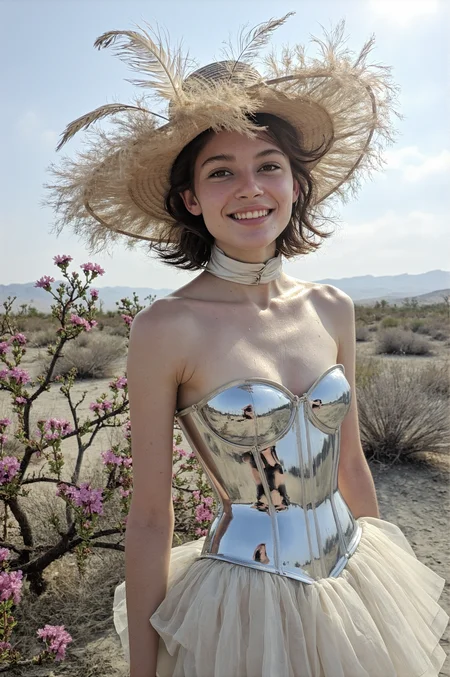
Update 2026-08-02: Krea 2 Turbo v3.0 workflow added
PhotoFlow Krea 2 v3.0
The workflow has been simplified and now produces images in even better quality than before. Images are generated faster and more efficiently, and even extremely high resolutions are possible if your hardware can handle them.
⚠️ Note that at least version 0.27.0 of ComfyUI (July 2027) is required to use the fast int8 models.
Update 2026-07-05: Krea 2 Turbo v2.0 workflow added
PhotoFlow Krea 2 v2.0
Upscaling has been improved in version 2.0. There are now presets for the settings (sampler, scheduler, and denoise settings) . This allows upscaling to be performed in pixel space to achieve upscales with minimal denoising, resulting in smoother backgrounds that closely resemble the original image. In addition, the euler_ancestral_cfg_pp sampler in combination with the linear_quadratic scheduler is now recommended for high image quality. For fast generation, euler_ancestral with simple can still be used. There are also now filters to correct the colors of the final image, which can become flat due to repeated sampling.
⚠️ Note that at least version 0.27.0 of ComfyUI (July 2027) is required to use the fast int8 models.
Update 2026-07-02: Krea 2 Turbo v1.0 workflow added
PhotoFlow Krea 2 v1.0
Krea 2 Turbo is the new king of realism and is suitable for both SFW and NSFW content. This workflow is simple, super fast, and optimized for realism.
⚠️ Note that at least version 0.27.0 of ComfyUI (July 2027) is required to use the fast int8 models.
Update 2026-03-30: Qwen-Image-2512 Nunchaku v1.0 workflow added
PhotoFlow Qwen-Image-2512 Nunchaku v1.0
Qwen-Image-2512 offers exceptional prompt comprehension and delivers outstanding output quality. However, this comes at the cost of very long generation times due to the model's size and the large number of processing steps required. A practical solution in this workflow is to use a heavily quantized Nunchaku FP4 version, which maintains surprisingly high quality. When combined with an 8-step Lightning LoRA, generation speed improves dramatically while image quality remains excellent.
⚠️ Nunchaku requires a few additional setup steps. Please follow the instructions provided in the workflow.
Update 2026-03-21: Flux.2 klein 9B v1.1 workflow added
PhotoFlow Flux.2 klein 9B v1.1
Version 1.1 is simply a hotfix that resolves an issue with an incorrect calculation of the tile size in the Refiner step. Additionally, the EasyLoraStack has been replaced by the Power Lora Loader. The group bypass for all additional steps now also takes the previews into account accordingly.
Update 2026-03-04: Flux.2 klein 9B v1.0 workflow added
PhotoFlow Flux.2 klein 9B v1.0
Flux.2 klein 9B is a fast, 4‑step model supporting image generation up to 4 MP. The workflow starts with a recommended 2 MP base image, followed by optional face refinement and SeedVR2 upscaling to 5 MP for added fine detail. A subsequent refinement step removes SeedVR2 artefacts and enables optional upscaling up to 16 MP. A subtle touch of film grain completes the process, enhancing realism.
Update 2025-12-07: Z-Image-Turbo v2.0 workflow added
PhotoFlow Z-Image-Turbo v2.0
Version 2.0 introduces an optional Refiner and FaceDetailer, along with a recommended set of LoRAs designed to enhance photorealism and overall image quality.
⚠️⚠️⚠️
Make sure you're using ComfyUI version 0.3.76 or newer, since earlier versions contained a bug that affected the correct application of Z-Image-Turbo LoRAs.
Also ensure your SeedVR2 node is up to date, as a previous issue causing visual artifacts has been fixed.
⚠️⚠️⚠️
♥️♥️♥️
A huge thank you to all the creators of the LoRAs recommended in version 2.0. Your work makes this level of quality possible!
All images in the gallery were generated using the same set of LoRAs with identical strength settings, so in most cases no additional tweaking is required 🙂.
Special thanks to Danrisi (NiceGirls UltraReal, Lenovo UltraReal), aip0pp (PhotoReal BetterNudes), HackAfterDark (After Dark), DirtMcGirt (psxZStyle - Photography Style Lora), ConflictX (35mm Photo), and oleshevakatya (Movie Wide Angle).
♥️♥️♥️
Update 2025-11-29: Z-Image-Turbo workflow added
PhotoFlow Z-Image-Turbo
Z-Index Turbo is super fast, can generate images in 2 megapixel resolution without upscaling, and focuses on realism, so no LoRAs are required.
Update 2025-11-23: Qwen workflow added
PhotoFlow Qwen
Until now, I had been hesitant to create a workflow for Qwen because, although its image quality is outstanding, the generation times can be very long when aiming for maximum quality. The Lightning LoRA helped reduce waiting times significantly, but using it alone led to a quality drop that didn’t meet my standards. However, by combining multiple LoRAs - including the 8 Steps Lightning LoRA - with a new upscaling process using SeedVR2, I have finally achieved a level of quality that satisfies me.
I have also released a separate workflow dedicated solely to upscaling images using SeedVR2. You can find it here.
Update 2025-10-12: Chroma workflow added
PhotoFlow Chroma HD Flash
After Danrisi released the awesome Lenovo UltraReal LoRA, I gave Chroma another shot because the images looked super promising. And I gotta say, Chroma HD is amazing! Chroma needs about 50 steps in standard mode for awesome results, and even with an RTX 5090, that's too long of a wait for me. Fortunately, there is a Chroma Flash LoRA that achieves great results with just a few steps. With CFG 1.0, the time per step is halved again!
Update 2025-08-23: Wan 2.2/2.1 T2I workflow added
PhotoFlow Wan T2I
Wan 2.1 and Wan 2.2 are video models that can also be used to create high-resolution images. Due to the impressive quality, I decided to create a dedicated workflow for them. Wan 2.2 was released during the development of this workflow. Fortunately, Wan 2.2 is even better and can be used like the Wan 2.1 model, including compatibility with most Wan 2.1 LoRAs. Style LoRAs, in particular, work very well. SageAttention with Triton is supported but not required, and the Lightning LoRA is used to ensure fast generation of high-resolution images. Instructions on how to set up and use the workflow are included within the workflow itself.
PhotoFlow XL
This SDXL ComfyUI workflow has been developed to generate realistic photos with a focus on people.
The version 2.0 is not restricted to the use of the DMD2 Speed LoRA. The workflow works just as well without it ♥️.
The default settings and comments in the workflow are geared towards DMD. Accordingly, you only need to adjust the CFG, sampler, scheduler and steps for a non-DMD use 🙂. These values are a good start for a generation without the DMD LoRA:
KSampler
CFG: 3.5 (2.5 - 5.5)
Sampler: dpmpp_sde_gpu
Scheduler: normal
Steps: 25
FaceDetailer
CFG: 3.5 (2.5 - 5.5)
Sampler: dpmpp_sde_gpu
Scheduler: karras
Steps: 18
Recommended Checkpoints
The following checkpoints are particularly suitable:
SFW
epiCRealism XL: https://civarchive.com/models/277058?modelVersionId=1920523
HelloWorld XL: https://civarchive.com/models/43977/leosams-helloworld-xl
Juggernaut XL: https://civarchive.com/models/133005/juggernaut-xl
RealVisXL 5.0: https://civarchive.com/models/139562?modelVersionId=789646
NSFW
Jib Mix Realistic XL: https://civarchive.com/models/194768?modelVersionId=1809082
DonutsDeliveryMix: https://civarchive.com/models/605283?modelVersionId=1739105
Lustify: https://civarchive.com/models/573152?modelVersionId=1094291
Analog Madness SDXL: https://civarchive.com/models/408483/analog-madness-sdxl-realistic-model
Big Love XL2: https://civarchive.com/models/897413?modelVersionId=1464711
XXX-Ray v1.1: https://civarchive.com/models/1064836?modelVersionId=1305584
NSFW (DMD included)
GonzaLomo (Unity/Real XL DMD): https://civarchive.com/models/1513492/gonzalomo-xlfluxpony
Lustify ENDGAME DMD2: https://civarchive.com/models/573152?modelVersionId=1099200
XXX-Ray DMD2: https://civarchive.com/models/1064836?modelVersionId=1624818
Installation
ComfyUI Manager Installation
https://github.com/ltdrdata/ComfyUI-Manager?tab=readme-ov-file#comfyui-manager
Installation of Missing Nodes
Missing nodes in this workflow are highlighted in red. To install them, open the ComfyUI Manager and click on the “Install Missing Custom Nodes” button.
⚠️‼️ComfyUI-KJNodes needed‼️⚠️
It it may happen that the ComfyUI-KJNodes are not included in the list of missing nodes. Simply install the ComfyUI-KJNodes via ComfyUI Manager > Custom Nodes Manager.
After the installation, restart ComfyUI and refresh the browser page.
Further information and tips on configuration can be found in the workflow in the INFO node.
TL;DR
The workflow was developed and tested with a NVIDIA RTX 4080 (16 GB VRAM) and 96 GB RAM.
Leave a positive review, if you like the workflow 😊.
Description
A text-to-image workflow supporting Chroma models.
FAQ
Comments (22)
EDIT: I did reload Comfy after the error but it auto-opened the workflow and still had the error. Closing and reloading the workflow then seemed to fix the issue. Thanks!
Did you restart ComfyUI after placing the 1x-ITF-SkinDiffDetail-Lite-v1.pth file in the upscale_models directory? Your ComfyUI or its modules might be outdated, so make sure to update everything. Also, check if you have multiple instances of ComfyUI on your PC and possibly mixed up the directories. This issue is uncommon, so it’s worth verifying these points.
@ai839 Thanks for the suggestion. Reloading the workflow after a comfy restart fixed it!
The output looks great! 2 questions:
1. Any thought of adding a wildcard prompt generator? One use case is generating a whole bunch of different images overnight in a batch and then picking through for ones you like to work with further.
2. What about adding extra Wan loras like to modify body appearance, clothes, etc? I know I can add them to that Lora stacker, but any recommendations for weight or any other tips?
Thanks again for this great workflow!
@ptangwai700 I am familiar with wildcards but have not used them yet. Currently, I have no plans to integrate a generator. Regarding LoRAs, I don’t have specific tips to share, other than recommending reading the author's model page thoroughly for guidance.
i see no differenz between first and final picture. Or any differen between the pictures. Do I need to turn anything on or off?
For the Chroma version is it possible to add a NAG node so we an do negative prompting? Chroma has an unfortunate tendency to do an anime/illustrated output even if you want a realistic image and so hopefully a negative prompt would help.
Using a NAG node noticeably doubles generation time. The ComfyUI-NAG module functions correctly, but installation via ComfyUI-Manager did not work for me; instead, running 'git clone https://github.com/ChenDarYen/ComfyUI-NAG.git' inside the ComfyUI/custom_nodes directory was successful. Ultimately, I chose not to integrate a NAG node, since realism LoRAs like Lenovo UltraReal already effectively solve this issue.
These LoRAs help to generate realistic images:
Lenovo UltraReal: https://civitai.com/models/1662740/lenovo-ultrareal
Chroma - Professional Photos: https://civitai.com/models/1908534/chroma-professional-photos
Absolute CINEMA (Chroma): https://civitai.com/models/1960106/absolute-cinema-chroma
80's movies - Absolute CINEMA (Chroma): https://civitai.com/models/1967914/80s-movies-absolute-cinema-chroma
Reakaaka's enhancer [Chroma HD]: https://civitai.com/models/2014953?modelVersionId=2280444
Wow! Now that is one wonderful workflow. thank you so much. Great results and pretty fast too. a great picture takes ca. 3,5 Minutes on my 5080 compared to over 5 minutes for far worse results in other workflows! I really appreceate your work, thank you so much!
Has anyone figured out how to add openpose/controlnet to a chroma workflow that actually works?
I've been struggling for 7 hours and still can't do it. Can you help me?
Prompt outputs failed validation: Required input is missing: input Exception when validating node: tuple index out of range KSampler: - Return type mismatch between linked nodes: scheduler, received_type(['simple', 'sgm_uniform', 'karras', 'exponential', 'ddim_uniform', 'beta', 'normal', 'linear_quadratic', 'kl_optimal', 'bong_tangent']) mismatch input_type(['simple', 'sgm_uniform', 'karras', 'exponential', 'ddim_uniform', 'beta', 'normal', 'linear_quadratic', 'kl_optimal', 'bong_tangent', 'beta57']) Display Int (rgthree): - Required input is missing: input UltimateSDUpscaleNoUpscale: - Return type mismatch between linked nodes: scheduler, received_type(['simple', 'sgm_uniform', 'karras', 'exponential', 'ddim_uniform', 'beta', 'normal', 'linear_quadratic', 'kl_optimal', 'bong_tangent']) mismatch input_type(['simple', 'sgm_uniform', 'karras', 'exponential', 'ddim_uniform', 'beta', 'normal', 'linear_quadratic', 'kl_optimal', 'bong_tangent', 'beta57']) Image Saver: - Exception when validating node: tuple index out of range Int To Number (mtb): - Required input is missing: int ImageUpscaleWithModel: - Required input is missing: image ImageUpscaleWithModel: - Required input is missing: image
Maybe your custom nodes are outdated. Uninstall and install them again (especially the
RES4LYF node) and ensure your ComfyUI is up to date, too.
now only one help needed just one ,plz make for qwen image
That's my plan :). Not sure when I will find time finishing it. Some days or weeks...
@ai839 np will wait 😍
@markhassain3712 Waiting is over 🚀.
@ai839 love u 😍
@markhassain3712 I like your generations you posted here 🤩.
@ai839 thnx i always waited for ur qwen workflow i knew u will make good lora combo thx for that 😍
Hey this is some great work, very easy to follow and understand. One comment - One of the nodes might be out of date. The Upscale 1x node in sharpen skin details was only letting me choose (C,O,M,B,O). AI told me the node was probably outdated so I typed upscale 1x and found another, and it worked great.
I have the same issue from time to time. Just refreshing the page solves it. It is just a grouping of the nodes "Load Upscale Model", "Upscale Image (using Model)" and "Upscale Image By". I guess it is a bug that exists since ComfyUI introduced subgraphs as an alternative of grouping. I try to find a more stable solution in future workflows.