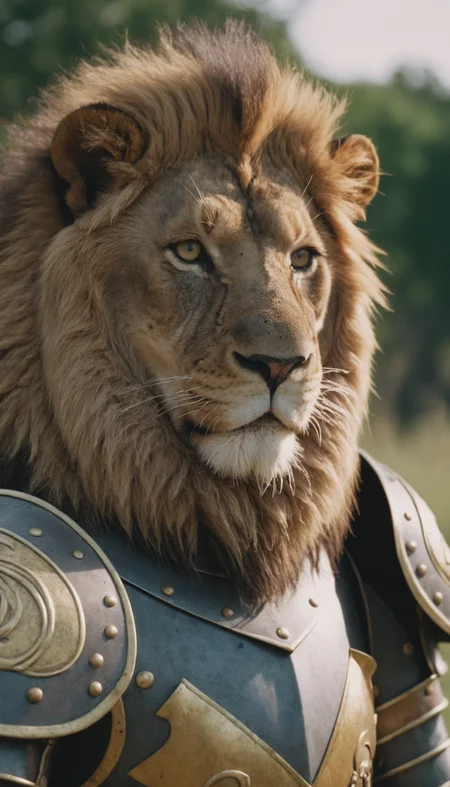
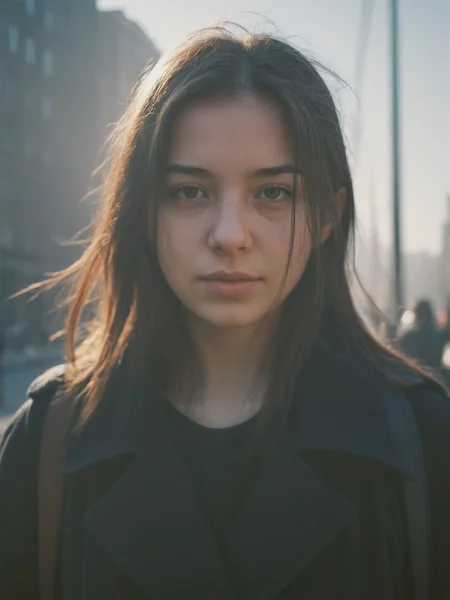
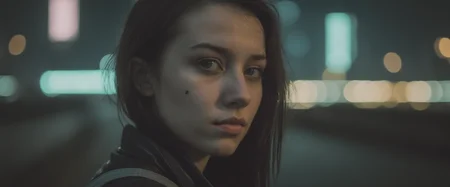
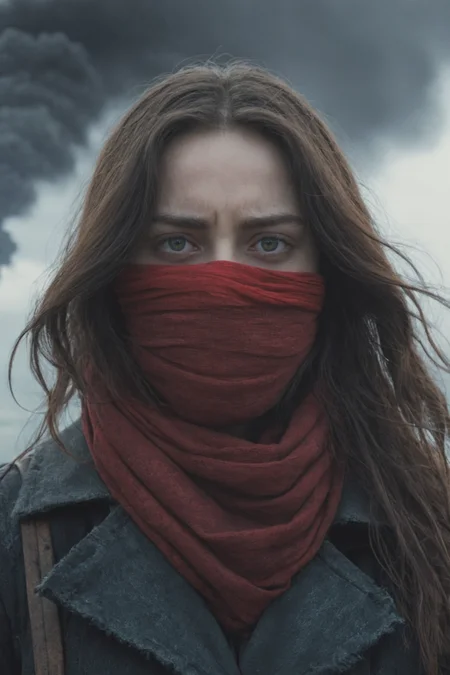
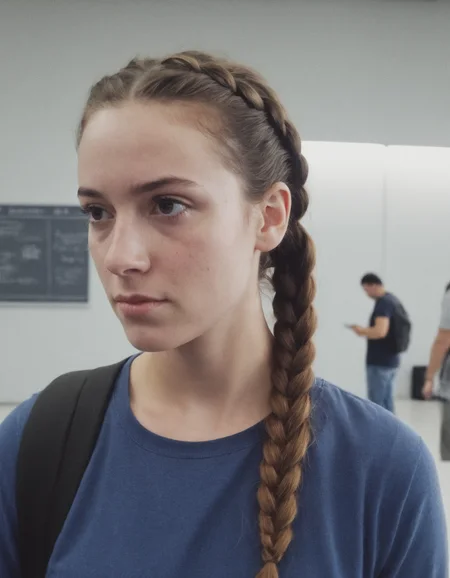
Regards for all your love and support ❤
avoiding negatives can improve result on SDXL
Description
FAQ
Comments (15)
Why are the first four example images for V6 abnormally low contrast? Is this a tendency of the model?
Use the SDXL base VAE to solve that problem
So.. I've spent quite some time testing V6 vs. V5.
First of all: Thank you for your continued work on this amazing model.
V6 has better detail and is more artistic while preserving photorealism and a great aesthetic - that's not an easy feat.
Unfortunately images made with V6 have very low contrast and a lot of haze/being washed out. While that is in line with certain analog photography styles, it's just too much. Weirdly, this is also the first model that I can't get to work with UltimateSDUpscale. While the previous version had no issues with that (like any other of the ~20 models I tested against) V6 produces tiling lines like crazy (yes, with XL tile controlnet and different settings tried).
So V6 is kinda hard to handle. I'm hoping V7 will behave like a merge of V6 and V5 - that would be a great balance.
I really appreciate that you continue to work on this model! Don't wait for SD3 - from the reviews I've seen I'm pretty sure it's not the improvement people were hoping for..
same here, v5 is the best
What about go high without upscale? Did u test that?
@epinikion If you mean latent upscaling and scripts like high res fix - yes, that works - any kind of tiled upscale didn’t
I want to add to this discussion that I've gotten better results with v6 by separately loading the SDXL VAE - so perhaps something wrong with the baked-in VAE?
@reyesd That's it! Changing the VAE fixed all issues I had
@epinikion Forget everything I wrote earlier - the built in VAE is at fault. It might make sense to create a fixed v6 version with the base sdxl VAE
@Greywolf666 I will do it @reyesd thanks for the evaluation
@Greywolf666 Uhm... "XL tile controlnet"? I was so used to the idea it'd never appear, looks like I missed it. Quick search led me to the one from TTPlanet, did you mean this one or something else? And what do you use (tile model, if you do) for non-photo images?
@green_anger That's the one - it's amazing. Use the instructions provided by the creator - works miracles in UltimateSDUpscale
@green_anger The tile controlnet should also work fine with non photo images
@Greywolf666 I like miracles, gonna try it. Thanks for the clarification!
@green_anger With the tile control net you can use 0.35 denoise with ultimate sd upscale (0.3 in some cases). Remove all weights from your original prompt for it. 1.5 to 2x upscale works with most images. Images with a lot of bokeh/background blur sometimes are tricky and cause tile lines, might have to go lower with the denoise there and do it in several steps
@Greywolf666 I used a tile model for SD1.5 and have been using ultimate upscaler since then and I can say denoising is another parameter that you can play around depending on the image content and how well the tile model works with it (if it had similar concept content during the training), sometimes it's worth setting it higher for more detail. It's all experimentation as usual.
For upscaling it's also possible to simplify the prompt, not only remove accents, since the image is split into (usually) squares that are processed separately. Then it's up to the tile model to recognize portion of images in those squares and not introduce wrong subjects. For that reason I usually remove subtle details from the prompt and leave only the main keywords.
For some reason I cannot add details without upscaling. I use comfy and there's another node for "no upscaling" case, it's supposed to keep the same image size and just update content. Most likely I'm doing something wrong, haven't tried it before.