


V2.0 is in the works
Still has some smaller problems. Will be fixed in future versions. Feedback right now is still appreciated
Extremely structured aswell as UX-friendly image generation, upscaling, (face) detailing and post-processing workflow.
Includes basic Image2Image functionality.
Compatible both with SDXL and Pony
Intro
Hi!
Since I have already been asked by multiple people, if I could share my workflow for basic generation and image upscaling, I decided to finally do so.
But I don't want to just release a workflow with all the things chucked in.
Most workflows from other people I saw are very chaotic or cluttered and (for most use-cases) overly complex. I wanted my workflow to include order and ease-of-use aswell as on the fly adjustments.
This is why I split the workflows pipeline into 14 separate sections. Every section is labeled with its task and tries to be as comprehensible as possible. In addition, I added 4 extra sections to control everything about the pipeline. That way you don't have to search for the specific place to enable or disable elements of the pipeline and can stay in just the area for control. For adjustment of specific nodes, manual adjustments are still required though.
Yes, I use a lot of custom nodes, so be prepared to install a lot of them when using this workflow. I like custom nodes, so I use them. They help me to be as concise as possible.
Installation
Prerequisites
Install ComfyUI or a different UI, which supports ComfyUI as backend
at least 8GB VRAM is recommended (The workflow was created and tested on 12GB VRAM)
Install ComfyUI Manager (makes the installation a lot easier)
Installation (kept very brief)
Download the workflow
Drag and drop the workflow file into ComfyUI
See all the missing nodes popup
Open ComfyUI Manager
Press Install Missing Custom Nodes
If you do not have ComfyUI Manager installed, you will have to search for every custom node and install them manually. (Will be very tedious)Download needed models
Any SDXL or Pony model of your choice
Personal recommendation: Pony Realism v2.1Any SDXL VAE of your choice
Personal recommendation: SharpSpectrumVAEXLAny Upscale Model of your choice
Personal recommendation: 4xNMKD Siax 200kAny ControlNet Tile
Personal recommendation: TTPLanet SDXL Controlnet v2.0 Realistic rank256Any BBOX Detector of your choice
Personal recommendation: yolo v8m faceAny SAM model of your choice
Personal recommendation: Segment Anything vit b 01ec64Any LUT of your choice
Personal recommendation: Film_0987Optional: Any Positive/Negative Embeddings of your choice
Navigating the workflow
This workflow has been created for the use of SDXL/Pony models. It may work with different models, but will very likely need manual adjustments.
There are 10 prepared shortcuts, so you can navigate every important area just by pressing your keyboard buttons 1,2,3,4,5,6,7,8,9,0.
1 - Loader
2 - Prompt
3 - Sampler Settings
4 - Quality Tools & Saving
5 - Generator Image (1. Sampler)
6 - Upscaler Image (2. Sampler)
7 - Detailer Image (3. Sampler)
8 - Final Image (Post-Processed)
9 - Save Image
0 - Information
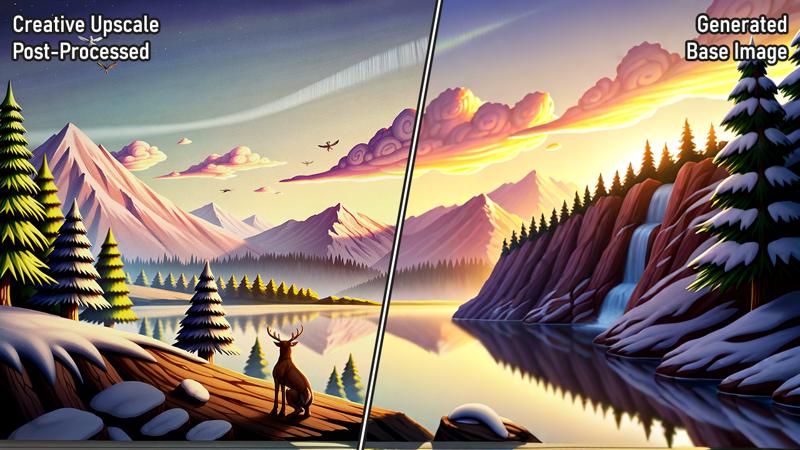
Examples and comparisons
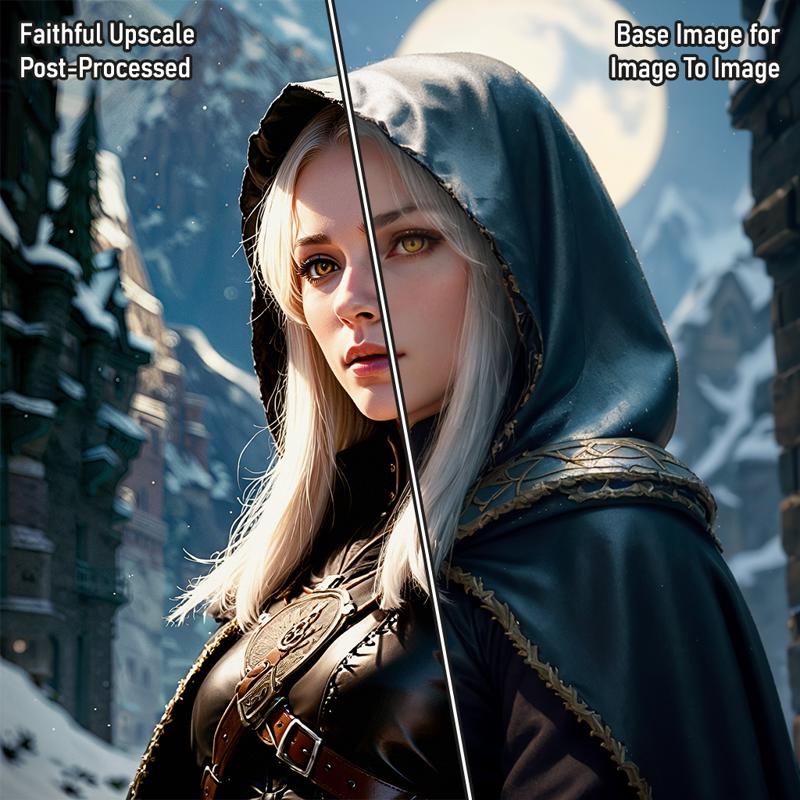
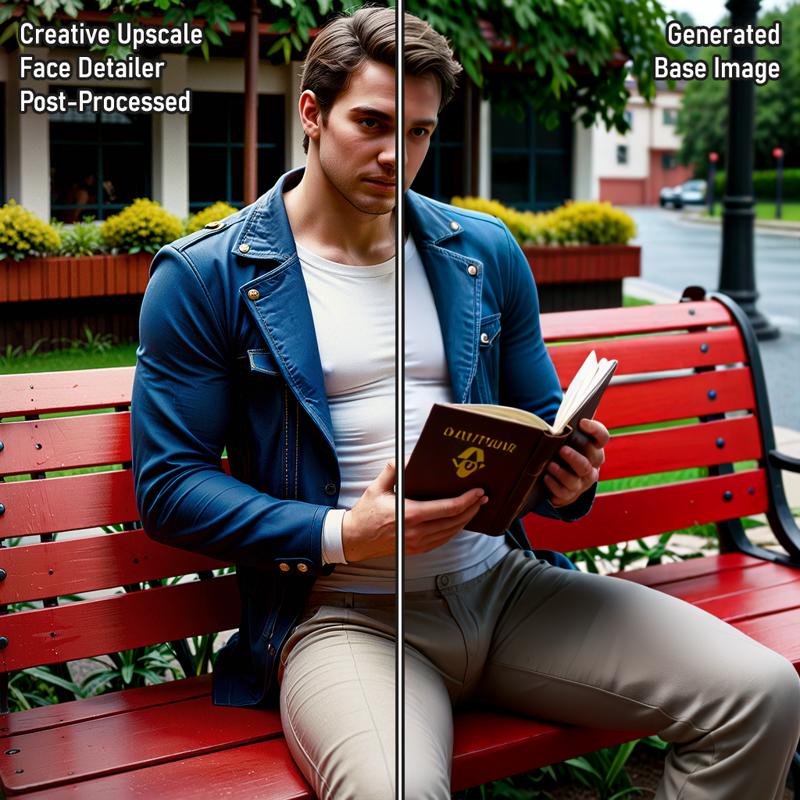
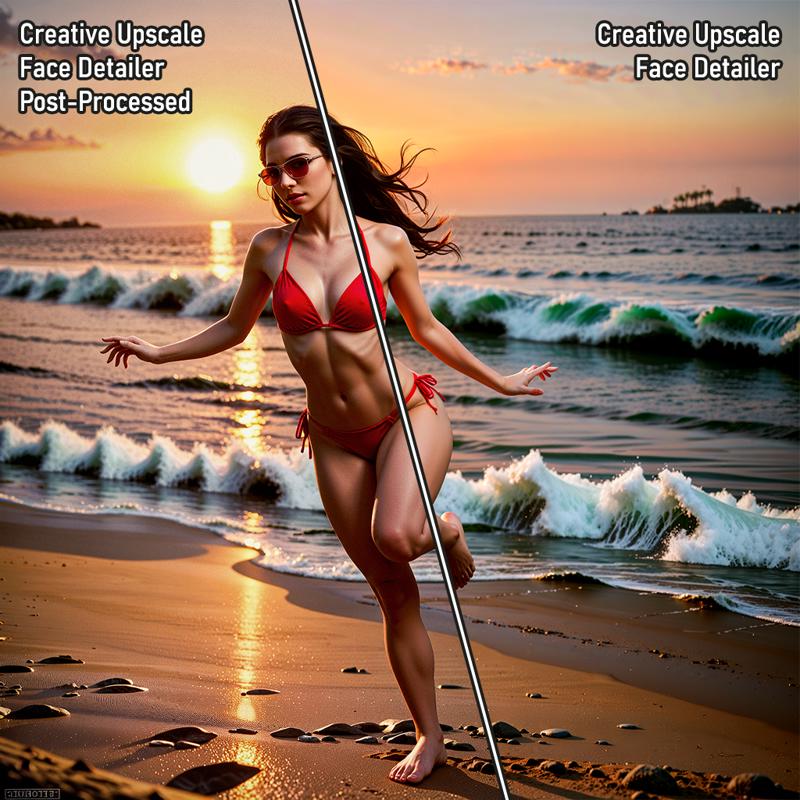
By the way: Faithful means with ControlNet Tile enabled, Creative means with ControlNet Tile disabled
Example 1 (Pony Realism v2.1)
 Example 2 (Pony Realism v2.1)
 Example 3 (Pony Realism v2.1)
 Example 4 (AutismMixXL DPO)
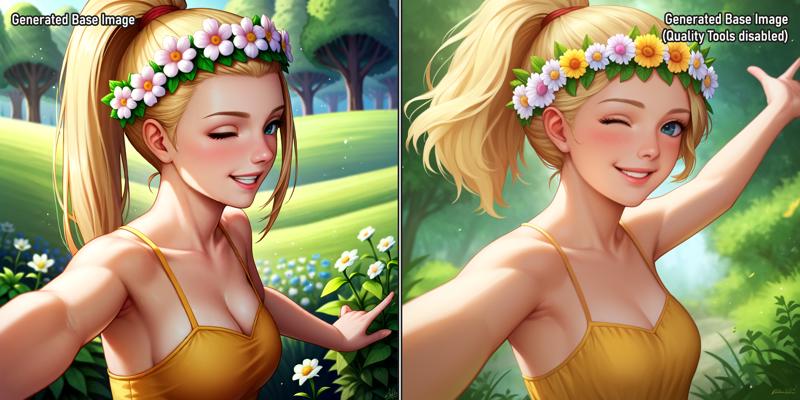 Example 5 (AutismMixXL DPO)
My personal settings
Sampler: DPM++ SDE
Scheduler: GITS
VAE: SharpSpectrumVAEXL
Positive Perturbation: Disabled
Negative Perturbation: Disabled
Positive Embeddings: Disabled
Negative Embeddings: Enabled
Generator:
Steps: 10
CFG: 4
Denoise: 1
Image Width: 1024
Image Height: 1024
Upscaler:
Steps: 10
CFG: 2
Denoise: 0.6
Image Upscale Factor: 2
Upscale Model: 4xNMKD Siax 200k
Tile ControlNet: Disabled
ControlNet Model: TTPLanetSDXL ControlNet v2.0 rank256
Detailer: Disabled
Steps: 5
CFG: 2
Denoise: 0.4
Quality Tools:
FreeU v2: Enabled
Perturbed Attention Guidance: Enabled
Self-Attention Guidance: Enabled
Dynamic Tresholding: Enabled
Automatic CFG: Enabled
U-Net Temperature: Disabled
HiDiffusion: Disabled
Tiled Diffusion: Enabled
Low VRAM for Tiled Diffusion: Disabled
Post-Processing:
Artificial Upscale: Enabled
Levels Adjustment: Enabled
Color Correct: Enabled
Adaptive Sharpening: Enabled
Color Modification: Enabled
Vignette: Enabled
Film Grain: Enabled
HDR: Enabled
LUT: Enabled (Film_0987)
Known problems (fixed in next version)
Resize image2image option does not use the value given, but the width/height of the set generator image size
When the Upscaler is disabled, Artificial Upscale only works if the Image Upscale Factor is set to 1
ConditioningPerturbation nodes are not automatically installed by ComfyUI Manager. If you want to manually install them: https://github.com/thderoo/ComfyUI-_topfun_s_nodes
Will be removed in the next version to make the installation easier
Version History
Version 1.0
Released workflow
Description
Released workflow
FAQ
Comments (19)
Hi, I'm trying to generate images but a black image always comes out (without errors), do you have any ideas? Furthermore, I don't think there is a way to upscale starting from an already saved image
Regarding already saved images: On shortcut 1 enable Image To Image, load your image below that. Then on shortcut 3 disable Generator in the top left. That way it feeds the loaded image into the Upscaler sampler without the Generator sampler generating a new image on top of it
Regarding the black image: Did all nodes properly load? Does this already happen in the first Generator sampler? What happens if you disable the Generator? Is there a latent noise image visible in shortcut 5, or is it also black?
Otherwise, what might be a possible cause it is either a wrong/missing VAE, or some AutomaticCFG preset
@Aconex Interesting, regarding the upscale I have to try to do as you say, I disabled the generator but also left the img2img off As for the black image, it generates the black image from the beginning, all the nodes are set correctly (I just changed the starting model). If I try to disable the generator in the preview in step 5 nothing appears But I noticed this error RuntimeWarning: invalid value encountered in cast img = Image.fromarray(np.clip(i, 0, 255).astype(np.uint8)) If I can provide you with any other details to try to resolve let me know :) Thanks
@Aconex ok ok some updates, I inverted the VAE node, making it select external instead of the baked one (by default it loads the first one which doesn't go well with the loaded model) and that's why it generated the black image, inverting the flag it's now left Congratulations again for the fantastic workflow and thanks for the help ;D
@mimeti9233 ah sounds great that it works now :D
It is possible use custom scheduler? (like karras or exponential)
Currently it is only possible to be able to switch between GITS and Karras (Named as Basis Scheduler). You can manually change/replace the scheduler in the Generator, Upscaler and Detailer though if you like. I might make more options to choose from possible in the next version, but I gotta look more into the Fast Bypass nodes first for that.
@Aconex
just for clarity, the switch set to false is equivalent to karras. instead if set to true does it refer to gits?
@mimeti9233 yes
JWimage mix seems to error if i disable the upscaler?
but at the same time, the upscaler adds a ton of oddities to my image that make it look.. not right, so i am unsure of what to do in this situation
yeah JWImage Mix is a known bug currently. Image gets upscaled before the Upscaler sampler even if that sampler is disabled right now. A way to circumvent it is to set the upscaling factor to 1, so the incoming images are the same size.
What do you mean with oddities? If it generates unwanted stuff in the image, lowering the denoise or enabling tile controlnet should help
hey man! your workflow looks amazing! compliments! however I struggle to understand how it works, I can't even re-link the ultralytics model as I cant find it in the workflow. would you consider making a video tutorial for dummies like me?
all the best!
Hi!
I plan on updating the workflow soon, I might make a video explaining the updated version then
@Aconex awesome! cheers!
I think I'm slowly getting the hang of it :D love playing with it!
May I suggest a few things for your updated workflow? It would be awesome to have multiple detailers, not just one for the face. definitely a hand fixer. also, it would be cool to have a wildcards (and maybe even styles) feature implemented. aaaaaand of course a flux version would be awesome, too!
Either way, keep up the great work!
@DecoySandro Sure suggestions are appreciated. Idk if flux will work well with this workflow, gotta test that, but multiple detailers or a segmentor where you can specify which parts you want to detail is very possible aswell as the wildcards
@Aconex looking forward to it! :)