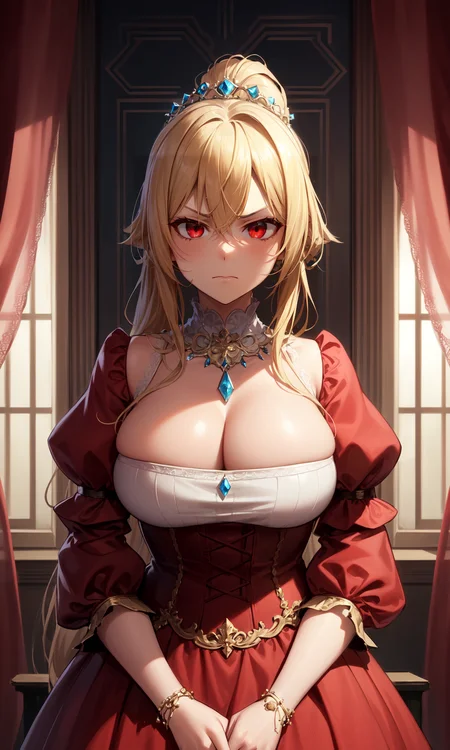
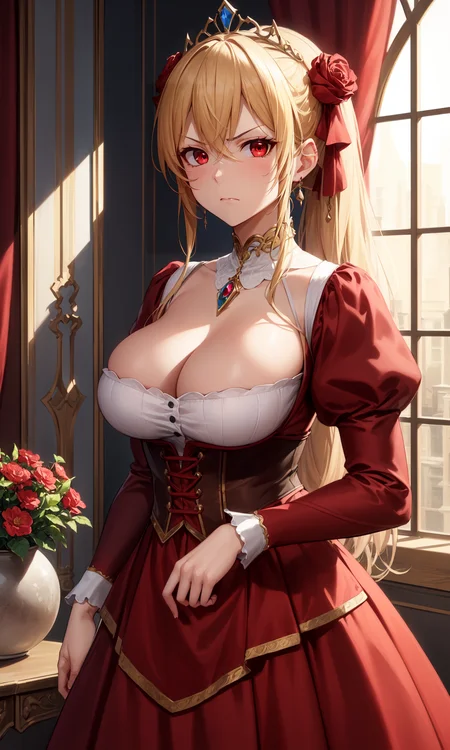
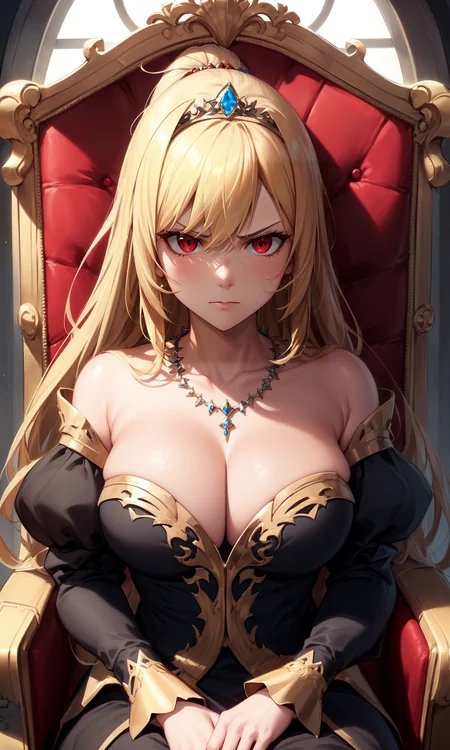
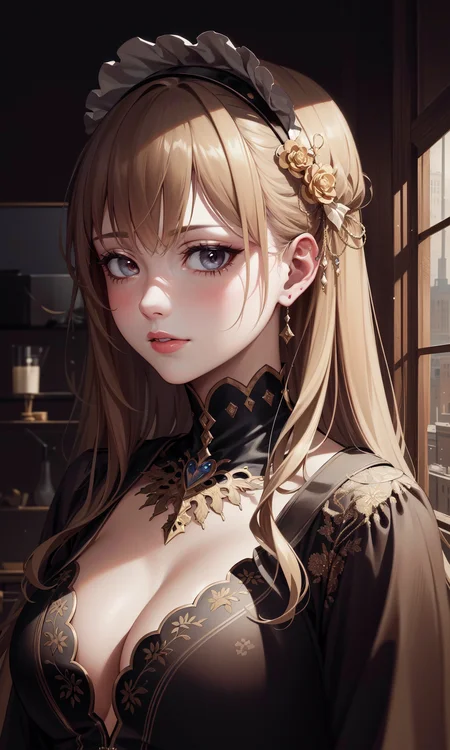
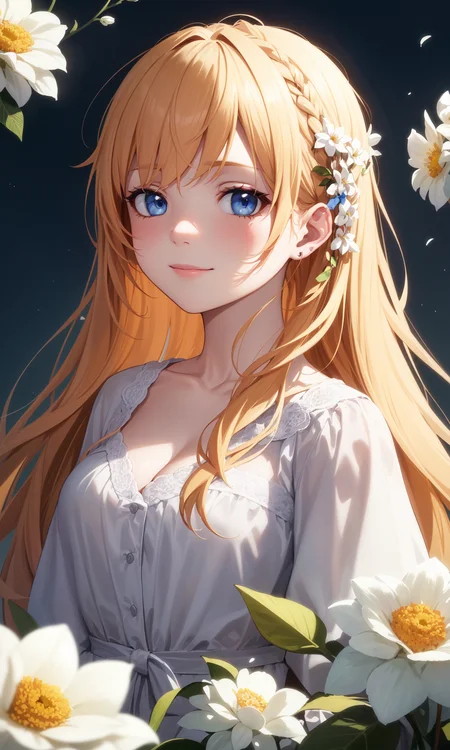
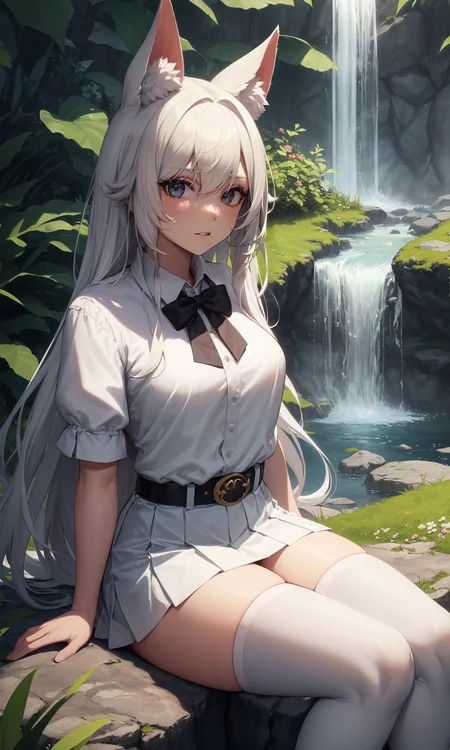
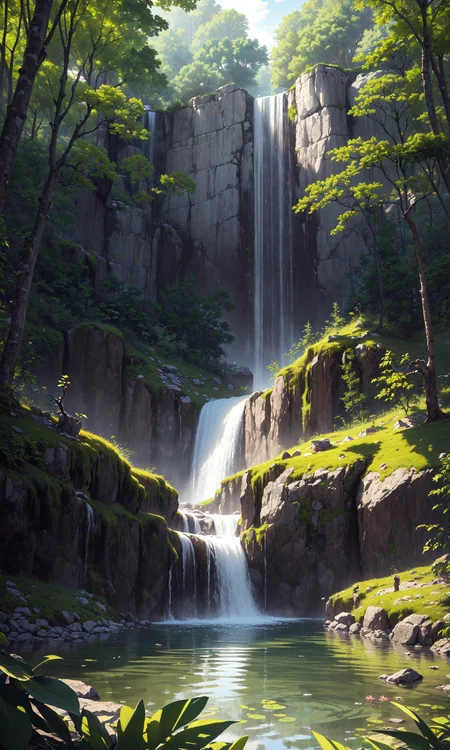

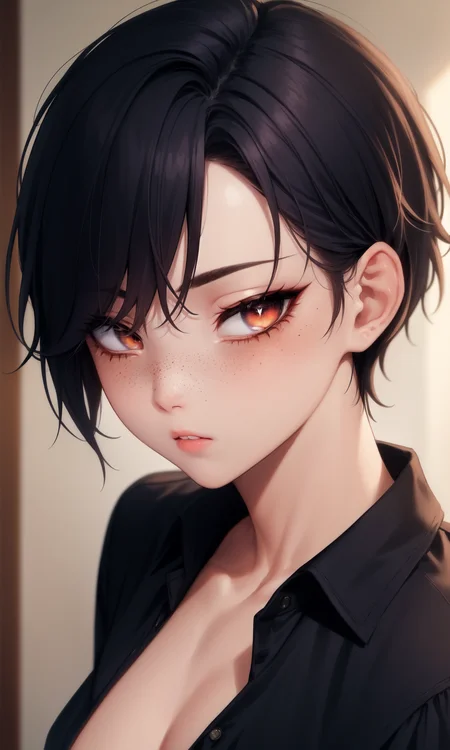


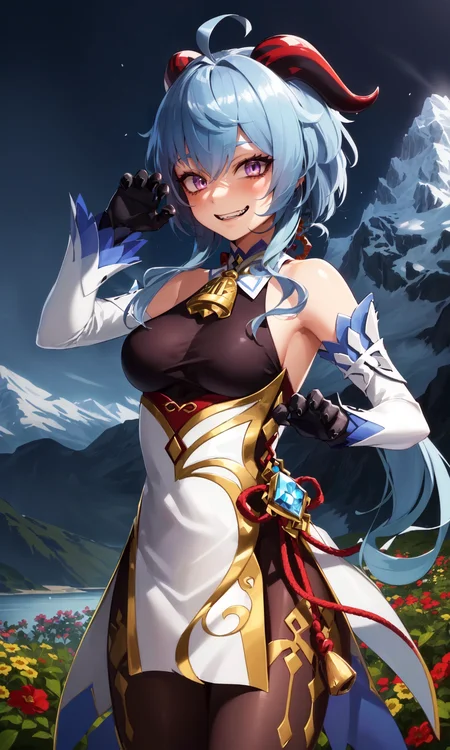
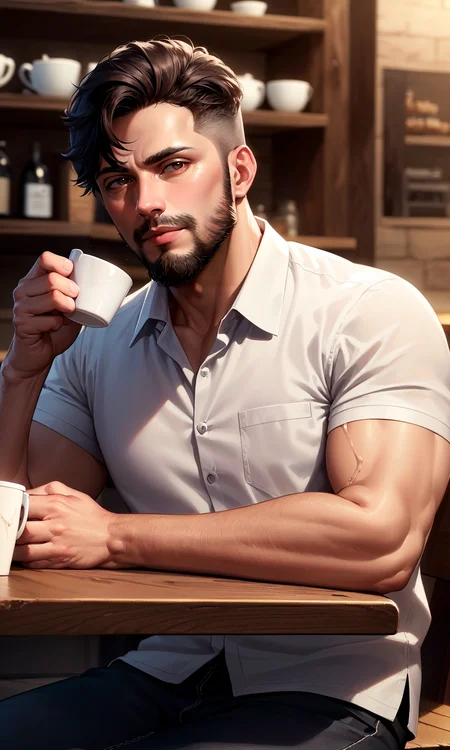
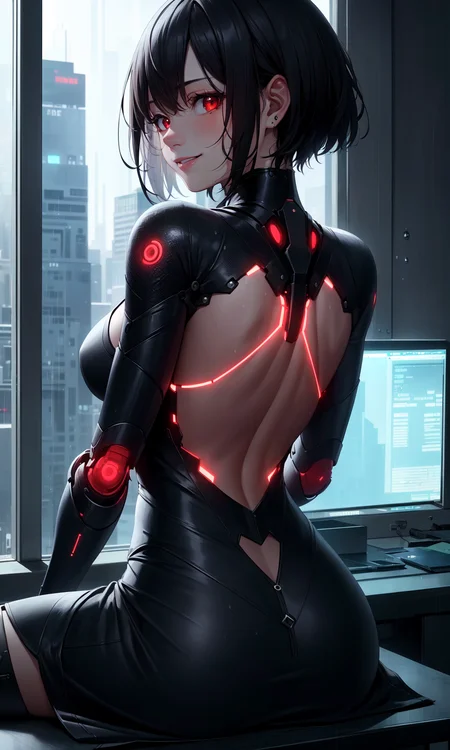
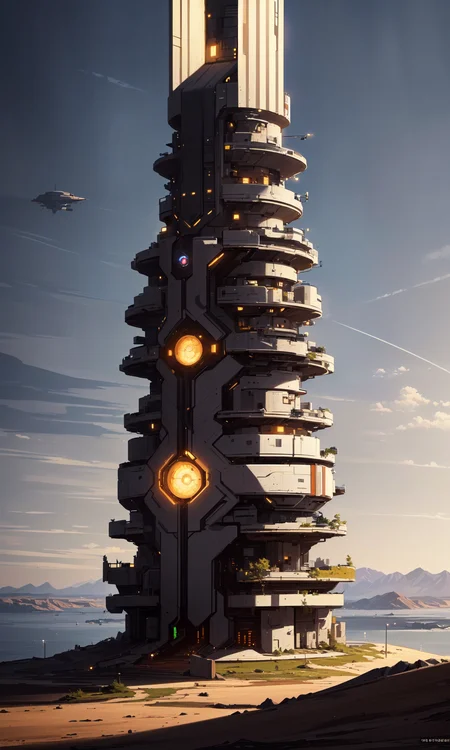
If you ran into any troubles with my mix, please read description below. There is plenty of useful information. Also, you can contact me through message system on CivitAI.
Если вы столкнулись с каким-либо проблемами при использовании моего микса, пожалуйста, прочитайте описание ниже. Там есть много полезной информации. Также вы можете связаться со мной через чат на CivitAI.
Also try: DivineAnimeMix!
Introduction:
All models i've used before first release of DIvineElegance did not fit my requirements. I've decided to do something on my own to fix this issue. There was a lot of different mixes based on Anything v3 or v4 and i've taken it as a base as well.
At the beginning, it was a mix for my personal use, but it was warmly received by Unstable Diffusion discord community and some time later i've decided to share it here, on CivitAI.
Right now Divine series is my favorite models and quite unique thing for me. The main goal of DivineElegance - anime characters with as many details as it could have. Hair, clothes, backgrounds, all of this things should be beautiful, slightly more realistic and detailed.
I hope you also would like DivineElegance, so, stay tuned for newer versions of mix!
Recommendations:
Use danbooru tagging for prompts
Do ->not<- use "masterpiece" or "best quality" tags (v9+)
Sampler: "Euler a" at / 30 steps
Cfg scale: 8
Clip Skip: 2 <---- VERY IMPORTANT
99% of anime models only works with clip skip set to 2
ENSD (Eta noise seed delta) - leave blank
Negatives:
(EasyNegative:0.8), (worst quality, low quality:1.2), blurry, bokeh, dof, fog
Recommendations (Hires Fix):
Upscaler: Remacri
Hires steps: 10-15
Denoising strength: 0.3
Upscale by: any
Troubleshoot:
My colors are bleached out. What should i do?
You're missing a VAE file. For this mix i would recommend kl-f8-anime2 VAE. Just put it into SD folder -> models -> VAE folder. Then go to your WebUI, Settings -> Stable Diffusion on the left list -> SD VAE, choose your downloaded VAE.
If you want to get mostly the same results, you definitely will need negative embedding:
EasyNegative, it's better to use it at 0.8 weight.
Don't use EasyNegative (or other embeddings) with Style LoRAs, it may ruin the style!
Until you like the result, of course.
Don't use a lot negative embeddings at the same time. It definitely will ruin any possible output on all models! If you want to use negative embeddings - use one for quality, and one for hands (if you want a placebo for hands).
Technical support:
If you're ran into any problem with my mix, you can DM me on discord:
troubledarkness - discord nickname.
I'll be glad to help | Буду рад помочь.
Credits:
DivineEleganceMix Recipes (pre-v6)
Really BIG thanks to:
Nigurumi for BasilMix
WarriorMama777 for AbyssOrangeMixes and recipes
andite for Anything4.5/Cocoa/PastelMix
Ikena for Grapefruit
Cyria for ZeroTolerances
devdevice545734 for FaceBombMix
You, for reading, downloading and reviewing this mix
Description
Previous version of DIvineEleganceMix had some needless models mixed in, so DivineElegance had some isuses with characters skin, clothes folds and LoRA compatibility. I've tried to neutralize this effect on this version.
New version of DivineElegance meant to be global fixes version, to patch up some its problems.
Version changes:
Removed Grapefruit and Facebomb mix from recipe
Now DIvineElegance uses full version of Anything v5 instead of pruned
Removed NAI add difference step from the mix
Less oily skin, less distracting cloth folds
Better LoRA compatibility
Even after removing some parts from the mix, DIvineElegance keeps the same level of details and quality on every generation. I hope you'll use new version of DIvineElegance instead.
Thanks for all your support, i hope you'll look forward to my new stuff in future.
FAQ
Comments (14)
any negative prompt recommendations when using style Lora?
Sure, if you're using style LoRA, its better to minimize your negative prompt to:
(worst quality, low quality:1.2), blurry, bokeh, dof, fog and it leaves pretty much space for adding any things you don't want to see on your generations.
Great timing on the update, I just started reusing your model yesterday. Thanks a lot for the great model!
Hi, sure. I'm working on my stuff whenever possible. Thanks for commenting.
Hi, what's new in this update? Also have you looked into noise offset yet?
There is "About this version" section on the right. Under Reviews tab. You can check info about update.
Its says:
Previous version of DIvineEleganceMix had some needless models mixed in, so DivineElegance had some isuses with characters skin, clothes folds and LoRA compatibility. I've tried to neutralize this effect on this version.
New version of DivineElegance meant to be global fixes version, to patch up some its problems.
Version changes:
- Removed Grapefruit and Facebomb mix from recipe
- Now DIvineElegance uses full version of Anything v5 instead of pruned
- Removed NAI add difference step from the mix
- Less oily skin, less distracting cloth folds
- Better LoRA compatibility
Even after removing some parts from the mix, DIvineElegance keeps the same level of details and quality on every generation. I hope you'll use new version of DIvineElegance instead.
Thanks for all your support, i hope you'll look forward to my new stuff in future.
Talking about noise offset, it's a good LoRA for detailing and shading image, but i wouldn't recommend it for permanent use.
That's so good !
Hi, thanks for commenting! I hope you've got great results with this mix.
I wanna ask about your Base model training, can you explain in detail and a good number of dataset also? Do you recommend Dreambooth or NAI, and why?
Hi.
Base model training? What do you mean?
1. Training a model.
- I've never trained (finetuned) a model, because i can't run any trainer for this, just getting a lot of errors. But, if you want to start finetuning a model, you really want to use unpruned Anything v5 (i guess, the best point to start from). Datased, well, depends on your desire for model to look specific. You can finetune model with 300 pics, 1000 pics, 5000 pics, as you want. The only problem you'll face - autotagger mistakes and buckets (if you want to crop images automatically).
2. Training a LoRA on base model.
- I ->do<- recommend to use NAI for this. The best base model for anime LoRA training.
If you want to hear about settings, well, it depends a lot on dataset. I can't get it from nowhere. Also, as i said, i've never trained/finetuned a ->model<- (not LoRA), so i don't know about settings for this.
Oh I see, thanks for the answer! You help a lot!
Is it just a glitch on my end or is there no gallery?
CIvitAI don't let me upload any file to model. can't even see its page on my own profile. I can't see it even from main page. Just decided to postpone the update until tomorrow, or at least until problem runs out :C
The same shit happens every time i'm trying to update any model from Divine series.
Hi, after 2 hours it seems like CivitAI is working fine. I've brought v7 update back.
Details
Files
divineelegancemix_v6.safetensors
Mirrors
divineelegancemix_V6.safetensors
divineelegancemix_V6.safetensors
divineelegancemix_V6.safetensors
divineelegancemix_V6.safetensors
divineelegancemix_V6.safetensors
divineelegancemix_V6.safetensors
divineelegancemix_V6.safetensors
divineelegancemix_V6.safetensors
divineelegancemix_V6.safetensors
divineelegancemix_V6.safetensors
divineelegancemix_V6.safetensors
SD8W5msk-DivineEleganceMix-v6.safetensors
DivineEleganceMix-V6.safetensors
divineelegancemix_V6.safetensors
Available On (1 platform)
Same model published on other platforms. May have additional downloads or version variants.