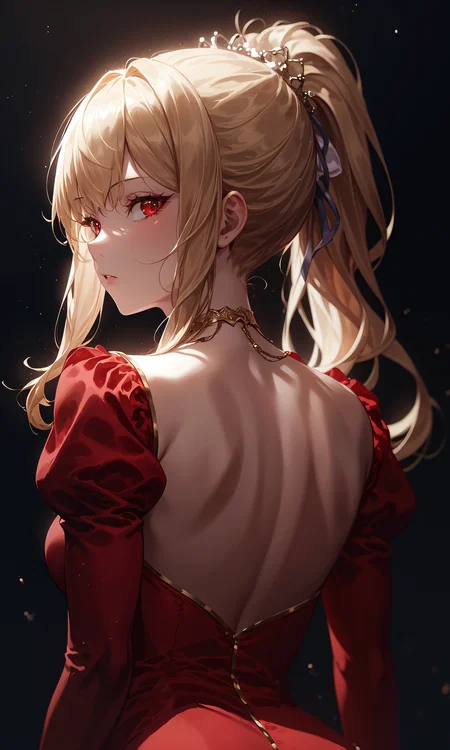
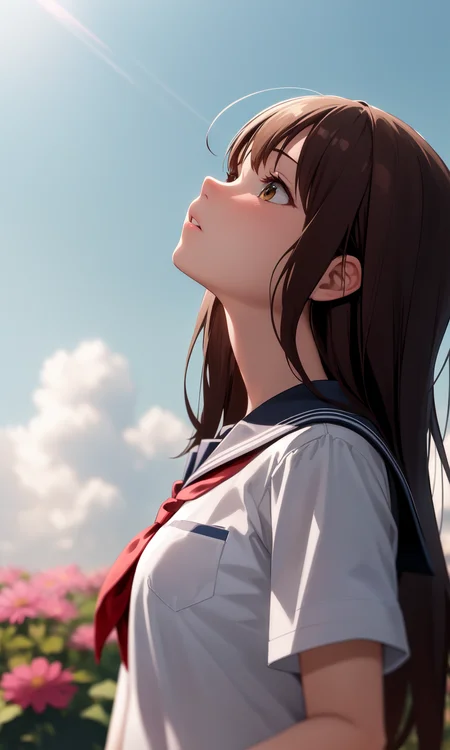
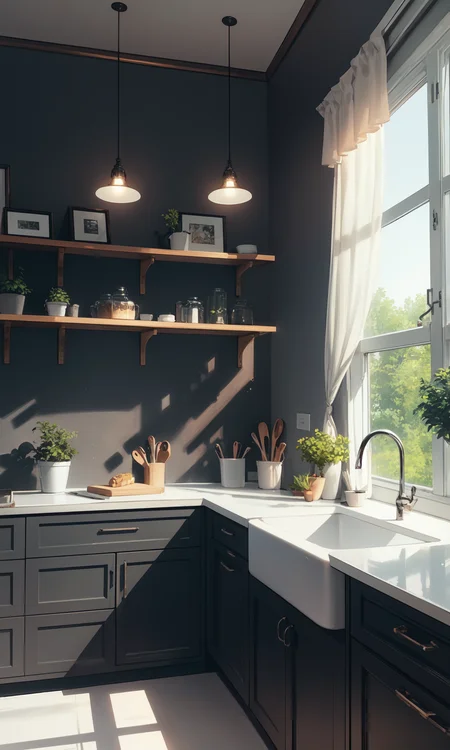
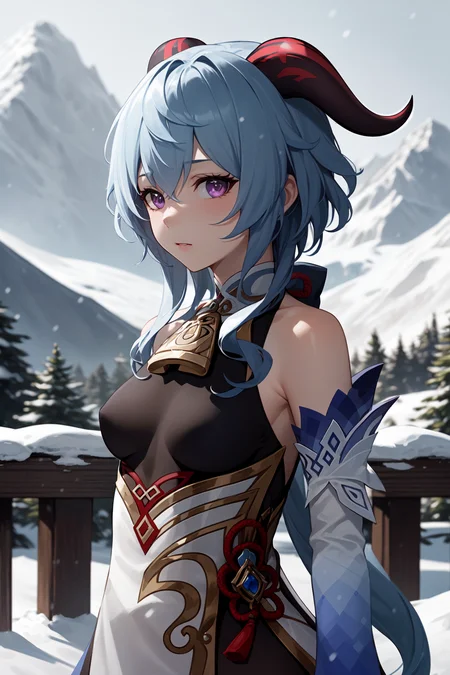
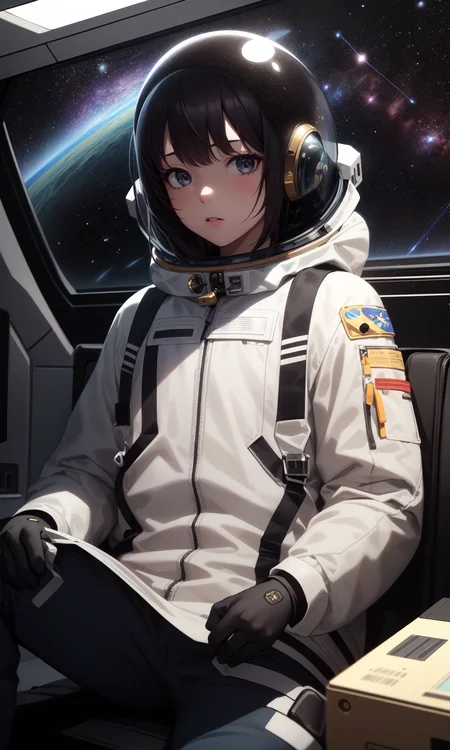
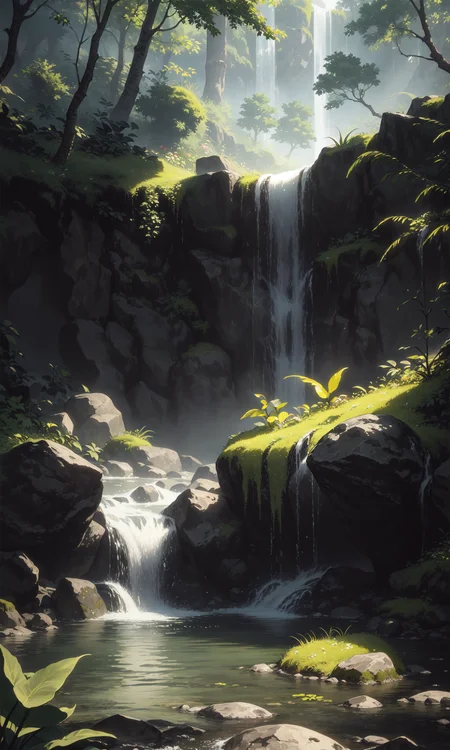
If you ran into any troubles with my mix, please read description below. There is plenty of useful information. Also, you can contact me through message system on CivitAI.
Если вы столкнулись с каким-либо проблемами при использовании моего микса, пожалуйста, прочитайте описание ниже. Там есть много полезной информации. Также вы можете связаться со мной через чат на CivitAI.
Also try: DivineAnimeMix!
Introduction:
All models i've used before first release of DIvineElegance did not fit my requirements. I've decided to do something on my own to fix this issue. There was a lot of different mixes based on Anything v3 or v4 and i've taken it as a base as well.
At the beginning, it was a mix for my personal use, but it was warmly received by Unstable Diffusion discord community and some time later i've decided to share it here, on CivitAI.
Right now Divine series is my favorite models and quite unique thing for me. The main goal of DivineElegance - anime characters with as many details as it could have. Hair, clothes, backgrounds, all of this things should be beautiful, slightly more realistic and detailed.
I hope you also would like DivineElegance, so, stay tuned for newer versions of mix!
Recommendations:
Use danbooru tagging for prompts
Do ->not<- use "masterpiece" or "best quality" tags (v9+)
Sampler: "Euler a" at / 30 steps
Cfg scale: 8
Clip Skip: 2 <---- VERY IMPORTANT
99% of anime models only works with clip skip set to 2
ENSD (Eta noise seed delta) - leave blank
Negatives:
(EasyNegative:0.8), (worst quality, low quality:1.2), blurry, bokeh, dof, fog
Recommendations (Hires Fix):
Upscaler: Remacri
Hires steps: 10-15
Denoising strength: 0.3
Upscale by: any
Troubleshoot:
My colors are bleached out. What should i do?
You're missing a VAE file. For this mix i would recommend kl-f8-anime2 VAE. Just put it into SD folder -> models -> VAE folder. Then go to your WebUI, Settings -> Stable Diffusion on the left list -> SD VAE, choose your downloaded VAE.
If you want to get mostly the same results, you definitely will need negative embedding:
EasyNegative, it's better to use it at 0.8 weight.
Don't use EasyNegative (or other embeddings) with Style LoRAs, it may ruin the style!
Until you like the result, of course.
Don't use a lot negative embeddings at the same time. It definitely will ruin any possible output on all models! If you want to use negative embeddings - use one for quality, and one for hands (if you want a placebo for hands).
Technical support:
If you're ran into any problem with my mix, you can DM me on discord:
troubledarkness - discord nickname.
I'll be glad to help | Буду рад помочь.
Credits:
DivineEleganceMix Recipes (pre-v6)
Really BIG thanks to:
Nigurumi for BasilMix
WarriorMama777 for AbyssOrangeMixes and recipes
andite for Anything4.5/Cocoa/PastelMix
Ikena for Grapefruit
Cyria for ZeroTolerances
devdevice545734 for FaceBombMix
You, for reading, downloading and reviewing this mix
Description
It was a long time since v6 release again, and i'm pretty happy with results, i'm getting on new release of DivineEleganceMix. So, let's start.
This version of DivineEleganceMix was tuned by 2000 different anime-styled images from danbooru, so, i guess, now we can count it as a finetune, and of course, i'll try to improve it later.
Version changes:
Characters
Better eyes at upper body shots and close-ups, it should have proper round shape with less rough edges. Also, reflections on eyes should appear more frequently to bring more live for eyes.
Move even reaction to bodyshape prompts. Curvy tag would make character more curvy than before, the same for skinny / petite / narrow waist.
Seems like model works better with mature female / mature tags as well, It could help you, if you want to make pretty milf character :)
Much softer skin, less ugly (in my opinion) shine and less oiled skin effect. Also, skin has less orange accents because of white lighting.
Hair has less shine effect as well
Lighting.
Seems like a controversial change, but lighting just works different way from previous version, it can do better or worse sometimes. Maybe just a random and nothing more, but it produces softer ambient shadows on character body, but mosty the same shadows for other things.
Now lighting has white accent by default.
With this version of DivineElegance all your LoRAs should work as good as on previous version, so, there is no any problems with compatibility.
There was an Automatic1111 update between testing different version, and seems like it changed an output completely, so, some generations from DivineEleganceMix v6 and earlier version can be inaccessible. And i needed to do new previews for 7th version of DivineEleganceMix after this update :C
Thanks for keeping an eye on Divine series models and thanks for reading this changes, i hope you'll like new version of DivineElengaceMix as well.
FAQ
Comments (26)
v7 Patch Notes.
If you've never seen "About version" tab.
It was a long time since v6 release again, and i'm pretty happy with results, i'm getting on new release of DivineEleganceMix. So, let's start.
This version of DivineEleganceMix was tuned by 2000 different anime-styled images from danbooru, so, i guess, now we can count it as a finetune, and of course, i'll try to improve it later.
Version changes:
Characters
- Better eyes at upper body shots and close-ups, it should have proper round shape with less rough edges. Also, reflections on eyes should appear more frequently to bring more live for eyes.
- Move even reaction to bodyshape prompts. Curvy tag would make character more curvy than before, the same for skinny / petite / narrow waist.
- Seems like model works better with with mature female / mature tags as well, It could help you, if you want to make pretty milf character
- Much softer skin, less ugly (in my opinion) shine and less oiled skin effect. Also, skin has less orange accents because of white lighting.
- Hair has less shine effect as well
Lighting.
- Seems like a controversial change, but lighting just works different way from previous version, it can do better or worse sometimes. Maybe just a random and nothing more, but it produces softer ambient shadows on character body, but mostly the same shadows for other things.
- Now lighting has white accent by default.
With this version of DivineElegance all your LoRAs should work as good as on previous version, so, there is no any problems with compatibility.
There was an Automatic1111 update between testing different version, and seems like it changed an output completely, so, some generations from DivineEleganceMix v6 and earlier version can be inaccessible. And i needed to do new previews for 7th version of DivineEleganceMix after this update :C
Thanks for keeping an eyes on Divine series models and thanks for reading this changes, i hope you'll like new version of DivineElengaceMix as well.
Thanks for the update.
Can I change somehow the "default white lighting"? Like is there any prompt to do that or something?
Сейчас заценю, заодно и лору потреню на v7
@ILYA2715 Привет. По поводу тренировки LoRA, если тренировать LoRA не на какой-то базовой (NovelAI / Anything) модели, то генерации с ней будут в основном пригодны лишь на этой самой модели. То есть, если ты тренируешь LoRA на AOM3, то только там он будет выдавать хороший результат.
Поэтому, если тренируешь LoRA не только для себя, то тренировать её следует на том же NAI, на крайний случай - Anything / AnyLoRA.
@zxyzxy1 Hi, should work just by "orange lighting" tag. But not sure. Worked for almost all my gens. Except different colored backgrounds sometimes. If this won't work, you can try sunset tag with orange lighting as well.
I found that the model seldomly produce images that the person's upper (or part of) head is out of the frame (I've tried a few neg prompt but still occurs sometimes). I dont know if that fixable. Although fixing it will be better, I think it's totally fine with that.
@oolcloo12118 Well, not sure if this happens the same frequent on 8th version of mix, but yeah, it was a little annoying on v7.
Каждая обнова лучше предыдущей! Не каждый раз получается всё лучше, но у тебя выходит всё лучше тренировать нейросеть. Такого наверняка сложно было добиться. Андрей до какой версии вы планируете развить этот Checpoint и будете ли в дальнейшем переходить на новые версии Stable diffusion?
Привет.
Во-первых, я не уверен, действительно ли эта версия получилась лучше. Многое ->мне<- нравится сильно больше, например - кожа у персонажей и белое освещение, однако, я ознакомслюсь с действительностью лишь спустя время, после появления пачки из первых (20-30) отзывов. А моя неуверенность появилась после обновления Automatic1111 WebUI*, вместе с которым пришла смена процесса генерации изображения из шума, что привело (на мой вгляд) к некоторому ухудшению результата.
*после обновления 1.6 стало невозможным получить изображения, сгенерированные на предыдущих версиях. В плюс к этому, диффузия стала вести себя ->совершенно<- иначе. И на тех же промптах выдаёт хоть и более точный, но менее креативный и интересный результат (на мой взгляд).
Во-вторых, про версию. Тут я не уверен. Пока будет возможность совершествовать визуал генерации - я буду пытаться обновить эту модель, хоть и не так часто, как это делает другие авторы. Впрочем, в данном вопросе у меня нет обязательств, ведь я делаю всё бесплатно.
В-третьих, о новых версиях. Сомневаюсь, что со своим железом смогу потянуть тренировку Stable Diffusion XL, а Stable Diffusion 2.0 / 2.1 никому не нужны, из-за микроскопической разницы между 1.5 и 2.0 / 2.1. А вот XL версия меня пока что совершенно не устраивает качеством генерации, ни на оригинальной модели, ни на уже существующих Finetune'ах.
@TroubleDarkness Как я знаю мало моделей умеет работать с ночью и темными темами пытаясь везде впихнуть источник света, как вы к этому относитесь и будете ли в дальнейшем попытаться исправить это?
@artereket Мало моделей умеют работать - это никакие модели не умеют работать. Нет ещё ни одной модели, которая бы могла делать неосвещённую местность/персонажа. Всегда будет прожектор, вопрос будет лишь в том, на сколько он сильный. Нет моделей, которые не создавали бы источник света при его отсутствии. Можно сколько угодно затемнять изображение, но полностью отключить на ней свет не выйдет. И тем более - не выйдет делать это стабильно.
Привет!
Модель, которая теперь видимо файнтюн, а не просто микс получилась очень классная. Очень понравилось то как на ней получается кожа у персонажей, которая выглядит очень гладкой и мягкой, как всегда хотелось. В общем - отлично.
Попробовал из предыдущего комментария совет с оранжевым освещением - тоже завелось. Хотя мне и белое нравится.
Ещё и энэсфэвэ сцены получается лучше как мне показалось. Даже интересно, сколько картинок было использовано для тренировки.
В последнее время не так много времени на мутки с диффузией, но смотрю за твоим контентом как могу.
Спасибо за отличную модель! :)
Привет. Надеюсь что всё действительно так. В любом случае, новая версия модель мне нравится намного больше предыдущих. Хотя и в них была своя изюминка. Спасибо за комментарий!
Some people would prefer v6, some would prefer v7, this is the truth i can't affect.
As version info says, it had a controversial change - lighting color. It turns out white instead of AOM3-like orange. Some ppl may really dislike this. The main change, i guess.
The second - characters skin become less detailed, but it can be spotted only if you'll zoom image a lot. Details still persists on skin reflections, wet skin and lighting on skin, but not in general.
Third - skin become more soft or "silky", not sure what word to pick for this effect. Personally, i like this, a LOT better than shiny reflective skin from older versions.
Fourth - right now, for me, it's doing better images without basic "masterpiece, best quality" in positives.
Lighting change was because of training data had a lot of white lighting and simple (white) backgrounds, i guess. So, maybe, if i'll had time for finetuning model again, i'll try to fix it.
UPD: almost forgot, between v6 and v7 author of WebUI changed algorithms for denoising (as i understand), and i can't get most results of before-update v6.
If you noticed anything you dislike more in v7 - please tell, i'll try to think up something with that.
Thanks for commenting!
@TroubleDarkness
White skin is even better, because I find the skin color still a bit dark
Same with V8 (previously using V5)
Not only does it look worse in colours and shades overall but there's something vastly different compared to previous versions in response to the prompts and several lora effets, even when I'm just using the exact same ones. I downgraded to V6 and it's back to normal now.
@P4S Was preparing a v9(?) update to bring back more v5 - v6 visuals (and LoRA compatibility) with features i like from v7-v8 before i went to a hospital. I'll back home in few days and will continue working on it. There also would be a lot of different fixes and adjustments, because i've advanced a lot in block merge. I hope most people will like it. And i hope there would be less problems.
@TroubleDarkness
I hope you merge with the model "Zodiac hentaihub" because this model is very easy for Lora and creates a hot body, the only problem is that the skin color is not white. Thanks
@TroubleDarkness Thank you for the hard work
i have problem with <lora:DivineElegance v2:1> tag. i can't find any lora with that name...
Yeah, there is a little "disclaimer" on the first image, that says this LoRA was made of training set part. I've never released it. Actually, i can, but there is no reason (for pubic release, at least), because it made of 3-5 artists and for most people it would be just "some sort of shitty artstyle LoRA".
And while testing it caused a lot of issues with hands. After expanding dataset further this problem disappeared.
just wanna know, what is your favorite sampler for this model?
All samplers may be pretty good on this model, if you're trying to find "best", there is no. But i'm using "Euler a" and regular "Euler" for cleaner results. It may do less details, but provides pretty clean gens without unwanted brush strokes or watercolor effects. Also, i'm getting best eyes quality on both Euler samplers.
DivineEleganceMix v7 has a problem, it is desaturated a little and has lack of contrast, so, it has less details than DIvineElegance v6, for example. I'll try to fix it in the next update. I've already got great results with block merge and all i need to do for new version is to add more anime-ish faces.
So, if you want details on model, your can try to use any of DPM samplers, for example "DPM++ 2M Karras" or "DPM++ SDE / Karras, but it's better to use it alongside with adetailer extension for better faces.
Hi! i really like this model , i'm having troubles with just ''some'' loras , that the character just refuses to appear in the entire frame, it either puts part of the face or part of the legs leaveing them out of frame, it happens too often ,
Hi, i don't know if i completely understand you, but you can DM me on discord - troubledarkness, i'll try to help, if this possible. 7th version of DivineElegance has some troubles with uncommon LoRAs, but i've never seen something like that.
Details
Files
divineelegancemix_v7.safetensors
Mirrors
divineelegancemix_V7.safetensors
divineelegancemix_V7.safetensors
divineelegancemix_V7.safetensors
divineelegancemix_V7.safetensors
divineelegancemix_V7.safetensors
divineelegancemix_V7.safetensors
divineelegancemix_V7.safetensors
divineelegancemix_V7.safetensors
divineelegancemix_V7.safetensors
SDgCQVdF-DivineEleganceMix-v7.safetensors
divineelegancemix_V7.safetensors
divineelegancemix_V7.safetensors
divineelegancemix_V7.safetensors