
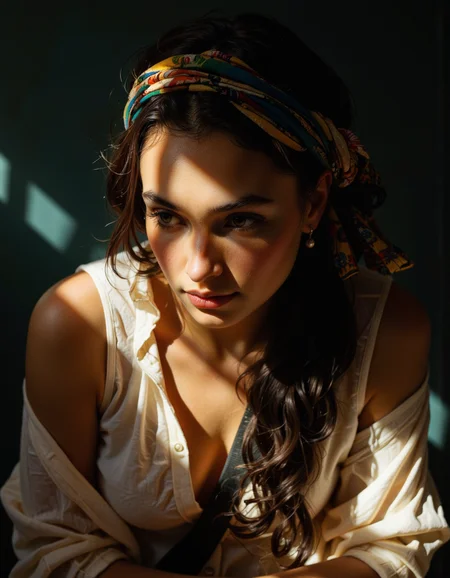
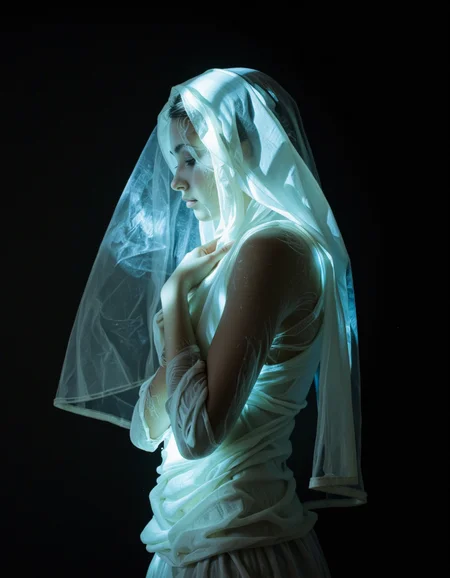
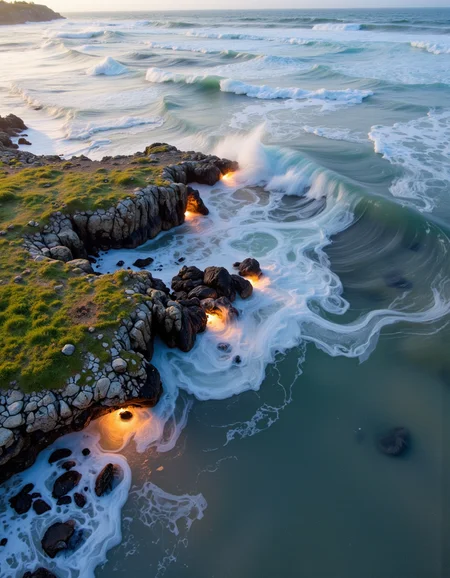
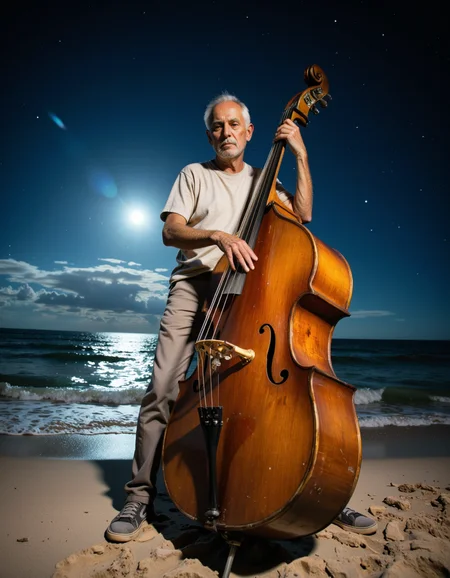



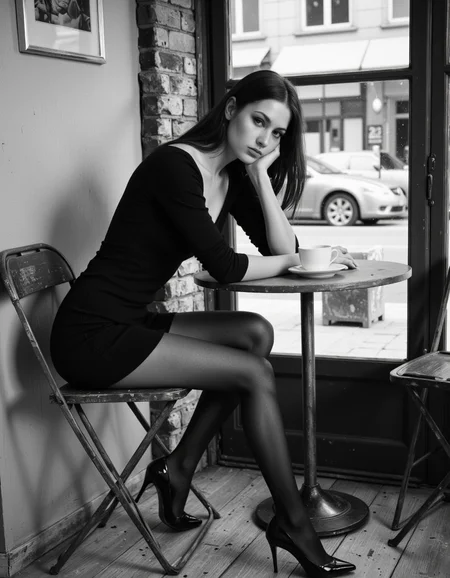





Nunchaku Fluxmania Legacy (by Spooknik)
Select Pruned model fp16 (6.3 Gb)
KREAMANIA
I don't consider Kreamania to be a truly new model, it's just a slight improvement on Legacy, injecting a tiny bit of Krea (which, in my opinion, isn't a benchmark for realism) and adding some of my recent LoRA models. It deserved the name Legacy+ more than Kreamania.
I find this version provides more detail and improved lighting. The composition remains almost identical to that of Legacy.
Note : Don't use "freckles" in the prompt
Oddity : Unexpected appearance of text
 https://civarchive.com/models/1808412/wan-refine-fluxmania
https://civarchive.com/articles/17346/wan-refining-fluxmania-for-more-realism
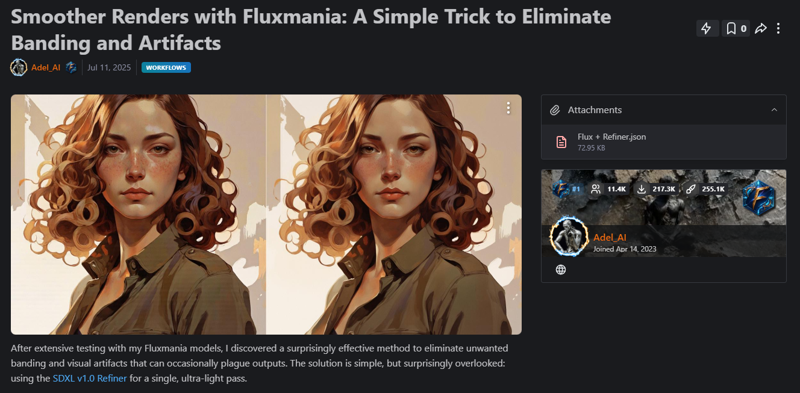
Quantized versions of the Fluxmania Legacy model:
https://huggingface.co/belisarius/FLUX.1-dev-Fluxmania-Legacy-gguf/tree/main
 Showcase images are in PNG and include metadata, prompt & workflow.
All licensing conditions for the Flux Dev model apply. You can find the details here.

Model orientation : Photography - Realism - Portraits - Artistic nude
Fluxmania III :
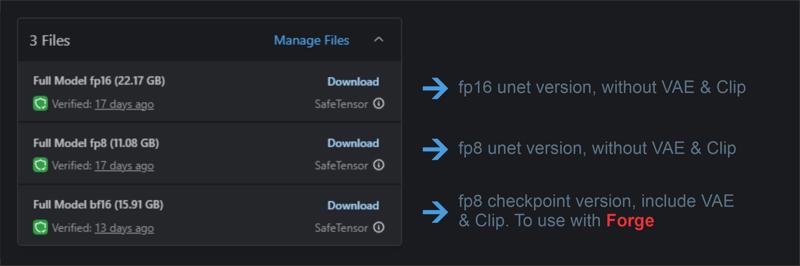 File 22.07 GB : unet fp16 without VAE & clip
File 11.16 GB : unet fp8 without VAE & clip
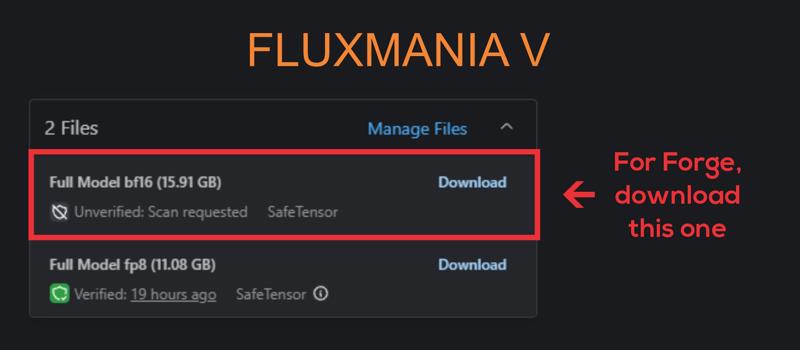
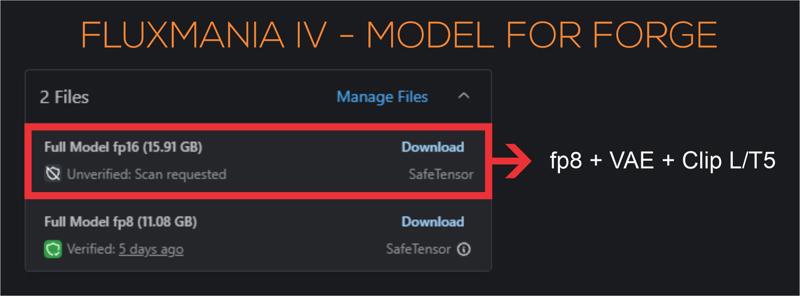
File 15.91 GB : checkpoint fp8 (not bf16) with VAE & Clip L full fp32
Settings : dpmpp_2m - sgm_uniform / cfg 3.5 / steps 25 - 30.
I recommend using this version of Clip L with the Fluxmania model
Fluxmania I & II : Unet fp8 (no VAE, no clip) / Settings : dpmpp_2m - sgm_uniform / cfg 3.5 / steps 25.
Genuine : Unet fp16 (no VAE, no clip) / Settings : Euler Simple / cfg 3.5 / steps 30.
Description
Version (UNet) – This version requires Flux VAE, Clip-L, and T5XXL
I recommend using this version of Clip L with the Fluxmania model.
Q8 /Q5 GCUF version link for Fluxmania III
FAQ
Comments (47)
Im sorry in advance for the noobish question, how do I run this in swarmUI? It says the backend cannont load the model, what am I missing? I can run the Dev model just fine and some variants of of it. Appreciate any help/clarification.
Sorry, I won't be of much help to you, I only use the ComfyUI interface, on which I develop and test my models.
@Adel_AI Firstly, thank you for the massive amount of buzz. Secondly, swarmUI uses comfy backend, how would you solve it if it was comfy? Thanks for the follow =)
@ElectricL since you can't use the model, it's normal that I return the Early Access buzz to you.
I discovered your work that I appreciate.
On ComfyUI, I've never had this kind of error, I don't see what kind of problem it is. Maybe you should go to Reddit to see if others have encountered the same error
@Adel_AI Thank you, appreciate it. Ill look into it.
For swarmUI you need a checkpoint file that includes the clip files and vae. Maybe this checkpoint file can be provided here by Adel_AI as I did for my mixes when I first recognized that some users can't use the stripped unet files. ComfyUI can easily combine the needed parts for such a checkpoint file.
@Magicandmore Thank you for clarifying that. im sure Adel will provide them.
@ElectricL yw 😁
@ElectricL Done, Donwload file with 15.91 Gb, it's a checkpoint with VAE & Clip.
it is not a bf16, but fp8, forced to change the specification because civitai refuses that there are 2 files having the same specification
@Adel_AI Thank you, I really appreciate it. Let me know how to pay the buzz back in a convenient way.
@ElectricL The buzz has travelled enough, one more transfer and they'll get seasick.
@Adel_AI Hahahah, alright. The model works just fine now, thank you.
why so bad with lora?
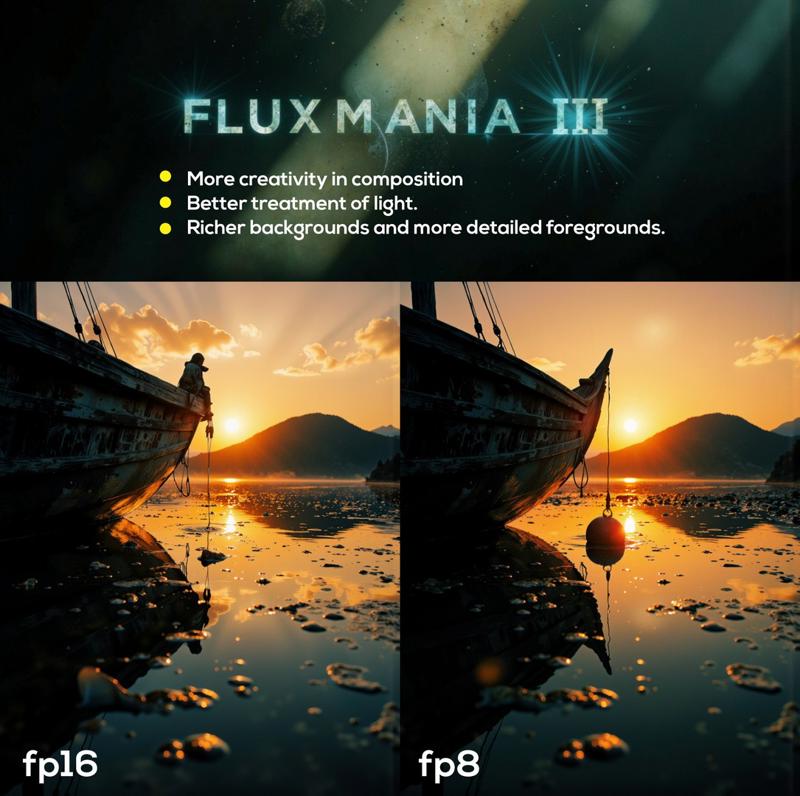
Fluxmania III integrates several of my LoRAs, if you use Fluxartis for example, you risk getting burned images. Preferably use other LoRAs than mine or lower the strength of the LoRAs significantly.
I did some tests with LoRAs that were not used in the merge, the renderings were correct. So it is necessary to test
No falling lines with V3, what is especially for architecture a big advantage and in general less post processing needed, to correct the angles. I see V3 as extension of possibilities, so I can switch to V2 when I prefer other style. Its not linear "better" - emotionally colder than V2, much center compositioning. For some work it's desired characteristic. Technically there is a vertical black line around 20 pix from the right side in all pictures in V3.
thanks for this very useful feedback. About the trail that appears on the right, yes I noticed it and identified the origin without yet understanding the reason. The same problem exists with the LoRA Exogenous. it is the association of 3 of my LoRA (which exists in the merge of version 3 of fluxmania) which causes this artifact. I must dissect this, but it will take time
@Adel_AI
Similar problem was in JibMix until V7, caused banding, finally got eliminated. The pain causer was a lora, that was excluded in V7. Spot Healing Brush Tool or Remove Tool in Photoshop delete this side trail fast.
@Wadka these 3 lora are essential in fluxmania, eliminating one of them will radically change the model. None of these 3 lora alone causes this trace, so it is the way of mixing them that generates this artifact. by working on Exogenous, I will be able to more easily test other types of merge and extrapolate the solution on the next version of fluxmania
falling lines? I was test modelling on this platform using Euler Ancestral and I notice this phenomena in my images. Was this what you were referring to?
merci adel top classe pour un premier essais ;)
Merci pour ton retour et meilleurs voeux
How do i use this
as i have the
fluxmania 3 model file (22gb file)
CLipL FILE
T5XXL file
I just put them in the foocus models and there respective directory
but it always not run
@Adel_AI
@huzaifadevgeek381 I have never used Foocus, but I think the best for you would be to use the bf16 15.91 GB model, it includes VAE and Clip and it is usable as a checkpoint
@Adel_AI plz provide the the workflow for the comfyui or whatever how to generate from this model
@huzaifadevgeek381 you drag any of my images, on the ComfyUI interface and you will have the workflow. However I wrote that all my images are in PNG and integrate everything
Try it in Forge. Fooocus doesn't support Flux models. Forge is also based on WebUI, so it is easy to use.
Just put the checkpoint in the Stable-diffusion folder under webui_forge/webui/models, assuming that you installed to webui_forge.
https://techtactician.com/list-and-comparison-of-local-stable-diffusion-webui-software/
You can try this in Forge. Fooocus doesn't support Flux models. Forge is also based on webui, so it is easy to use if you are used to Fooocus.
Note: In Forge, checkpoints go under webui_forge/webui/models/Stable-diffusion (assuming you installed into webui_forge.
https://techtactician.com/list-and-comparison-of-local-stable-diffusion-webui-software/
it works on pinokio forge
I have problem, I downloaded Fluxmania III, copied it to stable diffusion folder in Forge, but when I tried to generate it showed: AssertionError: You do not have CLIP state dict!
Then I saw that you recommend to download Clip-L, so I did it but now I have:
AssertionError: You do not have T5 state dict!
Should I download something else?
I am new to this, so please don't get mad for stupid questions ;/
for forge, you had to download the 15 gb version (last one), it includes clip and VAE, and use it as a checkpoint
@Adel_AI thank you, so 22.17GB version is for ComfyUI?
@GrzesMis to my knowledge Forge cannot manage unet (without VAE and Clip), so yes, the 2 unet versions fp16 (22 gb) and fp8 (11 gb) can only be used with comfyui
@Adel_AI I managed to run 22.17gb on forge with t5, clip and VAE, and oh boy images are AMAZING!
One last question: Is it normal that one image(1152x896, 20steps) is generated in around 1m20s? Before I was working on automatic1111 with sd1.5 and sdxl and one image was generated in 11s also 1152x896, 20 steps. I have rtx4060 TI 16GB and it is jumping to 30% usage while using your model on forge and 5-10% sd1.5/sdxl.
I just ask if its normal or I did something wrong. I understand that Flux will be more heavy and precise etc b
@GrzesMis well done, otherwise the generation times are normal, indeed we are far from the few seconds of XL
@Adel_AI knows how and even allows you to choose those that I want
Nice model. Keep up the good work! And thank you for the Buzz!
Hi brother what version of stable diffusion is required to run this? You can use this version of FLUX or must you have FLUX1.D
Hi, Fluxmania was generated from Flux1.D created by FBL. It has no relation with the Stable diffusion models with which it is incompatible. Fluxmania can replace flux1.D
@Adel_AI Ah okay so use like comfyai 22gb instead.
@derijkweg you can also use stable forge (like automatic1111) for Flux models
@FoxTheFoxToTheFox With forge you must use the 16Gb version of Fluxmania III containing CLIP and VAE
best flux model so far , follows you prompt the most aswell
Are any of your loras already merged into this model, like the defluxion or fluxartis?
Fluxmania III integrates Fluxartis, but not Defluxion. It is also not recommended to use Exogenous with Fluxmania.
Great model, fast and understands the prompt very accurately!
Thanks for the feedback
Details
Files
Available On (1 platform)
Same model published on other platforms. May have additional downloads or version variants.