





Nunchaku Fluxmania Legacy (by Spooknik)
Select Pruned model fp16 (6.3 Gb)
KREAMANIA
I don't consider Kreamania to be a truly new model, it's just a slight improvement on Legacy, injecting a tiny bit of Krea (which, in my opinion, isn't a benchmark for realism) and adding some of my recent LoRA models. It deserved the name Legacy+ more than Kreamania.
I find this version provides more detail and improved lighting. The composition remains almost identical to that of Legacy.
Note : Don't use "freckles" in the prompt
Oddity : Unexpected appearance of text
 https://civarchive.com/models/1808412/wan-refine-fluxmania
https://civarchive.com/articles/17346/wan-refining-fluxmania-for-more-realism
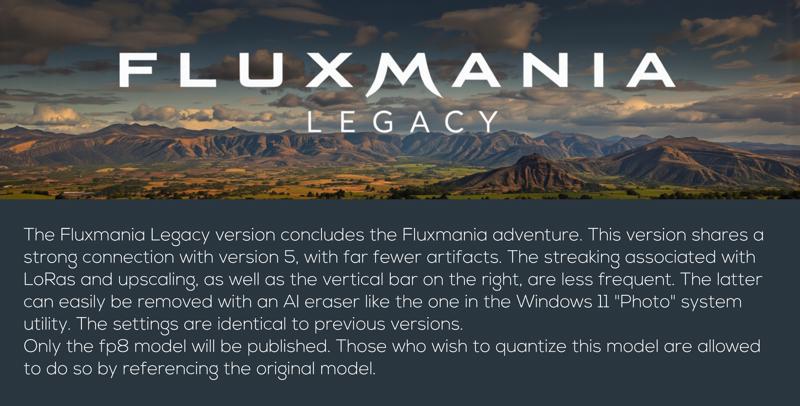
Quantized versions of the Fluxmania Legacy model:
https://huggingface.co/belisarius/FLUX.1-dev-Fluxmania-Legacy-gguf/tree/main
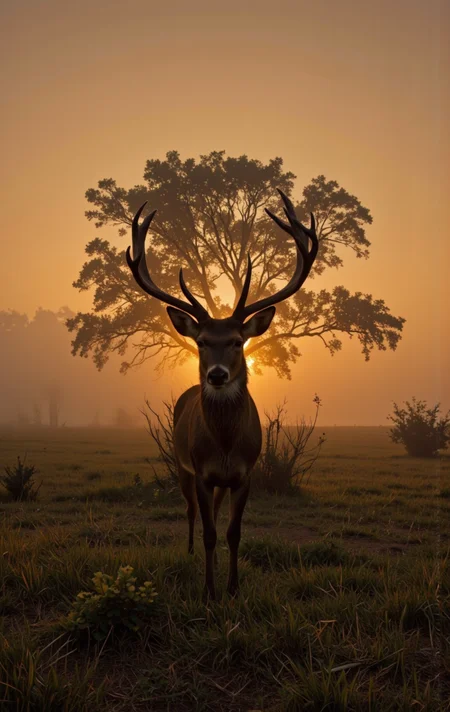
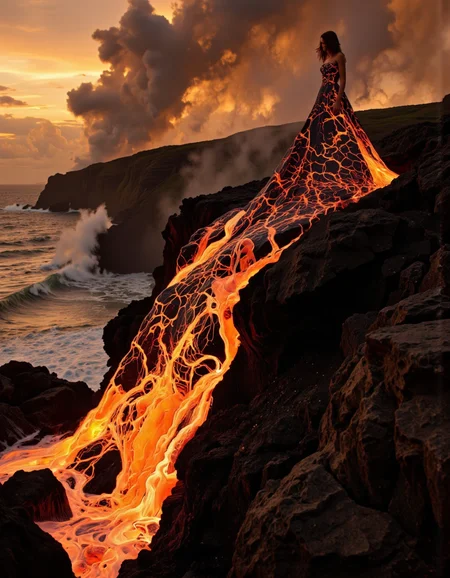
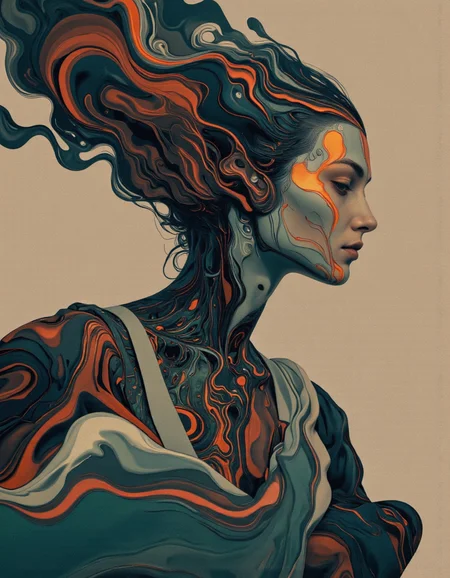
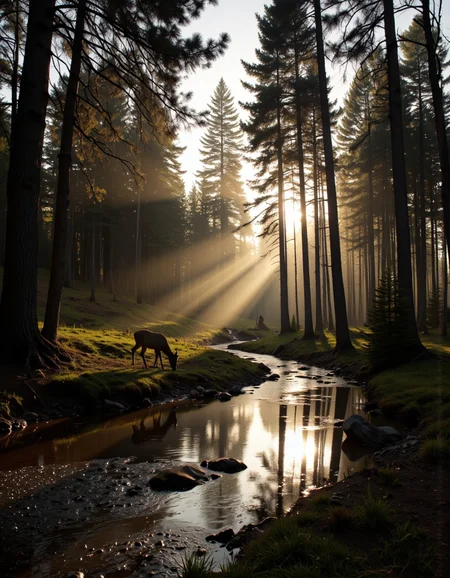
 Showcase images are in PNG and include metadata, prompt & workflow.
All licensing conditions for the Flux Dev model apply. You can find the details here.
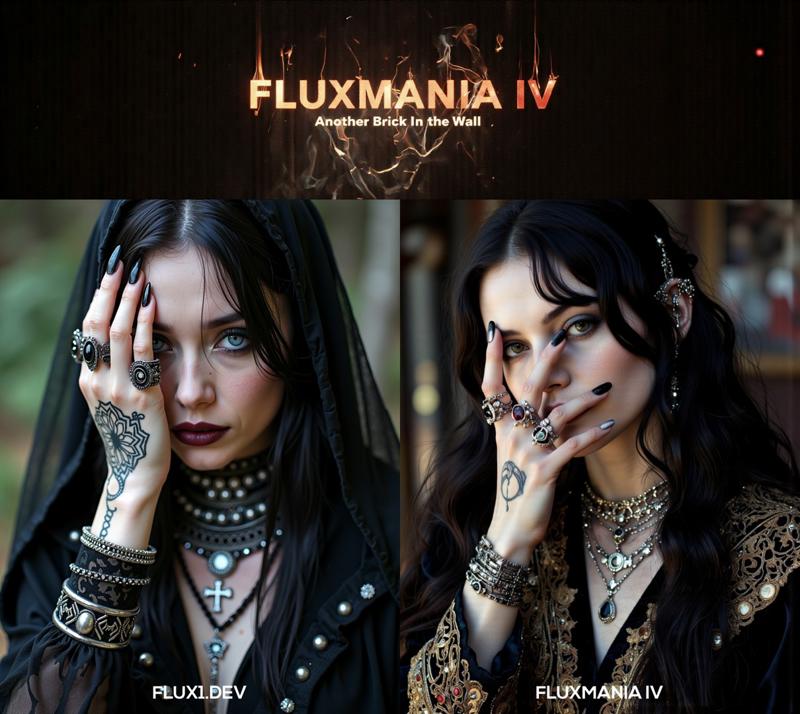
Model orientation : Photography - Realism - Portraits - Artistic nude
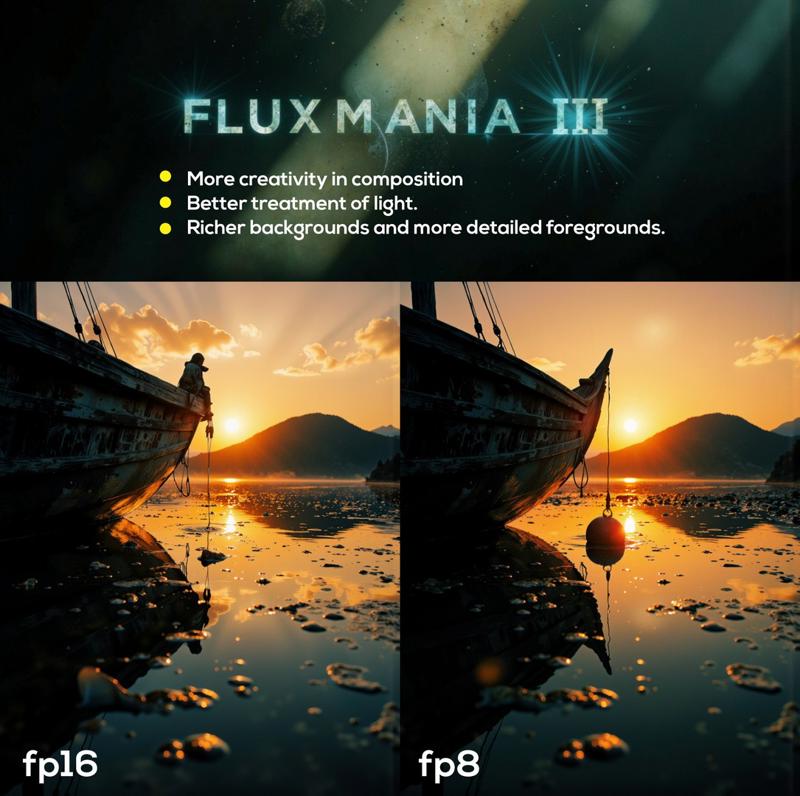
Fluxmania III :
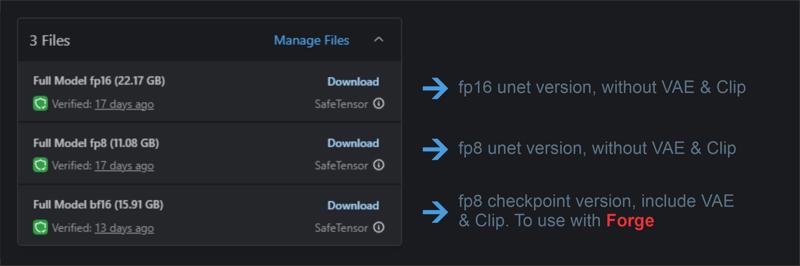 File 22.07 GB : unet fp16 without VAE & clip
File 11.16 GB : unet fp8 without VAE & clip
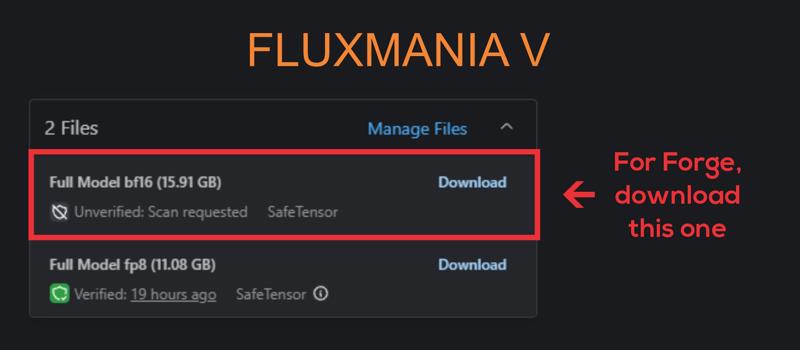
File 15.91 GB : checkpoint fp8 (not bf16) with VAE & Clip L full fp32
Settings : dpmpp_2m - sgm_uniform / cfg 3.5 / steps 25 - 30.
I recommend using this version of Clip L with the Fluxmania model
Fluxmania I & II : Unet fp8 (no VAE, no clip) / Settings : dpmpp_2m - sgm_uniform / cfg 3.5 / steps 25.
Genuine : Unet fp16 (no VAE, no clip) / Settings : Euler Simple / cfg 3.5 / steps 30.
Description
Showacse made with comfyui.
Recommended settings : dpmpp_2m / sgm_uniform / 25 steps / flux guidance : 3.5.
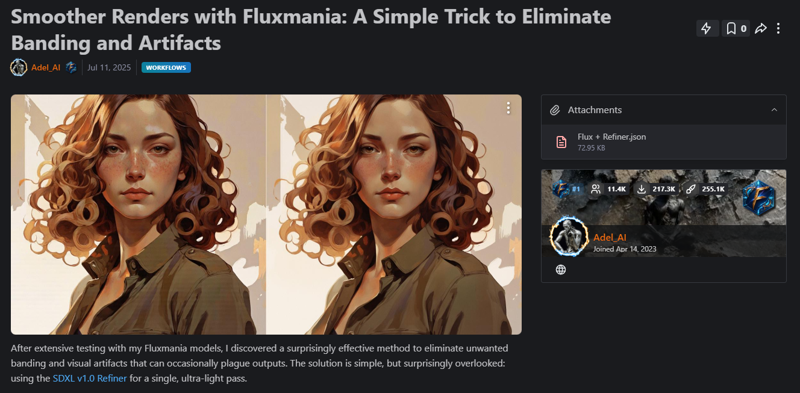
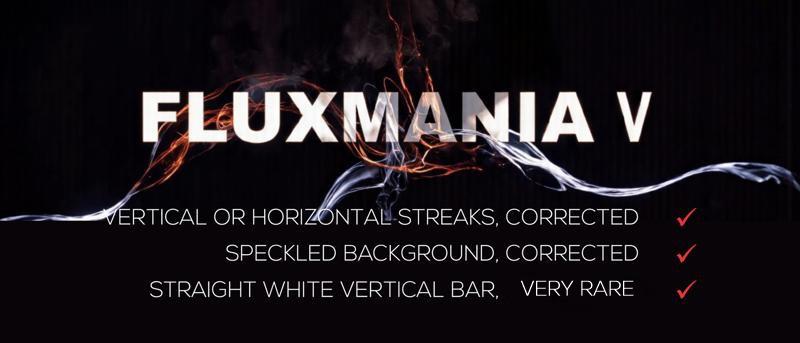
Remnant artifacts observed: vertical streaks and vertical white trace on some renderings.
Important notes: if you use some of my LoRAs with version IV, lower the weights to avoid increasing the risk of artifacts appearing
FAQ
Comments (42)
What's new in v4?
Basically, more details, more artistic composition, greater versatility, this model is capable of both realistic and illustrative renderings. The light is rendered with more effects
This is a fun one. It really turns out some art that would be wall worthy. Nice mix.
Are you planning to release v4 > FP16?
for now the fp16 blocks for a memory error, my VRAM is limited, there are no less than 13 models that fit into this merge. I will try again, but I doubt it will work
You did really perfect checkpoint but i cant remove a net on the picture, other checkpoints dont give it. How can i remove it, any idea?
If you associate other LoRA with your renderings, it is recommended to lower the weighting as much as possible.
Flux is very sensitive to the weighting of models during merges, I had to make a choice, and accept to deal with these artifacts that appear randomly.
It is true that the problem is more frequent on V4 than V3, because it is composed of 13 models, which apparently Flux does not like at all.
Thank you for your comment and appreciation of my work
The bar on the right edge still exists in v4. Any chance solving the problem?
Indeed this artifact still persists on V4 with sometimes the appearance of streaking either vertical or horizontal. I spent almost 2 months trying to understand and detect the origin.
It is very difficult to detect the triggering factor, it seems to be random.
However, during the tests with the V4 which is a merge, I noticed 2 things: by lowering the weighting of the models constituting the merge, the appearance of artifacts was much less frequent. Even by significantly lowering the weighting of the models to the point that they were almost no longer expressed, the artifacts did not disappear completely.
Second observation, on some renderings with Flux1.D alone, if we observe with a high magnification, we can see very slight streaks that are barely observable. Which makes me say that Flux tends to make these artifacts appear and the phenomenon becomes more obvious when merging with other models.
This problem exists in several merging models, Fluxmania is not the only one in this case
@Adel_AI Thanks for the detailed explaination. It's a great model already, keep on the good work!
Thank you for sharing your model.
thanks for appreciating it
Amazingly beautiful, only a few lora crashes. But it's still great!
for loras, the weighting must be significantly reduced. Fluxmania IV compiles a 13 models in its merge, which could lead to antagonisms. Thanks for the buzz
Well, when I use character lora, the focus tends to be soft focused and slightly blurred. It happens even when I lower the weight of lora
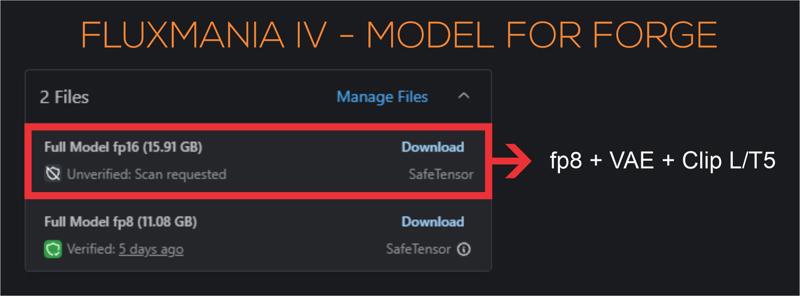
Can IV be used on Forge?
I think that forge does not use unet, but only checkpoints with VAE and Clip/T5. You will have to add these 2 modules to the fp8. If you can't do it, I could upload a checkpoint for Forge
@Adel_AI oh it could be very cool, merci d'avance !
@alaind777 Ok, je vais essayer de le faire entre aujourd'hui et demain
@Adel_AI Thank you, pls do whenever you can
@bl4ckfyr3 Done, you have to download the model with 15,9 Gb
i can confirm , you can use it on forge
@Adel_AI parfait merci bro !
i am using comfyui, i downloaded fluxmania IV & clip from the the link https://civitai.com/models/1044804/clip-l-full-fp32-zer0int-and-simv4 but i am unable use it
Server execution error: ERROR: clip input is invalid: None
If the clip is from a checkpoint loader node your checkpoint does not contain a valid clip or text encoder model.
what should i do
Does your WF work normally with the classic Clip L file?
Maybe it comes from your workflow, the best is to recover one of my workflows, coming from one of my images, normally it should work.
Otherwise, make sure you have put the Clip L file in the "clip" folder.
@Adel_AI this clip L is placed in clip folder yet it not working for me.
i am using it on krita ai, its uses comfyui.
https://civitai.com/models/1044804/clip-l-full-fp32-zer0int-and-simv4
do i just place the downloaded clip L into clip folder or should i rename it just "clip L".?
this is the clip L i downloaded "clipLCLIPGFullFP32_zer0intVisionCLIPL.safetensors"
@pijusu764 ok, I understand better, you should have told me that you were on Krita from the beginning.
Personally, I uninstalled Krita because of this kind of problem, it reconfigures the comfyui installation and often there are problems.
Normally, you don't have to rename the Clip L fp32 file, just put it in the same folder as the rest of the Clip L files and it will normally appear in the appropriate node
Oooh Fluxmania III was my favorite model but I'm getting serious consistent banding with IV :-(
Using Invoke without any Loras so I guess it just isn't happen.
This problem already existed in version III but in a less marked way.
Anyway I did not develop version IV to replace version III, each has its specificity, but I tried to develop with IV a more pictorial and graphic version than realistic, which I could not obtain with III.
I think that FLUX badly manages the compilation of several models, and version IV includes 13, which is probably the origin of this artifact. I tried for 1 month to solve this, without result. I do not have a deep knowledge of the architecture of Flux blocks, which limits me in solving this problem.
Gotcha @Adel_AI ! What's wierd is I'm now getting the bands even with flux DEV
Anyways, once again thanks for these great models !!
@toferyu try changing the weight_dtype, fp8_e5m3fn and fp8_e5m2, sometimes it fades the horizontal streaks
@Adel_AI thanks for your good work dealing with this stubborn model! we appreciate it. getting flux to do what you want feels like trying to get blood out of a stone sometimes.
This is unusable for me with Invoke AI as well, unfortunately, same problem, even with minimal Lora weights. Will wait for next version. Beautiful artwork though, very impressive!
@swswd I think I just found what was causing these artifacts (streaks and white vertical bar on the left), I am currently testing version V and it seems stable without any appearances of this phenomenon. It will be published soon
@Adel_AI i trained a lora today and the bars appeared around epoch 10, maybe its just a flux quirk thats unavoidable? if you could figure it out that would be amazing but totally understandable if not. i love this model btw thanks for your hard work. lots of really really great generations. this and rayflux are my top models
hi friend, which fluxmania 4 should I download for comfyui offline?
Hi, all versions work with ComfyUI, they were created with comfyui
Thanks! In combination with LoRa, Fluxartis Photography gives excellent results. The contrast of light/shadow and the variety and detail of objects are at the highest level! I also really liked that the background is not so much blurred. But for some reason, the character's eyes, if it's a full-length or 2-3 portrait, he doesn't seem to be working on it. It makes them kind of cloudy and tear-stained.
Thanks for your feedback, yes indeed I had noticed that sometimes the rendering of the eyes was not at the top, but it remains at low frequency. Finalizing a model always remains a dilemma, we can evolve aspects and lose in return on others. sometimes you have to make choices. Every model remains perfectible, I know that there is still work on this model
I really like your checkpoint; it aligns perfectly with what I have in my mind and imagination. I was able to create what I envisioned thanks to you. Well done, mate!
Thanks for your feedback
@Adel_AI
Thank you so much
Details
Files
Available On (1 platform)
Same model published on other platforms. May have additional downloads or version variants.