
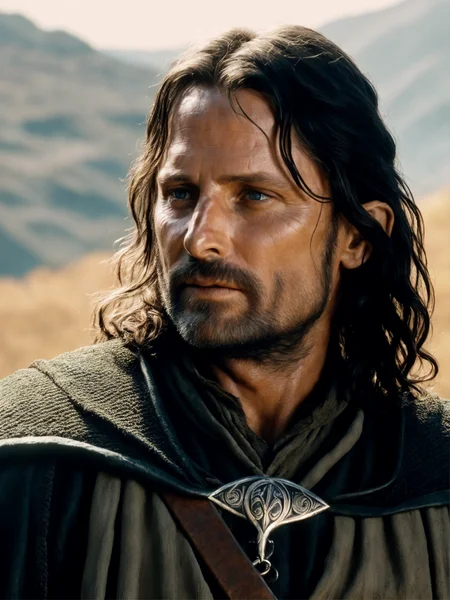
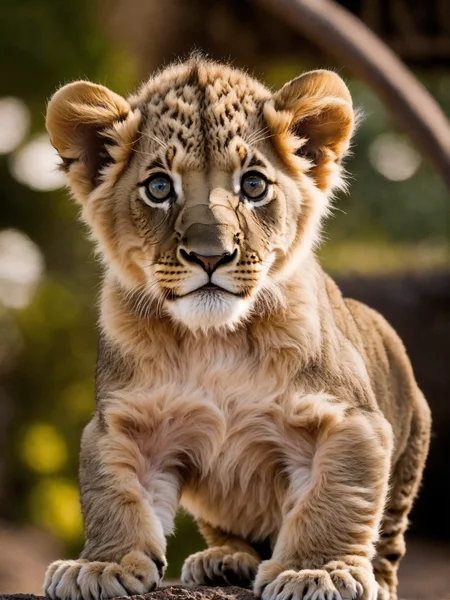
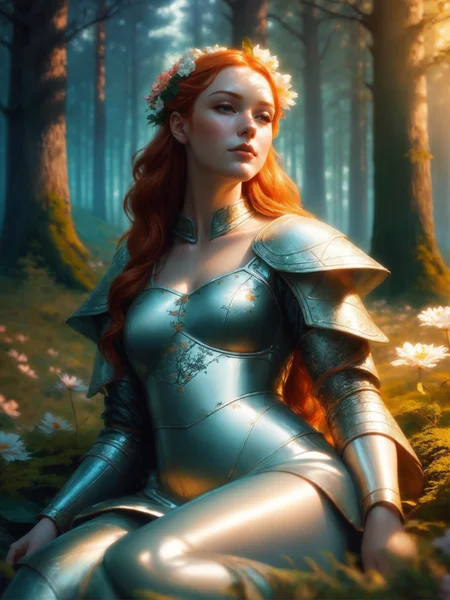
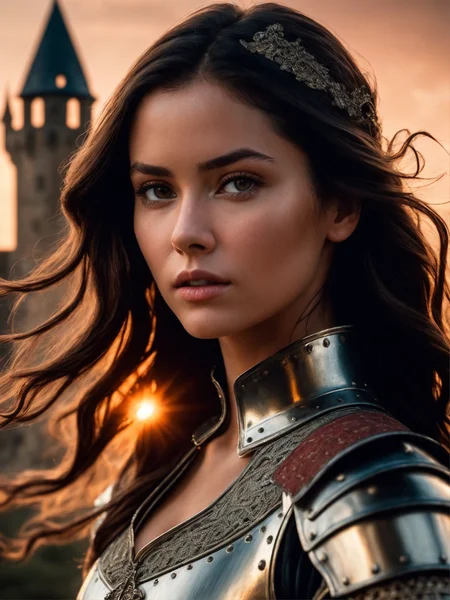
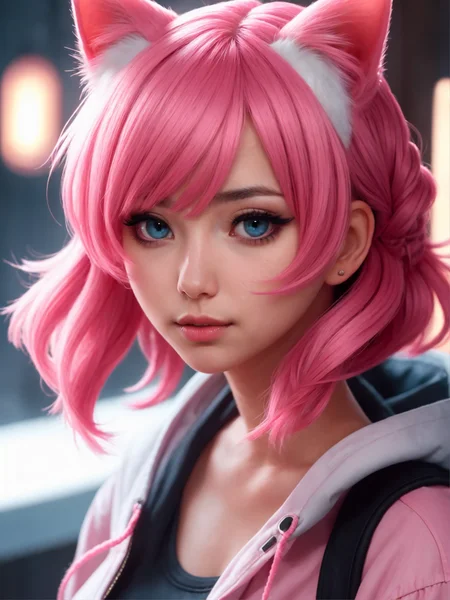
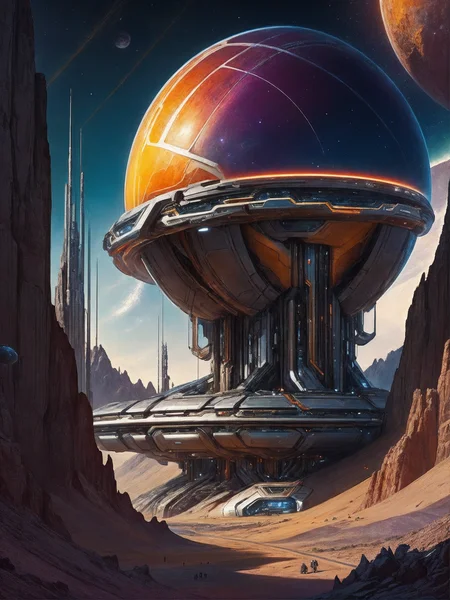
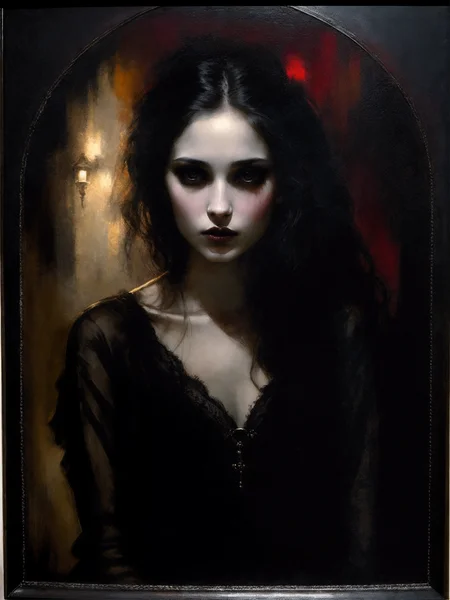
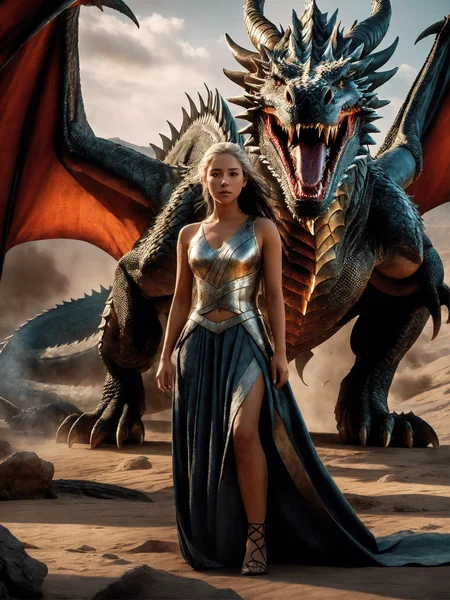
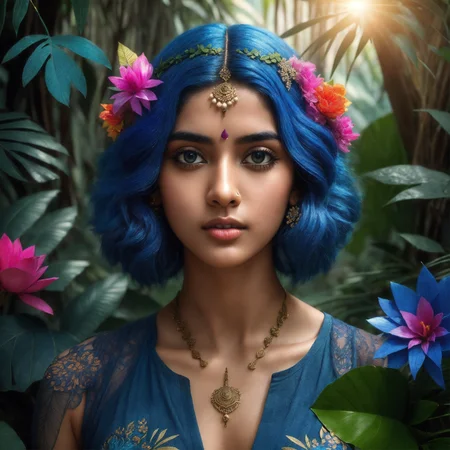
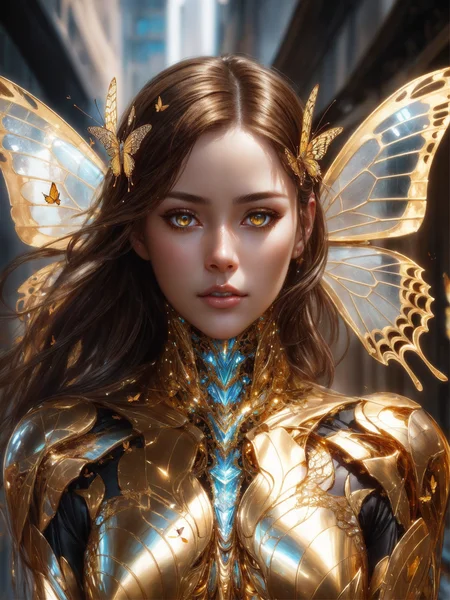
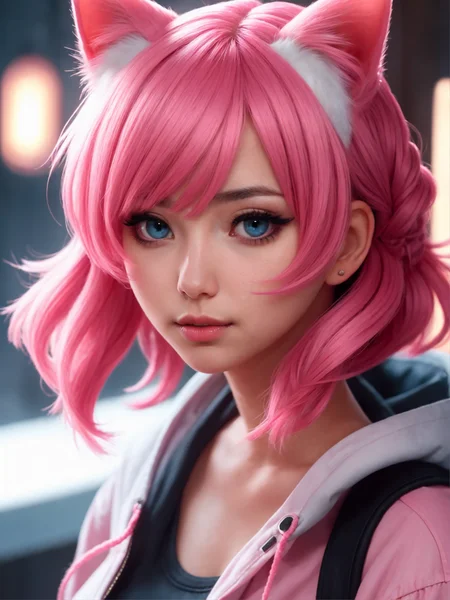
DreamShaper XL - Now Turbo!
Also check out the 1.5 DreamShaper page
Check the version description below (bottom right) for more info and add a ❤️ to receive future updates.
Do you like what I do? Consider supporting me on Patreon 🅿️ to get exclusive tips and tutorials, or feel free to buy me a coffee ☕
Join my Discord Server
Alpha2 is a bit old now. I suggest you switch to the Turbo or Lightning version.
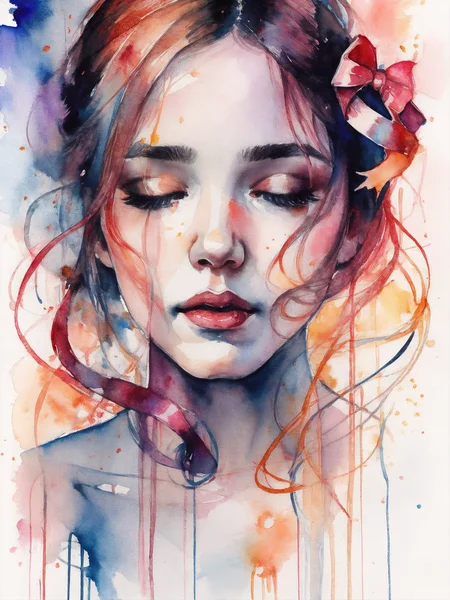
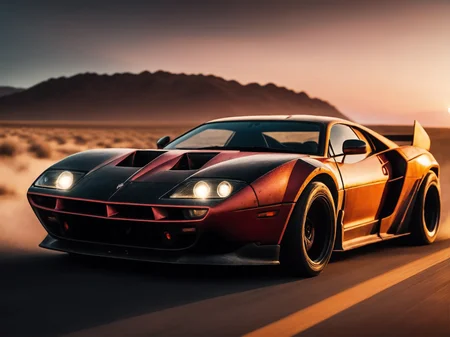
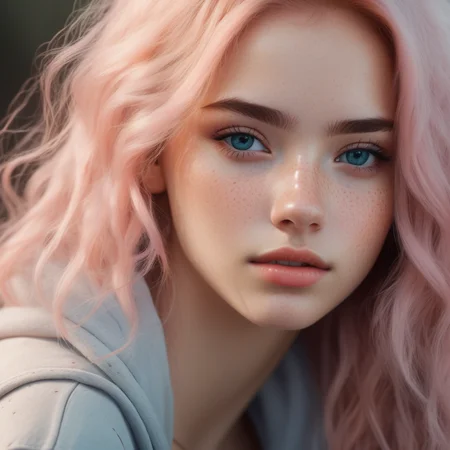
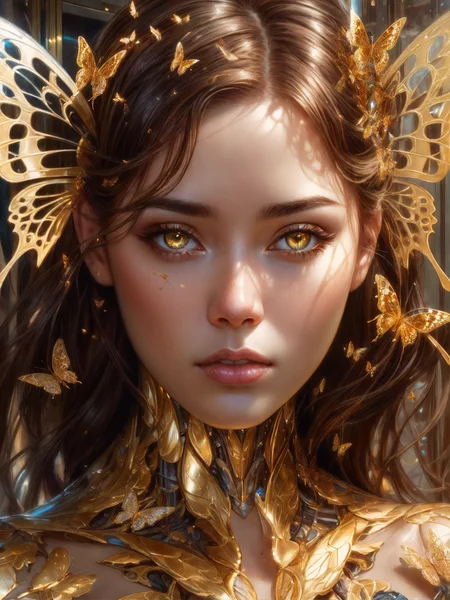
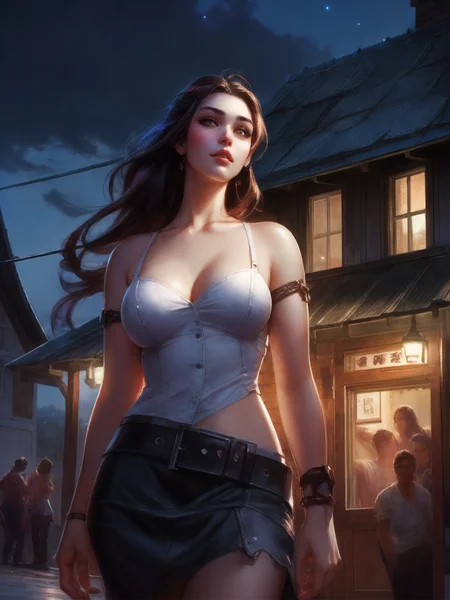
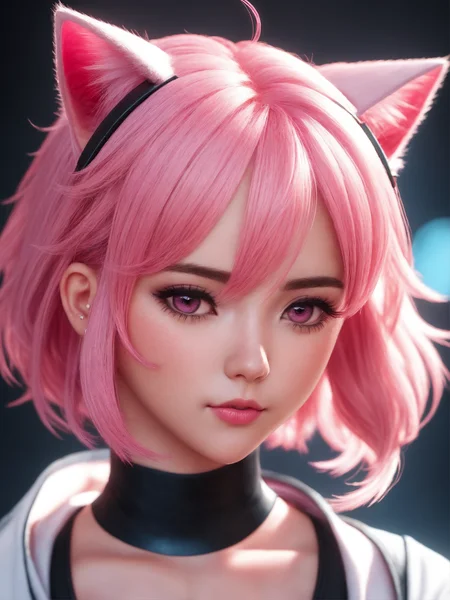
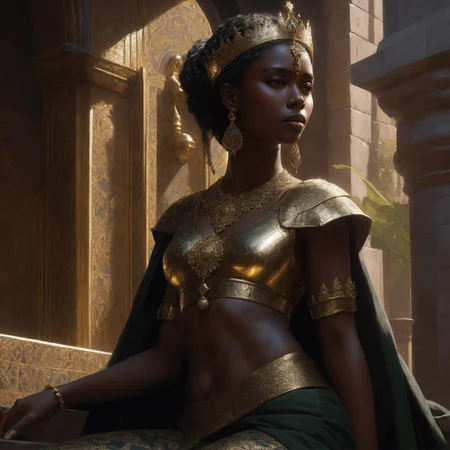
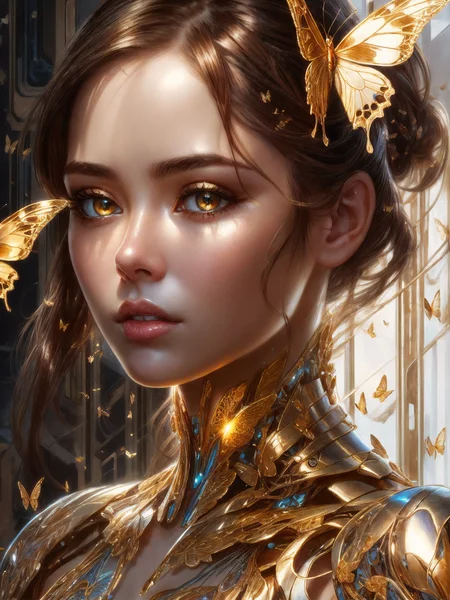
DreamShaper is a general purpose SD model that aims at doing everything well, photos, art, anime, manga. It's designed to go against other general purpose models and pipelines like Midjourney and DALL-E.
"It's Turbotime"
Turbo version should be used at CFG scale 2 and with around 4-8 sampling steps. This should work only with DPM++ SDE Karras (NOT 2M). You can use this with LCM sampler, but don't do it unless you need speed vs quality.
Sampler comparison at 8 steps: https://civarchive.com/posts/951781
UPDATE: Lightning version targets 3-6 sampling steps at CFG scale 2 and should also work only with DPM++ SDE Karras. Avoid going too far above 1024 in either direction for the 1st step.
No need to use refiner and this model itself can be used for highres fix and tiled upscaling.
Examples have been generated using Auto1111, but you can achieve similar results with this ComfyUI Workflow: https://pastebin.com/79XN01xs
Basic style comparison: https://civarchive.com/images/4427452
If you train on this, make sure to use DPM++ SDE sampler and appropriate steps/cfg.
Keep in mind Turbo currently cannot be used commercially unless you get permission from StabilityAI. Get a membership here: https://stability.ai/membership
You can use the Turbo version (not Lightning) as a non-Turbo model with DPM++ 2M SDE Karras / Euler at cfg 6 and 20-40 steps. Here is a comparison I made with some of the best non-Turbo XL models (with regular settings and turbo settings): https://civarchive.com/posts/1414848
I have no idea why anyone would prefer 40 steps over 8, but you have the option.
Old description referring to Alpha 2 and before
Finetuned over SDXL1.0.
Even if this is still an alpha version, I think it's already much better compared to the first alpha based on xl0.9.
For the workflows you need Math plugins for comfy (or to reimplement some parts manually).
Basically I do the first gen with DreamShaperXL, then I upscale to 2x and finally a do a img2img steo with either DreamShaperXL itself, or a 1.5 model that i find suited, such as DreamShaper7 or AbsoluteReality.
What does it do better than SDXL1.0?
No need for refiner. Just do highres fix (upscale+i2i)
Better looking people
Less blurry edges
75% better dragons 🐉
Better NSFW
Old DreamShaper XL 0.9 Alpha Description
Finally got permission to share this. It's based on SDXL0.9, so it's just a training test. It definitely has room for improvement.
Workflow for this one is a bit more complicated than usual, as it's using AbsoluteReality or DreamShaper7 as "refiner" (meaning I'm generating with DreamShaperXL and then doing "highres fix" with AR or DS7).
Results are quite nice for such an early stage.
I might disable the comment section as I'm sure some people will judge this even if it's early stage. I also don't think this is on par with SD1.5 DreamShaper yet, but it's useless to pour resources into this as SDXL1.0 is about to be released.
Have fun and make sure to add a ❤️ to receive future updates.Non commercial license is forced by Stability at the moment.
Description
FAQ
Comments (36)
I have reported you for falsely claiming that XL models own.
My mom is gonna call your mom and then you'll be sorry.
There is the risk of some people taking you seriously. Just to be sure: https://civitai.com/posts/415647
MY MOM TOLD ME TO GROW UP
What should i put in the refine model ?
nowhere, it's bad. Use dreamshaper 7 or absolutereality 1.6 as highres step (i2i at 2x res)
@Lykon i'm sorry but i'm noop in this stuff ... in XL should use 2 models so what i should use in other model ?
@NoobFromEgypt It's not necessary to use a refiner stage. I have posted the results with and without refiner stage here. As refiner checkpoint I used the original from stability but Lykons suggestion using another model is very interesting and I will experiment with this tomorrow
@sikasolutionsworldwide709 Thank you ... i tried another model like he said but it lookes better without it so i asked again but i will try your way thanks again
@sikasolutionsworldwide709 unfortunately SDXL models look a bit plasticky without a highres fix step. I suggest you either use the model itself after an upscale or a 1.5 model. Requires decode -> upscale -> encode. You can copy my workflows (workflow button where generation data is).
@Lykon Workflows with refiner stage are not copyable at civitai. Do u have some workflow-picture or link how decode-upscale-encode must be exactly connected?
@sikasolutionsworldwide709 hmm I can copy the workflow from any of Lykon's images posted here and it works fine with the refiner and everything in ComfyUI
Just click inside the workflow box and it will copy all the workflow, then use control + V in comfy.
@xperia256 Worked!! Tnank you!!
@sikasolutionsworldwide709 another way .... save any workflow you have and come here and copy workflow you want and then go to that save and edit with notbad++ and delete all and past it and save it ... it will work too
Wow! Thank you so much!
It's to my understanding that this wont work in A1111 right?
Maybe if you switch to the dev branch, but I haven't tried running XL in it yet. Instead, I'm running in comfy within A1111 using the extension called sd-webui-comfyui. It also definitely runs in vladmantic's branch of A1111.
It runs just fine In A1111 if you install 1.5.0-RC (pre-release) version, which you can do by running the commands "git fetch --all --tags" and "git checkout tags/v1.5.0-RC" in the webui folder.
it works with SDNext (A1111) but right now, the best results are obtained with ComfyUI
I used DreamshaperXL as base and the SDXL refiner as, well, refiner. I got pretty nice results
try Absolute Reality as refiner for photorealism (needs vae decode+encode)
Comparison between xl0.9 base and dsxl https://youtu.be/c6x_l-YFA1Y
You beat me to posting my review video of your awesome work LOL
Was just wondering. I could not find any info on this, will the sdxl models be able to nudity or does it also have a hard censor built in like sd2.1? if it does, everyone will be wasting time developing this as midjourney is already amazing and will always be ahead in that regards
nudity works.
In ComfyUI it says in console "shape mismatch when trying to apply embedding, embedding will be ignored 768 1280", do I have to download special BadDream and FastNegativeV2 embeddings trained on SDXL? because I searched and couldn't find them. I also couldn't find "mika_pikazo_sdxl_anylora.safetensors" file trying to replicate your workflow. Thanks.
You can bypass that lora. The weight is set to 0 if you notice. It's just that I left the lora noth there in case I need to find one.
The embeddings give you a warning on one of the 2 text encoders of SDXL. You can ignore it, they'll still work on the second text encoder.
https://civitai.com/posts/420857
Was experimenting with these using Lykon's workflow but with no refiner or upscaling applied, just DreamShaperXL. I have to say it's pretty good for an early stage model trained on a beta base model! The skin texture may not be the best yet from what I tried even with a refiner but the lighting and contrast is much better than most SD 1.5 models (if we assume no LoRAs being applied). I am very much looking forward for Lykon's work on SDXL 1.0 :D and hopefully by then A1111 will be good enough for SDXL because TBH I prefer it over uncomfyUI.
Will probably redo this on xl1.0, which is already much better than xl0.9 on its own.
I agree it's not on par with current 1.5 models, but I'm impressed of the improvement with a simple quick finetune
Can't run it
RuntimeError: The size of tensor a (2048) must match the size of tensor b (768) at non-singleton dimension 1
it's an XL model, you need a client with XL support.
@Lykon does this work with A1111 v 1.5.0 ?
Edit: it does work, I had to disable all my extensions first
use automatic VAE
I had this error too. Apparently I can't use Loras that are not trained on XL...so there you have it.
@Poppienutshell well, of course :D
@Poppienutshell Thank you! That makes sense. 😅