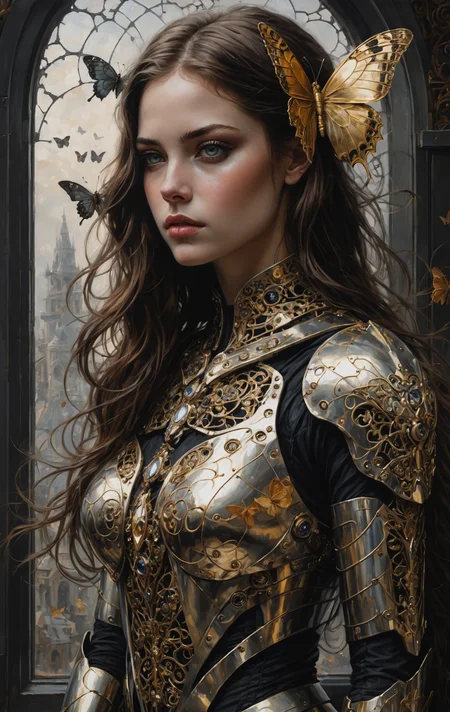
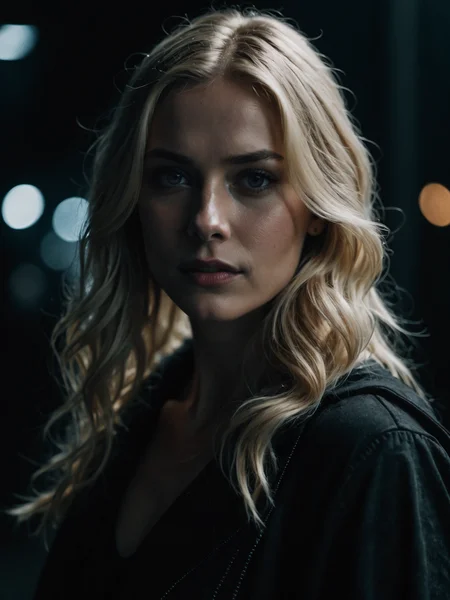
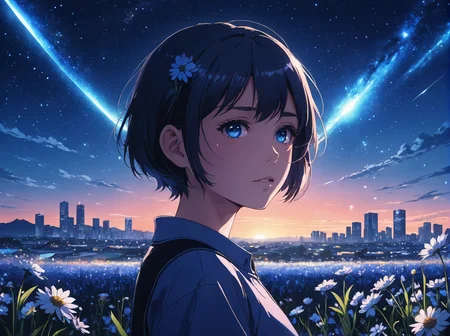
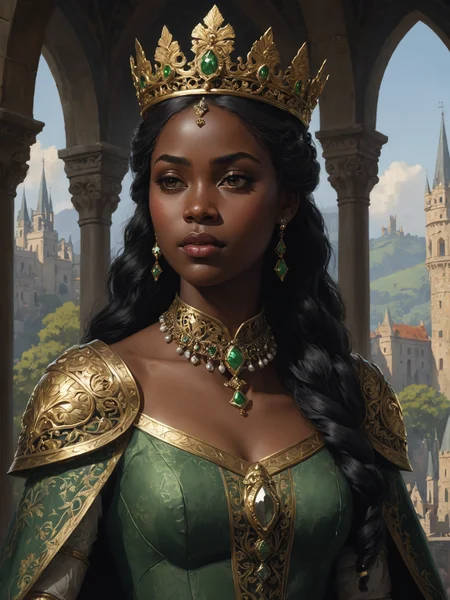
DreamShaper XL - Now Turbo!
Also check out the 1.5 DreamShaper page
Check the version description below (bottom right) for more info and add a ❤️ to receive future updates.
Do you like what I do? Consider supporting me on Patreon 🅿️ to get exclusive tips and tutorials, or feel free to buy me a coffee ☕
Join my Discord Server
Alpha2 is a bit old now. I suggest you switch to the Turbo or Lightning version.
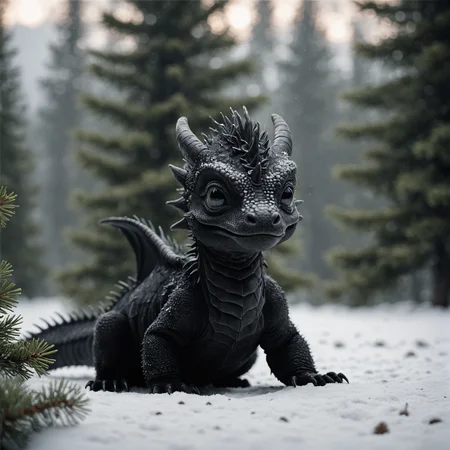
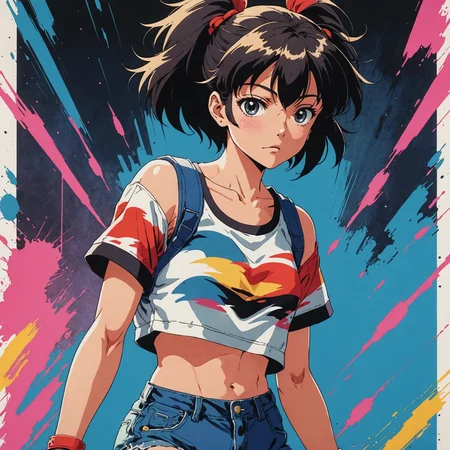
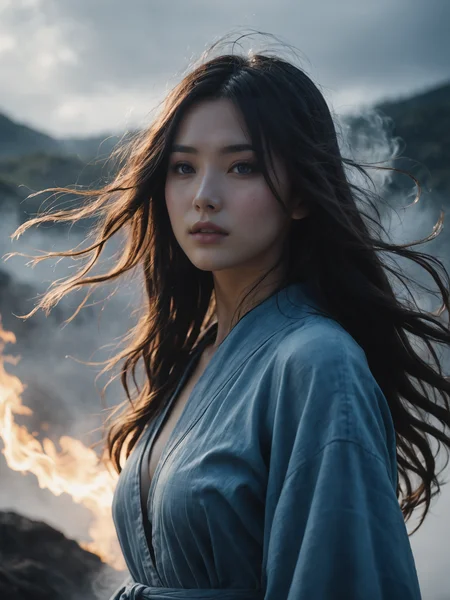
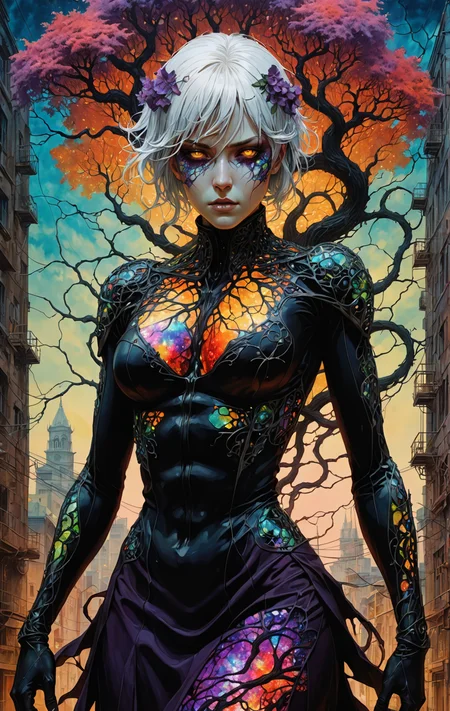
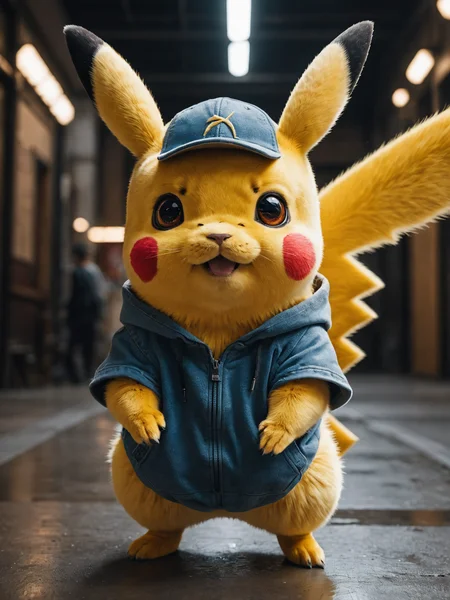
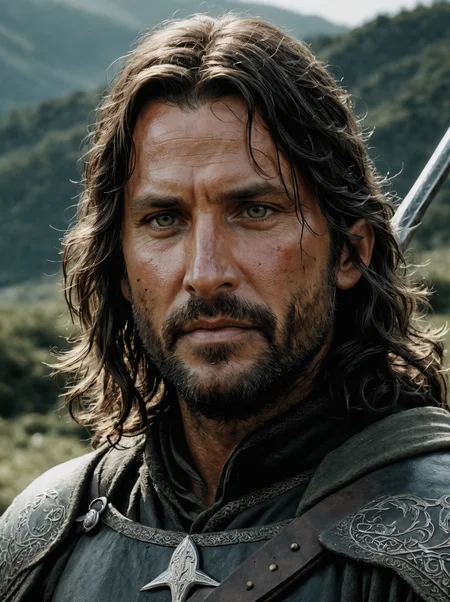
DreamShaper is a general purpose SD model that aims at doing everything well, photos, art, anime, manga. It's designed to go against other general purpose models and pipelines like Midjourney and DALL-E.
"It's Turbotime"
Turbo version should be used at CFG scale 2 and with around 4-8 sampling steps. This should work only with DPM++ SDE Karras (NOT 2M). You can use this with LCM sampler, but don't do it unless you need speed vs quality.
Sampler comparison at 8 steps: https://civarchive.com/posts/951781
UPDATE: Lightning version targets 3-6 sampling steps at CFG scale 2 and should also work only with DPM++ SDE Karras. Avoid going too far above 1024 in either direction for the 1st step.
No need to use refiner and this model itself can be used for highres fix and tiled upscaling.
Examples have been generated using Auto1111, but you can achieve similar results with this ComfyUI Workflow: https://pastebin.com/79XN01xs
Basic style comparison: https://civarchive.com/images/4427452
If you train on this, make sure to use DPM++ SDE sampler and appropriate steps/cfg.
Keep in mind Turbo currently cannot be used commercially unless you get permission from StabilityAI. Get a membership here: https://stability.ai/membership
You can use the Turbo version (not Lightning) as a non-Turbo model with DPM++ 2M SDE Karras / Euler at cfg 6 and 20-40 steps. Here is a comparison I made with some of the best non-Turbo XL models (with regular settings and turbo settings): https://civarchive.com/posts/1414848
I have no idea why anyone would prefer 40 steps over 8, but you have the option.
Old description referring to Alpha 2 and before
Finetuned over SDXL1.0.
Even if this is still an alpha version, I think it's already much better compared to the first alpha based on xl0.9.
For the workflows you need Math plugins for comfy (or to reimplement some parts manually).
Basically I do the first gen with DreamShaperXL, then I upscale to 2x and finally a do a img2img steo with either DreamShaperXL itself, or a 1.5 model that i find suited, such as DreamShaper7 or AbsoluteReality.
What does it do better than SDXL1.0?
No need for refiner. Just do highres fix (upscale+i2i)
Better looking people
Less blurry edges
75% better dragons 🐉
Better NSFW
Old DreamShaper XL 0.9 Alpha Description
Finally got permission to share this. It's based on SDXL0.9, so it's just a training test. It definitely has room for improvement.
Workflow for this one is a bit more complicated than usual, as it's using AbsoluteReality or DreamShaper7 as "refiner" (meaning I'm generating with DreamShaperXL and then doing "highres fix" with AR or DS7).
Results are quite nice for such an early stage.
I might disable the comment section as I'm sure some people will judge this even if it's early stage. I also don't think this is on par with SD1.5 DreamShaper yet, but it's useless to pour resources into this as SDXL1.0 is about to be released.
Have fun and make sure to add a ❤️ to receive future updates.Non commercial license is forced by Stability at the moment.
Description
SFW version of DSXL Turbo. It should be as safe as base SDXL if not a bit more.
FAQ
Comments (46)
first of all, your dreamshaperxl model is undoubtedly the best in civitai, without a doubt. i have a question, is this sfw model more limited or less flexible than the normal one, as it avoids some photo generation?
Dang, when Dreamshapers XL gonna get out of alpha?
When a model Overperforms as much as Alpha 2 has, is there really a need to rush it?
Turbo is the final one. No point in making a non-turbo version.
I mean, I could subtract the turbo weights and make it non-turbo, but what's the point? Make it slower?
@Lykon I think that Turbo models have slight loss in contrast and overall image quality, some people might prefere a full SDXL non-turbo (i guess)
@gsgsdg only if you go overboard with distillation and you use bad loras. Not the case here
@Lykon Yeah. In my case it doesn't work at all, its like really low rez up close. Like it was a small image that was heavily enlarged. No matter what I tried it was blurry. I don't mind it taking a while, as long as the result come out. Its something about how turbo does its thing, I had a similar issue with another turbo. At the very least to compare - is it the model? Or is it the turbo? Or is is the program i'm using (easy diffuser).
A new Dreamshaper? I'm getting summer '23 vibes all over again. Its not hyperbole to say DS6 changed my life, so all I can say is thank you for your hard work.
why is there no inpaint model in xl? is there no need for it?
Stability didn't train an inpainting model for XL. Instead you need to rely on inpainting loras and controlnets. Not sure if they got released already, but we're using them internally and they work well.
@Lykon I must be blind, if they got released :D
It's about time proper inpainting capabilities for SDXL get released^^
@Lyrinami SOON™
They have an SDXL inpainting model, so it is in diffusers format from the main HugginFace Repo but you can train it and use it in comfyui in diffusers format if you just want to download it, and also they have a juggernaut inpaint and it is attached to the main juggernaut xl page if you want to try it. I think for the most part we didn't want to use them because they need about 256x256 area in order to function correctly so you can only inpaint large areas.
@Lykon (ノ◕ヮ◕)ノ*:・゚✧
uuh, but the inpainting lora from huggingface/diffusers does not work at all (worse than using no model). Hope there will be some inpainting lora soon, although SDXL is quite good in inpainting even without it.
I'm having issues with this. No matter which sampler I use, I get high contrast nice looking pictures, until I look up close and its sort of blobular up close. Like its not sharp. Is it because its the turbo version? I have others that look real sharp, but this just sort of blurs out really fast. Unless i'm doing something wrong.
What is your resolution ? I get great result for vertical images but 16:9 horizontal is a lot less detailed and sharp.
i use 1600x1024 the results are nice from a distance. But looking at it up close and its like i'm looking under water. I tried the earlier version and it has the same issue, but its darker and doesn't work as well.
I'm getting great quality at 1024 x 1024 it literally beats the most of the others models out there for me however i have noticed that turbo can be a factor in making or breaking it. This model doesn't seem to be having problems for me on the recommended generation parameters. Be sure to adhere to those as maybe using the turbo sheduler could give problems. You'd want to use dpmpp(or ++)_sde sampler with karras as sheduler as the turbo scheduler is messing it up
Just generate an image twice as big as you need it and resize it in half in an image editor. Use the "Tiled VAE" to generate bigger images. Doing the i2i with a different seed can also help. Or changing the prompt in i2i to be more texture based, e.g. film grain or canvas texture.
I don't see the DPM++ SDE Karras scheduler available in comfyui, is there an equivalent I can use?
"pp" stands for ++ in comfy
So it is dpmpp_sde that you are looking for.
@extraltodeus Thank you for that
dpmpp_sde sampler, karras scheduler
Blazing fast model,flexible and image quality is exceptional.Amazing work!.and this model is probably the best on CivitAI.
Thank you for your hard work.
My suggestion for using this and other SDXL models is to just ditch Automatic1111 and switch to Foocus.
Much faster,much lover memory req,and inpaint engine that is custom build outperform Automatic1111 in every way.
Image quality is also miles better because Foocus have built in GPT2 prompting system that posess deep understanding of your prompt.
or use comfyui ;)
@Lykon Yeah Comfy is also pretty nice!
This is such an awesome model, however getting overly long and a thin necks on my female subjects, do you or any one have a solution for me how to avoid this?
what resolution are you using to generate? What prompt? It's not a common issue with this model so I have no idea how to help you if you don't provide any example :\
To be honest I did not think I would get a reply so thanks for that, just to be clear this is not just Dreamshaper issue, I also get it with UltraspiceXL. When you asked about the resolution I investigated a bit further, I was using SDXL aspect ratio but using SD1.5 ratio , like 512 x 768 fixed it. I am losing some detail however but I will find a way to work around it .(if you have suggestions please let me know) Thanks for the great model !
Ok so I did some testing, it seems to be only the SFW version, the other Dreamshaper with the exact settings dont give elongated necks. An example of this is this persons generations: https://civitai.com/images/6178091
@Lykon I got similar issues when generating pictures 1024 px wide and 1368 or 1536 px tall, but including "stretched neck" in negative prompt tended to alleviate it in most cases.
@SeriouslyMike try to not go past 1200 px in any dimension for the initial generation. SDXL is trained on 1024 px stuff.
hi there, i cant get to work this model or any sdxl model. i Have a RTX 4090 and it takes 5 min to generate an image, while on SD.1.5 it takes 20 sec.
i use the settings described in the model,
thxs for the help
How big is your image? If that´s not the issue, it sounds like you have newer NVIDIA drivers that mess up your VRAM, just go back a few versions to 551.23 (the one i went to) and it should speed up again
If the stuff you're generating doesn't fit your VRAM, auto1111 will start swapping like crazy.
Use ComfyUI. It will adapt to your vram a bit better. Still, try to not generate stuff that's too big for your vram.
Unfortunately, this isn't really the ideal place to be asking a question like this. Reddit or a similar forum would be more effective. You will also need to include a lot more information about your setup and attempted workflows. Without that info it's impossible to narrow down whether it's operator error, A1111 settings, A1111 installation, drivers, or even something related to hardware issues. I recommend starting with online and youtube troubleshooting guides for Stable Diffusion and then moving on to asking for help on other forums. Good luck
You need to upgrade your GPU to a 6090 Ti Super... this message is from the future, year 2029 😆
@Lykon ComfyUI rules!
dowload fooocus is xl based... for my gtx1080 work very fast.... a1111 with XL is slow as fk
@ponze2007 - Turbo models work on Fooocus?
@slym yes
im generating a simple image 1024x1024 and it is tremendoulsy slow, il try the comfyui maybe is faster
@Lykon i used comfyui as in fact it takes only 3 second for the image generation, promble is i hate comfy interface, is there a way to make auto1111 as fast?. thx for the help
@faffo no idea :D
Details
Files
dreamshaperXL_sfwTurboDPMSDE.safetensors
Mirrors
dreamshaperXL_sfwTurboDPMSDE.safetensors
DreamShaperXL_Turbo_SFWdpmppSde_half_pruned.safetensors
dreamshaperXL_sfwTurboDPMSDE.safetensors
DreamShaperXL_Turbo_SFWdpmppSde_half_pruned.safetensors
DreamShaperXL_Turbo_SFWdpmppSde_half_pruned.safetensors
dreamshaperXL_sfwTurboDpmppSDE.safetensors
DreamShaperXL_Turbo_SFWdpmppSde_half_pruned.safetensors
DreamShaperXL_Turbo_SFWdpmppSde_half_pruned.safetensors
DreamShaperXL_Turbo_SFWdpmppSde_half_pruned.safetensors
DreamShaperXL_Turbo_SFWdpmppSde_half_pruned.safetensors
Available On (1 platform)
Same model published on other platforms. May have additional downloads or version variants.