


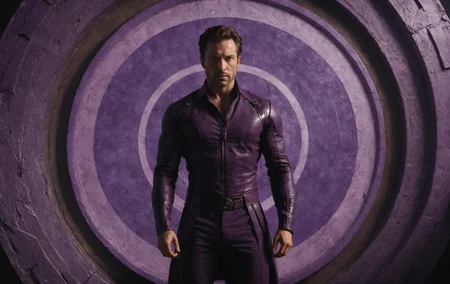
DreamShaper XL - Now Turbo!
Also check out the 1.5 DreamShaper page
Check the version description below (bottom right) for more info and add a ❤️ to receive future updates.
Do you like what I do? Consider supporting me on Patreon 🅿️ to get exclusive tips and tutorials, or feel free to buy me a coffee ☕
Join my Discord Server
Alpha2 is a bit old now. I suggest you switch to the Turbo or Lightning version.
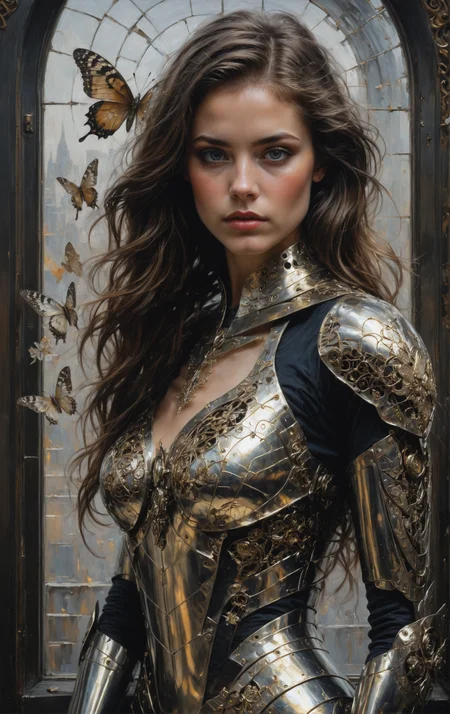
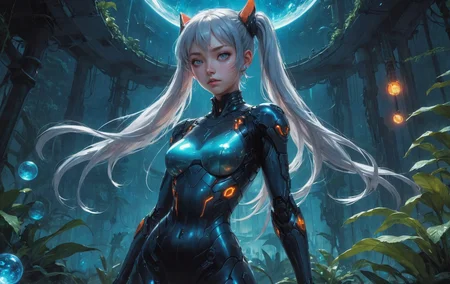
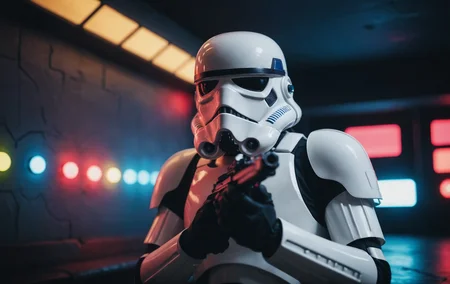
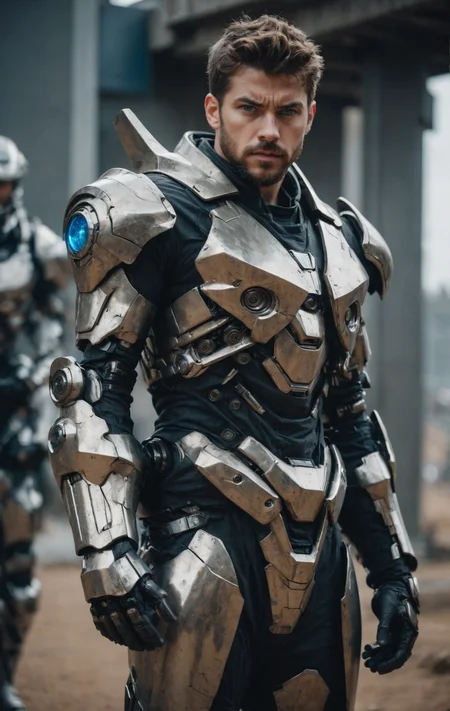
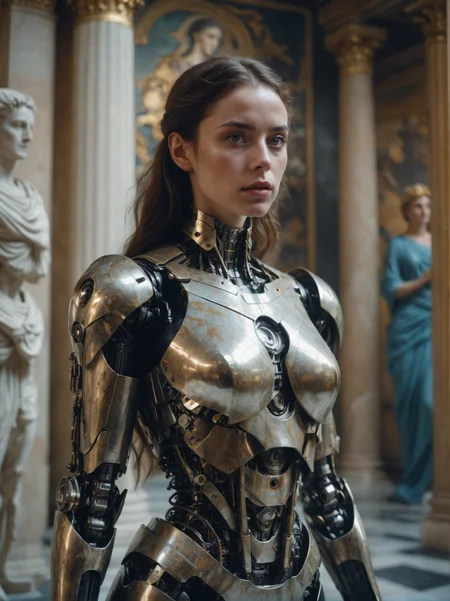
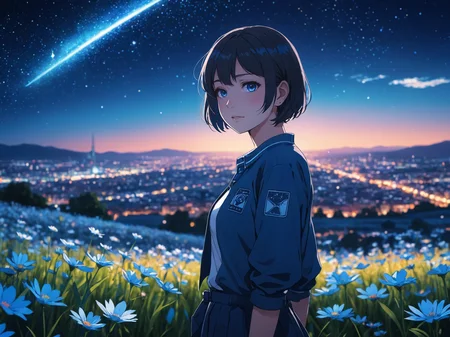
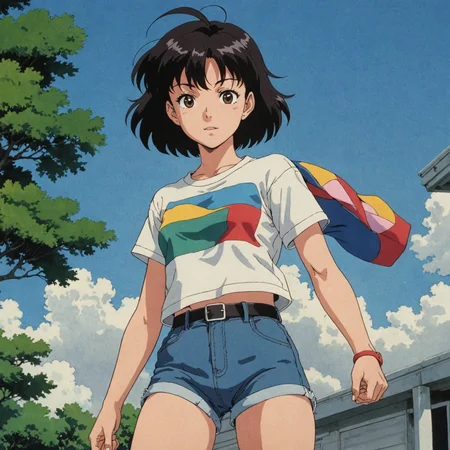
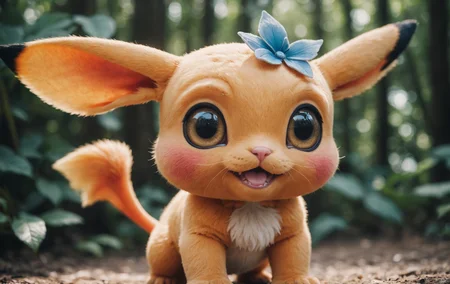
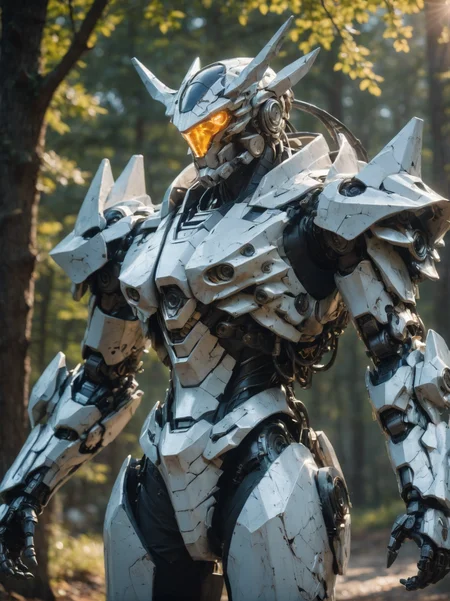
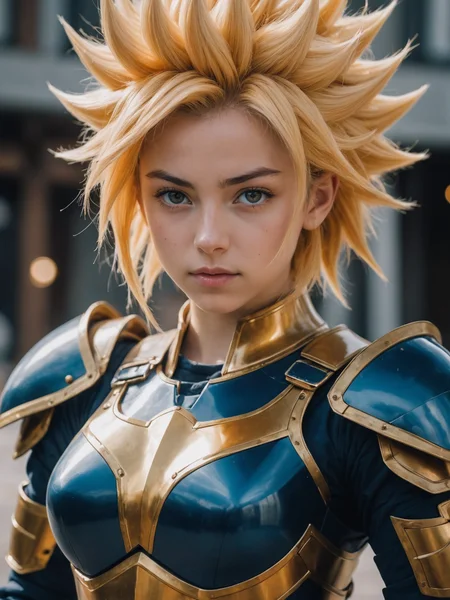
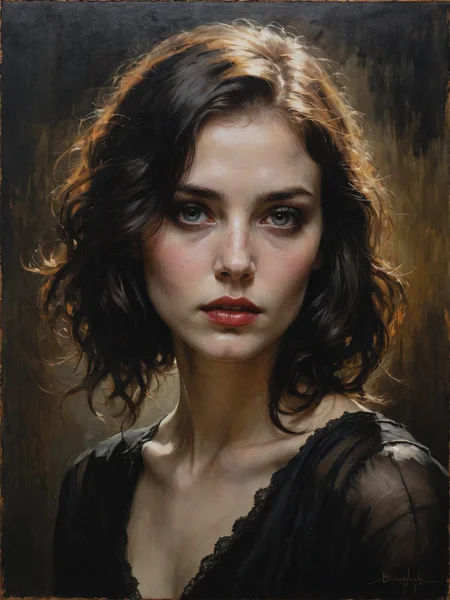
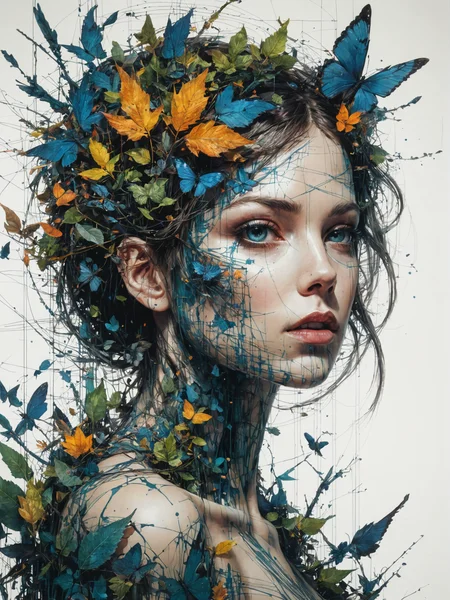
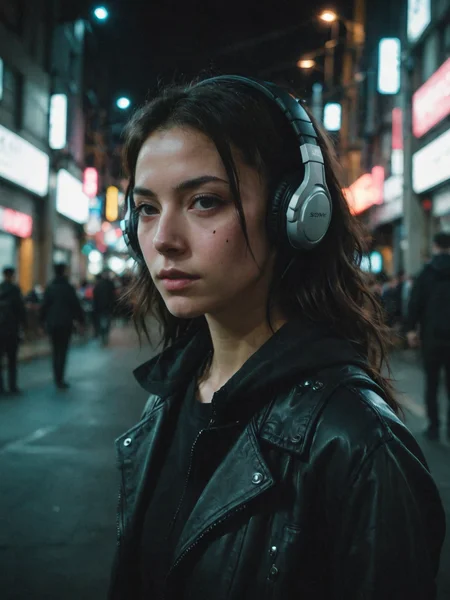
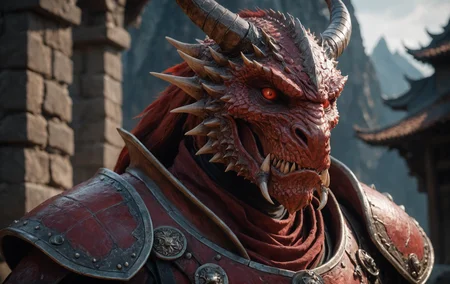
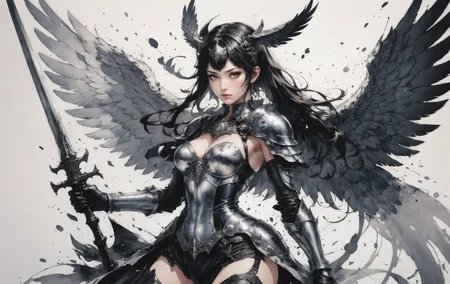
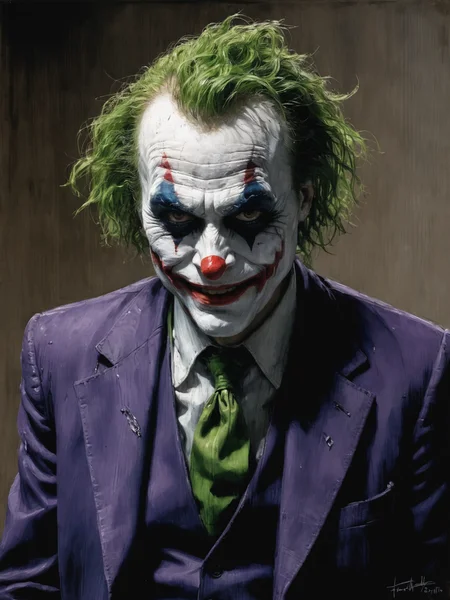
DreamShaper is a general purpose SD model that aims at doing everything well, photos, art, anime, manga. It's designed to go against other general purpose models and pipelines like Midjourney and DALL-E.
"It's Turbotime"
Turbo version should be used at CFG scale 2 and with around 4-8 sampling steps. This should work only with DPM++ SDE Karras (NOT 2M). You can use this with LCM sampler, but don't do it unless you need speed vs quality.
Sampler comparison at 8 steps: https://civarchive.com/posts/951781
UPDATE: Lightning version targets 3-6 sampling steps at CFG scale 2 and should also work only with DPM++ SDE Karras. Avoid going too far above 1024 in either direction for the 1st step.
No need to use refiner and this model itself can be used for highres fix and tiled upscaling.
Examples have been generated using Auto1111, but you can achieve similar results with this ComfyUI Workflow: https://pastebin.com/79XN01xs
Basic style comparison: https://civarchive.com/images/4427452
If you train on this, make sure to use DPM++ SDE sampler and appropriate steps/cfg.
Keep in mind Turbo currently cannot be used commercially unless you get permission from StabilityAI. Get a membership here: https://stability.ai/membership
You can use the Turbo version (not Lightning) as a non-Turbo model with DPM++ 2M SDE Karras / Euler at cfg 6 and 20-40 steps. Here is a comparison I made with some of the best non-Turbo XL models (with regular settings and turbo settings): https://civarchive.com/posts/1414848
I have no idea why anyone would prefer 40 steps over 8, but you have the option.
Old description referring to Alpha 2 and before
Finetuned over SDXL1.0.
Even if this is still an alpha version, I think it's already much better compared to the first alpha based on xl0.9.
For the workflows you need Math plugins for comfy (or to reimplement some parts manually).
Basically I do the first gen with DreamShaperXL, then I upscale to 2x and finally a do a img2img steo with either DreamShaperXL itself, or a 1.5 model that i find suited, such as DreamShaper7 or AbsoluteReality.
What does it do better than SDXL1.0?
No need for refiner. Just do highres fix (upscale+i2i)
Better looking people
Less blurry edges
75% better dragons 🐉
Better NSFW
Old DreamShaper XL 0.9 Alpha Description
Finally got permission to share this. It's based on SDXL0.9, so it's just a training test. It definitely has room for improvement.
Workflow for this one is a bit more complicated than usual, as it's using AbsoluteReality or DreamShaper7 as "refiner" (meaning I'm generating with DreamShaperXL and then doing "highres fix" with AR or DS7).
Results are quite nice for such an early stage.
I might disable the comment section as I'm sure some people will judge this even if it's early stage. I also don't think this is on par with SD1.5 DreamShaper yet, but it's useless to pour resources into this as SDXL1.0 is about to be released.
Have fun and make sure to add a ❤️ to receive future updates.Non commercial license is forced by Stability at the moment.
Description
Turbo version should be used at CFG scale 2 and with around 4-8 sampling steps. Should work with DPM++ SDE Karras (or Normal). Comparison of other samplers: https://civitai.com/posts/951781
Can be used for highres fix and tiled upscaling. Please check the examples.
If you train on this, make sure to use DPM++ SDE.
FAQ
Comments (16)
Will there be a SFW version for v2? Also, what's your methodology for training a SFW version?
Awesome Checkpoint! using your specs an Upscaled 1536x2048 image took 1 min. 55.0 sec to generate.
GPU: Geforce RTX 4070 TI
automatic1111 v151
Auto1111 vram handling. I'm on a 4090 and if I upscale to 1.5x it's fine, if I go 2x it hangs for an hour.
Use ComfyUI (but careful, high resolution leads to tiling if you're out of vram, and tiling is fast but can deform your result at 0.5 denoise).
Still, compare 5 steps at that resolution to the usual 15-20 steps you need for regular models ;)
Example comfyui workflow: https://pastebin.com/79XN01xs
Op, you're the best, this model rocks from Anime to Realistic, and especially in the middle, Semireal, it has a more realistic look than Aniverse, but just better i cant explain it. Incredible work
Needless to say, v2 still requires cfg to be set to 2 and should still be used at 5~8 steps gen and 5~8 steps highres fix. And, as the name suggests, mainly with DPM++ SDE sampler. However, it seems v2 is more forgiving and also works with other samplers, so definitely give it a try!
Big images take a long time on auto1111 depending on your VRAM (stuff goes into shared memory).
actually i’ve had cases where steps=15 gives best results, rather than 5-8.
8 was okay. but 15 was definitely better.
i’m guessing that only applies to super long prompts.
Recommend to try new "stable-diffusion-webui-forge" for auto1111 with big SDXL speed up.
just made a post about it to prove the point.
In this case, "10 okay, but 15 is best output"
https://civitai.com/posts/1416137
@phil866 I replied you there, 15 looks overcooked to me.
Dude, what a brilliant model! It's the only Turbo Model that actually works for me. Not only that, the results are amazing!
Details
Files
dreamshaperXL_v2TurboDPMSDE.safetensors
Mirrors
dreamshaperXL_v2TurboDPMSDE.safetensors
dreamshaperXL_v2TurboDpmppSDE.safetensors
DreamShaperXL_Turbo_v2.safetensors
dreamshaperXL_v2TurboDPMSDE.safetensors
dreamshaperXL_v2TurboDpmppSDE.safetensors
dreamshaper_xl.safetensors
dreamshaperXL_v2TurboDpmppSDE.safetensors
DreamShaperXL_Turbo_v2.safetensors
DreamShaperXL_Turbo_v2.safetensors
DreamShaperXL_Turbo_v2.safetensors
SDXL dreamshaperXL_v2TurboDpmppSDE.safetensors
dreamshaperXL_v2TurboDpmppSDE.safetensors
Available On (3 platforms)
Same model published on other platforms. May have additional downloads or version variants.