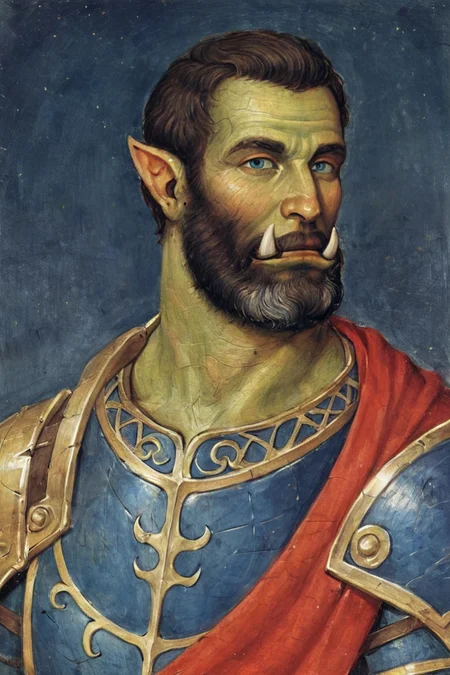
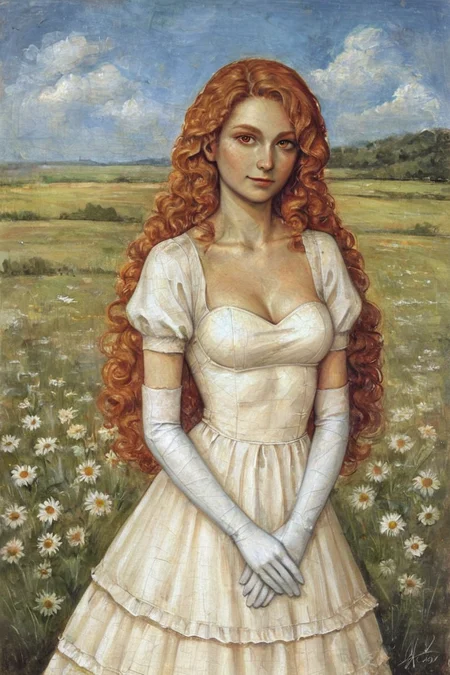
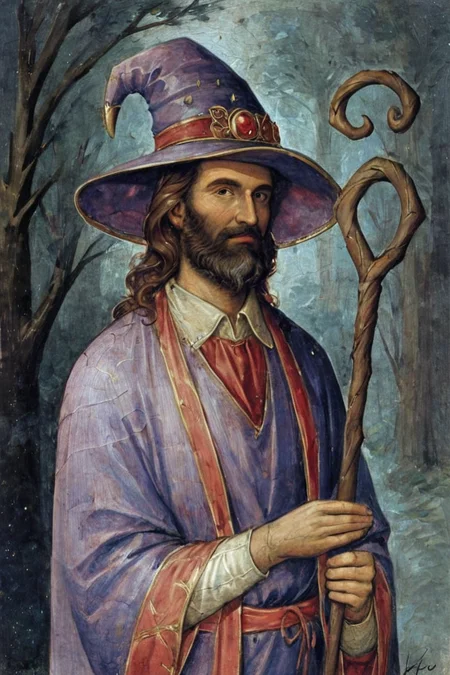
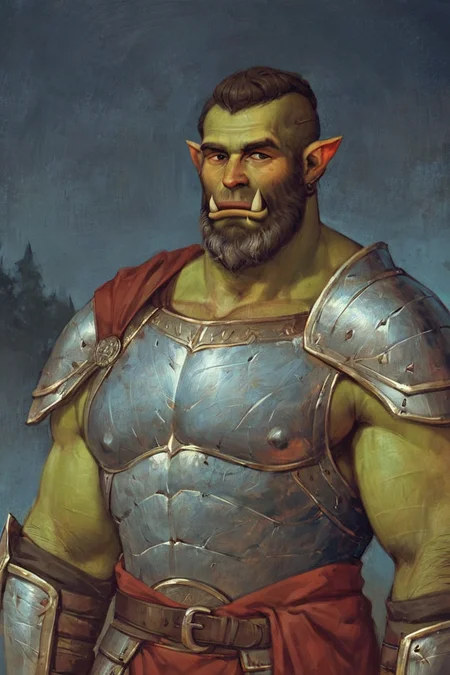
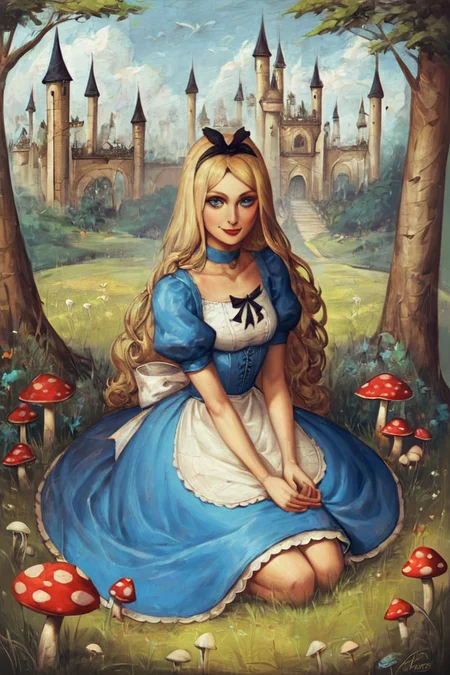
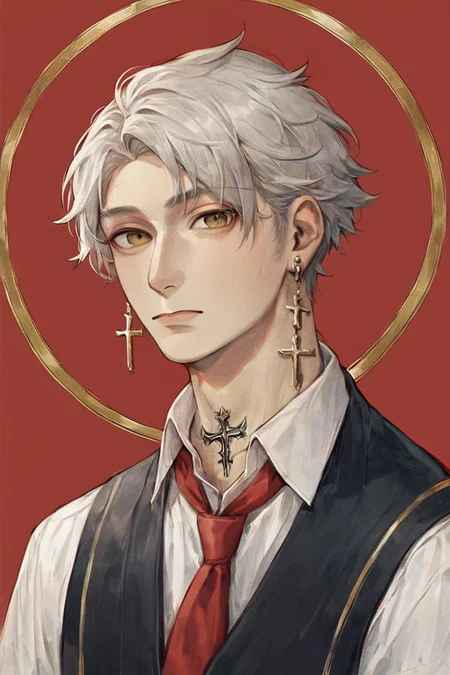
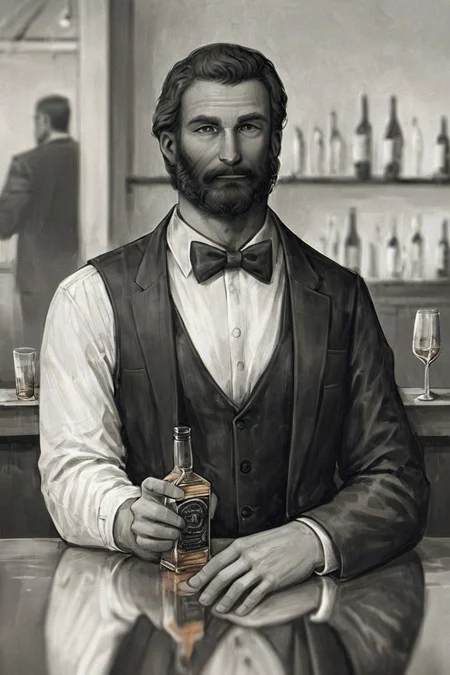
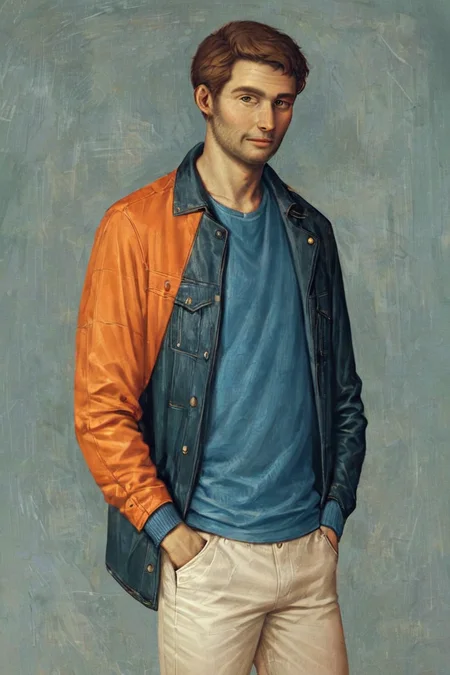
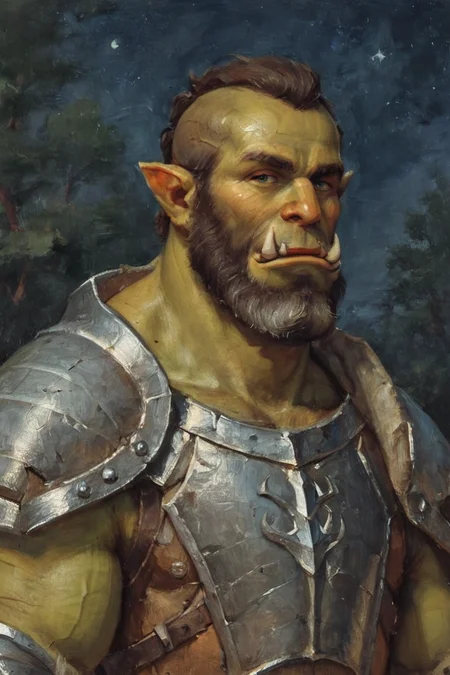
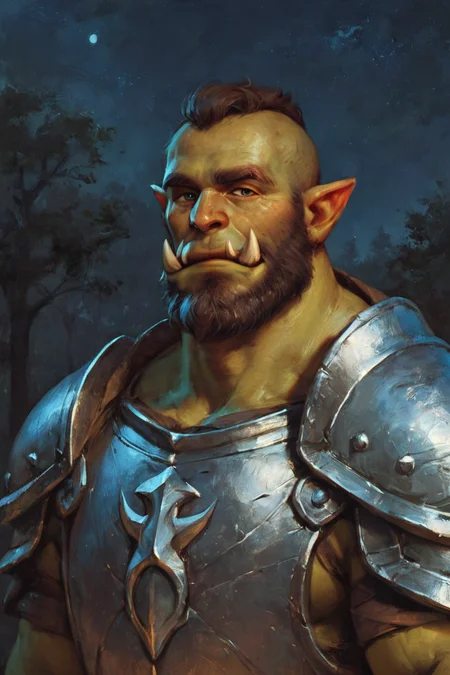
Styles are trained on synthetic data and do not copy the styles of artists!
Photo 2 - is trained on real data (Dataset from Unsplash)
[M] Merged LoRAs
Recommended LoRA Strength (Weight): 0.8-1
Preview generated without using ADetailer & Hires. fix
Description
Repeats: 20
Epoch: 12
Image Count: 10
Network Rank: 32
Network Alpha: 16
Batch size: 2
Clip skip: 1
Training steps: 1200
Resolution: 768x768
Train Resolution: 1024x1024
Model: ponyDiffusionV6XL_v6
WD14 Captioning
SmilingWolf/wd-v1-4-moat-tagger-v2
LoRA Weight: [0.8-1]
FAQ
Comments (3)
When I add the 'Smooth' style lora on A1111, I get this very long tag: '<lora:NAI Smooth Boys Style SDXL_LoRA_20r_20e_8i_nr32_a16_Pony Diffusion V6 XL:1>'. Is this correct, or should I use '<lora:Smooth Style LoRA XL:1>'?
It's just the model output name
When I was publishing models I forgot that in A1111 that there is an Alias from file option in the settings
Settings / Stable Diffusion / Extra Networks
When adding to prompt, refer to Lora by
Alias from file / Filename
Alias from file <lora:NAI Smooth Boys Style SDXL_LoRA_20r_20e_8i_nr32_a16_Pony Diffusion V6 XL:1>
Filename <lora:Smooth Style LoRA XL:1>
Okay, thanks for the reply. I'm really liking these loras!
Details
Files
Gothic Art Style SDXL_LoRA_Pony Diffusion V6 XL.safetensors
Mirrors
Gothic Art Style SDXL_LoRA_Pony Diffusion V6 XL.safetensors
Gothic Art Style SDXL_LoRA_Pony Diffusion V6 XL.safetensors
Gothic Art Style SDXL_LoRA_Pony Diffusion V6 XL.safetensors
Gothic Art Style SDXL_LoRA_Pony Diffusion V6 XL.safetensors
Gothic Art Style SDXL_LoRA_Pony Diffusion V6 XL.safetensors
hf_model_48_09.safetensors
Gothic Art Style SDXL_LoRA_Pony Diffusion V6 XL.safetensors
Available On (2 platforms)
Same model published on other platforms. May have additional downloads or version variants.