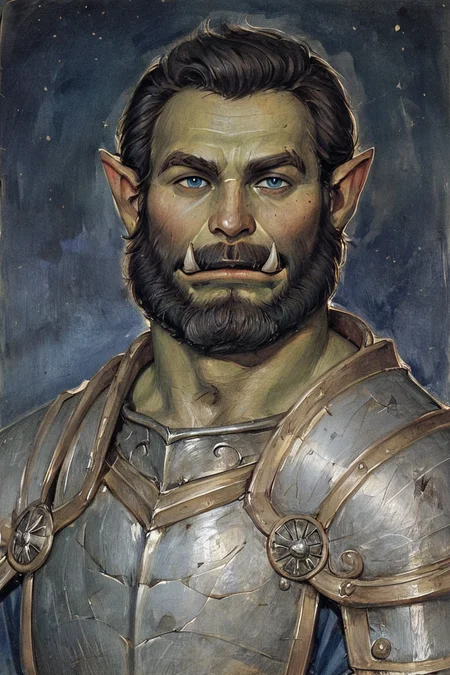
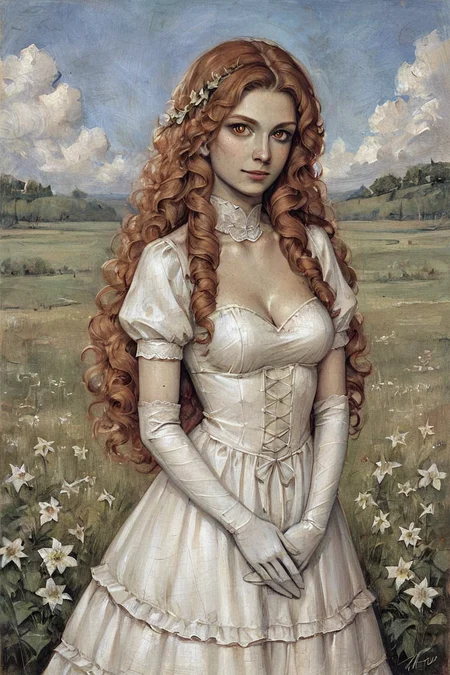
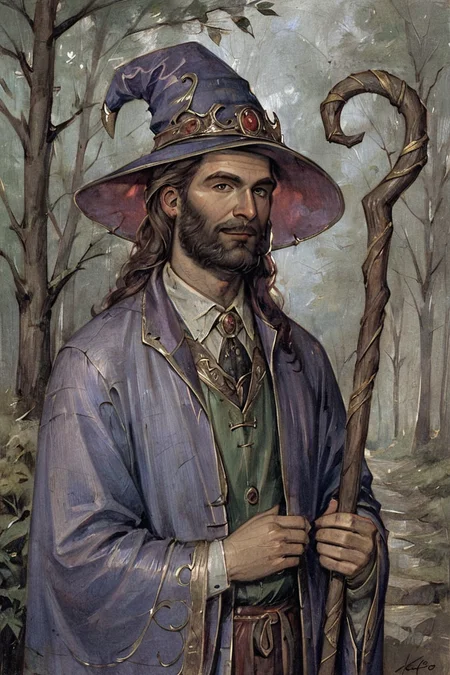
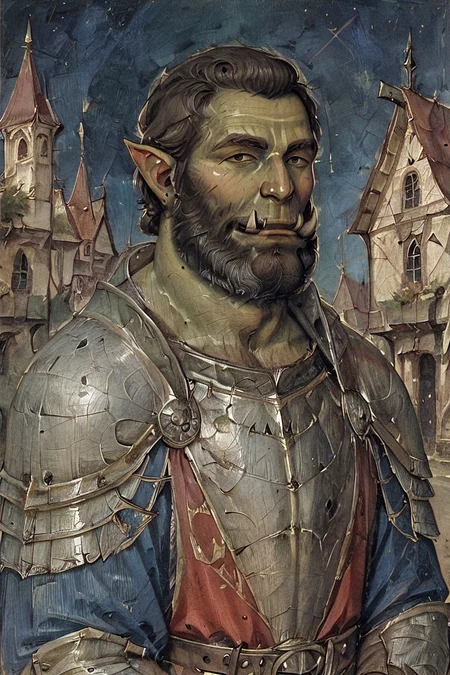
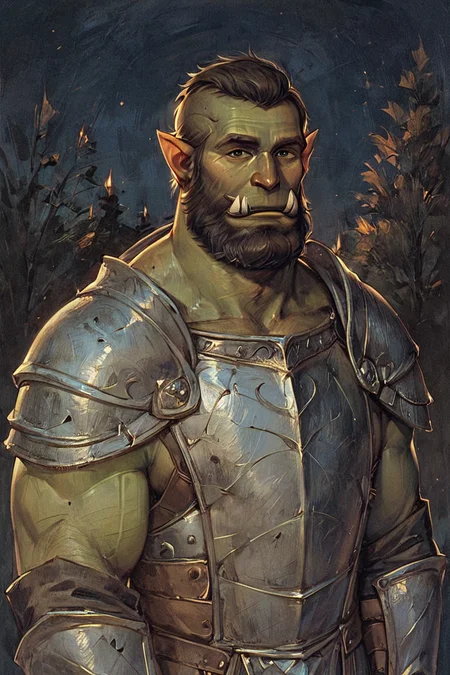


Styles are trained on synthetic data and do not copy the styles of artists!
Photo 2 - is trained on real data (Dataset from Unsplash)
[M] Merged LoRAs
Recommended LoRA Strength (Weight): 0.8-1
Preview generated without using ADetailer & Hires. fix
Description
Repeats: 20
Epoch: 10
Image Count: 24
Network Rank: 32
Network Alpha: 16
Batch size: 2
Clip skip: 1
Training steps: 2400
Resolution: 768x1024
Train Resolution: 1024x1024
Model: ponyDiffusionV6XL_v6
Captioning: WD14 Captioning + Edit (SmilingWolf/wd-v1-4-moat-tagger-v2)
Trigger Words: gothic art, oil painting, traditional media, realistic,
LoRA Weight: [0.7-1]
FAQ
Comments (23)
Your Lora's are great! Thank you for making these
I'm glad you like My Styles and thanks for the Buzz!
What are you setting for the instance and class prompts when training these? My experiments have been failures so far :(
I don't do anything special, my settings are just a preset with slight modifications, I don't even remember what preset it was
I can even say I have the laziest approach to LoRA training.
Captioning and Trigger Words in .txt files nothing else is there
All I have are folders with pictures and text files
Something broken. Only gothic is available. Anime night is missing for example
Most loras are listed as XL 1.0 due to a bug some weeks ago, now civit ai made it so that you can no longer use xl 1.0 loras with pony xl. If you download it, it works just fine for pony, but until civit allows xl 1.0 being used for pony, or the author reverts them all back to be listed as pony, you wont be able to use on site generation.
Or so i guess xd
@b1te It’s so funny to me how many issues this site has. I totally understand but still
Please fix. Gothic is nice but I really liked using smooth anime.
Changed the Base Model back to Pony.
Everything should work fine!
Other styles can't be chosen from the generator, I think civit.ai team made some changes and broke something, hopefully this will be resolved.
Update: But you can manually add other styles from their page by pressing "create."
Also scale is limited to 0.7 to 1.0 for some reason.
@mikeshmikesmith656 Strength is set when the model is published, I can change this to Min Strength 0.5 if you need it
@prgfrg23 It was fine when it was available in scale from -1.0. to 2.0 I think, always nice to have a bigger field to experiment even if you get weird results.
@mikeshmikesmith656 With a value of -1.0 or 2.0, all you get is distortion and nothing else, There are no fields for experiments
All I can offer is Min Strength 0.5 or remove Min Strength, Many models do not even have Trigger Words, so the strength of the style is not so strong and if the Strength is less than 0.5, then the style will practically not be visible
@prgfrg23 i have no idea how this works, but i was using negatives and 1.3+ to get some cool effects without any distortions, examples:
rainbow on negatives (-0.6) gives a more dull, realistic color style with everything else remaining anime style
smooth anime (1.3) and (1.5) works wonderfully fine
concept art twilight (1.5) or even (1.7) can generate amazing starry night skies images, or very cool edgy long coats, foggy backgrounds and even monsters
photo on negatives (-0.5) does something weird to color, paired with high smooth anime can give a cool effect removing some contrasts and making colors more uniform
@prgfrg23 sometimes I want to add just a little bit, like 0.2-0.3 for line art for example. So having full range is better.
Why can we only set strength as low at 0.7? i like mixing and matching them on lower strength to make hybrid styles at like 60 20 and 40 40
Because I set Strength 0.7 when publishing models, now I will change the value to Min Strength 0.0 Max Strength 2.0
List of mixed models
Smooth Anime - Smooth + Anime 50/50
Smooth Anime 2 - Smooth 2 + Anime 2 50/50
Smooth Anime Night - Smooth Night + Cold Night 50/50
Oil Gothic - Oil Painting + Gothic Art 50/50
Concept Art Twilight - Concept Art + Concept Art Dark (Unpublished) + Concept Art Negative (Unpublished) 35/35/30
Cold Oil Gothic - Cold Oil + Gothic Art Sharp (Unpublished) 50/50
@prgfrg23 could you update previous models to reflect this? I also like to blend models!
@brazenly I'm not quite sure what you mean by update?
@prgfrg23 You said initially you set strength at 0.7 when publishing, then said you will change the value of min strength to 0.0 and max to 2.0. What the user meant was....have you applied/updated all the styles with this change?
@Eshemizu All styles here have a Min Strength 0.0 and Max Strength of 2.0
Details
Files
Gothic Art 2 Style SDXL_LoRA_Pony Diffusion V6 XL.safetensors
Mirrors
Gothic Art 2 Style SDXL_LoRA_Pony Diffusion V6 XL.safetensors
Gothic Art 2 Style SDXL_LoRA_Pony Diffusion V6 XL.safetensors
Gothic Art 2 Style SDXL_LoRA_Pony Diffusion V6 XL.safetensors
Gothic Art 2 Style SDXL_LoRA_Pony Diffusion V6 XL.safetensors
Gothic Art 2 Style SDXL_LoRA_Pony Diffusion V6 XL.safetensors
Gothic Art 2 Style SDXL_LoRA_Pony Diffusion V6 XL.safetensors
Gothic Art 2 Style SDXL_LoRA_Pony Diffusion V6 XL.safetensors
Available On (2 platforms)
Same model published on other platforms. May have additional downloads or version variants.