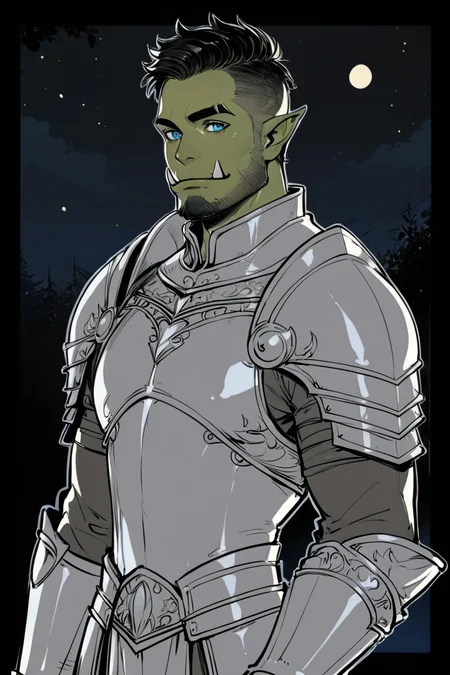
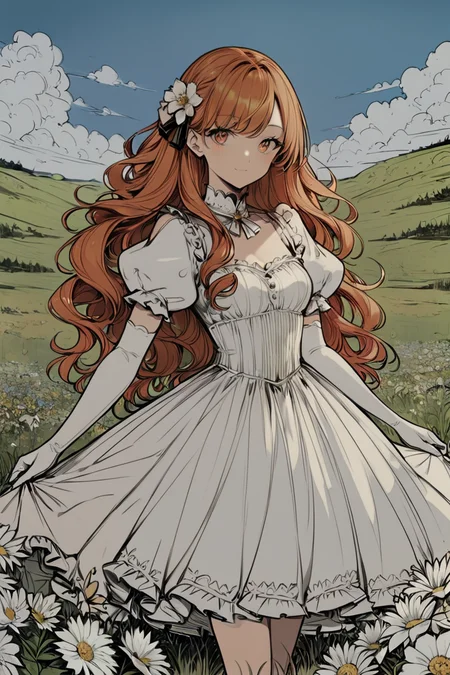
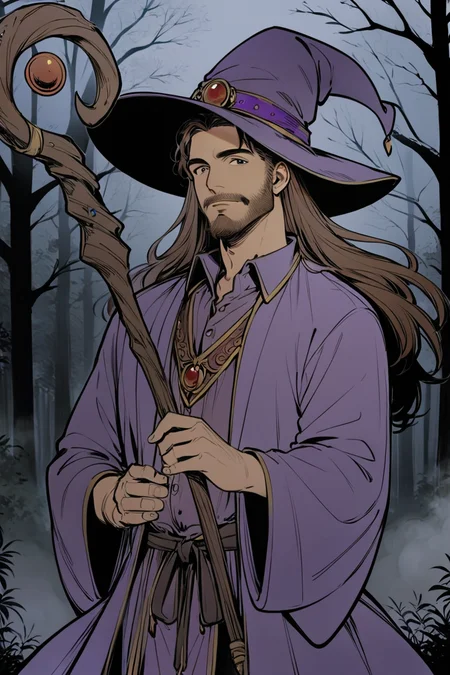
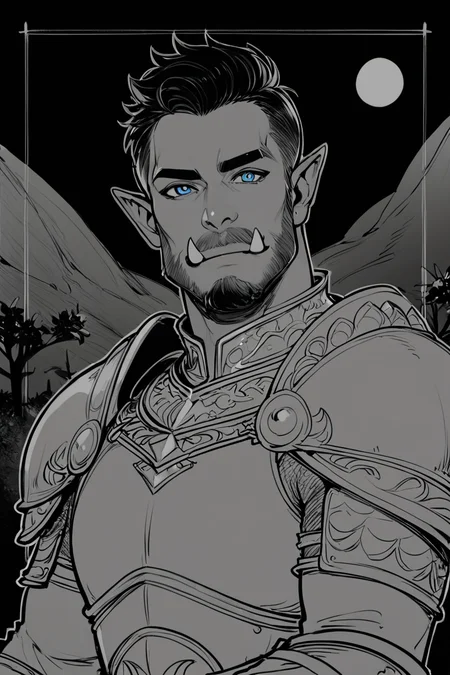
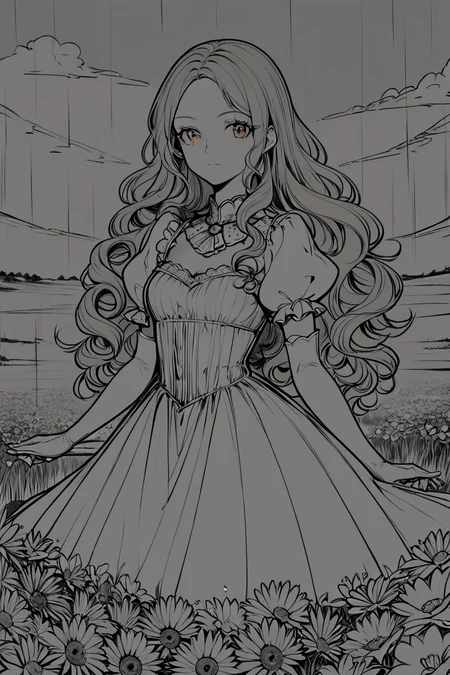
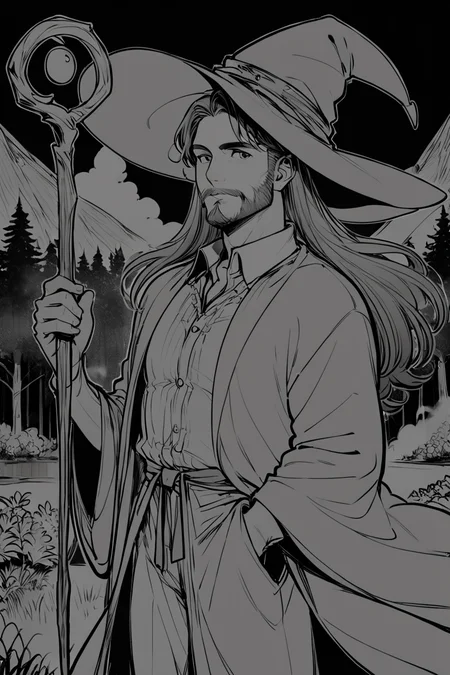
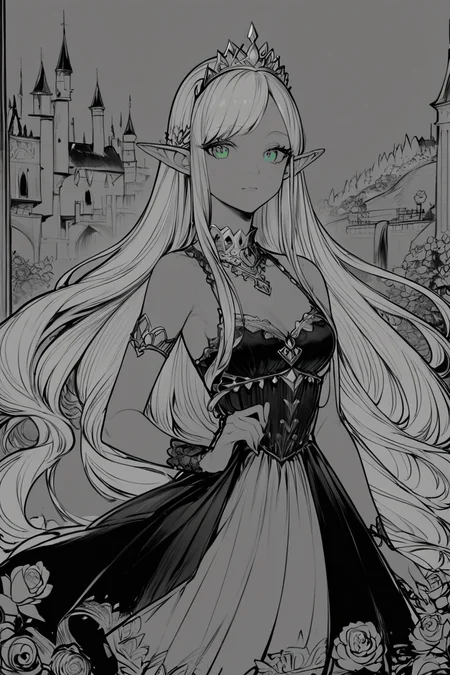
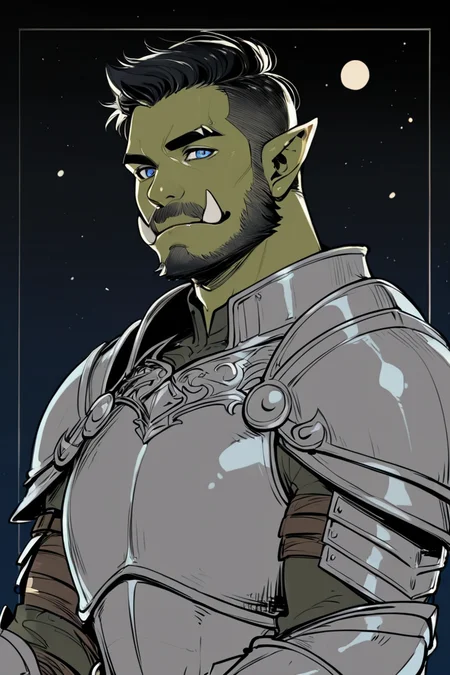
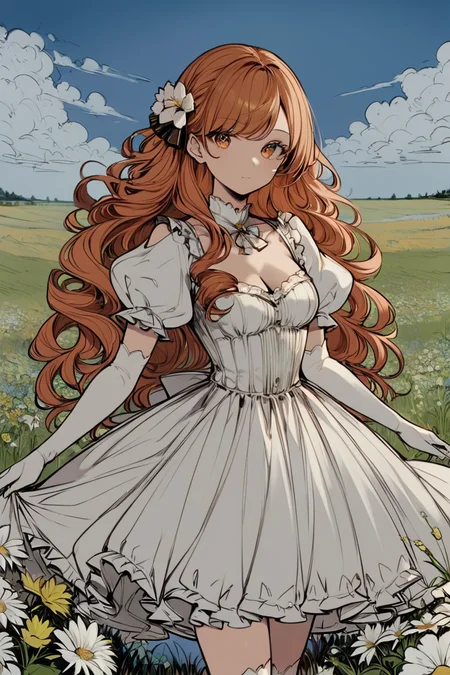
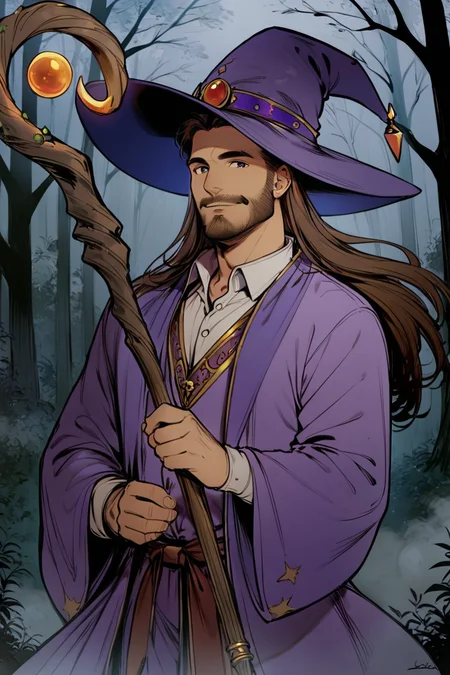
Styles are trained on synthetic data and do not copy the styles of artists!
Photo 2 - is trained on real data (Dataset from Unsplash)
[M] Merged LoRAs
Recommended LoRA Strength (Weight): 0.8-1
Preview generated without using ADetailer & Hires. fix
Description
Repeats: 20
Epoch: 20
Image Count: 22
Network Rank: 32
Network Alpha: 16
Batch size: 1
Clip skip: 1
Training steps: 3200
Resolution: 640x1024
Train Resolution: 1024x1024
Model: ponyDiffusionV6XL_v6
Captioning: WD14 Captioning (SmilingWolf/wd-v1-4-convnextv2-tagger-v2)
Trigger Words: flat color, & lineart, monochrome, greyscale,
Recommended LoRA Strength: 0.7-1
FAQ
Comments (58)
Is this reaction 😂 some new form of cyberbullying?
There is literally nothing funny in the images, in the context of the images this reaction makes absolutely no sense at all
Likely? Not that this has much of an effect anyways.
Just ignore it. This is the internets, if people can be stupid, they'll surely find a way to be.
I have seen plenty. I researched on it & found some clues. There are five options in total to react a resource. Out of those five options, most people (including myself) hardly use the tipping buzz option. So, we are left with four options. People click on those emojis randomly, so that the resource will be added to their library for future reference. Also, they use it as a ranking or filtering system. For example, heart reactions are for the best.
It goes like this mang thumbs up = nice, laugh = that's good! Heart = love it, we don't have a star system so this is the best for now, also it isn't the thumbs down, why worry?, by the way, mentioning it will just make people use the laugh emoji on you every time, just like it happened to your comment, that's how things have always worked on the web since the 00s
Idk a orc could look so dashing and be such a distinguished gentleman lol
Chad Orc is the hero we never knew we needed
Any idea why I am not able to recreate the images from the gallery when copying the generation data? I noticed none of them specify the lora in their prompts. How does that work?
I can recreate the example images above just fine.
You don't press the Remix button, you just copy the prompt?
@prgfrg23 That's right, using the Copy Generation Data button and pasting into Automatic1111
@BiggusDingus So you're using A1111?
I understood what was going on, they use one or more LoRA, If you click on the image and not on (i) then there should be information about it in Resources Used
There is no LoRA in prompt in the images created by Civitai
@prgfrg23 Aah I see, it's a Civitai thing. If the image was generated on Civitai it does not add the <lora:...> in the prompt. You can click Remix to start generating the image yourself, and it will show you the LORAs and strength used.
I was not able to copy the exact same image in A111, but got something very similar of the same quality, so that's good enough.
I'm using PonyXL for the first time, and it seems like you really need the extra LORAs to get those good results, huh
If it's a full body shot, do you guys use ADetailer for the face? Or is there a trick to that? Other than that, it's an amazin model! Thanks for the hard work guys!
I have been using some of the different options with this lately, and I just now used the Concept Art Eclipse option. This made for some very nice shots. Smooth as an option is another great one. Love this :D
nice
Does anybody get this When I add a pony lora to the positive prompt it make the character change to "anthro/feral pony"
I don't even know how to answer this, it probably shouldn't be like this. because in the dataset, for the most part, only humans
I have no idea why this might be happening.
@prgfrg23 thx for reply I fixed it now, it my bad on connecting some node
amazinh
My go to anime lora
When I type in trigger words listed like "monochrome, grayscale, lineart" into my prompt I always end up with gray pictures, why is that happening for me but not other people using the trigger words? Am I doing something wrong?
Is the image completely gray and there is nothing? I don't understand a bit, if the image is completely gray, then this shouldn't be the case.
If you're trying to get color pictures, you have to put those tags into the NEGATIVE prompt.
good
usefull
I just wonder why my ponyXL model refuse generating good images without any of these loras. Every image like pile of dung but when just add any of these styles even 0.3-0.4 it magically make difference.
I don't know what to answer, I don't have such a problem. Yes, the image doesn't look so good without LoRA, but I wouldn't call it pile of dung.
Pony requires Clip Skip 2, which is the most likely cause of this issue.
@shapeshifter83 SDXL doesn't use clip skip, it's "default" at 2 and you can't change it afaik since it was just a hack for 1.5 to begin with.
@shapeshifter83 Try the same prompt/seed with clip skip 1 and 2 (or any number).
excellent
I don't know if you can make Smooth Anime or MMM for the SD 1.5 of pony? My laptop only have 4VRAM and I can't even loaded Pony model, so I don't know if you can make a style for SD1.5?
I'll try to do something about it, but I promise nothing!
bring back summer days 1 please
What do you mean by bring back? This style is on the page, I did not remove it! https://civitai.com/models/264290?modelVersionId=323081
g
good
👍
Top
Good
lineart mono model always draws unwanted characters in the background
v good
Nice
nice
how do i prompt to get the smooth anime style? i'm at a loss...
EDIT: I didn't realize I could download the different styles. I'm a fool. For anyone else - if you're using the Civit AI Browser in auto1111 you can click the drop down and select the styles you want to download.
why use clip 2 always bad image?emo。。。
Very cute
a must have
essential
Mind-blowing! Excellent work 🤗😍
Why does this not show up in the search when clicking 'Add' in the Civitai Remix pane? Even when remixing an image that used one of the styles from this very LoRA, I can't find it so I can change to a different style.
Click on Add and then click on Style, and my styles are first in the list, Click on the list next to Select, Find the style you need in the list that opens and click Select
@prgfrg23 You know what? I'm stupid - I had filters turned on. Ha ha!
i cant get it: i supposed to type (for example) "smooth anime 2" to get this style and add lora? I saw some examples any of them didnt include nothing except of lora itself
EDIT: I didn't realize I could download the different styles. I'm a fool. For anyone else - if you're using the Civit AI Browser in auto1111 you can click the drop down and select the styles you want to download.
@jaimuh731354 Where exactly i didnt understand
@jaimuh731354 what is this auto111
My favorite style is Photo 1 with weight 1.0 + Photo 2 with add 0.75. Photo 1 adds much more details, while Photo 2 makes them more realistic. Without Photo1, Photo2 lacking details.
Oh wait, my Photo2 weights 800 Mb and probably not from here :)
I am using it and it looks so stable and fix me expectations.
Details
Files
LineArt Mono Style LoRA_Pony XL v6.safetensors
Mirrors
LineArt Mono Style LoRA_Pony XL v6.safetensors
LineArt Mono Style LoRA_Pony XL v6.safetensors
LineArt Mono Style LoRA_Pony XL v6.safetensors
LineArt Mono Style LoRA_Pony XL v6.safetensors
LineArt Mono Style LoRA_Pony XL v6.safetensors
LineArt Mono Style LoRA_Pony XL v6.safetensors
LineArt Mono Style LoRA_Pony XL v6.safetensors
LineArt_Mono_Style_LoRA_Pony_XL_v6.safetensors
LineArt Mono Style LoRA_Pony XL v6.safetensors
LineArt Mono Style LoRA_Pony XL v6.safetensors
LineArt Mono Style LoRA_Pony XL v6.safetensors
LineArt Mono Style LoRA_Pony XL v6.safetensors
LineArt Mono Style LoRA_Pony XL v6.safetensors
LineArt Mono Style LoRA_Pony XL v6.safetensors
LineArt Mono Style LoRA_Pony XL v6.safetensors
LineArt Mono Style LoRA_Pony XL v6.safetensors
Available On (2 platforms)
Same model published on other platforms. May have additional downloads or version variants.