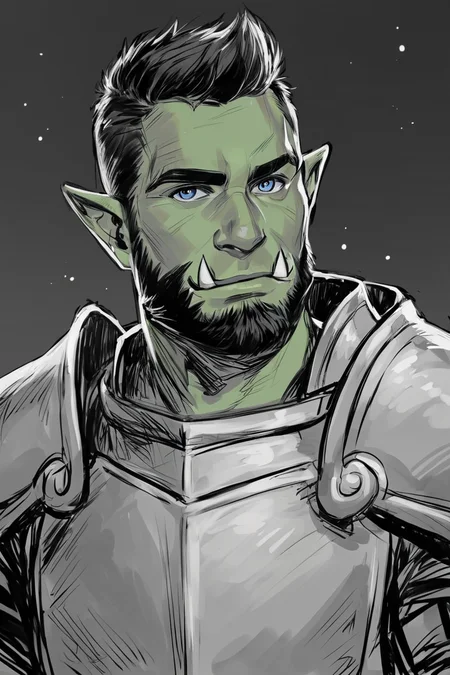
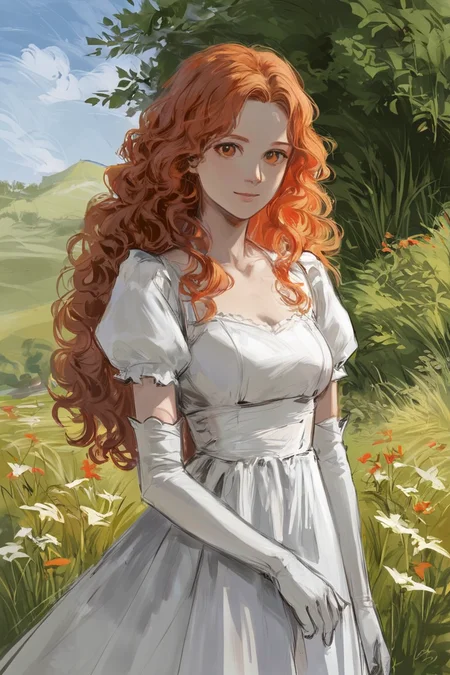
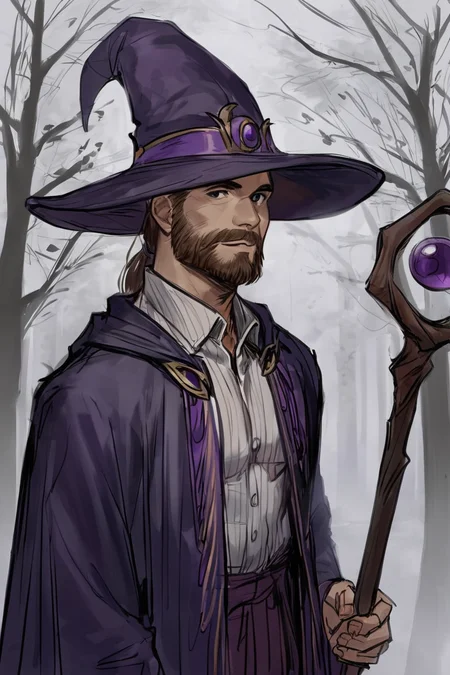
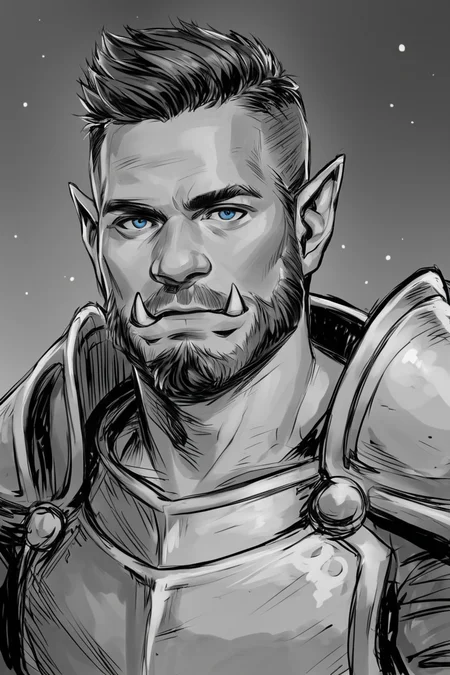
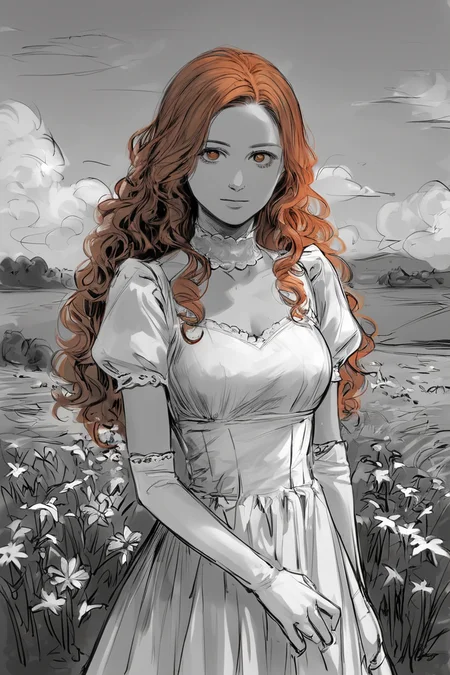
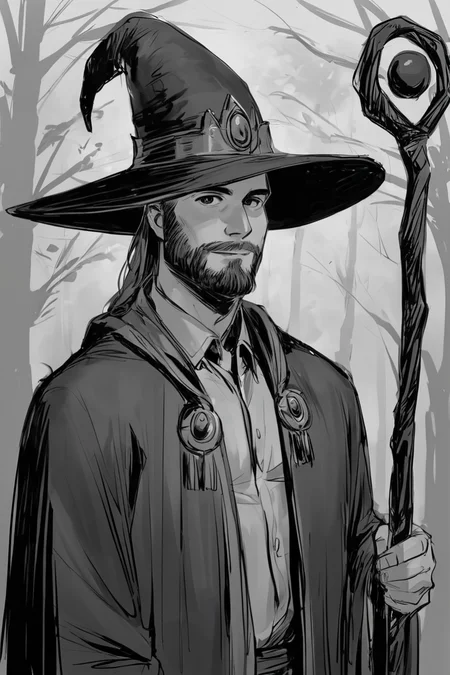
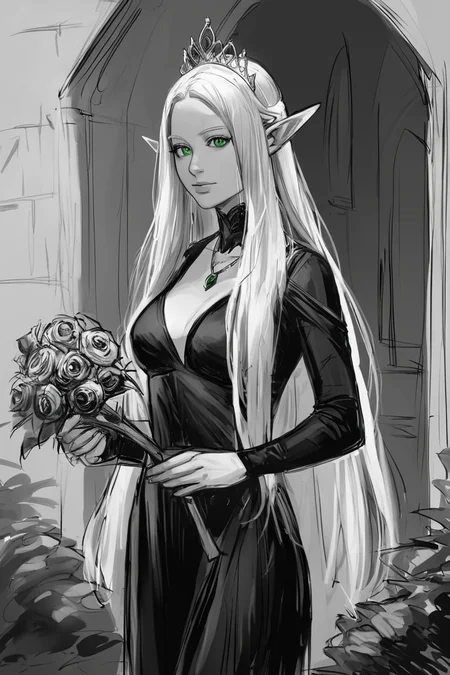
Styles are trained on synthetic data and do not copy the styles of artists!
Photo 2 - is trained on real data (Dataset from Unsplash)
[M] Merged LoRAs
Recommended LoRA Strength (Weight): 0.8-1
Preview generated without using ADetailer & Hires. fix
Description
Repeats: 10
Epoch: 12
Image Count: 20
Network Rank (Dimension): 32
Network Alpha: 16
Batch size: 1
Clip skip: 1
Training steps: 2400
Resolution: 1024x1024
Train Resolution: 1024,1024
Model: ponyDiffusionV6XL_v6
LR Scheduler: cosine_with_restarts
Optimizer: AdamW8bit
Learning rate: 0,0005
Text Encoder learning rate: 0,00005
Unet learning rate: 0,0005
Captioning: WD14 Captioning (SmilingWolf/wd-v1-4-moat-tagger-v2) + Edit
Recommended LoRA Strength (Weight): 0.7-0.8
Trigger Words: sketch, monochrome, greyscale,
LoRA is trained on images created by me using ideogram.ai
FAQ
Comments (43)
Hi, is there a list of all the styles for this model? I've found that you've added so much 🤩 that the list between the title and the examples is really cumbersome to use. (^_^')
EDIT: Thank you!
There are links to all styles at the bottom of this article
https://civitai.com/articles/5436/styles-list-for-pony-diffusion-v6-xl-not-artists-styles
I like
liked the model!
it works well
bien
Good
I have a problem with this lora. It seems that this lora gives an extra belly button to my creations. Has someone else encountered this problem? And if yes, have how did you fix it?
Can I have more details? What style is it?
Sorry. It's the Anime Summer Days 2 style. For some reason it gives my creations a second navel more often than not. Using it with 0.3 is somewhat viable, but the colors are just not the same when I use it with 0.5.
@prgfrg23 I should also mention that I use ADetailer and Hires.fix with R-ESRGAN 4x+ Anime6b
@Murphy1239 I have never encountered this problem. I don't even know how to help, there's nothing in the dataset that could create problems. So I don't know why this is happening.
@prgfrg23 Thanks so much for your help anyway, mate. I'll try to somehow circumvent this problem, for whatever reason it occurs. I just noticed that my promps suddenly started to create this, for whatever reason. Thought someone here might have had similar problems. It is what it is. Don't sweat it.
@Murphy1239 I am going to take by your setting you use A1111? Try turning off (one at a time) ADeatailer and/or Hires.fix. You can also try different upscalers with Hires.fix. Basically use deductive reasoning eliminate possible problems then move forward. There are lora Detailers and your upscale can be done in a seperate utility if needed after the processing (such as Gimp or PhotoShop). Hope this helps.
@UnusNemo Hey Nemo. I found it out to be a problem with the upscaler, actually. I went for the exact same method you suggested, by eliminating possible problems one at a time. When I changed the upscaler, it worked like a charm. :)
@Murphy1239 I was actually leaning toward that as I have had the same issue with upscalers before. It is like specifying to high of a resolution for model and it duplicating things on you. Glad you found it and fixed it! Glad you came back and let us know so that if someone else has the problem they can get some advise from your comments. :)
It might but i don't think that's the problem Sometimes you need to have your "Upscale By" set to 1.5 instead of 2 espeically if she's naked in a specific pose otherwise 2 belly buttons maybe even more
@DanielKusak I actually figured that one out as well. I have the upscale by value set to 1.65 and then in "Extra" tab upscale them by 1.22 and this gives me the resolution I'm after normally. But even with the upscaler change, it worked really good.
You do not need to do anything fancy to produce Clip Skip: 2 in ComfyUI. All you need to do is add the 'Clip Set Last Layer' node in your work flow and tie it in between your Lora Loader and your negative-prompt and positive-prompt (Checkpoint if you do not use a lora loader) . Set it to -2. You are done. I read a lot of complicated tutorials that had me installing specialized nodes before I stumbled into this so obvious and easy solution.
The CLIP Set Last Layer node can be removed from Workflow and connected directly, Load Checkpoint + Load LoRA + KSampler and it will work
Image generation with CLIP Set Last Layer -2 and without this node are literally the same! This most likely means that the default model uses CLIP SKIP 2
CLIP SKIP does not matter for SDXL, CLIP SKIP in A1111 Cannot be changed and CLIP SKIP is used by default, I never understood why? But most likely this is because you don't need to change the CLIP SKIP
@prgfrg23 I have considered changing its location in the workflow to see if it made a difference though have not checked that out yet. You can play with the clip skip in ComfyUI. -1 one is the default. For SDXL it goes to like -36, half that for SD1.5. Though you can test it because ComfyUI will give a warning if you set it to low. Though Last Layer set to -2 is equivalent to Clip Skip: 2 in A1111. I went through a lot of nonesense and wasted time finding it out. It would have been nice to find this out before the many tutorials of using unnecessary complicated work around.
Sometimes I play with the Last Layer to see the variances. It can be interesting at time to experiment with. The other pain was finding out how to HiRes-Fix in ComfyUI which is just about adding some upscale models and nodes. They can make a huge difference. When I have learnt enough to make it worth while I am going to write an article here about what I have found. Hopefully the next creator teaching themselves will not have to go through all the tangents I did. Though I am not complaining. A lot I learnt on those tangents is still worth while. Keep in mind I have only been doing this for like 4 weeks now.
@prgfrg23 By the way I do not know how to cross post here on CivitAI or I would have. I posted the last two images I created to the Checkpoint I used. When I do some more I will post them here so you can get credit too. If you know how to cross post then let me know and I will do that moving forward.
good
After having been using Ponyv6 for like 6months I'm convinced this is one of the best loras for ponyv6 (darkside that is). It offers superb base material for pony to work with. It enhances clothing, poses, environments. An all in all package that still to a large degree keeps the original style intact if you have other stuff going. It can of course be used together with things like g0thic etc. Its one downside is that it makes things dark but you can add lighter loras to compensate like expressive for example. Or lowlight on negative. Unless of course you want it dark then its a win-win. The advantage over g0thic, twilight and others that are popular for same reason are quite clear: much less impact on the general style. Making it ideal for mixing in at low values to increase prompt adherence.
Not Artists Styles for NoobAI-XL EPS 1.0
https://civitai.com/models/1019118/not-artists-styles-for-noobai-xl-eps-10
Very nice.
effing bad ass dude
Thank you so much! Do you have anything in the negative?
For Pony, I use this Negative Prompt
score_6_up, score_5_up, score_4_up, text, watermark, low-quality, signature, moiré pattern, downsampling, aliasing, distorted, blurry, glossy, blur, jpeg artifacts, compression artifacts, poorly drawn, low-resolution, bad, distortion, twisted, excessive, exaggerated pose, exaggerated limbs, grainy, symmetrical, duplicate, error, pattern, beginner, pixelated, fake, hyper, glitch, overexposed, high-contrast, bad-contrast
So wait, do I merge this with others?
What do you mean?
It's not that I couldn't guess, but I'd like to know for sure.
sorry just a moment of dumb there, I I thought I had to merge it somehow with checkpoint, im new lmao
@vilefox Okay, sometimes it's okay to be dumb.
Not Artists Styles for Illustrious-XL v0.1
https://civitai.com/models/1121001/not-artists-styles-for-illustrious-xl-v01
I am new to all these yours AI... how to see whole list of styles and tags for them? THX in advance
Title/Link
Trigger Words
-
dark theme, low light,
dark theme, low light,
dark theme, low light,
realistic,
raw, photo, realistic,
dark theme, low light,
traditional media, realistic,
gothic art, oil painting, traditional media, realistic,
concept art, realistic,
concept art, realistic,
concept art, realistic,
concept art, realistic,
concept art, digital art, realistic,
concept art, digital art, realistic,
concept art, realistic, dark theme, low light,
traditional media, realistic,
oil painting, traditional media, realistic,
traditional media, realistic,
oil painting, traditional media, realistic,
oil painting, traditional media, realistic,
oil painting, traditional media, realistic,
oil painting, traditional media, realistic,
oil painting, traditional media, realistic,
digital art, realistic,
monochrome, greyscale,
flat color,
lineart, monochrome, greyscale,
painterly, faux traditional media, realistic,
painterly, faux traditional media, realistic,
watercolor \(medium\), traditional media, realistic,
watercolor \(medium\), traditional media,
painterly, traditional media, realistic,
sketch,
monochrome, greyscale,
rainbow style, vibrant colors, vivid colors,
@obuyb404 thank you very much!!!!
this is great
Can you give any tips on how to make style loras without baking in extra stuff (like characters, clothing, etc.)? Thanks.
If we take the Pony model as an example, then this model is flexible enough not to take too much of something from the dataset.
I think the model will still take something from the images that LoRA trained on.
The more diverse the images are, and the more images there are, the less likely it is that the model will take something extra.
I have styles that are trained on only 4-8 images, so flexible styles don't always need a lot of images. (Especially if it's a Pony/Illustrious model)
top demais
Details
Files
Sketch Illustration Style [LoRA] - Pony V6 XL.safetensors
Mirrors
Sketch Illustration Style [LoRA] - Pony V6 XL.safetensors
Sketch Illustration Style [LoRA] - Pony V6 XL.safetensors
Sketch_Illustration_Style_LoRA_-_Pony_V6_XL.safetensors
Sketch Illustration Style [LoRA] - Pony V6 XL.safetensors
Sketch Illustration Style [LoRA] - Pony V6 XL.safetensors
Sketch Illustration Style [LoRA] - Pony V6 XL.safetensors
Sketch Illustration Style [LoRA] - Pony V6 XL.safetensors
Available On (2 platforms)
Same model published on other platforms. May have additional downloads or version variants.