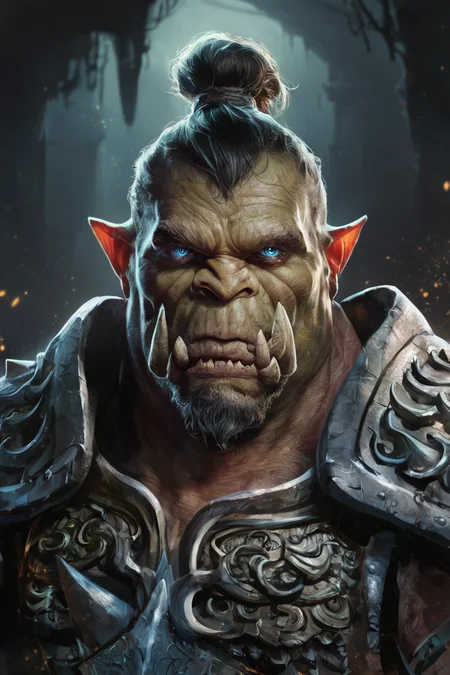
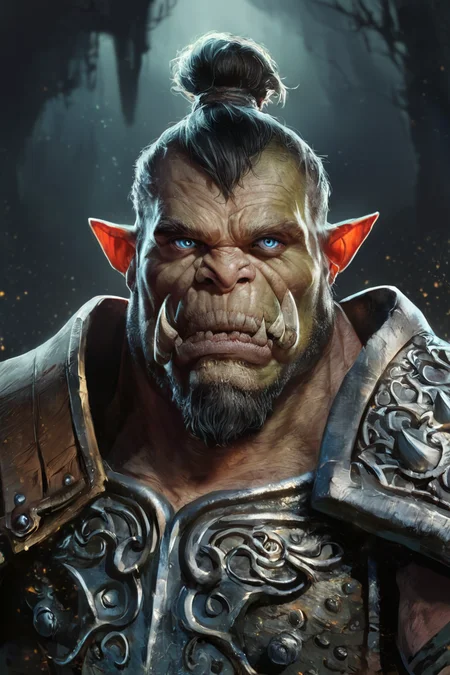
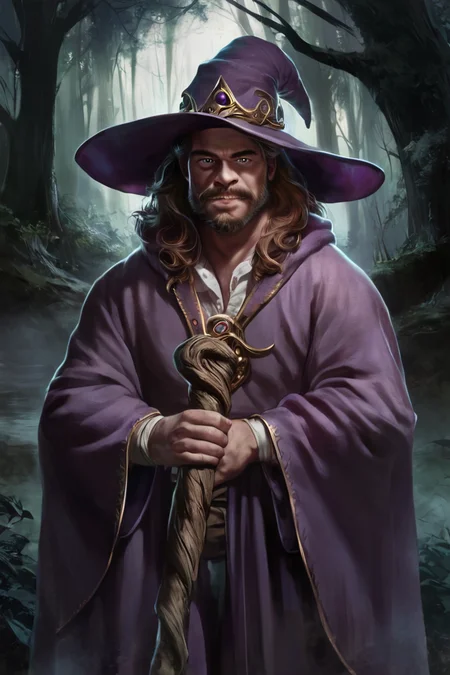
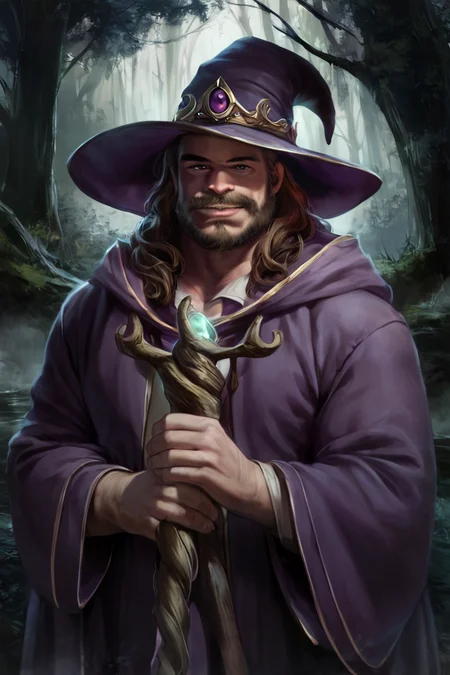
Styles are trained on synthetic data and do not copy the styles of artists!
Photo 2 - is trained on real data (Dataset from Unsplash)
[M] Merged LoRAs
Recommended LoRA Strength (Weight): 0.8-1
Preview generated without using ADetailer & Hires. fix
Description
Repeats: 20
Epoch: 2
Image Count: 70
Network Rank: 32
Network Alpha: 16
Batch size: 1
Clip skip: 1
Training steps: 2800
Resolution: 1024x1024
Train Resolution: 1024x1024
Model: ponyDiffusionV6XL_v6
Captioning: WD14 Captioning (SmilingWolf/wd-v1-4-moat-tagger-v2)
Trigger Words: concept art, digital art, realistic,
Recommended LoRA Strength: 0.7-1
LoRA is trained on images created by me using ideogram.ai
FAQ
Comments (23)
Hi, i m using krita with pony diffusion and Smooth Anime 2, i changed the clip skip to 2 but still get results with gray. It is not possible to put the Clip under 0 in krita. Does someone have a solution for this?
Where is the "Twilight" version? I can only find "Concept Art Twilight "
Concept Art Twilight is the only model with the name Twilight, there are no other models with this name.
Can you add a Smooth Anime 2 version for "Mature Male Remix please"
Do you mean this model? https://civitai.com/models/50882/maturemalemix
If so, I'll try to create a style for this model.
@prgfrg23 It is, thank you
@prgfrg23 Or maybe you can even create a "MatureMaleRemix" style for Pony it's would be nice. I love the style of MMR so much.
Good one. But for night are just anime... Need normal night
Do you need a more realistic night? Am I understanding this correctly?
But how realistic does it need to be?
@prgfrg23 I mean, when I using summer, cold or smooth - it always make persons anime-like.
Need realistic night, like concept-art, but at night :)
Very good outcome. Though It needs practice to master.
Very good resource for my works, I can work with it no problem in most cases. Although I wish to be able to use it on some more Characters from Big Hero 6.
Is it normal that the generation time increases drastically when using the lora?
If yes, are there ways to speed it up?
This usually doesn't happen for me, but sometimes when I generate the first image, the creation time increases several times, and the second image generation at a normal speed
I thought it was due to the fact that LoRA is booting from HDD, but I'm not sure about that
I'm unlikely to be able to help in any way, I myself do not know why this is happening =(
In your using website generation. It can be randomly slow I guess to due how many users are using it at the time
i also think the size of the lora might affect the speed, I was trying xl_more_art-full lora which around 660 mb, and the speed took longer than usual, remove it then im getting my usual speed again
Any plans for casual game style? It will be amazing! I can't see any good models
at each modeling with this checkpoint, when the rendering is finished, it adds blue points and makes the image gray
What do you use? A1111/Forge or ComfyUI?
Anyone know why Im getting a wide variation of art styles? Any slight change can dramatically change the art. Even with prompts like "smooth" or negatives like "3d, anime,"
This happens because the Pony Diffusion V6 XL model creates a different style every time. And even LoRA can't always fix it and some words in prompt can change the style too
I hope that in V7 the style will be much more stable.
@prgfrg23 Thank you for the help. That's good to know. I wasn't sure if I was using the wrong prompts or settings.
Details
Files
Concept Art Brush Style LoRA_Pony XL v6.safetensors
Mirrors
Concept Art Brush Style LoRA_Pony XL v6.safetensors
Concept Art Brush Style LoRA_Pony XL v6.safetensors
Concept Art Brush Style LoRA_Pony XL v6.safetensors
Concept Art Brush Style LoRA_Pony XL v6.safetensors
Concept Art Brush Style LoRA_Pony XL v6.safetensors
ConceptArtBrushStyleLoRA_Pony.safetensors
Concept Art Brush Style LoRA_Pony XL v6.safetensors
Concept Art Brush Style LoRA_Pony XL v6.safetensors
Available On (2 platforms)
Same model published on other platforms. May have additional downloads or version variants.