
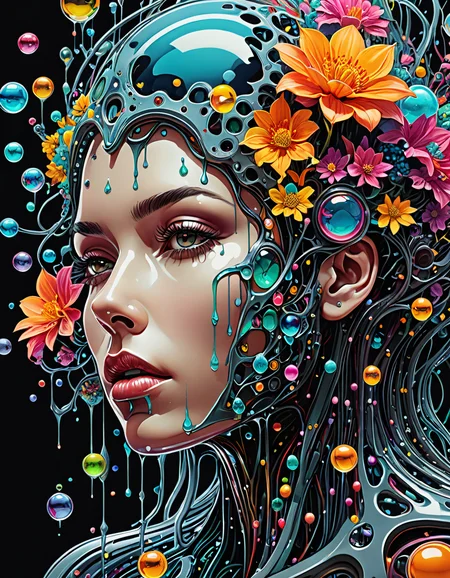
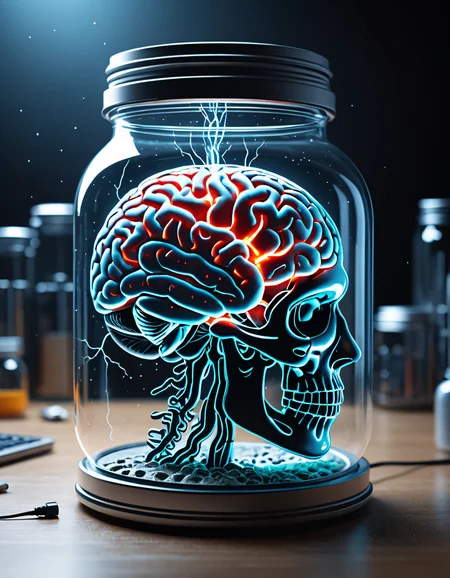
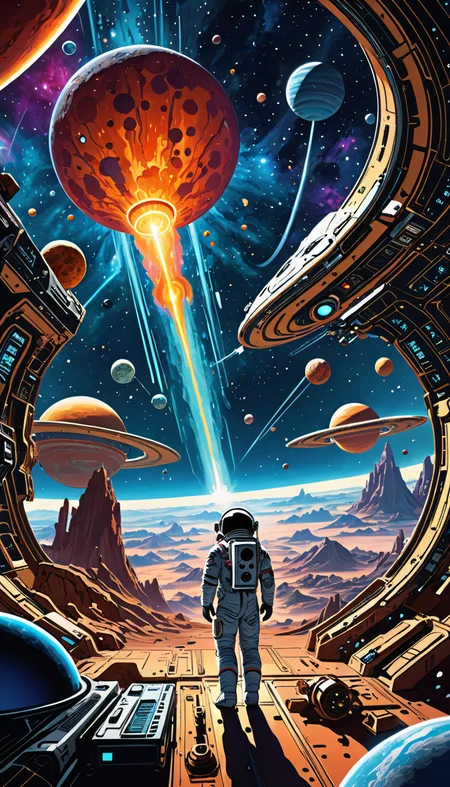
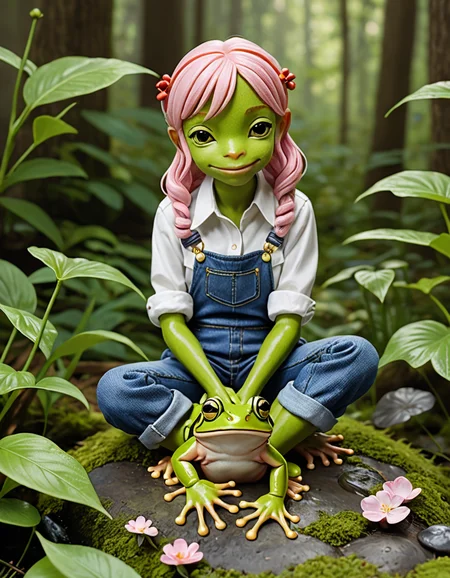

v1.9
Primary: Moxie Fusion XL v1.81
Secondary: CyberRealistic XL v2.1
Tertiary: AniVerse XL v1.0

v1.81
I was running into too many scenarios with v1.8 that it could not interpret. I re-ordered 1.8 primary and secondary, and replaced the tertiary checkpoint.
Primary: NightVisionXL v0.8.1.1
Tertiary: ZavyChromaXL v7.0

v1.8
Finally a purely SDXL 1.0 version...
Secondary: NightVisionXL v0.8.1.1
Tertiary: Copax TimeLessXL v12
v1.7
This is by no means a continuation of Stable Fusion. Rather, this is a heavily DucHaiten influenced merge with my most stable and versatile SDXL Lightning model, Turbo Fusion.
Since I was planning no further development of Stable Fusion XL, I decided to hijack it for this project after a user requested a more heavily DucHaiten influenced model.
Primary: Turbo Diffusion v.132
Secondary: DucHaiten-NijiUncen v1.0 Lightning + TCD
Tertiary: DucHaiten-OldDream v2.2 Lightning + TCD
Anime Style

HDR Style
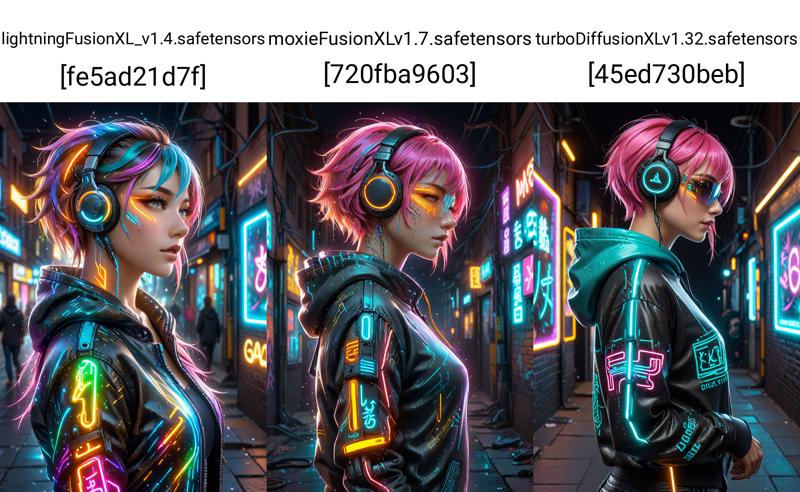
Cinematic
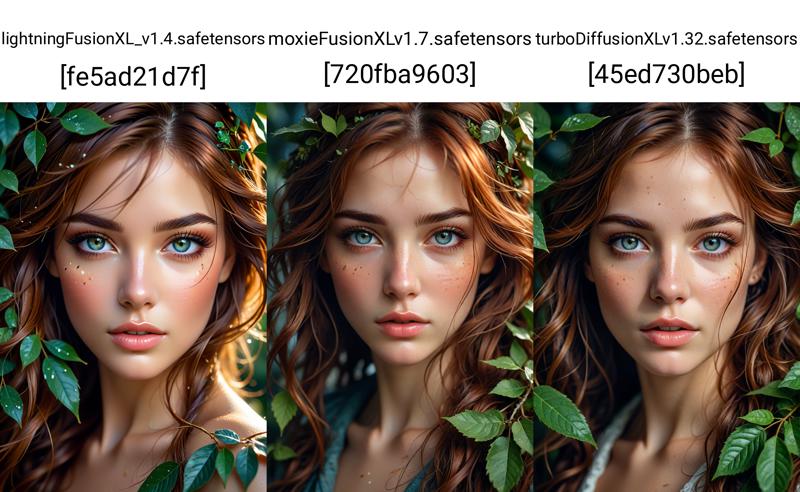
Stable Fusion
v1.61
Second merge
First: Stable Fusion XL Turbo v1.60 (not uploaded)
Second: Realities Edge XL v2
Tertiary: AAM XL (Anime Mix) v1
First merge
First: Stable Fusion XL Turbo v1.50
Second: DreamShaper XL v2.1
Tertiary: PixelWaveTurbo v03

v1.50
I apologize for another quick release, but anytime DreamShaper XL releases an update, I'm definitely going to merge it and release a new version. Not to mention Lykon also released AAM XL which made it an easy choice also.
I first tried this merge at 30% initially, but it ended up being mostly anime, so I ran it at 20% instead, and I like results much better.
20%
First: Stable Fusion XL Turbo v1.41
Second: DreamShaper XL
Tertiary: AAM XL (Anime Mix)
v1.41
This is a re-merge of the components for v1.4 with only the Tertiary model changing. I also changed the percentage from 30% to 35%. I enjoyed playing with Imaginarium, a new SDXL Turbo trained checkpoint, and wanted to add it in to the current version.
35%
First: Stable Fusion XL Turbo v1.3
Second: DreamShaper XL
Tertiary: Imaginarium
I haven't had much of a chance to play with this checkpoint, but so far it has a unique feel to it that I'm anxious to explore.
v1.4
The latest version of DreamShaper XL has been merge in.
30%
First: Stable Fusion XL Turbo v1.3
Second: DreamShaper XL
Tertiary: RMSDXL Enhance XL [Tool]
v1.3
I started playing with checkpoints recently, merging existing checkpoint's that I like to use. The end result is a checkpoint I really enjoy using, Turbo Diffusion XL Turbo, and seems to be pretty versatile. However, I realized that majority of the checkpoint's that I am using are merges of other checkpoints.
I decided to create a new checkpoint based upon Turbo Diffusion XL Turbo, and merging only trained checkpoints instead of other merged checkpoint's. I haven't had a chance to play with it much, but it seems to give pretty good results with what little I have used it.
Unlike Turbo Diffusion XL Turbo, which I'm playing and changing quite a bit, I have no plans to upload / make new versions of Stable Fusion XL Turbo unless a trained checkpoint I'm really excited about is released.
Below is the 'recipe' I used to merge this checkpoint.
First merge: 50%
Second: DreamShaper XL
Tertiary: Hyperreal Surrealist - Turbo Edition
Second merge: 20%
First: output of first run
Second: UnsafeXL (trained on the juggernaught dataset)
Tertiary: DetailedEyes_XL (Lora)
Description
This is a re-merge of the components for v1.4 with the Tertiary model change. I also changed the percentage from 30% to 35%. I enjoyed playing with Imaginarium, a new SDXL Turbo trained checkpoint, and wanted to add it in.
35%
First: Stable Fusion XL Turbo v1.3
Second: DreamShaper XL
Tertiary: Imaginarium
FAQ
Comments (9)
would you be able to add comparisons between new and previous version?
I try to use the same prompts for the initial 2 images, but beyond that I’m not sure what you mean, do you have an example?
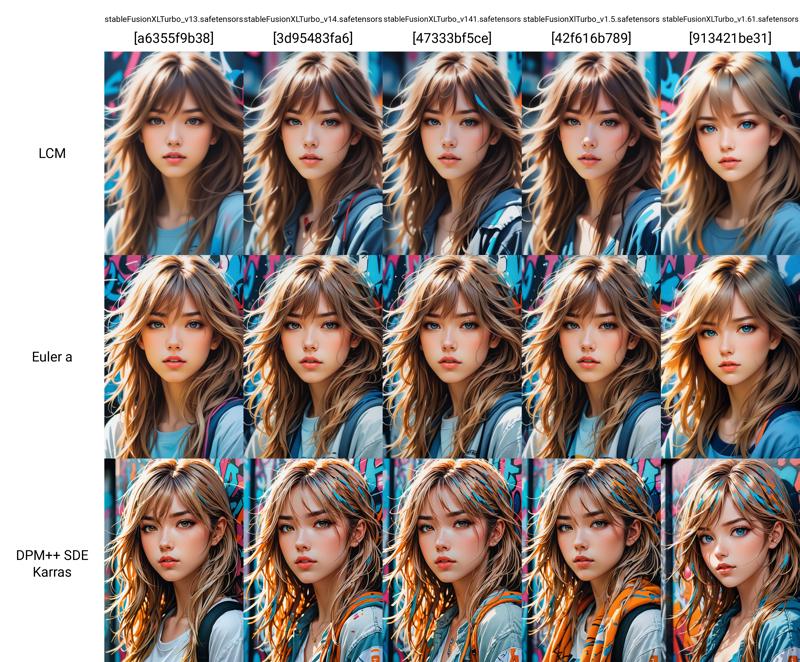
oh, I see now :) what I meant was a comparison similar to this one https://civitai.com/posts/1226477, helps seeing how things change with newer versions
@kr3241244 I added comparison photos to the description. Let me know if that works for you, please. I'm trying to find a better option, but hopefully this will work in the meantime.
you can try out x/y/z plot option in a1111, It creates grids that can be used for this
@kr3241244 I've never played with that stuff, I typically use Comfy UI and keep things pretty vanilla. I may have to play with that, though.
for Comfyui theres the XY Plot node in Efficiency Nodes pack, works just as good for sample images after going through yt tutorial on how to use it :P btw, how are you saving the metadata for civitai if you're using comfyui?
@kr3241244 WLSH has an image save with prompt option. I have to do a bit of clean up by hand, but not much. It puts the metadata in the negative which requires a little clean-up, but all the info is there so it's pretty quick / easy.
You can save any of my images off and load with Comfy, and it will show you my workflow.
@kr3241244 I will be rolling the comparisons out with the next model, thanks for the suggestion.