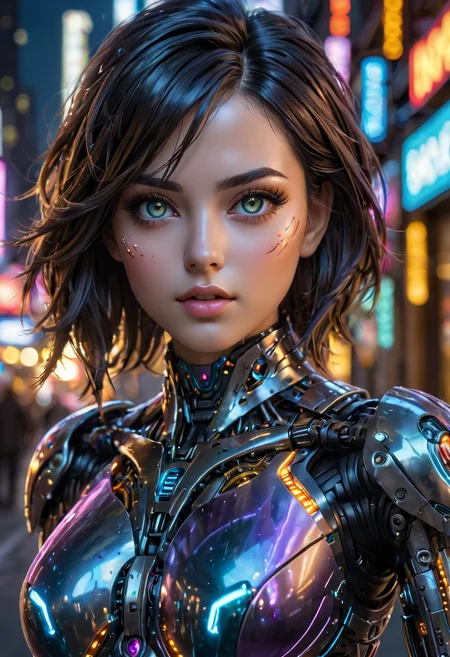
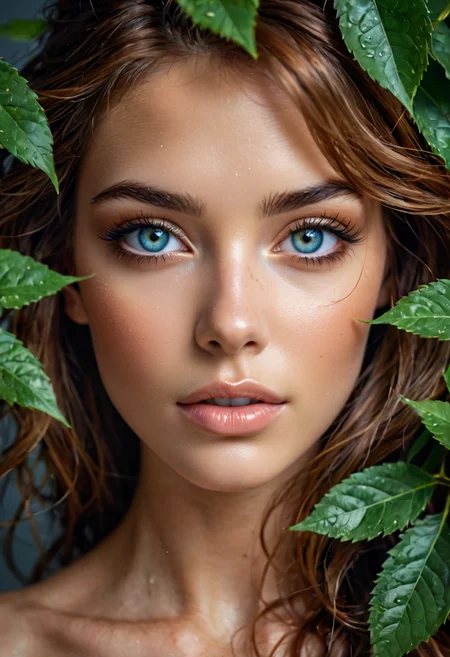
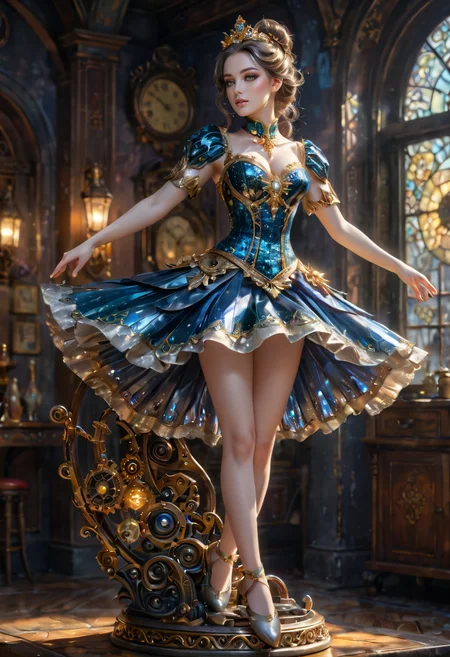
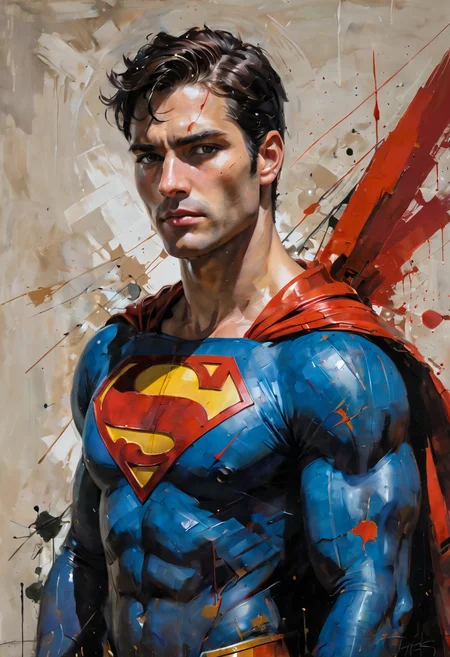

Formerly Turbo Diffusion XL
v1.91
It seems the problem was ZavyChromaXL..
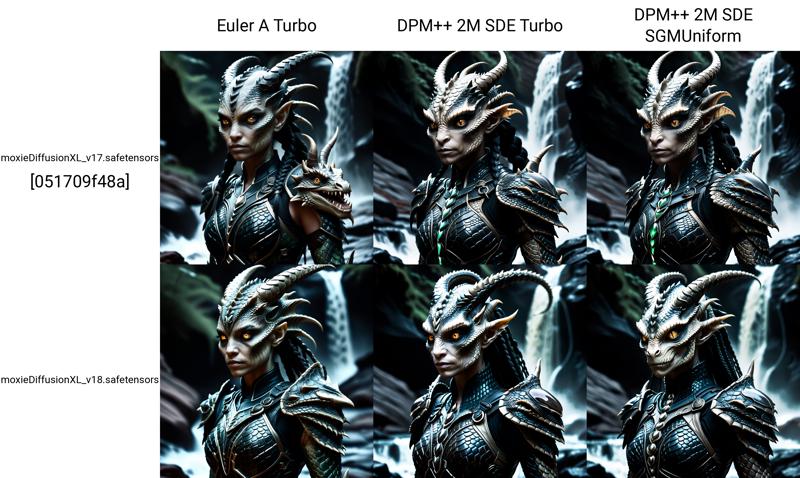
Primary: Moxie Diffusion XL v1.8
Secondary: Zaxious_XL v4.0

v1.9
I am fairly adamant to use only trained checkpoints when creating these checkpoints. I was excited to see with Zaxious now has a trained checkpoint. I'm pretty curious to play more with this. So far, I'm liking this version quite a bit.
Primary: Moxie Diffusion XL v1.8
Secondary: Zaxious_XL v4.0
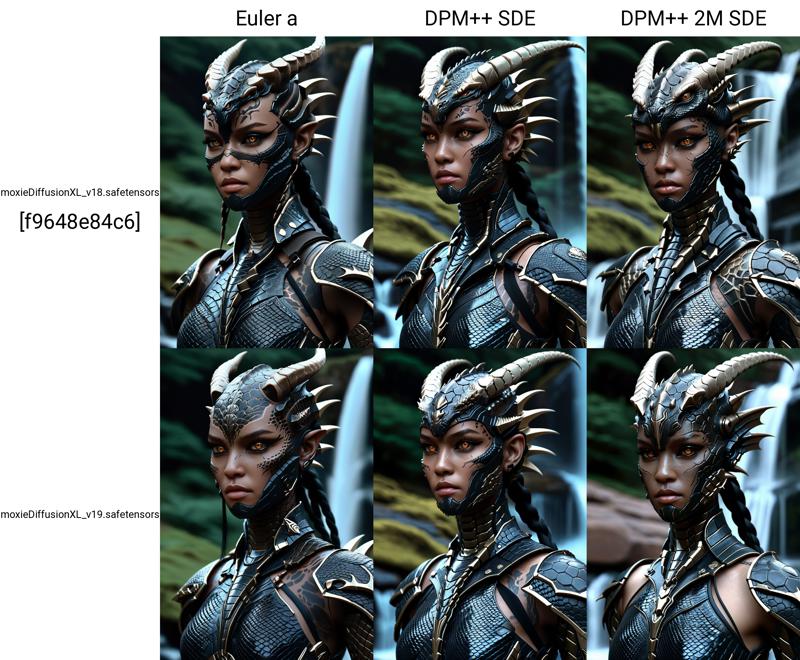
v1.8
I have typically liked ProtoVision and DynaVision more, and used NightVision sparingly. However, lately I like NightVision the best. It seemed like time to incorporate it since there were new releases of NightVision and Zavy (Zavy being one of my long time favorites).
Primary: Moxie Diffusion XL v1.7
Secondary: NightVision XL v9.0.0
Tertiary: ZavyChromaXL v8.0
v1.7
Fully SDXL version...
Primary: ZavyChromaXL v7.0
Secondary: RealVisXL v4.0
Tertiary: ProtoVision XL v6.6.0
Lightning Versions
v1.6
Crystal clear has been in my top 3 almost continuously since I found it. I was excited when I saw they posted a Lightning version.
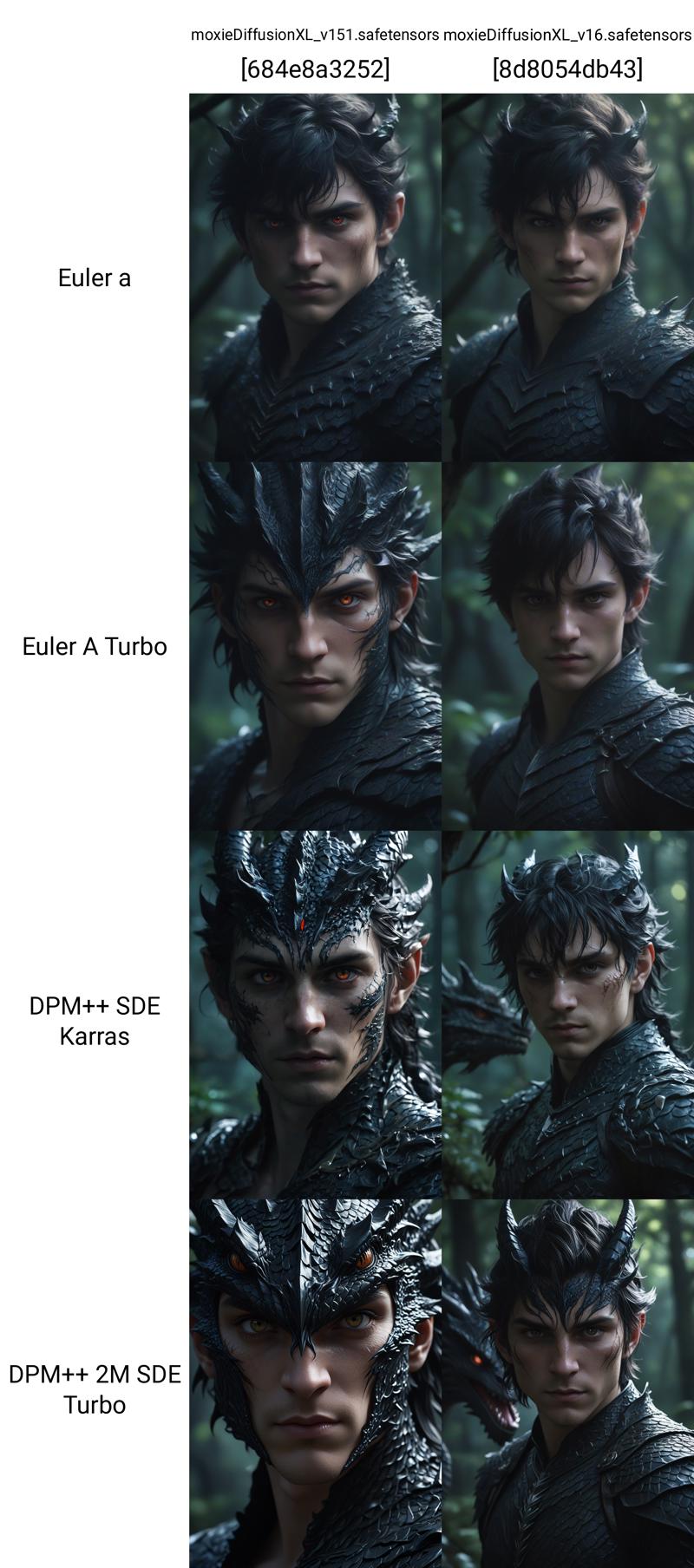
Primary: Moxie Diffusion XL v1.51
Secondary: Crystal Clear Lightning v1.0
v1.51
This is a low percentage merge. I don't find a large difference between 1.50 and v1.51. However, the comparison images seem to be a little sharper and more realistic. I decided to do this merge after playing with the donor checkpoints.
Primary: Moxie Diffusion XL v1.50
Secondary: AI Real Lightning v2.0
Tertiary: epic Realism XL - Zeus

v1.5
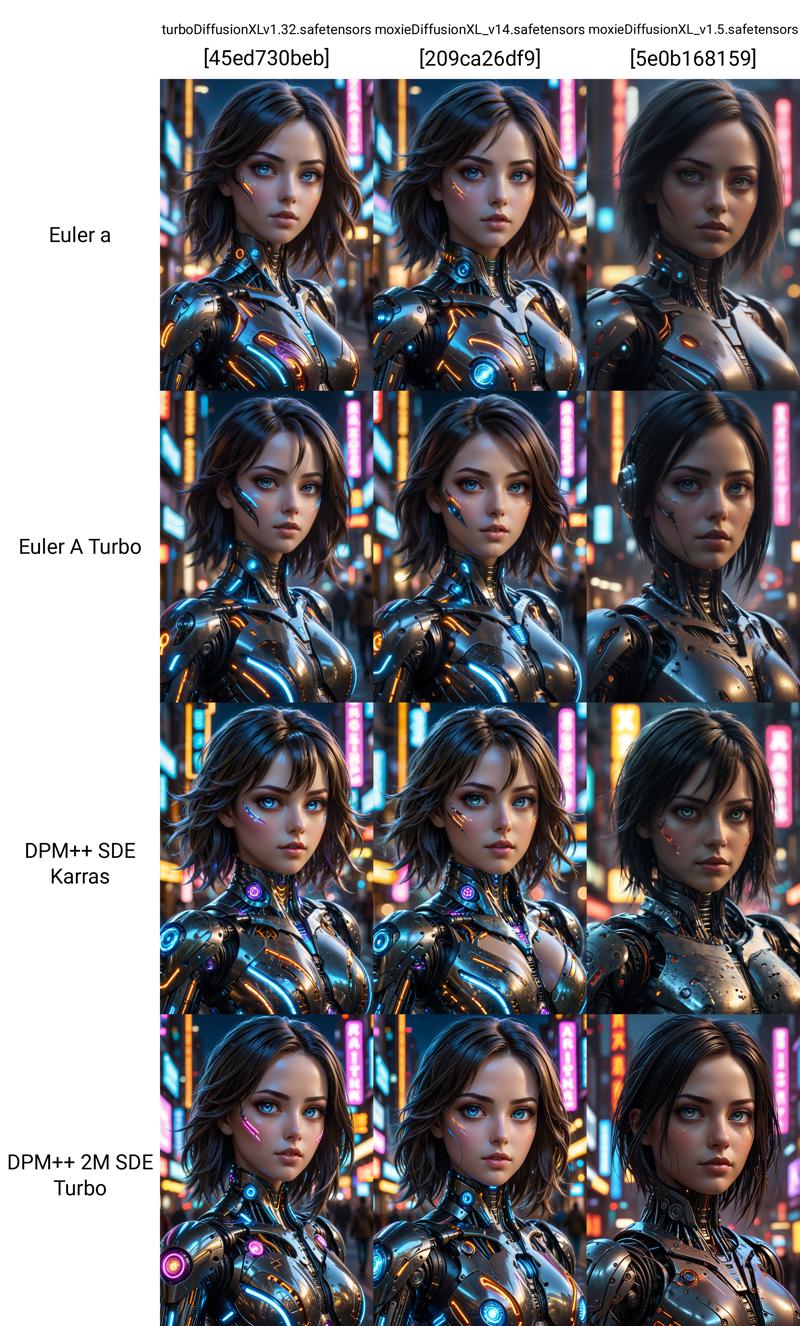
As I have been playing more with v1.4, I am finding that I am not as happy with the realism as I initially thought. I resetting it by merging checkpoints of some of my favorite trained checkpoints.
Primary: Juggernaut v9 RDPhoto2-Lightning_4S
Secondary: DreamShaperXL Lightning DPM++ SDE
Tertiary: Copax Timeless v11 Lightning
As I have been playing more with v1.4, I am finding that I am not as happy with the realism as I initially thought. I resetting it by merging checkpoints of some of my favorite trained checkpoints.
Primary: Juggernaut v9 RDPhoto2-Lightning_4S
Secondary: DreamShaper XL vLightning
Tertiary: Copax Timeless v11 Lightning
v1.4
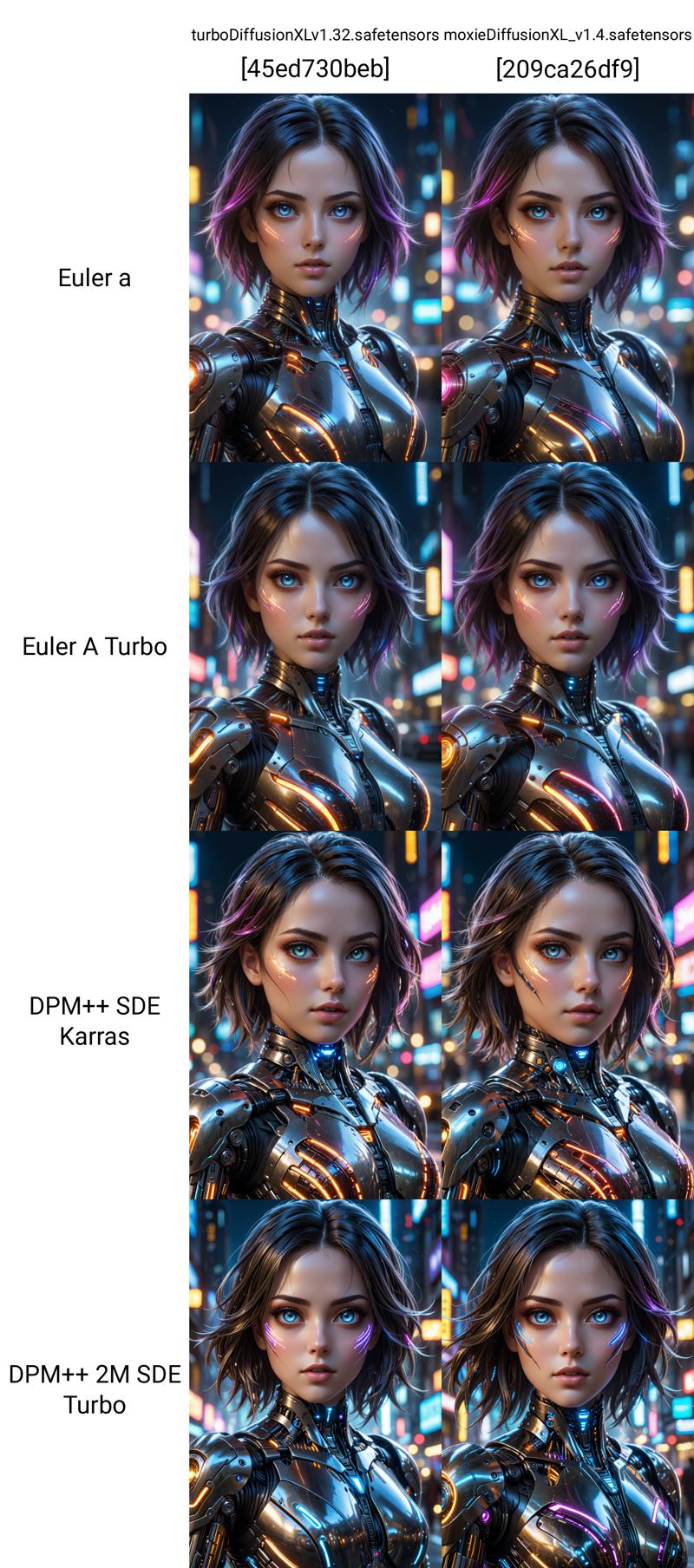
Primary: Turbo Diffusion XL v1.32 (now Moxie Diffusion XL)
Secondary: Copax Timeless v11 Lightning
Tertiary: RealVisXL v4.0
v1.32
This version is a complete ground up re-make using SDXL Lightning checkpoints.
v1.30 unpublished
Primary: Juggernaut v9 RDPhoto2-Lightning_4S (unpublished)
Secondary: WildcardX-XL Lightning
Tertiary: Blue Pencil XL v5.0
v1.31
Primary: Turbo Lightning v1.30 (unpublished)
Secondary: RealVisXL v4.0
Tertiary: PixelWaveLightning v01
v1.32
Primary: Turbo Lightning v1.31 (unpublished)
Secondary: DreamShaper XL vLightning
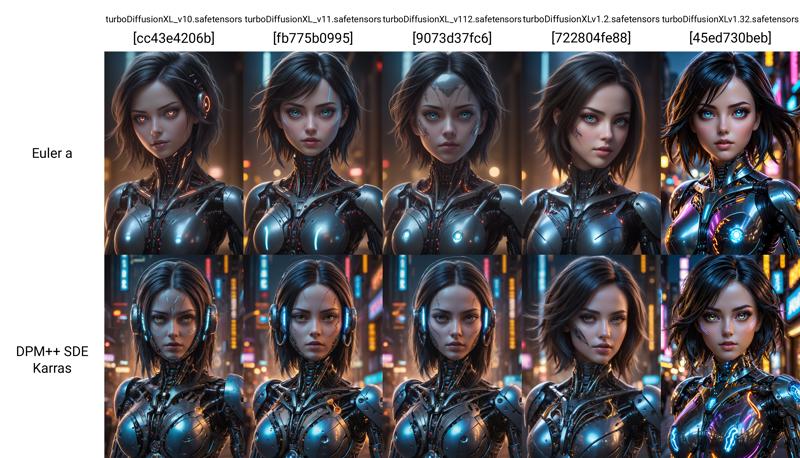
This has a baked in VAE.
Sampling Method: DPM++ SDE Karras
Sampling steps: 7
CFG Scale: 1
Clip Skip: 1 or 2
Turbo Versions
v1.2
The anime in this version seems to be more of a realism anime.
Primary: Turbo Diffusion XL Turbo v1.12 (this checkpoint)
Secondary: DreamShaperXL v2 Turbo DPMpp SDE
Tertiary: Hyperreal Surrealist - Turbo Edition v1.0
v1.12
A re-merge of 1.0 using Vibrant 2.0 instead of 1.0. Everything else remains the same.
Primary: Turbo Diffusion XL Turbo v1.0 (this checkpoint)
Secondary: Vibrant Horizon - Turbo XL v2.0
Tertiary: Sleipnir
v1.1
Primary: Turbo Diffusion XL Turbo v1.0 (this checkpoint)
Secondary: Vibrant Horizon - Turbo XL v1.0
Tertiary: Sleipnir
v1.0
This checkpoint is a Stable-Diffusion merge between the follow 3 SDXL Turbo models.
Primary: DreamShaper XL
Secondary: Artium
Tertiary: Vibrant Horizon - Turbo XL
This has a baked in VAE.
Sampling Method: DPM++ SDE Karras
Sampling steps: 8
CFG Scale: 2 > 3.5
Clip Skip: 1 or 2
Description
v1.32
This version is a complete ground up re-make using SDXL Lightning checkpoints.
v1.30 unpublished
Primary: Juggernaut v9 RDPhoto2-Lightning_4S (unpublished)
Secondary: WildcardX-XL Lightning
Tertiary: Blue Pencil XL v5.0
v1.31
Primary: Turbo Lightning v1.30 (unpublished)
Secondary: RealVisXL v4.0
Tertiary: PixelWaveLightning v01
v1.32
Primary: Turbo Lightning v1.31 (unpublished)
Secondary: DreamShaper XL vLightning
FAQ
Comments (11)
Generally great, but lacks abstract prompt understanding, as do the many others out there. For approximately half of the abstract prompts, drawing an image of an eye or a TV with an "8K"ish logo nearby.
Thanks for the feedback
Did you by chance use "8K, masterpiece, absures" and all that nonsense on prompt??
I'm asking because it's very weird it make 8k logo without 8K on the prompt. If it's the case, we have a problem on the prompt side and not on the checkpoint, you don't use "perfect eyes, perfect face, 8k, 32k, 64k, etc" in prompts (SD 1.5 or XL), if not the case, only then, we have a problem with the checkpoint.
I never use "8k" anymore with XL, but I've seen some models try to print "high quality" or "detailed" or some other prompt words. Especially if I asked for actual text in quotes. It doesn't parse the open and close properly... or quotes at all maybe...LOL. And I just get lucky a lot.
Im new to AI, so im not sure if I am doing something wrong or not. But whenever I do any sort of prompts, the previews look pretty nice, but once it finishes, its just a mess of colors. Is there something I need to set manually to prevent that?
Make sure you are using the recommended settings. Sampler DPM++ 2M SDE Karras, 1 CFG. I use 7 steps. You're probably using an incorrect CFG or sampler. Using the wrong CFG or sampler has very dire consequences.
@moxie1776 Those are the settings I am using.
Sampling Method: DPM++ 2M SDE KARRAS
Sampling Steps: 7
CFG Scale: 1
And the results are always the same D:
@Sapphles Catch me on chat tomorrow, and I will help you out.
check that you are not using a 1.5 VAE
It is possible you have the refiner switch on using a different model. Switch off the refiner and see what happens.
trial and error, I've tunned mine to work well on euler a, I test a bunch of different CFG's, clip skips and steps on every model before actually trying to work images on themes I like, personally i found clip skip 1, cfg 5-9, 100 steps gets me the results I enjoy, ofc I know this values can't be by all, I'd probably go 1, 5, 50 if doing on the website.
Also make sure the VAE matches the model, always keep a 1.5 and a XL vae on your pc