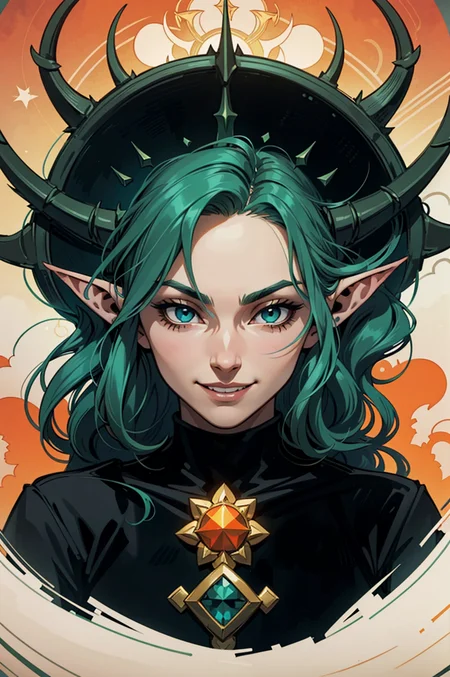
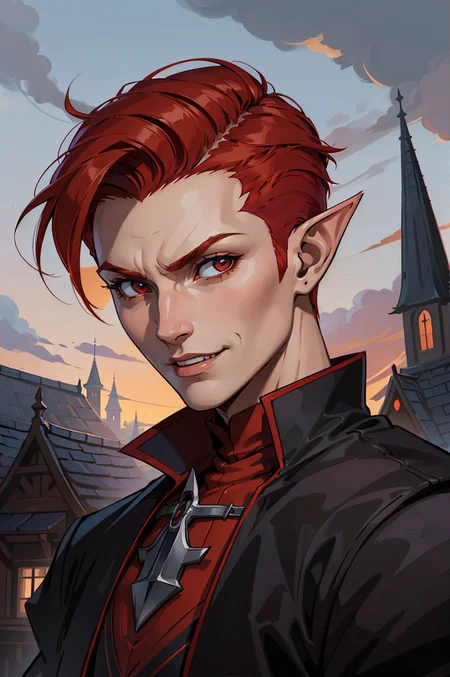
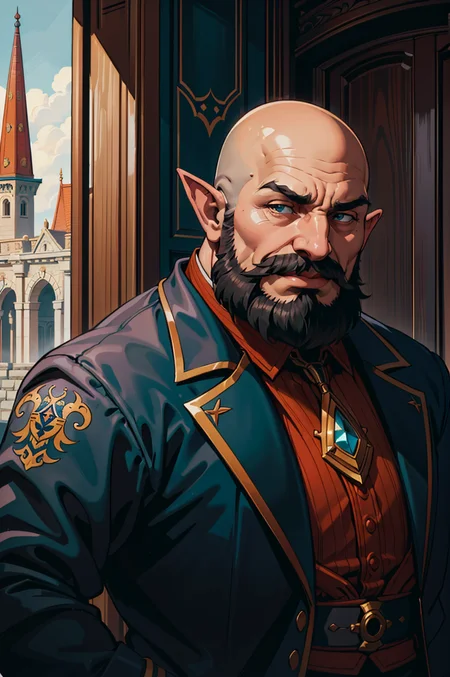
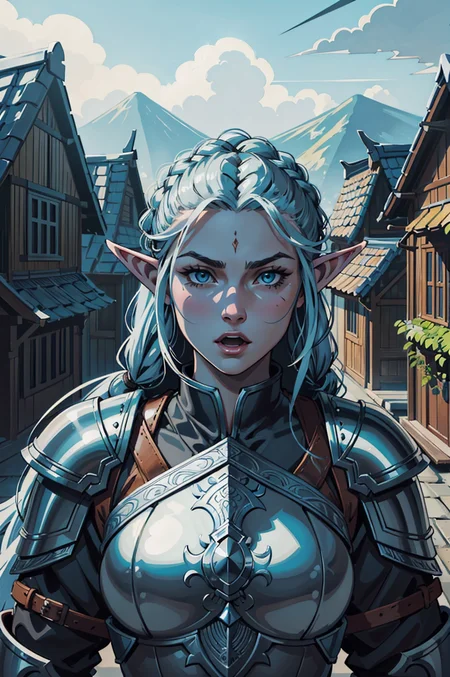
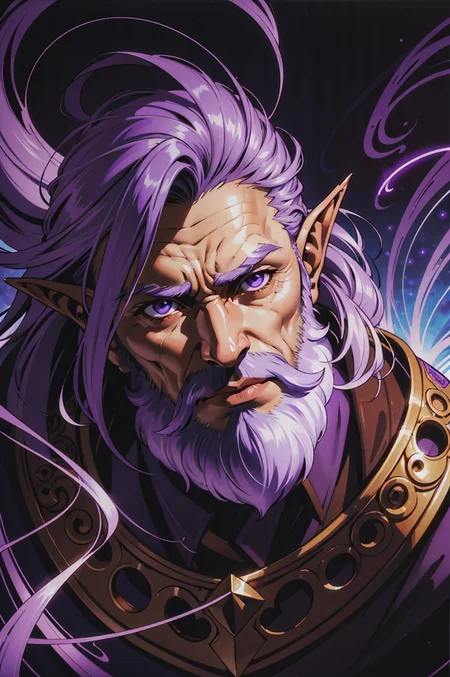
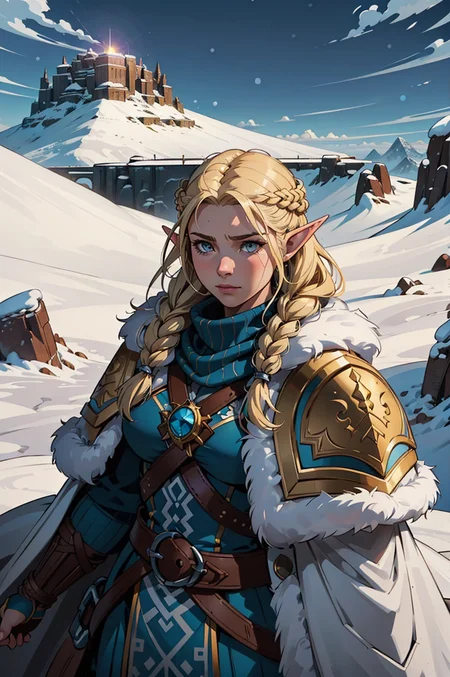
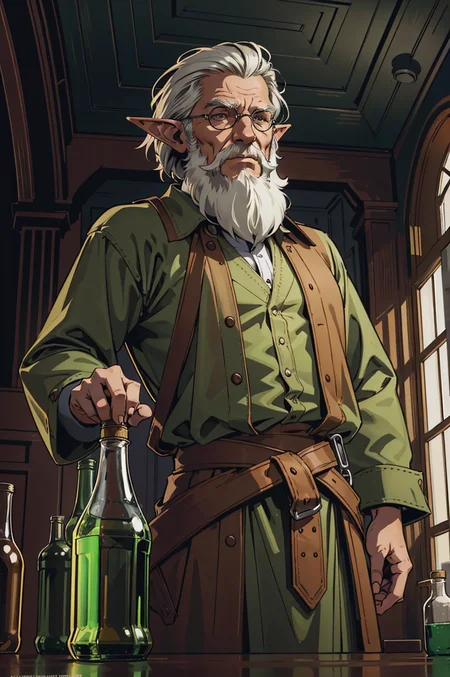
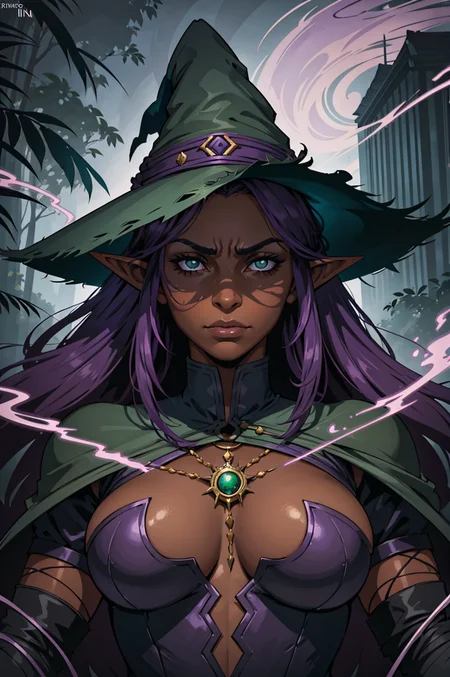
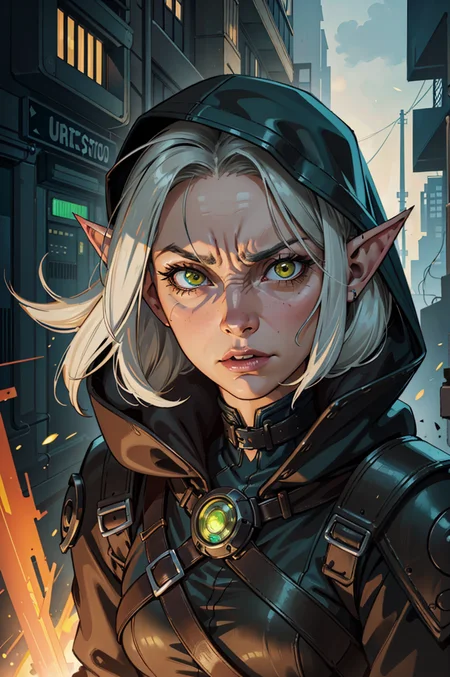
Generate pictures with Arthemy
Searching for an AI characters generator?
Arthemy, my AI image generator now has all of my models loaded and ready to be tried on your browser - no GPU required
----> https://arthemy.ai
✦ Comics Arthemy - Quick Start ✦
1_____ I highly suggest to use this embeddings:
verybadimagenegative_v1.3 https://civarchive.com/models/11772/verybadimagenegativehttps://civarchive.com/models/11772/verybadimagenegative
2_____Size: Around 640 x 768
3_____Prompt: Start from the prompt present here and tune the results based on your needs:
Quick Prompt:
[How],[what/who],[where],[other]

exaple:
(ultradetailed fantasy illustration:1.3), elf witch woman with a large hat and purple dress, on a snow-covered mountain with blowing wind, complex lighting and strong sense of movement
Quick Negative Prompt:
verybadimagenegative_v1.3, (worst quality:1.4),(low quality:1.4),(normal quality:1.3),lowres,watermark, title, (jpeg-artifacts:1.3)
4_____Upscale: to get crisp results like the one shown in the pictures use HiResFix and Lanczos. I suggest to use this step only on the preferred pictures, since it's quite heavy on the performance side.
I hope you like my merge and I can't wait to see what you all are going to create with it!
For future update, about the AI Editor I'm building with an italian team and my models you can check:
https://www.instagram.com/arthemy_ai/
____________________________________
Merged / subtracted / inspired by Models:
DarkArtsStyle - https://civarchive.com/models/109?modelVersionId=124
DiffusionBrushEverything - https://civarchive.com/models/46294?modelVersionId=50908
ForgottenMixtheNovelist - https://civarchive.com/models/81644?modelVersionId=86640
Icantbelieveits - https://civarchive.com/models/81644?modelVersionId=86640
icomix - https://civarchive.com/models/16164/icomix
mcbsMachinecodesComics - https://civarchive.com/models/71404?modelVersionId=76148
OccidentalMix V2.0 - https://civarchive.com/models/63920?modelVersionId=68515
vividwatercolors - https://civarchive.com/models/4998/vivid-watercolors
westerncartoontypeA - https://civarchive.com/models/62060?modelVersionId=66582
Babes - https://civarchive.com/models/2220/babes
Diffusion Brush Everything - https://civarchive.com/models/46294/diffusion-brush-everything-sfw-nsfw-all-purpose-checkpoint-nuclear-diffusion-anime-hybrid
Cute Cartoon - https://civarchive.com/models/85547/cute-cartoon-illustration
Western animation diffusion - https://civarchive.com/models/86546?modelVersionId=92044
IdentityCrisis - https://civarchive.com/models/89075?modelVersionId=94798
Vivid Watercolors - https://civarchive.com/models/4998/vivid-watercolors
Exquisite details极致华彩 - https://civarchive.com/models/118495/exquisite-details
SXZ Luma - https://civarchive.com/models/25831/sxz-luma
+ some of my old mix
Some of these models have been used for subtraction, but they all have been useful in order to create this model.
If you like Comics Vision, remember to check these other models and consider to support their creators!
Description
After many months of work on Arthemy's software I decided to upload my most successful model to a new version! Hope you all are pumped for it!
For highly controlled evolutions, check my software at arthemy.ai
FAQ
Comments (18)
Why do I often have 2 characters generated?
If you send me the prompt you use I can search for a reason there!
Any suggestions for prompts to give female characters pants? I've tried a lot of things and they all come out in like body suits and knee high boots
What is the difference in new version? Please write some notes, description or improvement log when posting new version.
a inpainting model would be excellent
the colors are close to gray , can you fix that please
The gray colors are usually a problem with the VAE. :(
install 840k vae
i did and it fixed the problem , but there is Purple spots on every pic, how i should fix that ?
also want to add that without any VAE , the art style look perfect , after vae-ft-mse-840000-ema-pruned, the style change somehow , it become less perfect
@snakeix use 'BerrysMix.vae' to see if it changes anything
Which VAE do you use to generate your images?
Hey there :D, I have been trying so hard to get the same results as one of the shown pictures but no matter what I cannot get it done, the output is always something different, despite using the same prompt negative prompt and seed
Hello there!
So: the image you sent me has several issues - first of all, the VAE is not working as intended - which usually gives graish colors to the pictures. I'll upload a baked-vae version soon that should solve the issue.
About the prompt, I've used some embeddings that I suggest you to download and use inside your workflow in order to correct some traditional issues with the 1.5 models ^_^
@Aledelpho i had same problem he had, some of Purple spots after using vae-ft-mse-840000-ema-pruned VAE
@snakeix You can try with the new version with BakedVAE, let's see if it gets better! ^_^