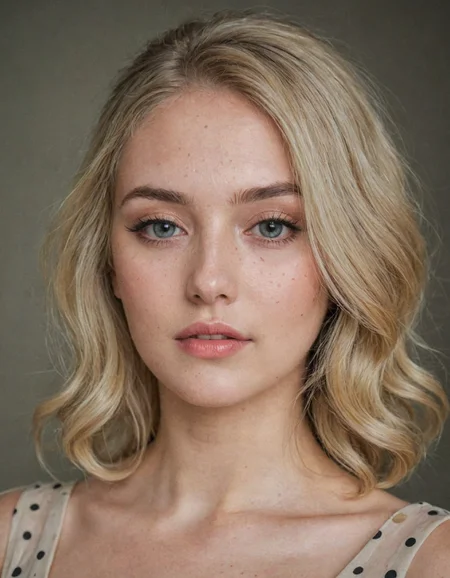
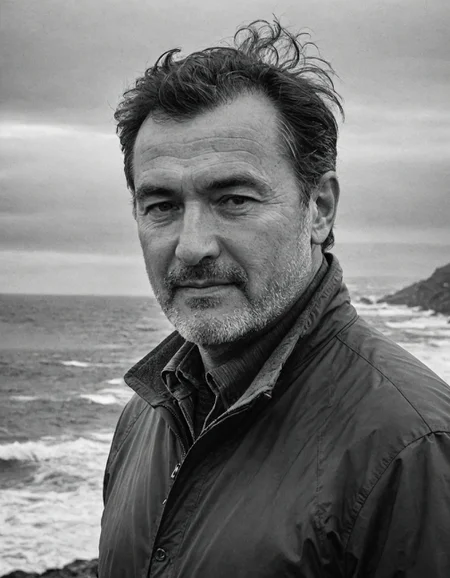
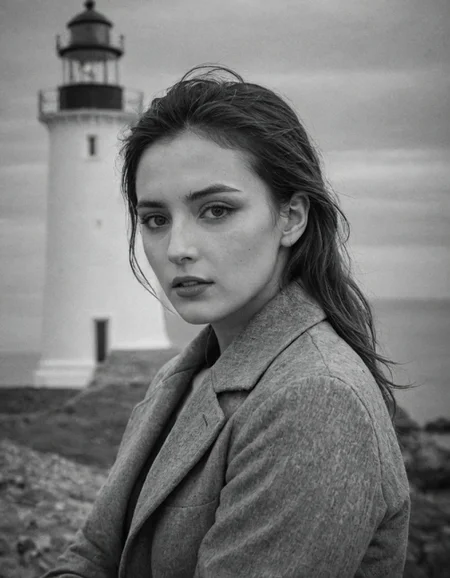
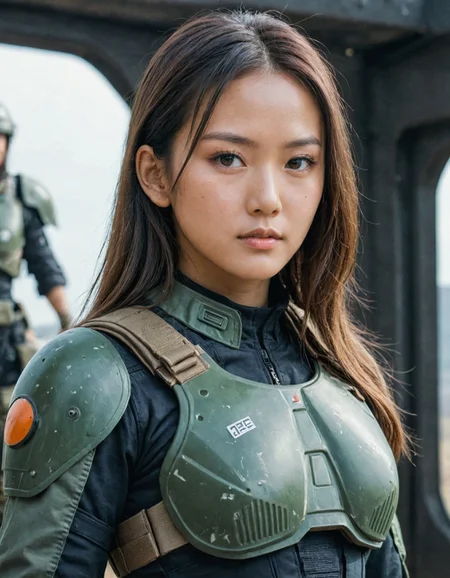
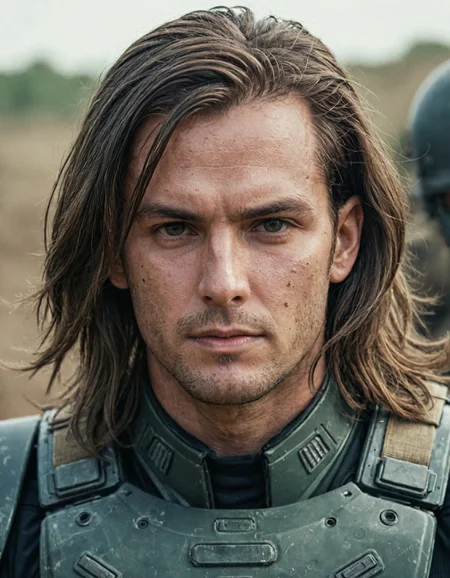
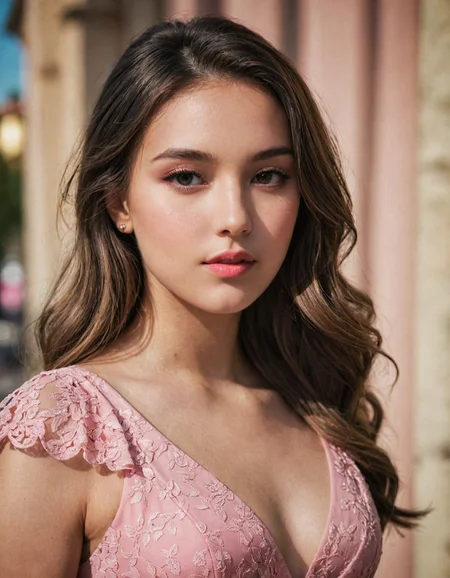
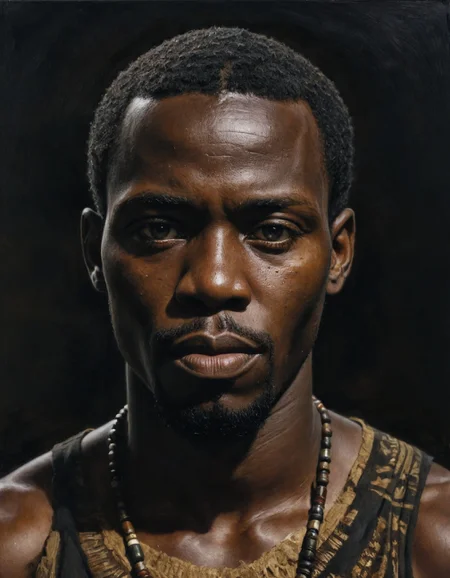
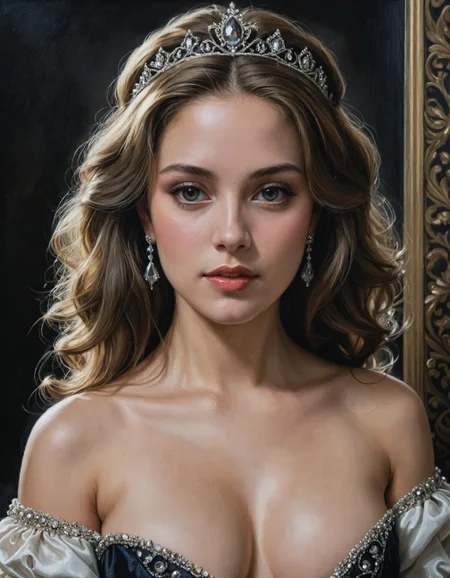
Check my exclusive models on Mage: ParagonXL / NovaXL / NovaXL Lightning / NovaXL V2 / NovaXL Pony / NovaXL Pony Lightning / RealDreamXL / RealDreamXL Lightning
If you are using Hires.Fix with V5 Lightning, then use my recommended settings for Hires.Fix (3 Sampling Steps, Denoising strength: 0.5 and CFG Scale 1.0 - 2.0) or other settings you find better for you.
Use Turbo models with DPM++ SDE Karras sampler, 4-10 steps and CFG Scale 1-2.5
Use Lightning models with DPM++ SDE Karras / DPM++ SDE sampler, 4-6 steps and CFG Scale 1-2
Please pay attention to the model file name, the part of the name after the underscore is the true version of the model.
The model is already available on Mage.Space (main sponsor)
You can also support me directly on Boosty.
RealVisXL Hugging Face Full Collection
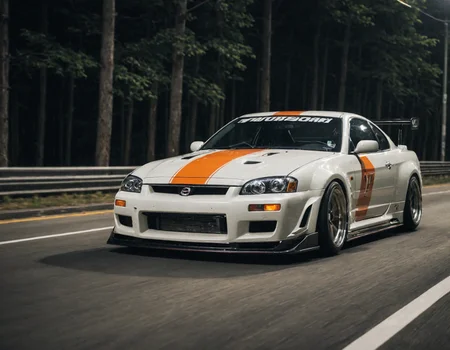
The model is aimed at photorealism. Can produce sfw and nsfw images of decent quality.
ᅠ
Recommended Negative Prompt:
(worst quality, low quality, illustration, 3d, 2d, painting, cartoons, sketch), open mouth
or another negative prompt
ᅠ
Recommended Generation Parameters:
Sampling Method: DPM++ SDE Karras (30+ Sampling Steps) or DPM++ 2M Karras (50+ Sampling Steps)
ᅠ
Hires Fix Parameters:
Upscaler: 4x-NMKD-Superscale-SP_178000_G / 4x-UltraSharp upscaler / or another
Denoising strength: 0.1-0.3
Upscale by: 1.1-1.5
ᅠ
Optional Parameters:
ENSD: 31337
ᅠ
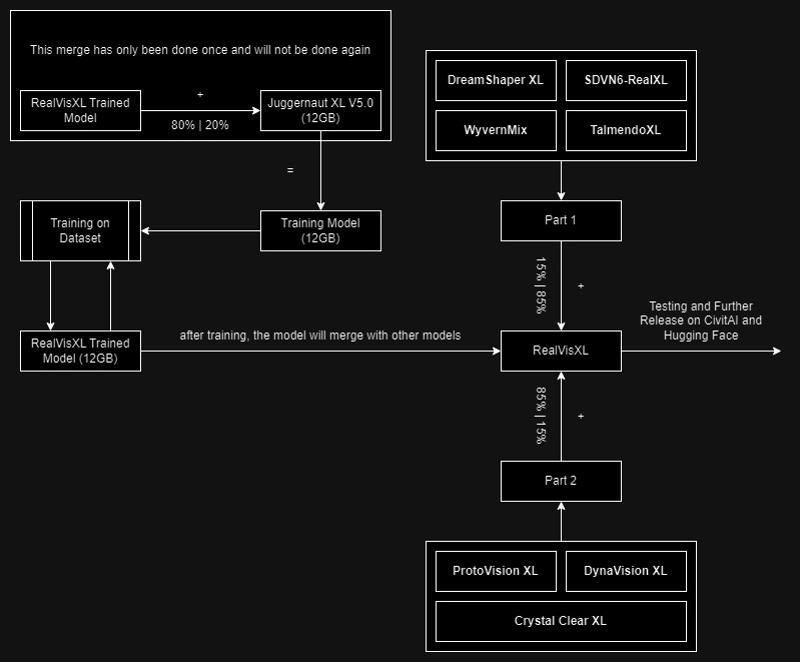
This model is:
ᅠ
Huge thanks to the creators of these great models that were used in the merge.
SDVN6-RealXL by StableDiffusionVN
TalmendoXL - SDXL Uncensored Full Model by talmendo
ProtoVision XL and DynaVision XL by socalguitarist
Cinemax Alpha | SDXL | Cinema | Filmic | NSFW by viakole
Description
Use with DPM++ SDE Karras sampler, 4-10 steps and CFG Scale 1-2.5
FAQ
Comments (53)
I seem to have a hard time getting it to make the subject not look directly into the camera but looking at an object.
Any pointers or is that currently an issue with the model not really accepting poses just by the prompt?
It is trickier for me in this model, but the prompt "Rear view" paired with " Looking out of frame" gave me the look I was after. I might post one or two images of that run later.
same query
I hope that SDXL-DPO can help to improve your models even more in terms of coherence. 🔥
Hi! Yes, I think that's a very good idea. I'll see what I can do with it :)
I have a problem when using RealVisXL 3.0 Turbo with Adetailer:
When applying Adetailer for the face alongside RealVisXL 3.0 Turbo, the resulting facial skin texture tends to be excessively smooth, devoid of the natural imperfections and pores. This occurs even though Adetailer impressively enhances details in areas like the eyes and mouth. Consequently, the facial skin appears unnaturally airbrushed, lacking in realistic detail.
Could you advise if there is a particular setting or method within Adetailer that I should employ with this model to ensure the facial skin texture retains a natural look and remains consistent with the detailed quality of the rest of the image?
Are you using the "Facial restoration on" setting in Adetailer? I make sure to turn that OFF for all turbo models/checkpoints. Even at an extremely low strength, face restoration makes Turbo output really smooth, as you said.
@Socalista Thanks! The face restoration in Adetailer was turned off. There must be something else that messes up Adetailer
@Socalista I can confirm this issue with Adetailer is only affecting Turbo models. The facial restoration in Adetailer was off, however....
@jpgranizo I've been able to use Adetailer with my turbo merges/models just fine. I have all the settings set to default except the denoising strength (which I change as needed) and the separate width/height set to 1024x1024. I keep my inpainting mask blur at 4-6
@jpgranizo Perhaps your inpainting mask blur is too high? That'd smooth it out.
@Socalista I can confirm that mask blur is low (at 4) and I changed the separate width/height to 1024. This didn't change anything regarding the Adetailer issue.
Here are my Adetailer settings: https://i.imgur.com/sQsrmRD.png
Here are a few examples I uploaded. Left is without Adetailer and right with Adetailer. What is your opinion?
RealvisXL 3 Turbo:
https://i.imgur.com/PisIdpA.jpg
https://i.imgur.com/ET1JXpQ.jpg
REalvisXL 3 Non-Turbo
https://i.imgur.com/tyZZdgI.jpg
https://i.imgur.com/j8uco63.jpg


@jpgranizo I don't see much of a difference in blur/smoothness between turbo and nonturbo, they're BOTH becoming blurred/smooth. What denoising strength?
@Socalista I agree, both becoming smooth. Adetailer inpainting denoising is 0.4. These are all my adetailer settings: https://i.imgur.com/sQsrmRD.png
Any idea what is going wrong here?
@Socalista II experimented with varying step counts in Adetailer inpainting alongside the Turbo model. Here's a brief rundown:
- Primary generation: I used 8 steps in the primary generation and 8 steps for 1.5x upscale with Hihres.fix.
- Adetailer: Tested with inpainting step settings at 8, 12, 15, 20, and 30 steps. Here's the outcome:
https://i.imgur.com/jpkPiZe.png

Observations and Questions:
1. I think the 20 and 30 step results more closely match the original image in terms of skin texture
2. Should I even use 20-30 steps in Adetailer when paired with a Turbo model, as merged Turbo models work with 5-10 steps?
3. Is the improvement of skin texture at higher steps genuine, or is it just additional noise that gives the impression?
How to make a Turbo model by merging. The method I used:
Interpolation Method: Add difference
Model A: any Turbo model (in my case it is Dreamshaper)
Model B: your model
Model C: sd_xl_base_1.0_fp16_vae
Multiplier: 1.0
I hope this information will help you to create your own Turbo models :)
Thanks for this! :-)
Does it require refiner?
Hi! No, refiner is not needed for this model.
Good morning all, Trying to import Realvisxl 3 in Draw Things (iPad). It is however asking me for “Fine-Tuned Image size” (up to 1024x1024), “Custom Variational Autodecoder” (enable or disable), “V-prediction” (enable or disable) and “Attention with higher precision” (enable or disable). How do I know what to select/enable? Checked the internet and couldn’t find the answer. Thanks in advance!
The link for v3 non-turbo seems to download the turbo model also. Should we just rename it or is it the wrong model?
Download it from hugging face
Really love this model, but i feel like it could work well with a splash of DTO
Within 6 steps, this model can produce a decent cinematic photo. Amazing job!
Are there any non-pruned versions of these models?
Hi! So far, in Diffusers on the Hugging Face.
Turbo 2.02 makes a clearer picture than 3. 3 has a lot of noise on any sampler.
Has anyone been able to DreamBooth this model (either LORA or full finetuning) and keep the turbo generation (~5 steps) benefits? It seems like I need to generate with 20+ steps to get good results.
SDXL Inpainting possible with AUTOMATIC1111:
https://github.com/AUTOMATIC1111/stable-diffusion-webui/pull/14390
Waiting for your model now ;)
Working on it now :)
A user had this model realvisxlV30_v30Bakedvae on a picture they created below, but I got this model when I tried to download it, realvisxlV30Turbo_v30Bakedvae. Just to be sure, the user had a CFG of 7 rather a CFG of 1-2.5. I would like to get the realvisxlV30_v30Bakedvae.
I get sharp faces and blurry bodies, anyone else have this issue?
+1
I merged my own heavily-merged model with the Human Preference Improvement 1.4, merged RealVis Turbo with rmsdxl Turbo, and then merged those two merges together
and suddenly, most of my SDXL quality complaints were solved. the improvement is immense.
after some fairly extensive testing, i think the biggest improvements came from RealVis and HPI.
it's so much better now, not just for clarity but for receptivity to more complex concepts, that I think I'm going to finally throw away the 2tb of other models that have been cluttering up my hard drives...
why not share this chimera model with community? it could be interesting :)
@HMS_Phone Seconded. Model/Pics or it didn't happen.
@HMS_Phone That is what people do to get attention. They are lonely. There is no model.
maybe i will, after a few more merges that dilute some of the ones i merged in that have "do not share merges of this model" in their descriptions. like the HPI1.4 model, for example. when i left this same comment on that model, the uploader reminded me that i'm not supposed to share merges that include HPI1.4, according to its own description, (and then said something about potential legal action by the people who assembled some of the resources he used to make it? i don't know, man)
this really isn't rocket-science, i'm just stealing the best models i can find and smashing them together.
if you really wanna replicate my "basically exact" results, go ahead and merge the only model i've uploaded with the basic Turbo model, then merge it back onto itself (so, in total: merge my model and turbo; merge that result with my model again) in order to maintain fidelity and overwrite some of Turbo's jankiness, and you've basically got "the oh-so-mystical merge" that i was referring to. if you want it to be better, find a better model and repeat that same process, with a preference for ones that have already been merged with turbo. that's all i do.
A+B=1; C+D=2; 1+2=temp_model; temp_model+my_model=model_A; model_A+my_model=model_B; test model_A and model_B to see which is better. rinse, repeat.
8-10 steps, cfg 1-2. test different samplers to see which work. if you're lucky, even the dppm_3m or 3m karras options will work
Chill. 😂I'm literally giving you a workable recipe and 90% of the logic I use to select my merge candidates
I'm not saying it's perfect. But I really frickin' like the results.
I found the sweet spot for RealVisXL is CFG 1-3 and steps between 6-11 with DPM++ SDE Karras. My research is here.
Beyond this CFG value, artifacts start popping up and beyond this number of steps, the image can look too sharp/blotchy/unrealistic.
Does anyone have the same experience? I'll be using my safe values of CFG 2 and steps 6 for speed and reliability.
Thanks for the tips friend!!!!!!!!! Now i a doing miracles!
Which model did you test?
You talk about RealVisXL but then you mention realvisxlV30Turbo_v30TurboBakedvae on your website, which behaves quite different to RealVisXL V3.0.
The turbo versions are supposed to be used with a low cfg and step count.
It's really bad with lora's for me for some reasons compared to dreamXL or SXXXL for instance.
I also get blurry everything except the face when not using lora for some reason?
This worked for me as well. Faster, and looks better.
Really good, thx. Can I ask what resolutions did you use it in database?
bad Human fingers
the skin looks like the "thing" is sick
Text2image seems to look ok, but facedetailer or inpainting with controlnet produces very poor results compared to 1.5 models. Any idea why? @SG_161222
When trying to load the full model
https://huggingface.co/SG161222/RealVisXL_V3.0/blob/main/unet/diffusion_pytorch_model.safetensors
via the CheckpointLoaderSimple on Comfy, I get this error:
Error occurred when executing CheckpointLoaderSimple: 'model.diffusion_model.input_blocks.0.0.weight' File "/workspace/ComfyUI/execution.py", line 154, in recursive_execute output_data, output_ui = get_output_data(obj, input_data_all) File "/workspace/ComfyUI/execution.py", line 84, in get_output_data return_values = map_node_over_list(obj, input_data_all, obj.FUNCTION, allow_interrupt=True) File "/workspace/ComfyUI/execution.py", line 77, in map_node_over_list results.append(getattr(obj, func)(**slice_dict(input_data_all, i))) File "/workspace/ComfyUI/nodes.py", line 476, in load_checkpoint out = comfy.sd.load_checkpoint_guess_config(ckpt_path, output_vae=True, output_clip=True, embedding_directory=folder_paths.get_folder_paths("embeddings")) File "/workspace/ComfyUI/comfy/sd.py", line 451, in load_checkpoint_guess_config model_config = model_detection.model_config_from_unet(sd, "model.diffusion_model.", unet_dtype) File "/workspace/ComfyUI/comfy/model_detection.py", line 163, in model_config_from_unet unet_config = detect_unet_config(state_dict, unet_key_prefix, dtype) File "/workspace/ComfyUI/comfy/model_detection.py", line 49, in detect_unet_config model_channels = state_dict['{}input_blocks.0.0.weight'.format(key_prefix)].shape[0]Any pointers?
use A1111.
inpaint wen 👀
Inpaint now.
Details
Files
realvisxlV50_v30TurboBakedvae.safetensors
Mirrors
realvisxlV30Turbo_v30TurboBakedvae.safetensors
realvisxlV50_v30TurboBakedvae.safetensors
realvisxlV30Turbo_v30TurboBakedvae.safetensors
realvisxlV30Turbo_v30TurboBakedvae.safetensors
realvisxlV40_v30TurboBakedvae.safetensors
realvisxlV30Turbo_v30TurboBakedvae.safetensors
RealVisXL_V3.0_Turbo.safetensors
realvisxlV30Turbo_v30TurboBakedvae.safetensors
RealVisXL_V3.0_Turbo.safetensors
Available On (1 platform)
Same model published on other platforms. May have additional downloads or version variants.