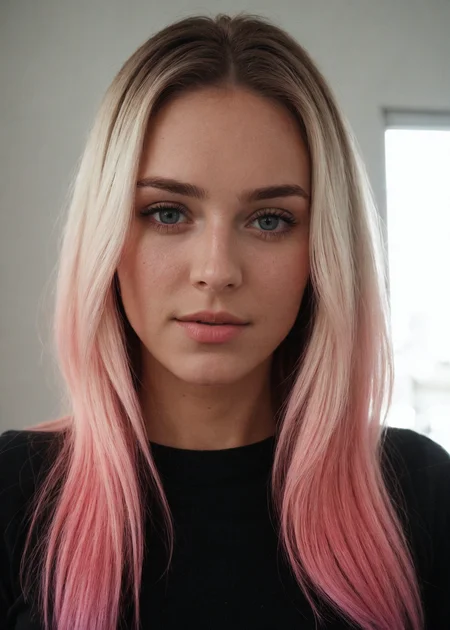

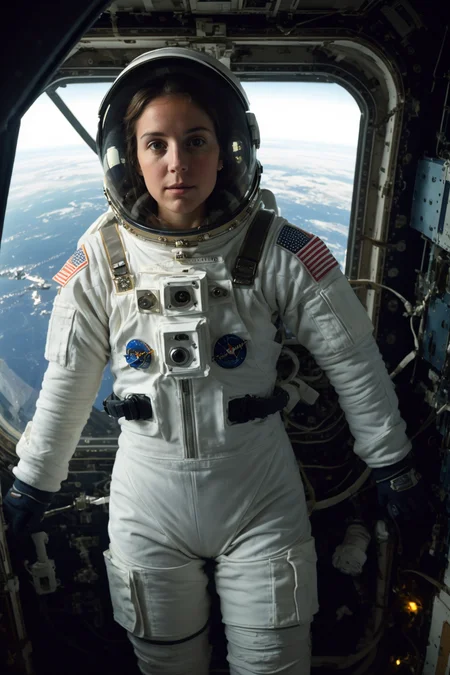
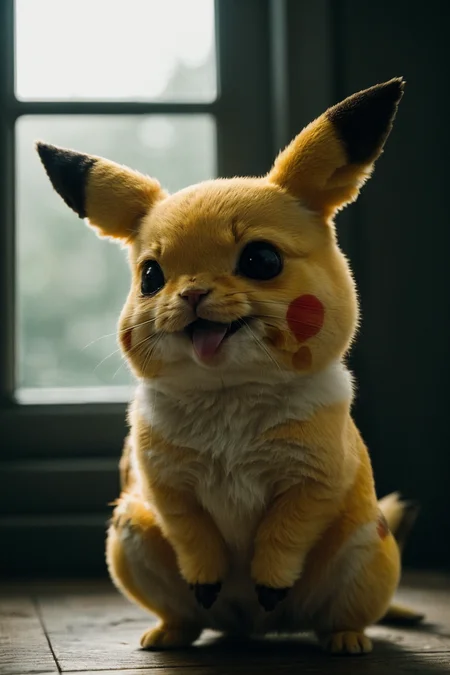
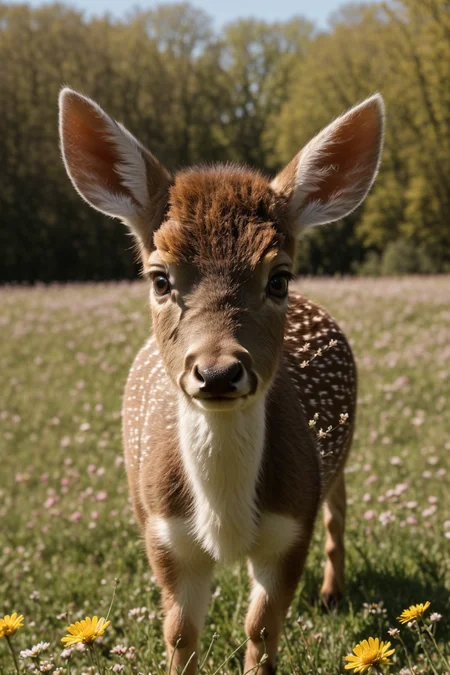


Natural Sin Final and last of epiCRealism
Since SDXL is right around the corner, let's say it is the final version for now since I put a lot effort into it and probably cannot do much more.
I tried to refine the understanding of the Prompts, Hands and of course the Realism.
Let's see what you guys can do with it.
Thanks to @drawaline for the in-depth review, so i'd like to give some advices to use this model.
[expand to see Advices]
Advices
use simple prompts
no need to use keywords like "masterpiece, best quality, 8k, intricate, high detail" or "(extremely detailed face), (extremely detailed hands), (extremely detailed hair)" since it doesn't produce appreciable change
use simple negatives or small negative embeddings. gives most realistic look (check samples to get an idea of negatives i used)
add "asian, chinese" to negative if you're looking for ethnicities other than Asian
Light, shadows, and details are excellent without extra keywords
If you're looking for a natural effect, avoid "cinematic"
avoid using "1girl" since it pushes things to render/anime style
to much description of the face will turn out bad mostly
for a more fantasy like output use 2M Karras Sampler
no extra noise-offset needed, but u can if you like to 😉
How to use?
Prompt: simple explanation of the image (try first without extra keywords)
Negative: "cartoon, painting, illustration, (worst quality, low quality, normal quality:2)"
Steps: >20 (if image has errors or artefacts use higher Steps)
CFG Scale: 5 (higher config scale can lose realism, depends on prompt, sampler and Steps)
Sampler: Any Sampler (SDE, DPM-Sampler will result in more realism)
Size: 512x768 or 768x512
Hires upscaler: 4x_NMKD-Superscale-SP_178000_G (Denoising: 0.35, Upscale: 2x)
Useful Extensions
!After Detailer | ControlNet | Agent Scheduler | Ultimate SD Upscale
⁉ No VAE needed but it is better to use one for more vibrant colors
⭐ Feel free to leave Reviews and Samples - and always have fun creating ❤
Description
finetuned Photorealism, more generic Faces, maybe slightly better Hands
FAQ
Comments (38)
I would be glad if you could share how you perform this type of training. Thank you.
It is too much to explain in short. Search for dreambooth fine-tuning. Sorry that I can‘t give much more information than this 🥺
@epinikion thank you for your response, I know how to train dreambooth, lora, lycoris, etc. but I did it with a maximum of 200 photos of a person. In your case, it is more general training and I am curious about the amount of data used for training. I want to try this out.
This is personally the best photorealistic model that I've used yet.
Just putting this out there, but SDXL 1.0 will be open sourced in July. It will fix the hands issue and hopefully feet. But will need a gpu with at least 8GB of vram. Hoping people will start building checkpoints off it soon.
epiCRealism new epsilon ancestral tugboat edition v3 REVISED v2.11116: REBUILD
Bro make a model for Hailee steinfeld (current look)
Maybe check this Embedding? https://civitai.com/models/79423?modelVersionId=84228
I had a little journey.
I have a LoRA trained on my girlfriend's photos. V1 has been trained on Realistic Vision 2.0 (RV2) checkpoint, it showed amazing results on Pure Evolution V1 (PEV1). I actually had 100% similarity, she even couldn't find the difference by herself on some results. Her Instagram subscribers couldn't find the difference either.
Then I though that LoRA trained on PEV1 could become even better. The results were ok. Just ok. Not that bad, but not that good as I expected them to be.
Then PEV2 came out. I used my V1 and V2 LoRAs on it, and results were terrible. Not actually TERRIBLE. They still were kinda realistic but similarity went down to like 40-50%. Then I trained my V3 LoRA on PEV2. Results became even worse. I've been stuck on PEV2 generating grids and comparing results of V1-V3 LoRAs for hours. I coudn't find anything close to PEV1 by similarity with original model and overall quality.
So I have some conclusions.
1) PEV2 isn't actually versatile for LoRAs (PEV1 is). Maybe it could produce good results on its own but I didn't actually dig into it.
2) LoRAs trained on PEV1 are 50/50. But if you want to see the best results I highly recommend you to train your LoRAs on RV2. PEV1 LoRAs show good results on PEV1. But you can use RV2 LoRAs with a lot of other checkpoints (both graphic and photorealistic) and it produces great results with high similarity to the model. I could show you the grid but I don't know if it's ok to add links to external resources in here. Anyway you could try it yourself.
I guess that's because RV2 has been used by a lot other checkpoints so they are kinda compatible with LoRAs trained on it.
Great model anyway! I hope the next version will return good LoRAs compatibility.
Thank you for that detailed review. that is what really helps improving ❤️ I have to check that out. Probably something got messed up on my side. I mostly do that stuff beside my real Work, so the testing is maybe not that deep as it should be. So I should consider Lora testing also. Hope you still Happy with PEV1 🫢 Did u try to train your Lora on the 1.5 SD Model, since this should be used always to train.
@epinikion SD 1.5 isn't too good with people but I've been thinking about trying it out. Maybe I'll update my review later. I have pretty old GTX 1080 Ti so training takes 7-9 hours straight (so I train once per 24 hrs at night :D)
@Influx oh that‘s tough. But you will have better results afaik, since SD is all token based and every model builds up on that base model. Let me know how it performed out
man that model is amazing. Best performing on realistic compared to all others available right now. Private parts do not look like exploded donats (most of the times). Great work on that!
Hi. Why don't any of the pictures turn out for me like you and the others did?
same here, i copy settings from website and images are only similar to oryginal ones.
Missing the embeddings? Like Baddream, unrealisticdream, epicnegative, kkw-ph1, easynegative and so on
@epinikion thx, this was the difference
@Stevem61 newbie question, do these embeddings go to the embeddings folder and get selected from the Textual Inversion menu in SD?
@lunesmartesai505 yes
A question for the pros: how do I set it up to see missing embeddings in the terminal? Like missing Loras etc. thx
There is no way. U have to know it. But it is mostly not that hard. Watch the prompt and there u can see unusual names like baddream, blabla-negative, easynegative, badhands4 and so on. Civitai tries to tell embeddings if the trigger word is known. Therefore watch the „resources used“ section if u click on an image above the prompt details.
@epinikion thx
I would web crawl top 100 embedings in gist, clean it up from anomalies and then use it as lookup.
I dont think its possible to guarantee that token is from external embeding as TE by their nature just changing weight values of tokens.
However if you extracting metadata from someone else art, then you can check for embeding hash that look like this "embed:negative_hand-neg": "73b524a2da"
The quality is excellent, I like your models the most. However, I have noticed that the newest model tends to make a woman out of everything, even when a male's name is in the prompt – this has not been the case with New Age for example. Please counteract in the next versions.
Thank you, glad you like them. Do you have a sample prompt to test it? There is much female content in, so yes that could be a case but should not. 🤔
@epinikion It is especially noticeable when male people wear clothes in feminine colors like purple/lilac. Here are two sample images with all the data:
@realmalikov Thank you, i tried to fix that a bit. You can empower it by using "a man as" infront of a celebrity. Otherwise the male celebrity keywords seem to be a bit low after all.
Really cool !
How can it be so real !
Magic ✨
First, thank you for this fantastic model and for sharing your work with the community. I can't wait for future updates.
I experimented during the last weeks with different realistic models. I conducted the same test with the most popular realistic models in Civitai, and this is, by far, the best. Realistic Vision also provides satisfactory results but requires more prompt parameters to get to the same point (in my experience).
This information is based on my sole experience with an Apple M1. Your mileage may vary.
Observations
- In my tests, keywords like "masterpiece, best quality, 8k, intricate, high detail" or "(extremely detailed face), (extremely detailed hands), (extremely detailed hair)" in the prompt didn't produce appreciable change. The model is excellent, producing realistic images with simple prompts. Longer prompts may work worse or require more runs to get the desired result.
- The prompt examples in the model's gallery are the ones to use. Simple positive prompts. For the negative prompt, use BadDream, and UnrealisticDream, and add "asian, chinese" if you're looking for ethnicities other than Asian.
- Light, shadows, and details are excellent without extra keywords. If you're looking for a natural effect, avoid "cinematic".
- Prompting for clothes works very well. It can be challenging with some LoRAs, but this is not a problem with the model.
- If you don't get the expected results, verify the model card's recommended parameters: No VAE, low Steps and CFG values.
Suggestions
Things that I think the model can improve, based on my extensive but anecdotal experience:
- The colors come too saturated. Keywords like "mute colors" don't have any appreciable effect. I use "(saturation:0.4)" for a more lifelike effect.
- Girls in pictures show excessive makeup. Adding "makeup" in the negative prompt or "natural face" in the positive one reduces the amount of makeup, but not enough.
- The model responds well to different ethnicities in the prompt. Still, people tend to show similar faces within the same race. A wider range of model faces would be great.
- When not using ControlNet for poses, women quickly adopt sexy poses. This is okay, depending on your preference, but a wider variety of poses would be great.
Overall, this is a fantastic job!
Thank you so much for that in-depth review! Btw i like your work! I tried to fix some of the points you mentoined here as far as i could, let's see how the community does. I used some of your observations in my Advice Text :)
I appreciate your comments, @epinikion! Thank you for this fantastic model
There is a little trick that work with this and many other models when it comes to faces.
When i try to make different faces i alway prompt it for example: "22 year old women Casey",or next time "19 years old girl Kaylee".Changing names really work sweet at least from my experience,also changing ages,hairstyle and haircolor have big impact.
I rendered probably a 1k pictures with this model and never get same faces.
You also need to have imagination when it comes to prompts one time girl can be student,next time cheerleader,which also impacting faces.
I perfected stuff with this model and dont have any complain about face variety,i also using VAE and there is no to saturated images...but of course people experiences can vary.
Good review btw!
@grimreaperalphax6915 Thank you, that is really helpful. Good to hear u have so much success with my model ❤️
@epinikion Yeah,last few days i creating vintage style images for my DeviantArt page,stuff like beautiful women in vintage clothing and vintage hairstyles.It can make beautiful Art-deco inspired stuff.totally blow me away.I also created vintage 1960s diner and all kind stuff in 60s.
I mean model is a monster,i try to create some vintage stuff before on other models because im a big fan of vintage but failed or images ended up pretty stupid.but with this i cant stop creating.
Also your model have beautiful colors and shadows.
Main thing is consistency.everything you try to create it's on same level of quality.
I dont know what kind of stuff you are using to feed it and train it but one thing is certain you hit the target with flawless precission!
@grimreaperalphax6915 Prompts like "[Audrey Hepburn:Milla Jovovich:16]" (use "Audrey H." until step 16 and "Milla J." from step 16 and so on) gives even better result. Easier to control the features of the face and body. This "temporal" trick works with any words, but for the faces it gives max profit. Just find the celebrity names your model knows. ;)
Hey mate, trying out your epic realism checkpoint and textual inversions.
The results do indeed often look very realistic, however with every generation I receive either 2 people, 2 (or more) body parts etc etc....although I specifically state to only have 1 person. Also tried copying 1to1 a few of your posts & prompts....with the same thing.
Probably doing something wrong so I'd appreciate any and all help!
Using pure evolution v2 and always the same embeddings, prompts & settings when trying to copy your images.
Share sample prompt with negatives and dimensions. Probably we can help then. V3 will be released tomorrow (27.06) probably it handles it better, but most likely it is to tall or wide dimensions.