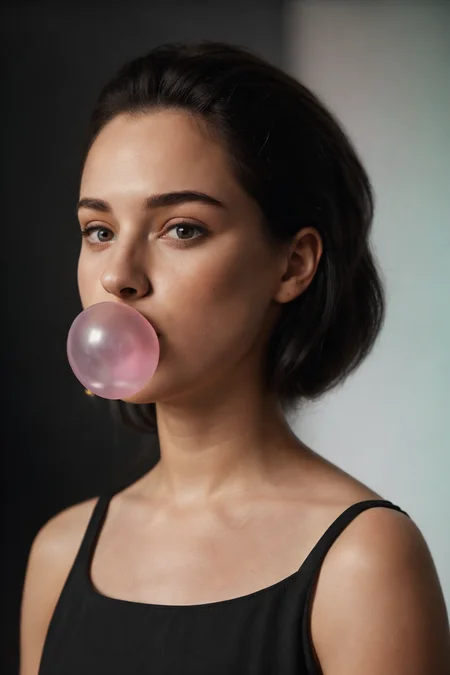
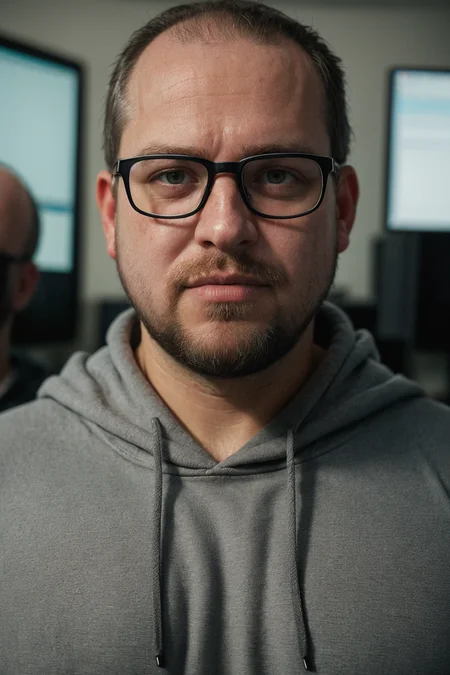
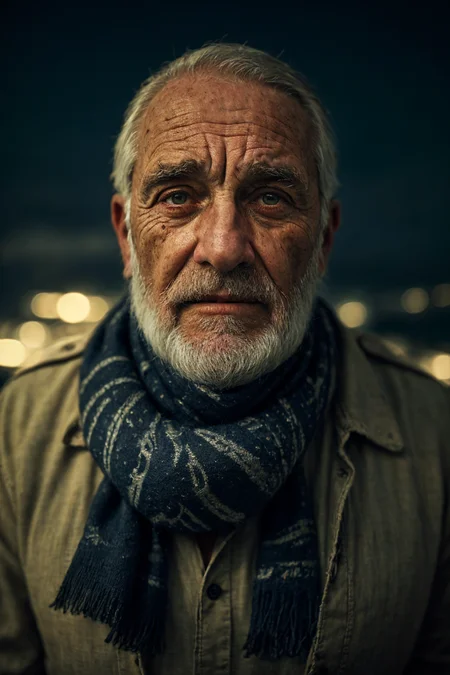
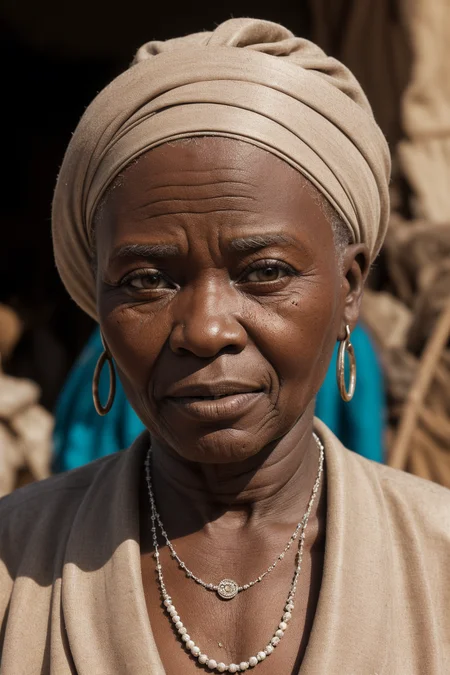
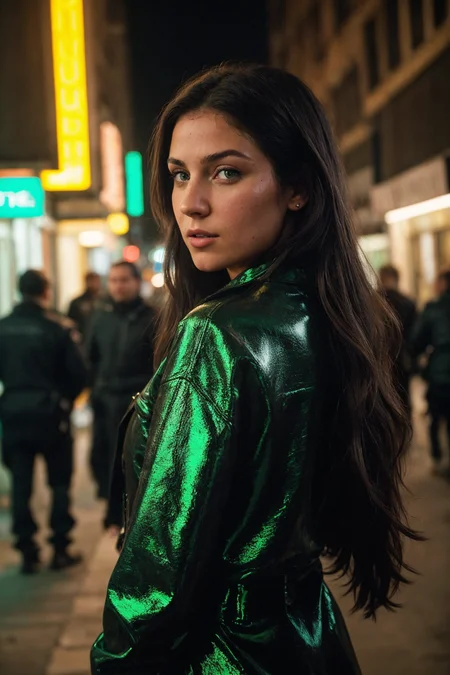
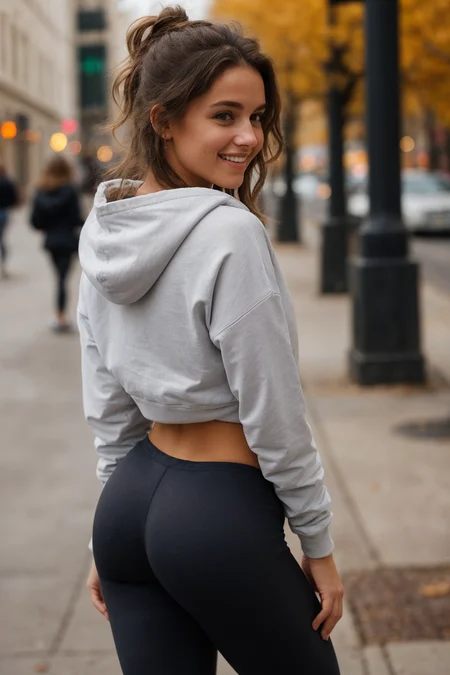
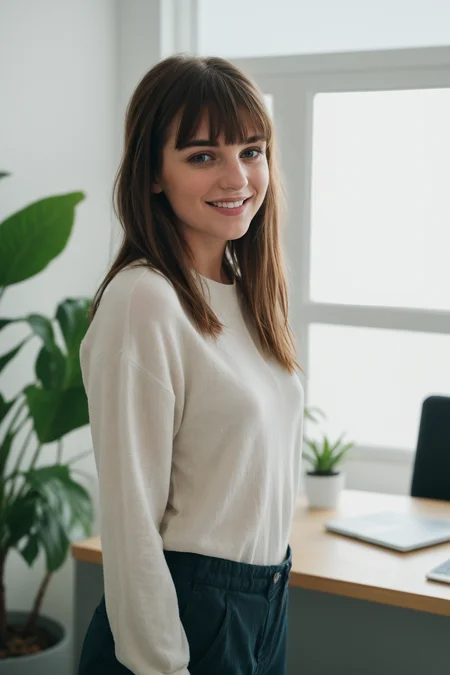
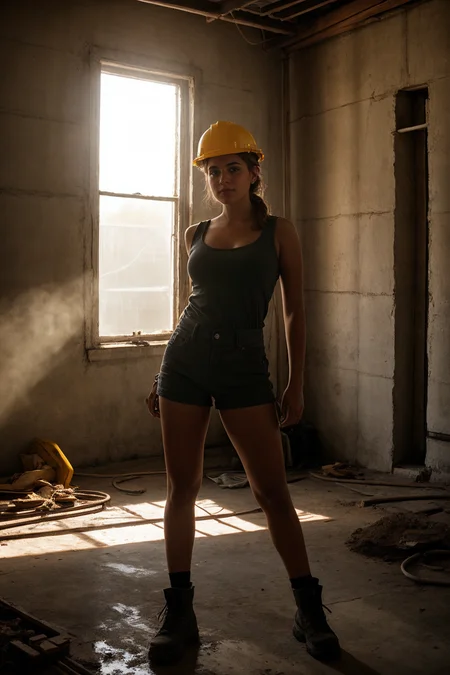
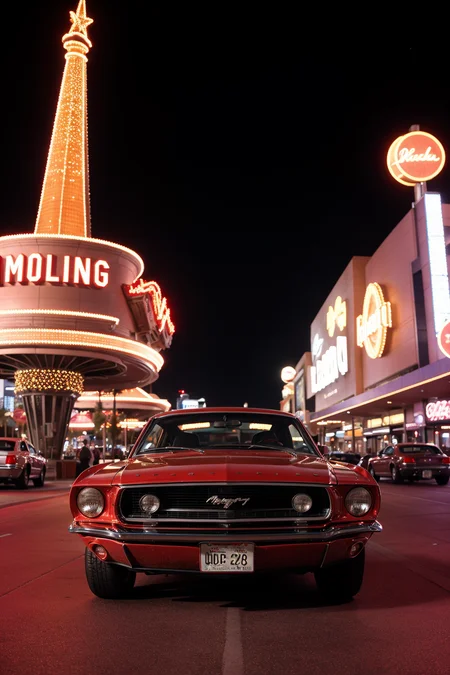
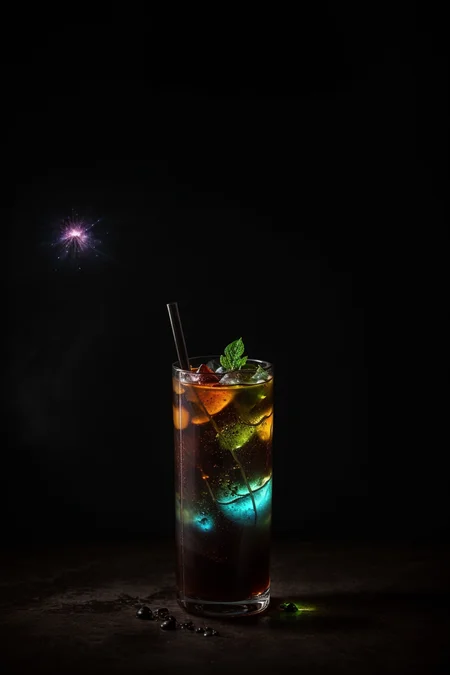
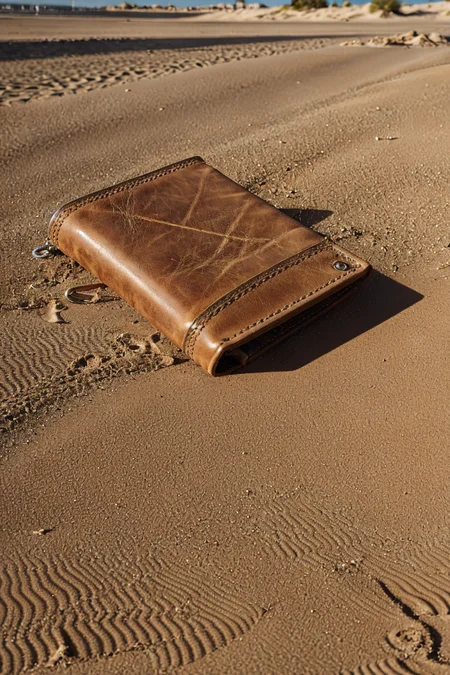
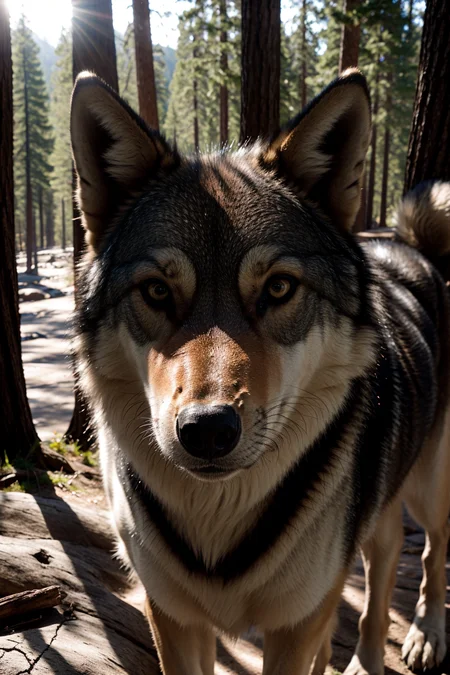
Natural Sin Final and last of epiCRealism
Since SDXL is right around the corner, let's say it is the final version for now since I put a lot effort into it and probably cannot do much more.
I tried to refine the understanding of the Prompts, Hands and of course the Realism.
Let's see what you guys can do with it.
Thanks to @drawaline for the in-depth review, so i'd like to give some advices to use this model.
[expand to see Advices]
Advices
use simple prompts
no need to use keywords like "masterpiece, best quality, 8k, intricate, high detail" or "(extremely detailed face), (extremely detailed hands), (extremely detailed hair)" since it doesn't produce appreciable change
use simple negatives or small negative embeddings. gives most realistic look (check samples to get an idea of negatives i used)
add "asian, chinese" to negative if you're looking for ethnicities other than Asian
Light, shadows, and details are excellent without extra keywords
If you're looking for a natural effect, avoid "cinematic"
avoid using "1girl" since it pushes things to render/anime style
to much description of the face will turn out bad mostly
for a more fantasy like output use 2M Karras Sampler
no extra noise-offset needed, but u can if you like to 😉
How to use?
Prompt: simple explanation of the image (try first without extra keywords)
Negative: "cartoon, painting, illustration, (worst quality, low quality, normal quality:2)"
Steps: >20 (if image has errors or artefacts use higher Steps)
CFG Scale: 5 (higher config scale can lose realism, depends on prompt, sampler and Steps)
Sampler: Any Sampler (SDE, DPM-Sampler will result in more realism)
Size: 512x768 or 768x512
Hires upscaler: 4x_NMKD-Superscale-SP_178000_G (Denoising: 0.35, Upscale: 2x)
Useful Extensions
!After Detailer | ControlNet | Agent Scheduler | Ultimate SD Upscale
⁉ No VAE needed but it is better to use one for more vibrant colors
⭐ Feel free to leave Reviews and Samples - and always have fun creating ❤
Description
Saturatiooon... at least a bit
More colors were needed, here they are.
FAQ
Comments (49)
Tried to put a bit Vibrance and Colorpop in 3.5 colorfix, tell me what u think :)
It's very good. I've try all the realistic ones and yours is the most realistic. I guess people might say your model could be to stiff (not allowing enough of variations), but I've learn to work with it and I'd disagree with that statement.
Very small question (maybe you already answered that somewhere) : Do you recommend using restore faces with your model ? I have all the good Loras, embeddings and extensions. After many tries, I'm very uncertain if restore faces is helping or not.
Thanks and keep up the good work ! Willing to help promoting your stuff. If I can do something in any ways just tell :)
@Himeros_godofsexualdesire Hey thank you for that kind review. Since it is trained for „realism“ there is much less fantasy content which I’m also aware of.
I never use FaceRestore. Face will come out good on hiRes fix, sometimes if they don‘t, I use ADetailer Extension with face_full model. It will make the faces look good but sometimes also remove a bit of realism.
@epinikion Yes, I noticed that ADetailer those that. That's why I'm not using it. I feel it's better to use ''bad'' positive prompts to achieve more realism (iphone, normal quality, etc.). To me magazine cover shot doesn't look real so aiming for that doesn't as well.
I've been using DPM fast and DPM ++ SDE Karras. Which one is the best in your opinion ? (with your model)
@Himeros_godofsexualdesire You can use epiCRealismHelper Lora in ADetailer, also helps but mostly I leave it blank.
Minimal prompting is key. „bad quality“,“medium quality“ can help as u mentioned.
Samplers I use are „DPM++ SDE“ for most of my images, downside is that it takes more time to generate. „DPM fast“ is pretty rigged but can give stunning results. For more flexibility I use „DPM++ 2M Karras“ but makes it not as realistic as I wish it would
@epinikion Sorry, some other questions. Do you use Adetailler and Upscalers in image2image after or directly in text2image ?
@Himeros_godofsexualdesire i use them in txt2img mostly and for showcases. If i want to refine upscaling i use SD Ultimate Upscaler in img2img, therefore ADetailer isn't neccessary mostly, but it got a cool new Model only for eyes which can be helpful.
I have some problems that when producing images, the resulting colors are not balanced, aka color cast, and have to balance the white balance again in photoshop, what is the solution so that the colors produced from this model can be neutral ?
@vinpunk99 do u use a VAE?
@epinikion I can't find the best settings/tuning to do a refine upscaling afterward using SD Ultimate Upscaler in img2img. I've been searching the infos, but every (different) recommandations turn the image uglier. I've been trying no prompts or using the exact same prompts or only negative prompts, 0,35 denoise strength, 4x Ultrasharp, 4x-NMKD-Superscale-SP_178000_G, Sampling steps 30, DPM++ SDE, Just resize, using the same seed or not using the same seed, with seams fix or without seams fix.
Now, I don't want to use ''Extras'' cause I wan't to refine while upscaling.
Any advices ?
@epinikion sometimes yes, but not using VAE, the resulting image still color casts
@Himeros_godofsexualdesire make sure u have same prompt and negative. Also same CFG and Sampler (this is not carried over) Denoising above 0.35 tend to change overall image, so i use 0.35 or lower. So for a image 512x768 i use mostly this settings in the Script https://imgur.com/a/iuNzgXf Tile width: 768 or 1024 but 1024 can produce artefact generations. In this case try increasing Mask and/or padding. So it's always trial and error but with that its a good start. Try to upscale only by x2, not by x4 (repeat upscale x2 to desired Scale)
@epinikion Thank you so much.
Those specific tile width and height still gets me confuse.
If the original image is 512 X 768 and that I want to upscale by X2, shouldn't I insert 512 in ''Tile width'' and 768 in ''Tile height'' ? Why would I put 768 in ''Tile width'' ?
@epinikion Also, do you think the best is that the sampling steps matches the hires steps ?
I read that the hires steps can or should be half the sampling steps : https://imgur.com/a/ujeVlBC
I also read that you can put the value 0 in hires steps.
@epinikion Here's another (lol). For a realistic face, which ADetailler model do you prefer using face_yolov8n.pt, face_yolov8s.pt, mediapipe_face_short, mediapipe_face_full or else ?
@Himeros_godofsexualdesire I always chose width only, so it is doing squares. Had better results I guess but didn‘t test that out since a few month. So try it yourself. More steps give more details, so this is also to your liking probably u have to lower the denoise on higher steps. I always use face_full since I had best results with that. I guess yolov8 is used for anime style.
@epinikion And what prompts you use Adetailler with texttoimage ? It reduces the variability of faces your model is offering when I use it.
@Himeros_godofsexualdesire as Said, I leave it all blank mostly. And yes it tends to do same faces. You can try the name hack, name surename in positive prompt of ADetailer. Like e.g. „Denise Walter“ didn’t test but it works for normal prompts. but I only use ADetailer if upscale can‘t get the face good enough in a quick generation. For real Art generation you should use inpainting
@epinikion The inpainting settings in Adetailler you mean or another inpainting I'm not aware of ? I'm aiming for the most possible realistic results (photo of one person or more)
Hello :)
Your statement: "Since SDXL is right around the corner, let's say it is the final version for now since I put a lot effort into it and probably cannot do much more."
Just like 2.1 went away (mostly), I am not so certain, having checked out some renders with SDXL, that it is the Next Big Thing (nbt).
So, please don't go away :)
We will see what 1.0 is capable of, but it has to be better than 1.5 since it has three times larger UNet backbone and a second text encoder. Also the higher Resolution is a winner. So I stay tuned and we will see what we can do with SDXL 1.0 and how we can refine it to our needs if needed 🙃 I won‘t go away.
I whole-heartedly agree with this. I am not at all excited for SDXL, and really haven't been impressed with the outputs. The detail is marginally better and the images have a little more depth, but nothing that has me itching to leave 1.5 behind.
@epinikion GOATed
Can't produce NSFW with SDXL either
@MatrixSickness You definitely can, I was able to generate lots of NSFW with 0.9 (looked much better than what the base 1.5 can do especially regarding the anatomy) so maybe SDXL can be finetuned to outperform 1.5 when it comes to NSFW, only time will tell.
@xperia256 1.0 will likely be censored though, there's a leak on reddit
@futurafree If that's the case then we can finetune 0.9 and skip 1.0 :P
Anyway according to Joe Penna from Stability staff in a reddit comment, they can't really censor it now unless they start training again from scratch which would take months. Here's his comment on censorship when he was asked: (scroll down a bit, it's the 4th comment)
2.1 isn't a total waste of time. When benchmarking SD I use the 2.1 model because it is 2 it/s faster on a 4090. I can just ship the generated images to the trashcan.
:-)
XL is looking pretty sweet....
Não é possivel treinar este modelo no fast dreamBooth, da erro :/
For me this is the best realistic model for portrait, great job !
One question, we have a prompt to not have a blurry background ?
Over 40k downloads on V3! 🥳❤️
And over 100k overall.
Just wanna say thank you guys for using this model and your awesome outputs. 👏
Stay epiC ✨
Hey your models are awesome, can you share a bit about your process? Did you generate them with dreambooth? Did you try lora? How big was your dataset, is it public or did you make your own? what about captioning, did you do it manually or with tools like blip? sorry for the questions we cant DM in here
@varkolosshrimp957 so much questions from a new user. Thanks there is no DM functionality. Let‘s say it was done by magic 🎩 🐇
No. thank YOU! Do you have a KOFI?
@arnorwing actually i hadn't, now i have. Thank you for that reminder. ❤
https://ko-fi.com/epinikion
@epinikion enjoy your KOFIs and i hope you keep creating models
totally deserved!!! this is the best model out of hundreds of realistic models i've used!
bro this model is the most precise when it comes to inpainting for me. draws realistic nipples like a breeze xD i love it. great job on this can't wait to download v3 later tonight as my net suck arse day time
@epinikion Thanks a lot for the model, its incredible.
However i do struggle a lot with blurry backgrounds and not being able to prompt multiple people. If you update the model again, would you be able to look into these issues. (Assume its because its trained on a lot of images with shallow depth of field)
Again, thank you very much. Great model
@krishavisayah492 Hmm... maybe we can help if u share a prompt or image
When trying to generate nude women i keep getting barely visible bikini's. Either the straps or the whole bikini. Any tips for fixing it besides inpainting etc?
I ofc have nothing in my prompts for bikini even putting bikini/clothing etc in negatives does nothing
Happens a lot when i try to get a specific body type
post your prompt, because no prob for me most of time
For example: nsfw, a beautiful nude Greek model on the beach at sunset in Greece, beautiful lighting, detailed face, (((slim stomach, wide thighs, wide hips, ab line, slim waist, six-pack abs:1.2))) big breasts, petite, small
Negative prompt: cartoon, painting, illustration, (worst quality, low quality, normal quality:2) deformed, ugly, fat, heavy, thick CyberRealistic_Negative-neg
It feels like its the (((slim stomach, wide thighs, wide hips, ab line, slim waist, six-pack abs:1.2))) causing it. But if i remove brackets etc i lose the body shape im looking for
Try clothing adjuster by Leosam lora at a low weight
@Downtrodden you can try to add (nude:1.2) or more
@Downtrodden try:
(RAW photo, masterpiece:1.2) , a beautiful nude Greek model on the beach at sunset in Greece , beautiful lighting, detailed face, (slim , wide thighs , wide hips , ab line , slim waist , six-pack abs:1.2) , big breasts
Negative prompt: cartoon, painting, illustration, (worst quality, low quality, normal quality:2) , CyberRealistic_Negative-neg
My Results with
Steps: 20, Sampler: Euler a, CFG scale: 7, Seed: 2545514573, Size: 512x512,
https://ibb.co/vP5wRFN