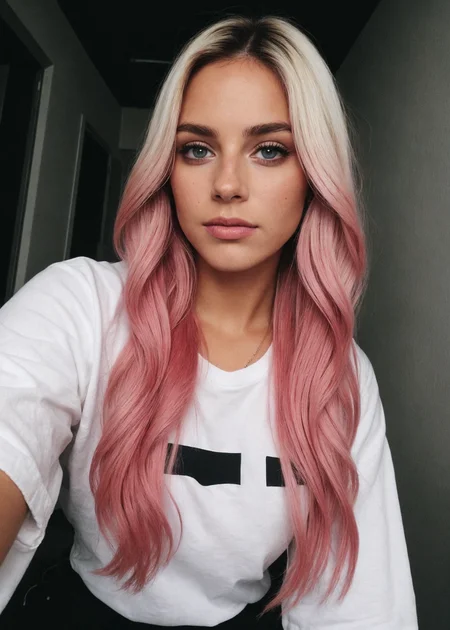
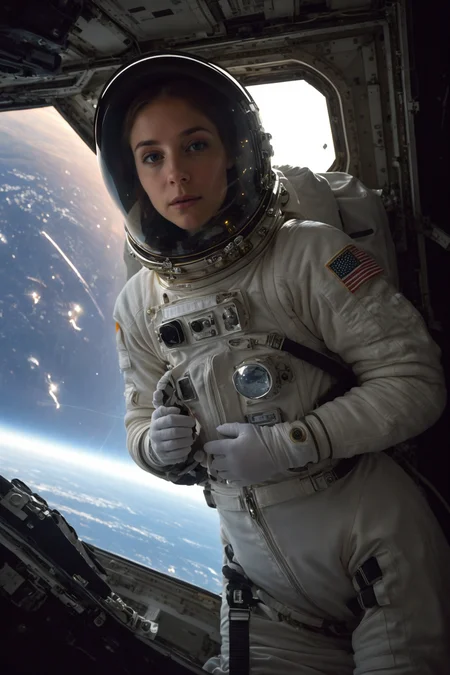
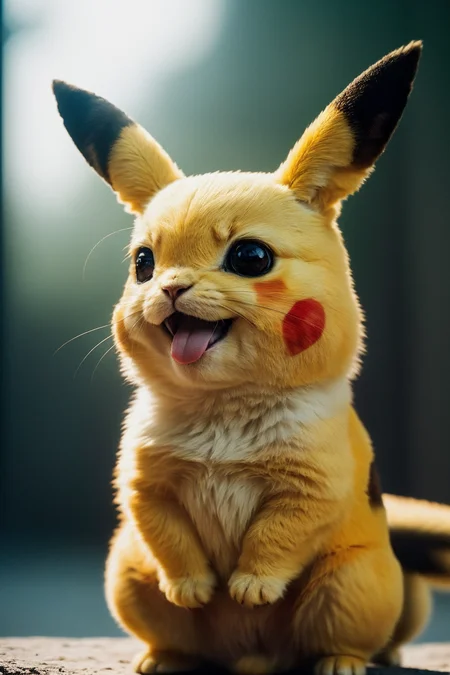
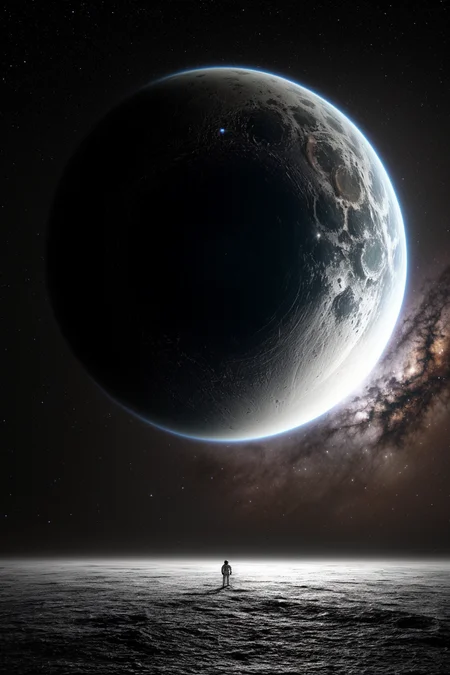
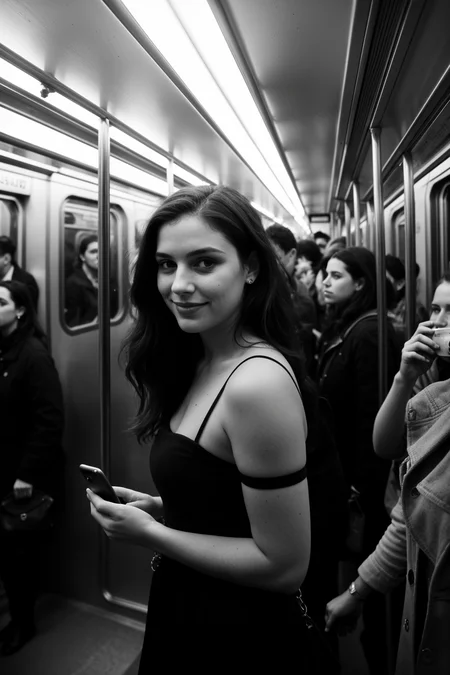
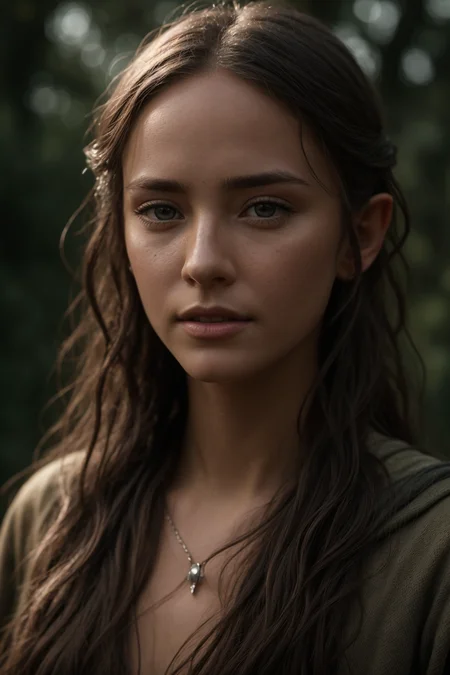
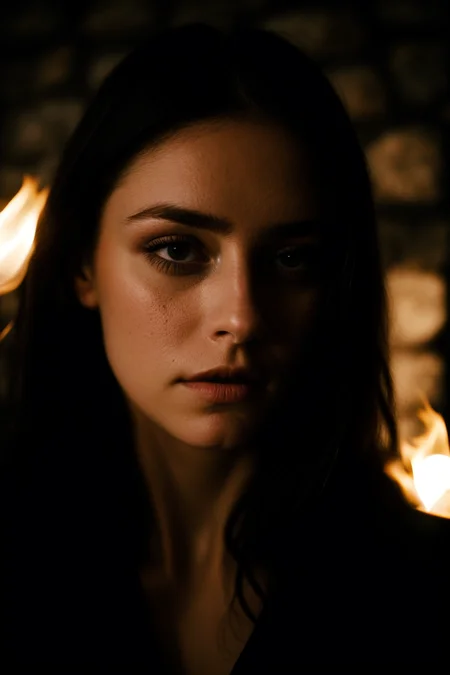
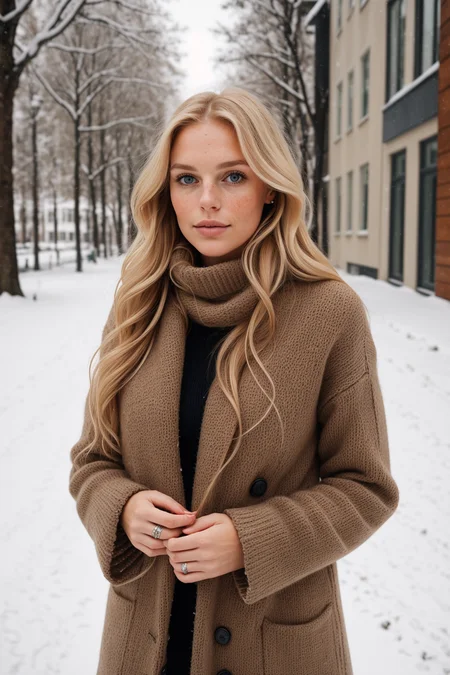
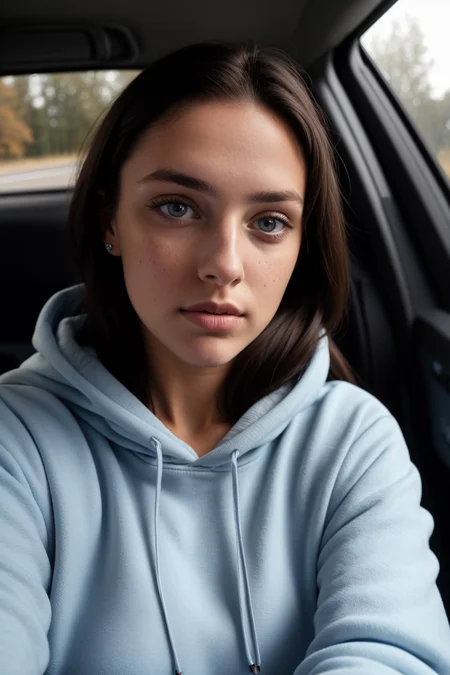
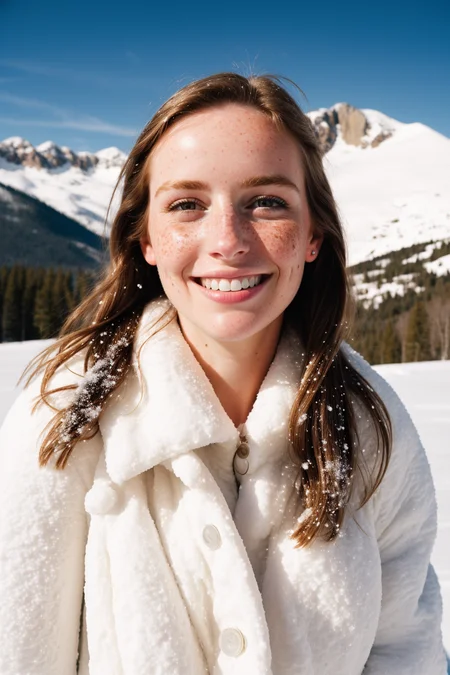
Natural Sin Final and last of epiCRealism
Since SDXL is right around the corner, let's say it is the final version for now since I put a lot effort into it and probably cannot do much more.
I tried to refine the understanding of the Prompts, Hands and of course the Realism.
Let's see what you guys can do with it.
Thanks to @drawaline for the in-depth review, so i'd like to give some advices to use this model.
[expand to see Advices]
Advices
use simple prompts
no need to use keywords like "masterpiece, best quality, 8k, intricate, high detail" or "(extremely detailed face), (extremely detailed hands), (extremely detailed hair)" since it doesn't produce appreciable change
use simple negatives or small negative embeddings. gives most realistic look (check samples to get an idea of negatives i used)
add "asian, chinese" to negative if you're looking for ethnicities other than Asian
Light, shadows, and details are excellent without extra keywords
If you're looking for a natural effect, avoid "cinematic"
avoid using "1girl" since it pushes things to render/anime style
to much description of the face will turn out bad mostly
for a more fantasy like output use 2M Karras Sampler
no extra noise-offset needed, but u can if you like to 😉
How to use?
Prompt: simple explanation of the image (try first without extra keywords)
Negative: "cartoon, painting, illustration, (worst quality, low quality, normal quality:2)"
Steps: >20 (if image has errors or artefacts use higher Steps)
CFG Scale: 5 (higher config scale can lose realism, depends on prompt, sampler and Steps)
Sampler: Any Sampler (SDE, DPM-Sampler will result in more realism)
Size: 512x768 or 768x512
Hires upscaler: 4x_NMKD-Superscale-SP_178000_G (Denoising: 0.35, Upscale: 2x)
Useful Extensions
!After Detailer | ControlNet | Agent Scheduler | Ultimate SD Upscale
⁉ No VAE needed but it is better to use one for more vibrant colors
⭐ Feel free to leave Reviews and Samples - and always have fun creating ❤
Description
after new Century was kinda a step backward in easy prompting for realism, we got a boost in realism again. Probably faces needs more attention now. Use Upscaling or ADetailer to be pleased. Have Fun with this new Model 🤩
FAQ
Comments (9)
what do you mean "lower sampler" ? you mean lower denoising?
Lower Steps, will correct it now :D
1 .Does the "Pure evolution" version mean an improvement of the previous version?
2. There are so many versions, I'm not sure which one to use when T^T
the latest version is pure Evolution, yes :D
in gerneral the newest uploads are further to the left, you will also see when it was uploaded/verified below the downloadbutton, some times - especially when there are also inpainting/pix2pix models available to or with embeddings+neg uploaded on the same page,- i'd specifically look for the date, bc the order CAN get messed up
Got crazy good results with this checkpoint
would you be interested in doing some consulting work for as I develop a realistic model for a medical aesthetics use case? you can contact me at [email protected]
Sorry no, since I do that all in my rare spare time. Anyways I wish you good luck with this ❤️
Hi, thank you very much for this great model.
The evolution from a primary "Portrait Model" to a great allrounder Model was nice to see.
I added a comparison between the pure Evolution and the new Century.
In my setup the pure Evolution has not this "perfect sweetspot" like the (older?) new Century Model. Running on cfg around 7-8 (my prompts need those attention) the skin color, hue, light reflections are hard to catch. Also the lip-corruption starts very near on this (low) cfg range.
So my favorite is the (good old :-) ) new Century.
Great Model. Thank you very much.
Details
Files
epicrealism_pureEvolution.safetensors
Mirrors
epicrealism_pureEvolution.safetensors
epicrealism_pureEvolution.safetensors
epicrealism_pureEvolution.safetensors
epicrealism_pureEvolution.safetensors
EpiCRealism.safetensors
epicrealism_pureEvolution.safetensors
epicrealism_pureEvolution.safetensors
epicrealism_pureEvolution.safetensors
9Ko8cz-LWoMr9uYHUNlPR.safetensors
epiCrealism.safetensors
epicrealism_pureEvolution.safetensors
epiCrealism.safetensors
epiCrealism.safetensors