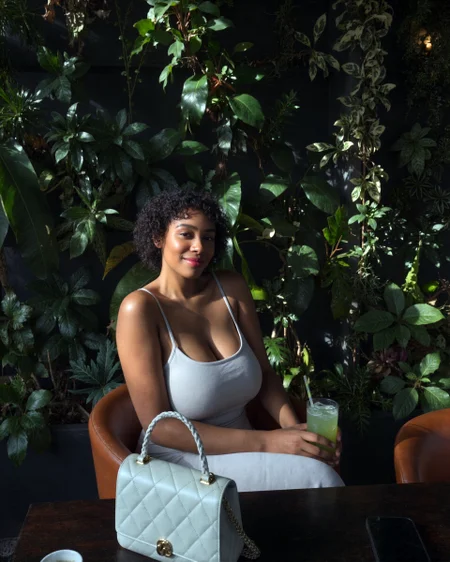
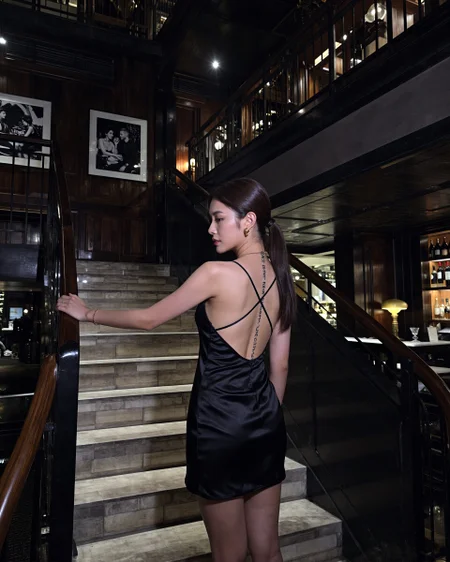
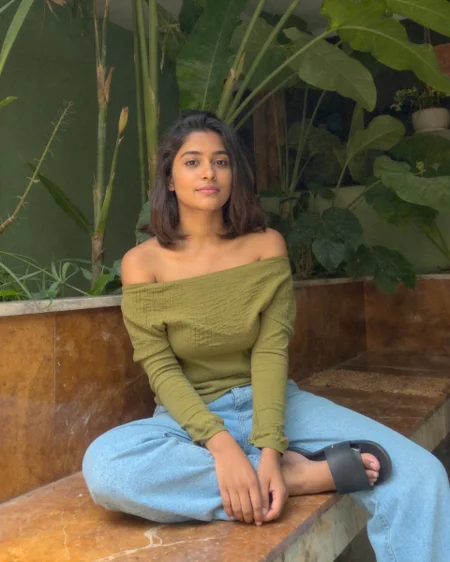
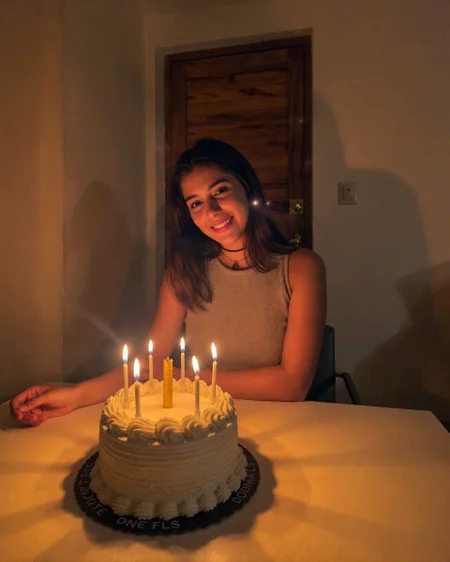
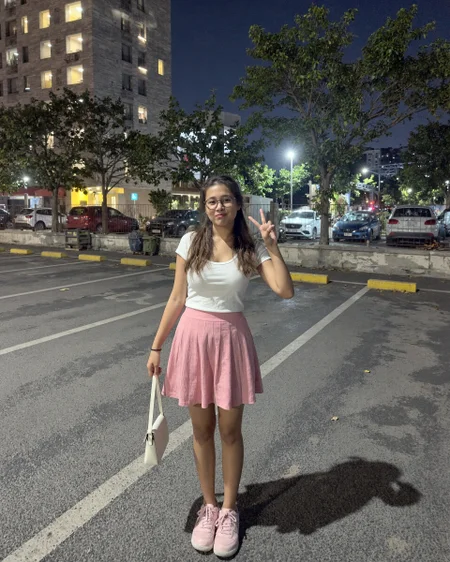
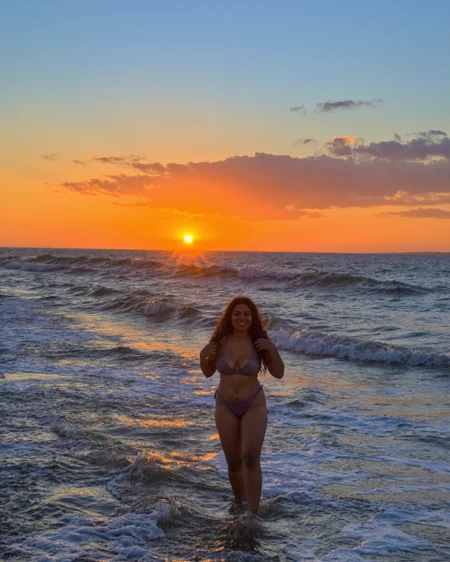
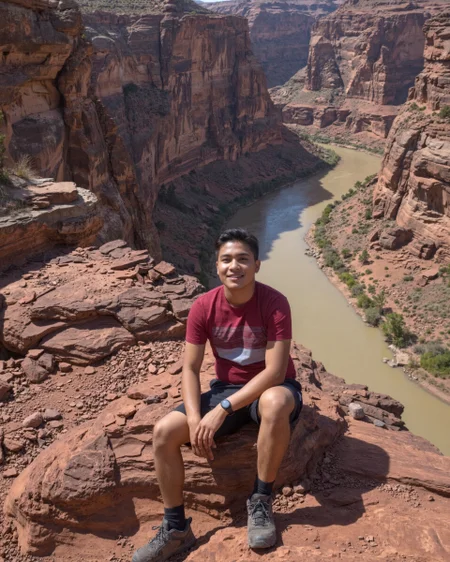
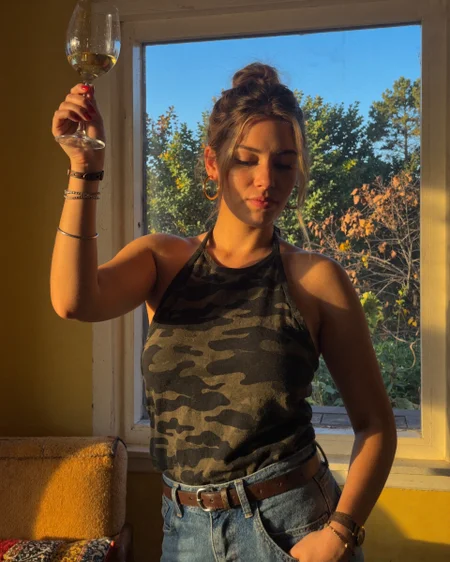
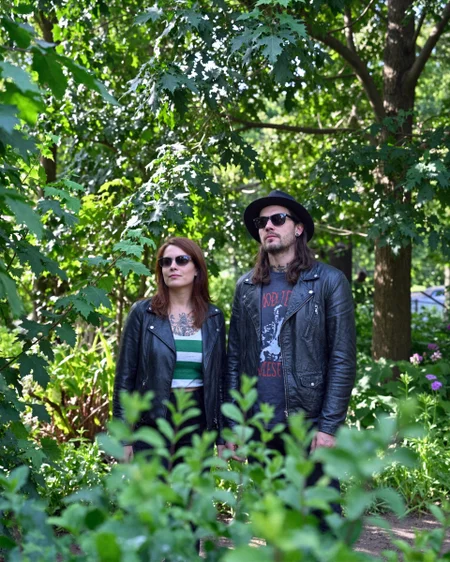
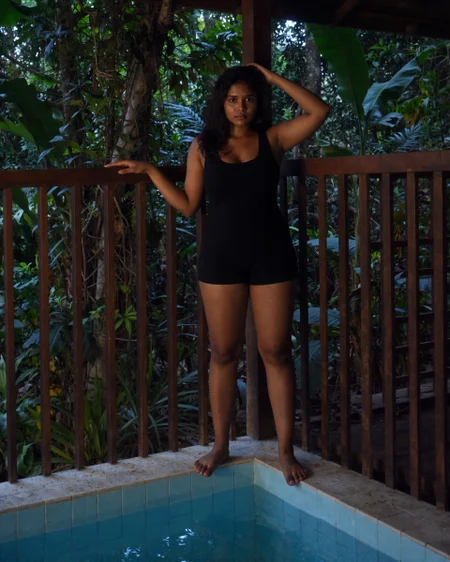
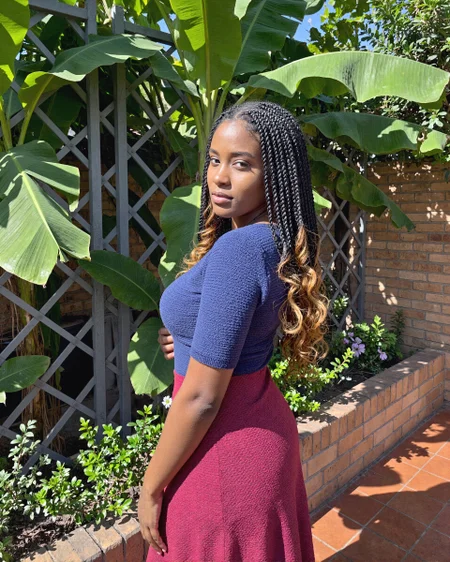
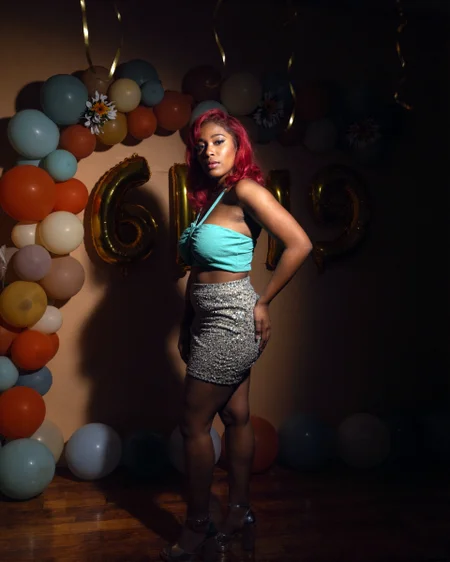
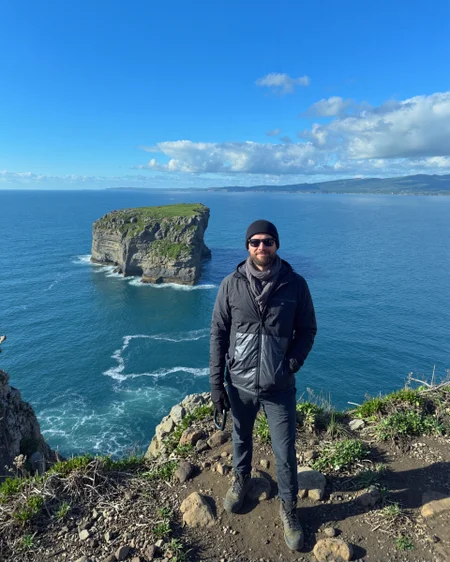
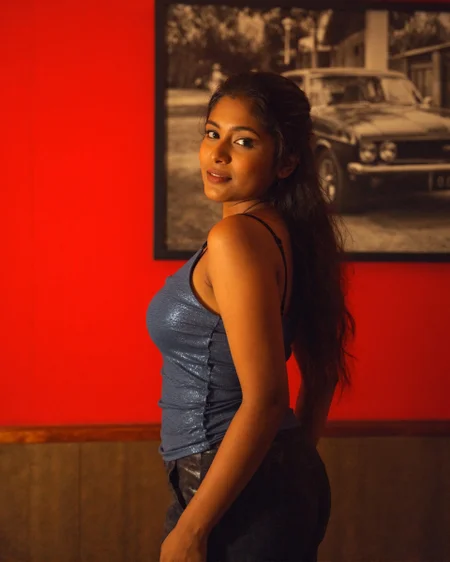
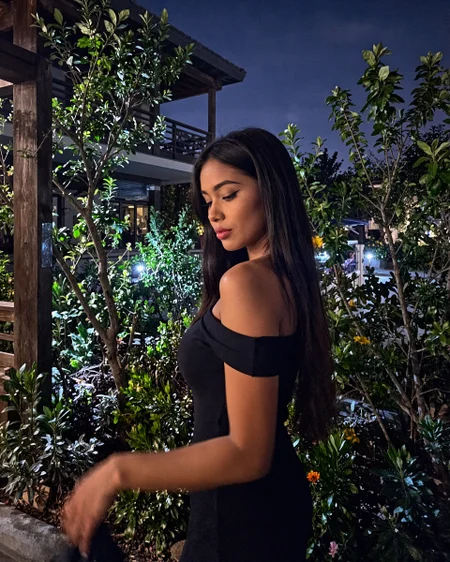
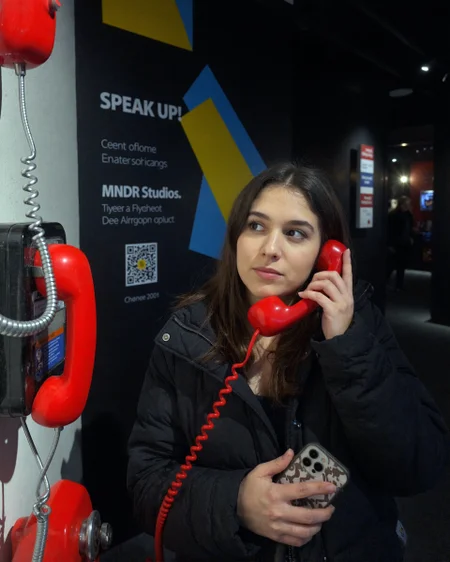
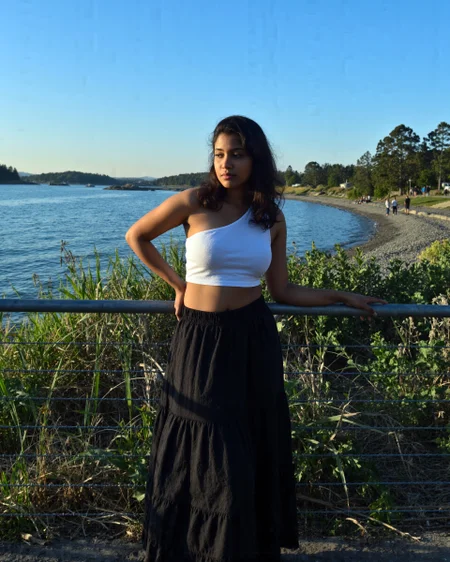
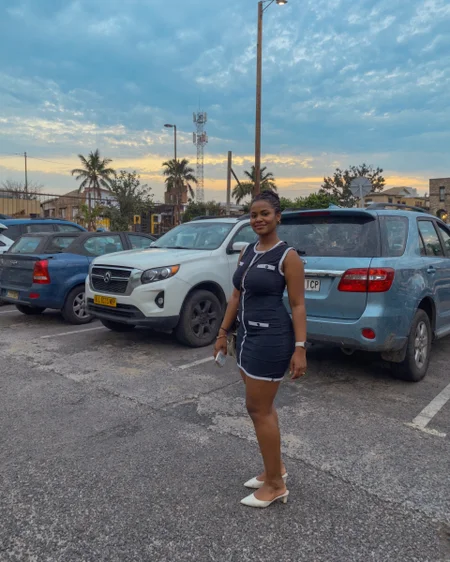
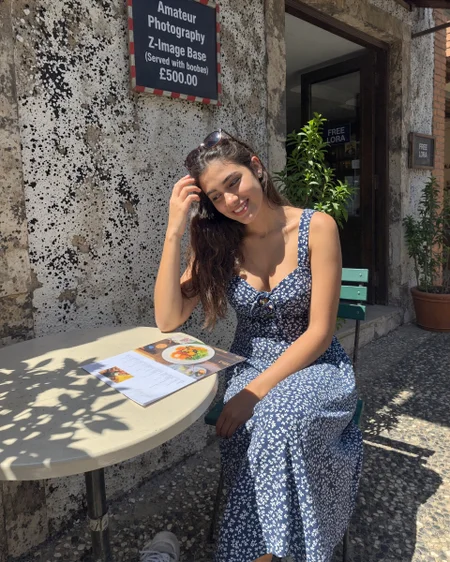
The latest version workflow and nodes are here
https://github.com/peterkickasspeter-civit/ComfyUI-ZImageTurboProgressiveLockedUpscale/tree/experiment
=====
Custom node: https://github.com/peterkickasspeter-civit/ComfyUI-ZImageTurboProgressiveLockedUpscale
Workflow is in the showcase images. More details here - https://www.reddit.com/r/StableDiffusion/comments/1r1qyj2/zimageturboprogressivelockedupscale_works_with_z/
Distill lora for base - https://huggingface.co/alibaba-pai/Z-Image-Fun-Lora-Distill/tree/main
*use either Z-Image-Fun-Lora-Distill-8-Steps.safetensors or Z-Image-Fun-Lora-Distill-4-Steps-2602-ComfyUI.safetensors
Description
res_2s recommended
FAQ
Comments (28)
in the new workflow the locked upscale is installed properly but doesnt work for some reason. also how can I add a character lora to this
I have the workflow but fixing the nodes is an issue.. comfy ui lotus has an error each time..
Does this work with ZIT too?
It’s completely zit , did you use it v
Soo..what's new on the nano banana version
yes
The LoRA works great, but when I try to use it in the ZIT workflow you shared, I can’t properly integrate my character LoRA.
No matter whether I put the character LoRA into the “Model Only” group or into the “Model with LoRA High Weight” / “Model with LoRA Low Weight” groups, the results just turn out really bad.
Does anyone know how to fix this?
Haven’t been able to run the workflow either still have 4 missing nodes.
Is it possible to use this with a character lora or no? The images come out horrible if I try to use your trained lora with any character lora.
Yeah, I had the same issue.
I don't have ZimageReplayPatchModel and ZimageUpscaleDetailMomentumPatchModel nodes is that normal ? Updated everything, installed the one you have on description but still miss these two
If you’re issue too let’s reach out and try to fix it together.
Will there be a version for Klein?
Did you open the work flow cos I’m having a hard time doing so.
Hey!
Complete beginner here..
Could someone please teach me telling how to run the workflow?
Didn't find any Load Image nodes or anything similar.
Where do I put my image ?
Tried multiple stuff, including help from Chat GPT, but didn't succeed..
Also where to put my own character LoRa?
Thank you!
download the workflow from the github provided and drag it into comfyui, install the custom nodes you're missing using the built in "install custom nodes" in the manager, or google the node name and try to find which one it is, he mentions two in the description. You do not input an image into the workflow, this creates an image from a prompt with his loRA style and you can try to use your character loRA but im not sure where you'd input it and it might not work with this.
Great work, what changes do I need to make to turn this from a ZiT workflow into a ZiB workflow? (sampler settings, what loras I'll need to change?)
Can I load twice the ZiB base model for BOTH sampling and refining purposes. If I do so will I have to disabled the distilled lora?
Tuyệt vời phong cách thực
workflow for a lora ! wt.f
for zit , should i pick zimage base lora or zimage base and turbo or zimage turbo one ? and why ?
If I ever need to find an example of a fucking dumb trigger word, I'll put this LoRa on the table.
the workflow always generate black image is that normal?
Disable sage attention, but anyway this lora works great with official workflow as well and it can be mixed with other loras (at least on base model)
Yes, that's normal. Your images are black now. Enjoy.
not just --sageattn but also --fp16-unet --fp16-text-enc
Krea 2 pls 🥺
Details
Files
gta6_amateur_photography_zimagebase_v2.safetensors
Mirrors
gta6_amateur_photography_zimagebase_v2 (1).safetensors
gta6_amateur_photography_zimagebase_v2.safetensors
gta6_amateur_photography_zimagebase_v2.safetensors
gta6_amateur_photography_zimagebase_v2.safetensors
gta6_amateur_photography_zimagebase_v2.safetensors
gta6_amateur_photography_zimagebase_v2.safetensors
amateur_photography_v2_by_peterkickasspeter.safetensors
Photography_ZI.safetensors
gta6_amateur_photography_zimagebase_v2.safetensors
gta6_amateur_photography_zimagebase_v2.safetensors
gta6_amateur_photography_zimagebase_v2_ZIB_[peterkickasspeter].safetensors
gta6_amateur_photography_zimagebase_v2.safetensors
gta6_amateur_photography_zimagebase_v2.safetensors
gta6_amateur_photography_zimagebase_v2.safetensors
Available On (1 platform)
Same model published on other platforms. May have additional downloads or version variants.