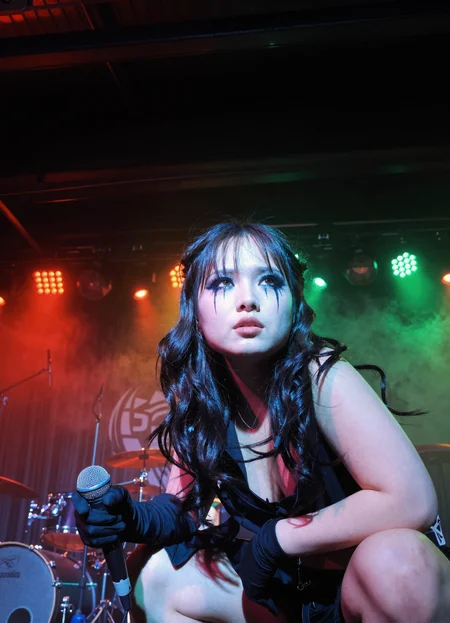
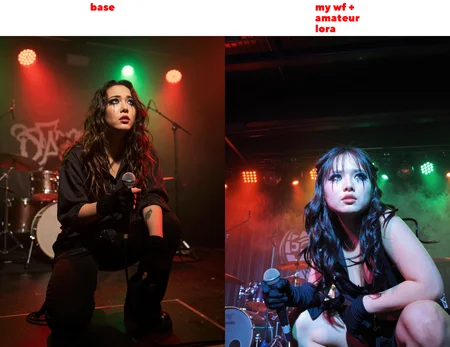
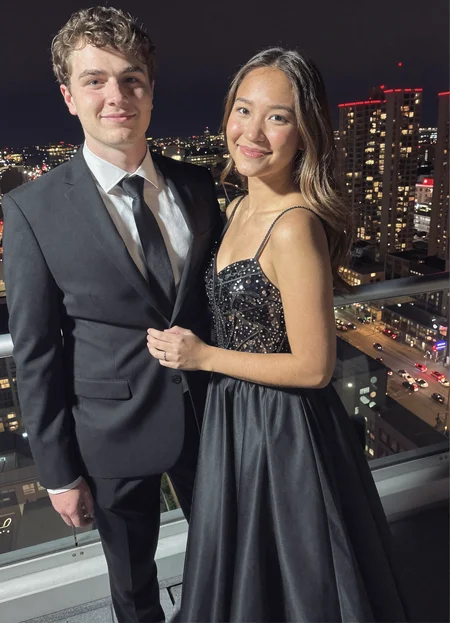
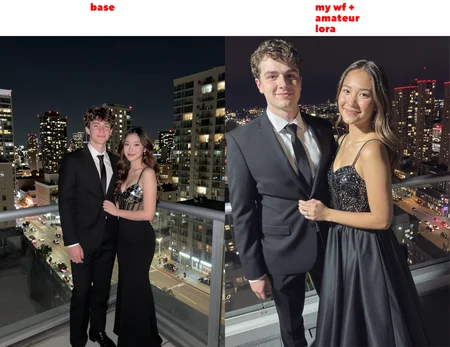
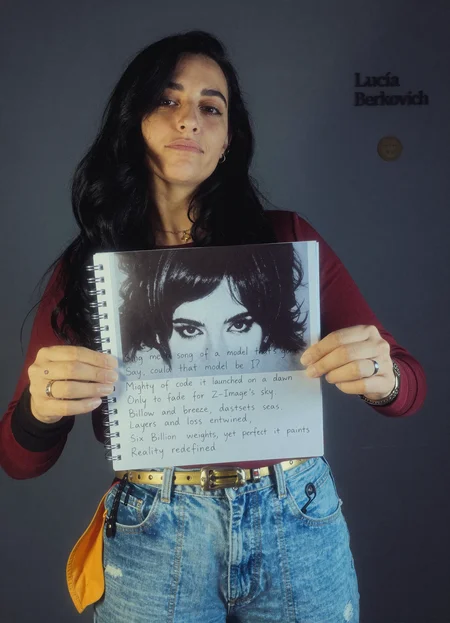
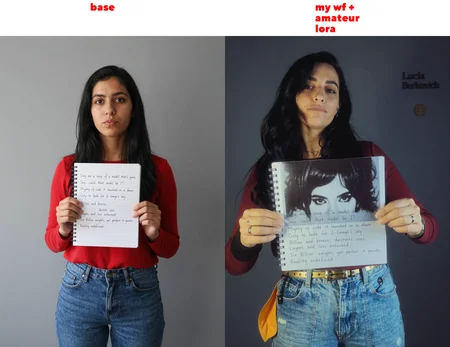
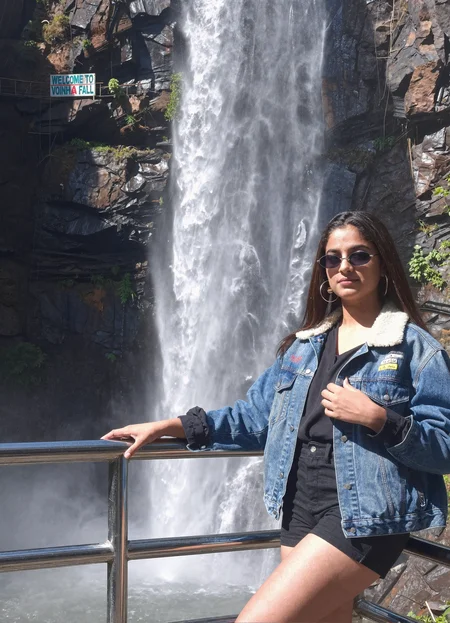
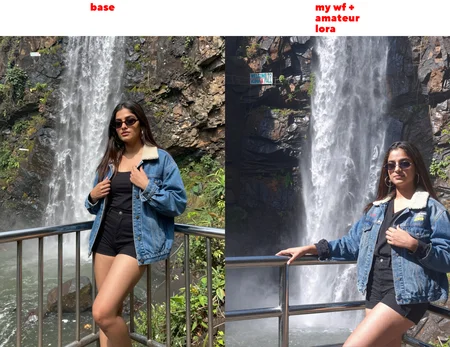
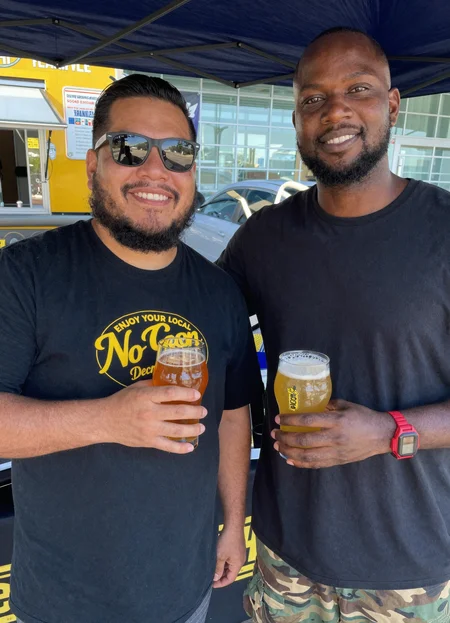
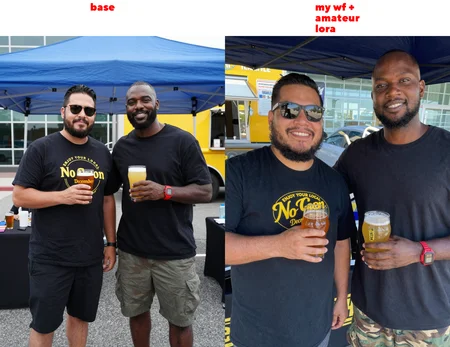
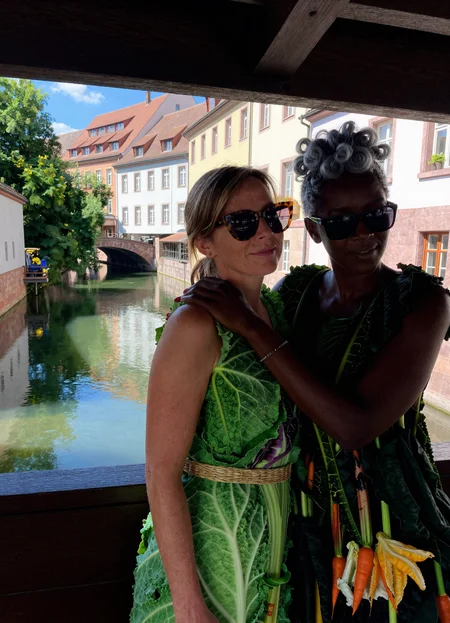
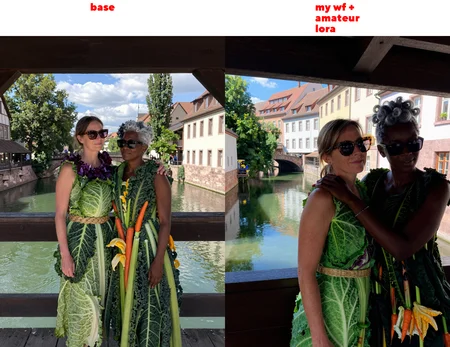
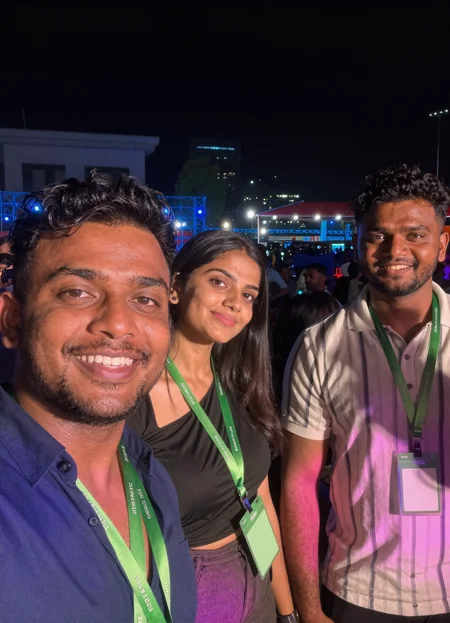


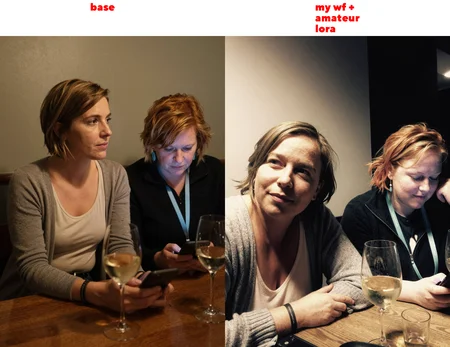
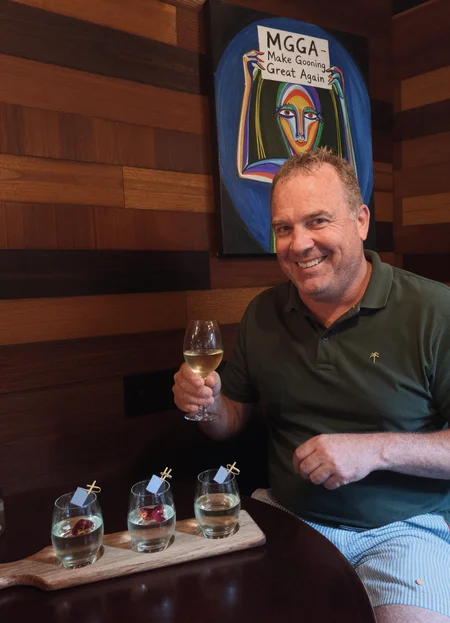
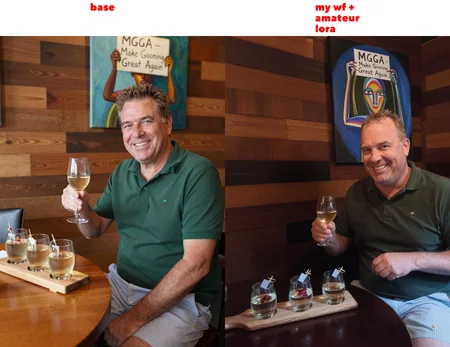
The latest version workflow and nodes are here
https://github.com/peterkickasspeter-civit/ComfyUI-ZImageTurboProgressiveLockedUpscale/tree/experiment
=====
Custom node: https://github.com/peterkickasspeter-civit/ComfyUI-ZImageTurboProgressiveLockedUpscale
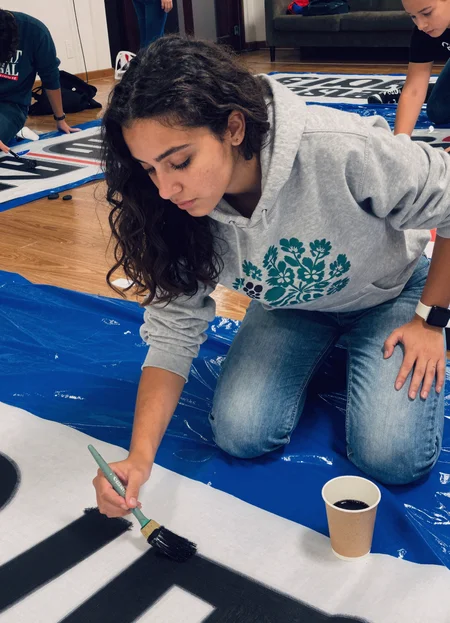
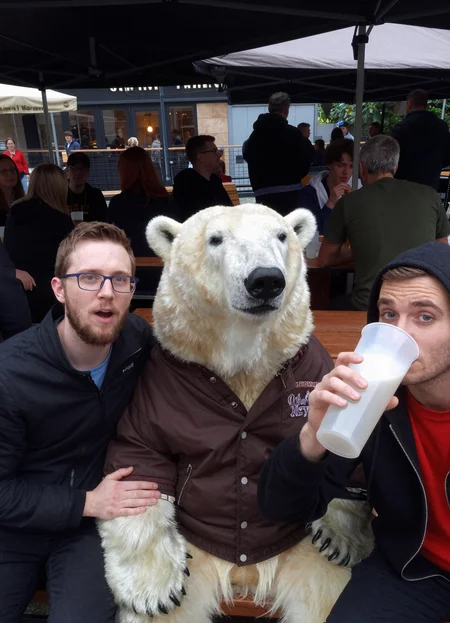
Workflow is in the showcase images. More details here - https://www.reddit.com/r/StableDiffusion/comments/1r1qyj2/zimageturboprogressivelockedupscale_works_with_z/
Distill lora for base - https://huggingface.co/alibaba-pai/Z-Image-Fun-Lora-Distill/tree/main
*use either Z-Image-Fun-Lora-Distill-8-Steps.safetensors or Z-Image-Fun-Lora-Distill-4-Steps-2602-ComfyUI.safetensors
Description
FAQ
Comments (39)
can you share the png for the girl with glasses you pose on reddit ?
done. just posted it here
I like your approach of framing the training as a specific fictional photographer. I can see how that might help.
where is the workflow for z image ?
says above in caps WORKFLOW IS IN THE SHOWCASE IMAGES
Seem to be struggling with this ZIT Workflow/LoRA while using my own custom character LoRA. Following the directions my character is coming out with a drifted identity which somewhat resembles them, but not nearly as exact as it should be compared to other ZIT workflows and style LoRas. Looking for advice to help improve this.
hmm. try using "Model with Character LoRA Only" in both stage 2 and 3 to see if it helps. You may loose some style but the character comes out better. You can also increase the denoise to 0.6 maybe in stage 2
Was this trained with De-Turbo? A lot of issues with loras dominating the image is due to them being trained on the distilled Turbo model.
Also not sure if you have here already but if you are stacking Loras ake sure its compatible with Z-Image, such as CRT node.
Other than that I keep trying these Amateur Photo loras, but as Z-Image is super photo realistic is actually pretty easy to prompt amateur photo's with prompts like "amateur cellphone quality, artificial over-sharpening, heavy HDR glow, amateur photo, blown-out highlights, crushed shadows" --
MY relentless ADHD keeps forcing me to search, collect, search collect when I already have what I need! --
The struggle is real!
@ronikush I train using adapter v2. Sure, you can get the look by just prompting but the keywords you mentioned all relates to some "low quality" image taken in early 2000's which i do not like. i want crisp iphone shots that look real to my eye
where my wf
dunno, but if you are looking for his wf, WORKFLOW IS IN THE SHOWCASE IMAGES
how to use this in steps please !?
answer me here :
initial res and denoise then what ?!! make it simple in text without going to your workflow , answer here please
can you upload in runninghub
Unsure whether it is just me, but trying to use this with my own character LoRA following the instructions, either the character looks nothing like them at all or the images are really bad. I followed the instructions of unbypassing the character LoRA step and attaching my own LoRA to it but it doesn't seem to work that well and the third step also does not run but the preview pictures you have posted here look great so im not sure if im doing something wrong or what
https://www.youtube.com/watch?v=3CdyGxvYeHo
try to experiment with those nodes. with flux and other models, it was easy to stack multiple loras but z-image acts strangely. try tweaking layers 21-28 of my lora to see if it improve the likeness. we just have to wait for the base model tbh
Who is Deedeemegadoodo
the photographer bro
Applebees Muckbang's cousin bruh
A meme, here's the link for context lmao https://www.youtube.com/watch?v=9dCXET4Cl3M
how to make horizontal iamages 16:9?
bruh, this thing is like magic!
i hate lora with trigger words 😁
Never talk bad about the photographer Deedeemegadoodo 😡😄
is there any way to make consistent face images. with body
Im loading the workflow but comfy still fails to install these nodes.
CR String To Number
ClownOptions_DetailBoost_Beta
SharkOptions_Beta
ClownsharKSampler_Beta
CR XY List
CR String To Combo
@peterkickasspeter
can you link ultra_flux_vae_ae.safetensors?
Where is the workflow?
This is basically Nano Banana Pro level of quality, with acceptable compromise of prompt adherence
Hi. how do I add my own face lora into this workflow? since it already used this lora with high weight and low weight.
Amazing lora. it adds a lot of realistic detail to the images. I managed to make it work with my workflow. Good stuff!
i think the trigger word couldve been a little longer XD loved the lora <3
So this Lora basically makes people not look like Super Models? Not that I am complaining.
W for not posting the workflow
its in the images you have to click copy nodes
Could you train the Lora for the new Qwen Image 2512 model please?
I dont use that model. If someone donates through runpod then sure
@peterkickasspeter To be honest, probably not worth it. Klein is much easier to train and has more potential, despite slightly worse prompt adherence.
Amazing lora and workflow ! I have just one little issue. Sometimes, my images have disgracious blue tint. It's not in all generations, but regularly. Do you know what parameters is the culprit ? ^^
Details
Files
amateur_photography_zimage_v1.safetensors
Mirrors
model.safetensors
amateur_photography_zimage_v1.safetensors
amateur_photography_zimage_v1.safetensors
amateur_photography_zimage_v1.safetensors
amateur_photography_zimage_v1.safetensors
amateur_photography_zimage_v1.safetensors
amateur_photography_zimage_v1.safetensors
amateur_photography_zimage_v1.safetensors
amateur_photography_zimage_v1.safetensors
amateur_photography_zimage_v1.safetensors
amateur_photography_zimage_v1.safetensors
eur_photo_zi_v1.safetensors
amateur_photography_zimage_v1.safetensors
amateur_photography_zimage_v1.safetensors
ama-z.safetensors
amateur_photography_zimage_v1.safetensors
amateur_photography_zimage_v1.safetensors
amateur_photography_zimage_v1.safetensors
amateur_photography_zimage_v1.safetensors
amateur_photography_zimage_v1.safetensors
amateur_photography_zimage_v1.safetensors
amateur_photography_zimage_v1.safetensors
amateur_photography_zimage_v1.safetensors
amateur_photography_zimage_v1.safetensors
amateur_photography_zimage_v1.safetensors
amateur_photography_zimage_v1.safetensors
amateur_photography_zimage_v1.safetensors
amateur_photography_zimage_v1.safetensors
amateur_photography_zimage_v1.safetensors
amateur_photography_zimage_v1.safetensors
amateur_photography_zimage_v1.safetensors
amateur_photography_zimage_v1.safetensors
amateur_photography_zimage_v1.safetensors
amateur_photography_zimage_v1.safetensors
amateur_photography_zimage_v1.safetensors
amateur_photography_zimage_v1.safetensors
amateur_photography_zimage_v1.safetensors
amateur_photography_zimage_v1.safetensors
amateur_photography_zimage_v1.safetensors
amateur_photography_zimage_v1.safetensors
amateur_photography_zimage_v1.safetensors
amateur_photography_zimage_v1.safetensors
amateur_photography_zimage_v1.safetensors
amateur_photography_zimage_v1.safetensors
amateur_photography_zimage_v1.safetensors
Amateur Photography_ZIT_[peterkickasspeter].safetensors
amateur_photography_zimage_v1.safetensors