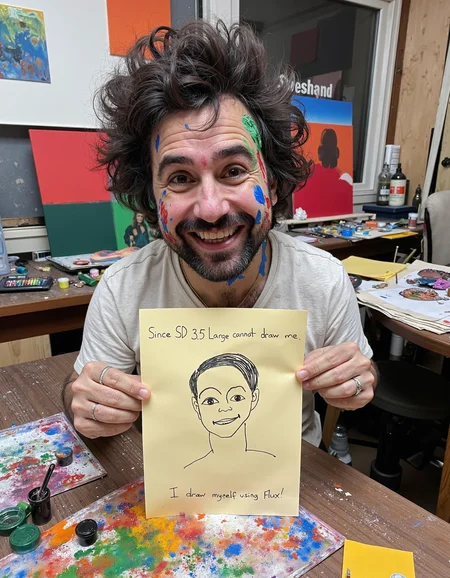
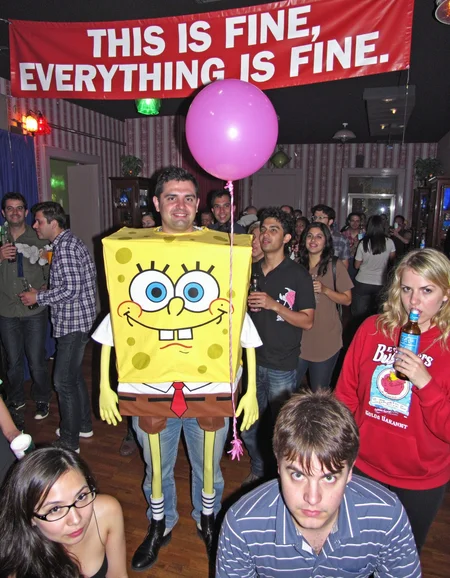
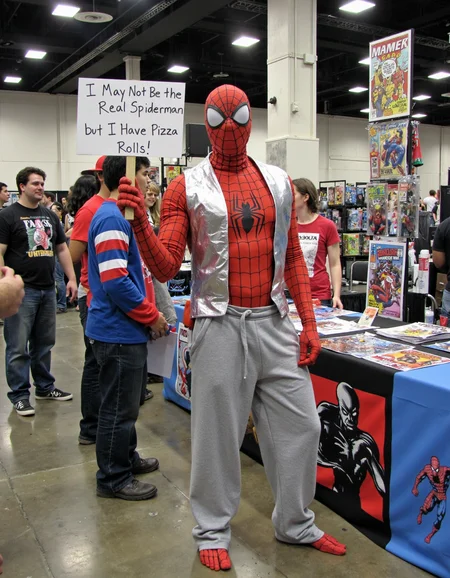
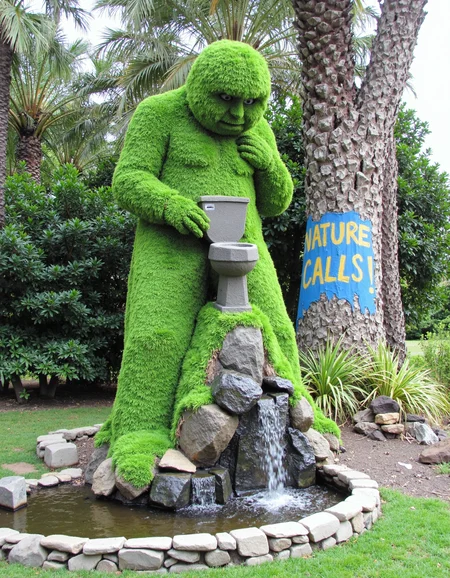
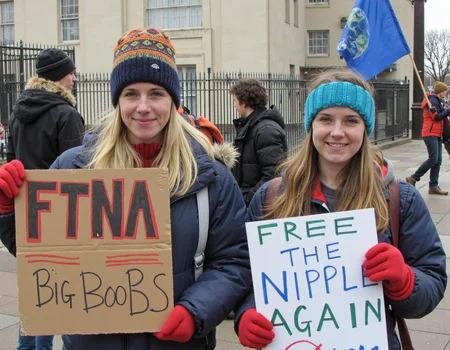
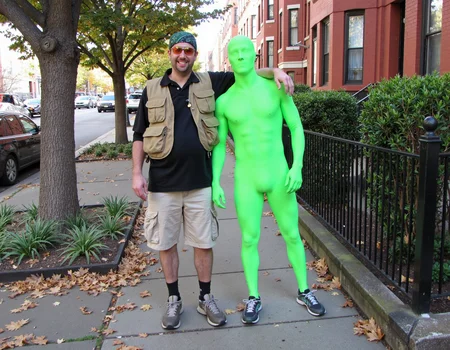

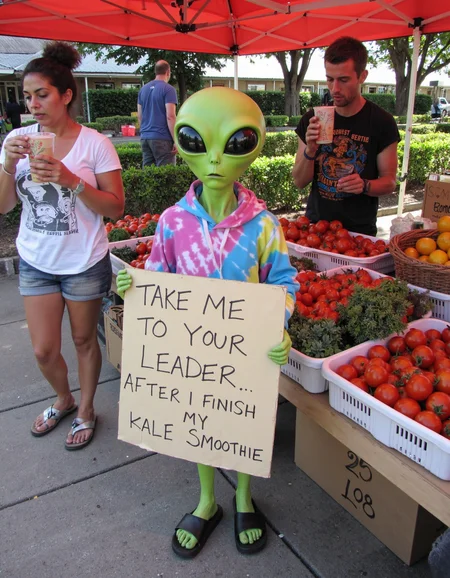
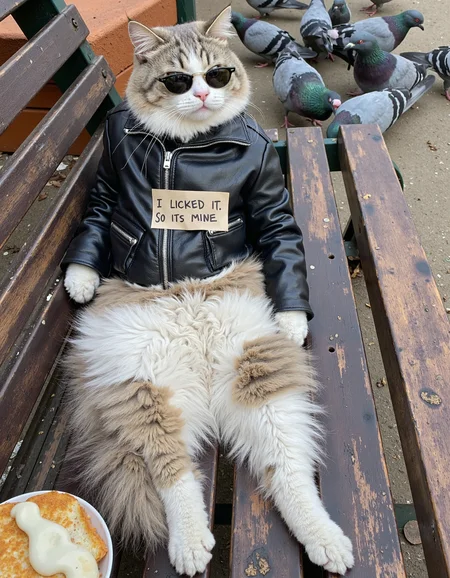
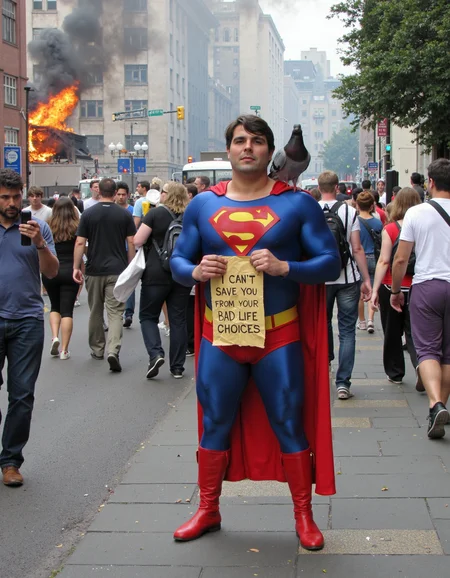

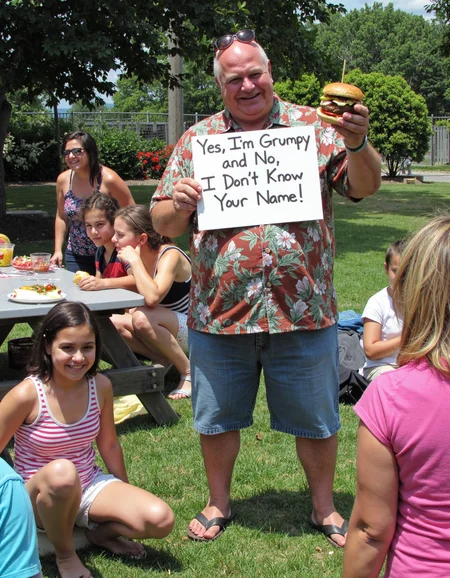
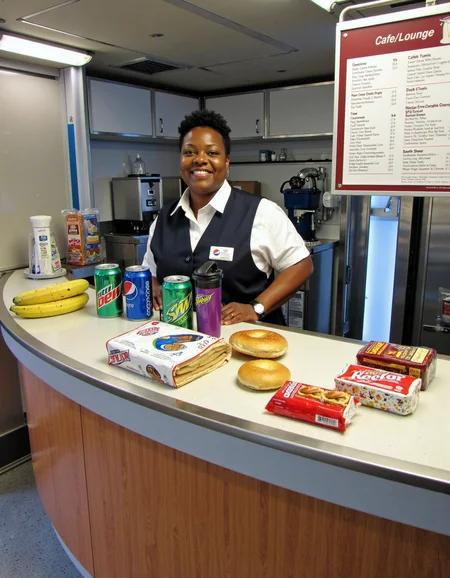

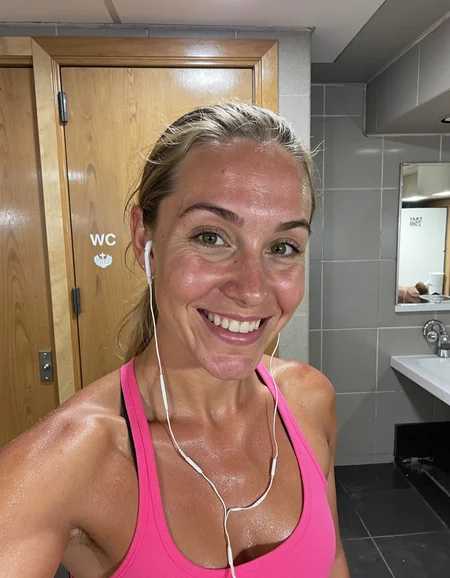
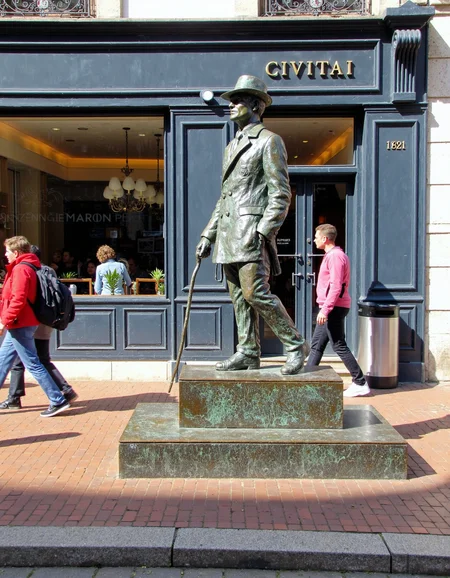
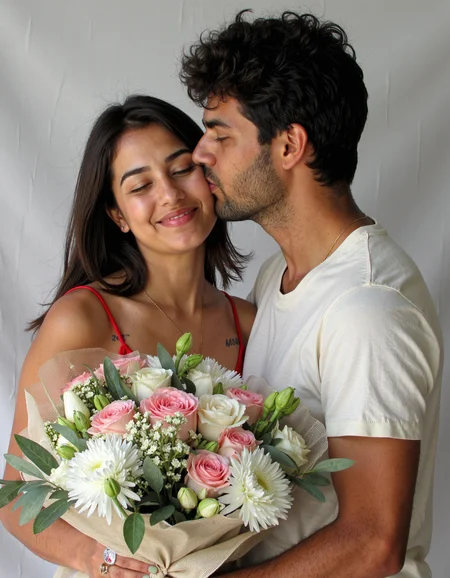
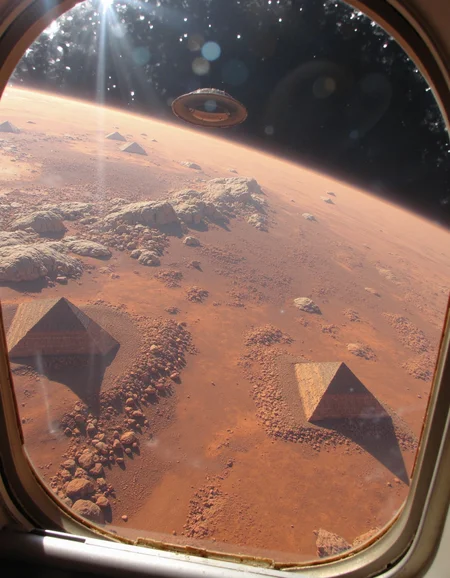
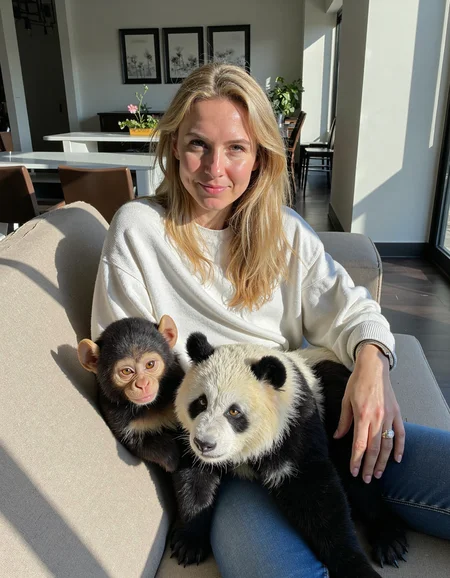
The latest version workflow and nodes are here
https://github.com/peterkickasspeter-civit/ComfyUI-ZImageTurboProgressiveLockedUpscale/tree/experiment
=====
Custom node: https://github.com/peterkickasspeter-civit/ComfyUI-ZImageTurboProgressiveLockedUpscale
Workflow is in the showcase images. More details here - https://www.reddit.com/r/StableDiffusion/comments/1r1qyj2/zimageturboprogressivelockedupscale_works_with_z/
Distill lora for base - https://huggingface.co/alibaba-pai/Z-Image-Fun-Lora-Distill/tree/main
*use either Z-Image-Fun-Lora-Distill-8-Steps.safetensors or Z-Image-Fun-Lora-Distill-4-Steps-2602-ComfyUI.safetensors
Description
FAQ
Comments (41)
This is good, I love it, I'm using to img2img to make more realistic my stuff, it's great.
Love it, can't wait for v7-final-final!
You've outdone yourself this time, V6 is excellent. 👍✌️
thanks for the buzz tip and thank you for the kind words bro. i appreciate it
Anyone know any good SDXL/Pony alternatives for this type of lora?
nice. any chance to train it on pixelwave model for even more realism ?
no, i don't think so
Really like your model and would love to collaborate, please check your DM. Would be happy to connect.
So, after generating hundreds of images, here is my review: slightly better than ultra realistic lora v2, but the most important thing to be improved in the model is professional photography. Not every image wanted is amateur. I have tried and failed to get a single image which is not "amateur". Could you consider training future loras on more "professional style or cinematic style realistic loras" than amateur ones. Also I wanna ask something: are you considering finetuning flux instead of loras, as finetunes show greater quality. Also I think that "a realistic lora" for sd 3.5 will be much better than for flux. Thanks
hey, thanks for testing. professional photos with no background blur is difficult
i am not planning to finetune flux. I am happy with what I get with a flux lora
3.5 maybe, i want to train using 3.5 medium but boy oh boy the anatomy is fucked up there so lets see
Uh, are you complaining about images resulting through use of this LoRA as being too strictly styled as "amateur photographs?"
You do know that this resource has been titled "Amateur Photography" and created with the intention to shape generations towards amateur-style photographic images, right?
questionmarks.gjf
best lora imo
i found this particular lora of yours kinda fixes the problem with some character's lora hands and some times it lower the chance for the deformation, in my opinion it's the best lora in terms of quality and consistency as of right now, this one is mind blowing and i can't imagine how the next release will be! 🥶
u pushed ur self to the limit with this one buddy, fantastic work! 👌😁
thanks haha. have some free time this weekend let me see if i can work on v7 :D
What model goes well with this? All I am getting is grainy generations
hello, use q8 gguf or the original flux dev model
Works it with the 8GB/Vram Model i have a older graphic card and dont use the VAE only the flux1-dev-bnb-nf4-v2.safetensor with works better with low Vram?
Paired with FLUX Redux and a giant folder of images this LORA is like browsing the multi-verse with a phone camera. Absolutely awesome
This is the most awesome comment in AI history! ... I am about to do exactly that ... Nice one!!!!
please release this lora for SD 1.5 also
I mean... there are realism LoRAs for SD 1.5, but it's still SD 1.5. You can't expect the same quality as Flux.
i can work on it if u like, but i do have to warn you , the results may not be the best xD. just dm if u want. of course free of charge
can someone help on how I can use this lora with my own trained face lora? I tried powerLoader in comfyUI but the pics aren't realistic
Use a Lora Loader stack :) Face lora first then others.
Nice, i will give this a try. One question? If I want to use a my self-trained (face) LoRA with this as stacks, in what order and with what values should these be used?
I'm wondering that too. I don't think the order matters though.
Question for all - the prompts on these are pretty detailed. For prompts like these, do you guys come up with them yourselves, or do you use some sort of tool on reference images or something? I seriously can't figure out how you guys come up with this stuff.
https://www.youtube.com/watch?v=yutYU97Bj7E&t=939s&ab_channel=pixaroma
This prompt generator really help in the beginning. I recommend this video, and all the videos on this channel.
use an LLM , you use one directly in ComfyUI with a node called searge. I think now ComfyUI directly integrates to LMStudio too. Or just open a browser. The most imp ingrideient would be the system prompt / instruction that you give to LLM in beginning so that it can best format your input to sentences best suited for diffusion models.
Did someone have a ready to use workflow ? :3
save the pic from the samples up top OP posted...drag into comfy. they embed workflow
New update?
Haha. Just opened Forge after almost 5 months lol. Let me see if I can push one update
anyone have workflow for comfyui? no clue how to load hires model and then use all those settings on it
did you ever get one?
save the pic from the samples up top OP posted...drag into comfy. they embed workflow
Does anyone have a workflow? I can't get this to come out right, everyone looks like they are from the matrix, and my quality is nowhere near the examples?
save the pic from the samples up top OP posted...drag into comfy. they embed workflow
@xAlohaSnackBarx thanks, yea that was about a month ago lol, I've come a logn way since then lol
Just wait til you guys start renting gpus to train LoRa, just for shits and gigs.
Details
Files
amateurphoto-v6-forcu.safetensors
Mirrors
amateurphoto-v6-forcu.safetensors
amateurphoto-v6-forcu.safetensors
amateurphoto-v6-forcu.safetensors
amateurphoto-v6-forcu.safetensors
amateurphoto-v6-forcu.safetensors
amateurphoto-v6-forcu.safetensors
amateurphoto-v6-forcu.safetensors
amateurphoto-v6-forcu.safetensors
amateurphoto-v6-forcu.safetensors
amateurphoto-v6-forcu.safetensors
amateurphoto-v6-forcu.safetensors
amateurphoto-v6-forcu.safetensors
amateurphoto-v6-forcu.safetensors
amateurphoto-v6-forcu.safetensors
amateurphoto-v6-forcu.safetensors
amateurphoto-v6-forcu.safetensors
amateurphoto-v6-forcu.safetensors
amateurphoto-v6-forcu.safetensors
amateurphoto-v6-forcu.safetensors
amateurphoto-v6-forcu.safetensors
amateurphoto-v6-forcu.safetensors
amateur-lora.safetensors
amateurphoto.safetensors
amateurphoto-v6-forcu.safetensors
amateurphoto-v6-forcu.safetensors
amateurphoto-v6-forcu.safetensors
amateurphoto-v6-forcu.safetensors
amateurphoto-v6-forcu.safetensors
amateurphoto-v6-forcu.safetensors
amateurphoto-v6-forcu.safetensors
amateurphoto-v6-forcu.safetensors
Flux_AmateurPhoto.safetensors
amateurphoto-v6-forcu.safetensors
amateurphoto-v6-forcu.safetensors
amateurphoto-v6-forcu_AmateurPhotographyFluxDevByPeterkickasspeter.safetensors
amateurphoto-v6-forcu.safetensors
amateurphoto-v6-forcu (1).safetensors
Amateur Photography 6.0 for FLUX.safetensors
amateurphoto-v6-forcu.safetensors
amateurphoto-v6-forcu.safetensors
amateurphoto-v6-forcu.safetensors
amateurphoto-v6-forcu.safetensors
Aethetic Amateur Photo v6.safetensors
amateurphoto-v6-forcu.safetensors
Amateur_Photography_V60_FLUX_[peterkickasspeter].safetensors
amateurphoto-v6-forcu.safetensors
Available On (2 platforms)
Same model published on other platforms. May have additional downloads or version variants.