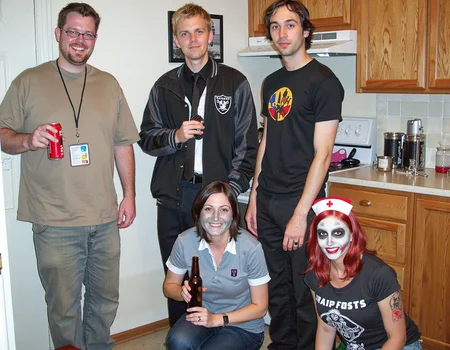
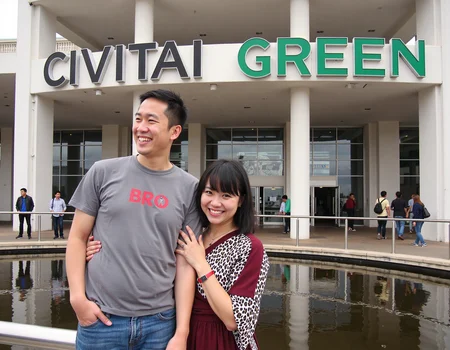
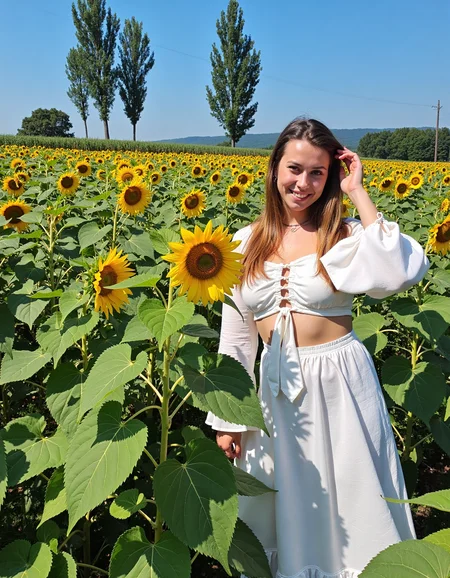



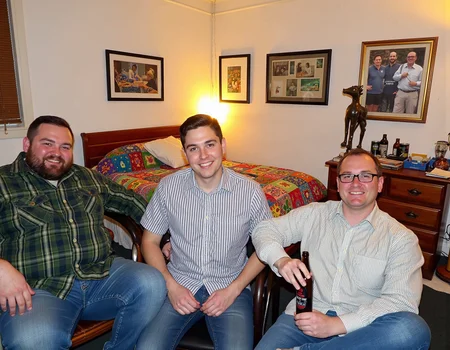
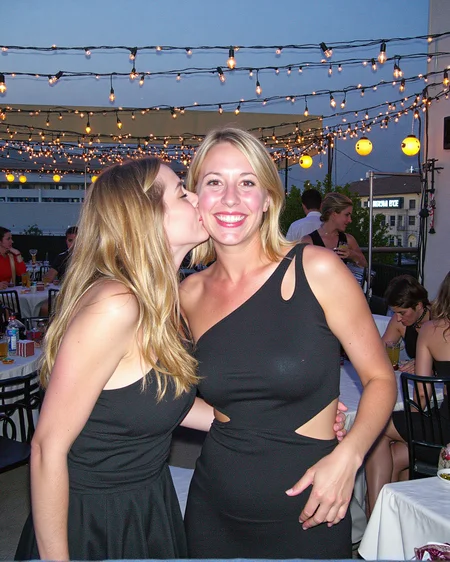
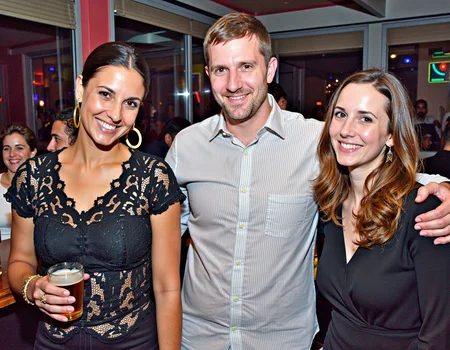
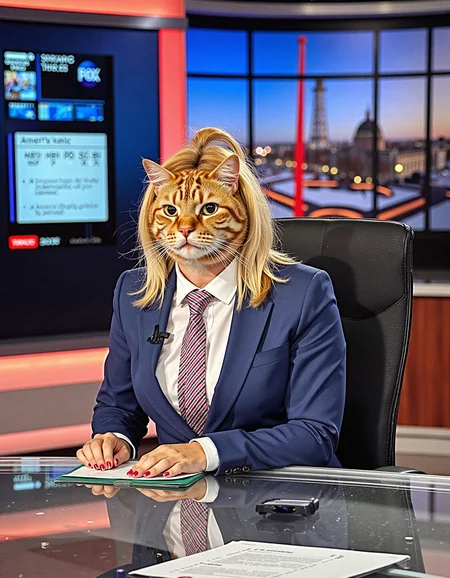
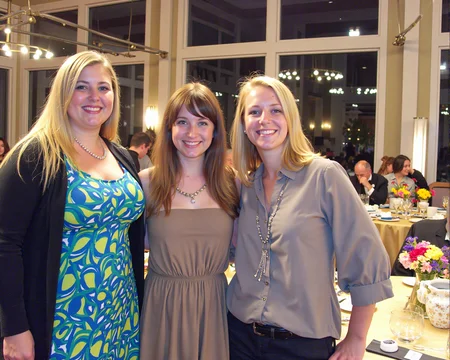
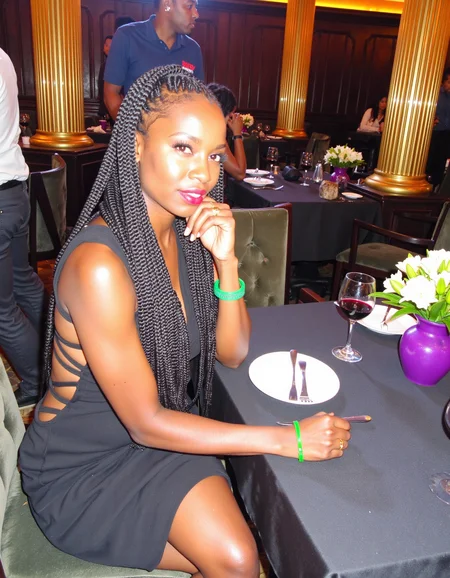

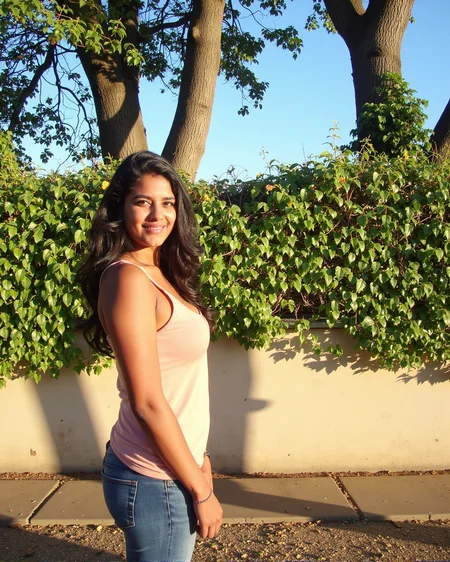

The latest version workflow and nodes are here
https://github.com/peterkickasspeter-civit/ComfyUI-ZImageTurboProgressiveLockedUpscale/tree/experiment
=====
Custom node: https://github.com/peterkickasspeter-civit/ComfyUI-ZImageTurboProgressiveLockedUpscale
Workflow is in the showcase images. More details here - https://www.reddit.com/r/StableDiffusion/comments/1r1qyj2/zimageturboprogressivelockedupscale_works_with_z/
Distill lora for base - https://huggingface.co/alibaba-pai/Z-Image-Fun-Lora-Distill/tree/main
*use either Z-Image-Fun-Lora-Distill-8-Steps.safetensors or Z-Image-Fun-Lora-Distill-4-Steps-2602-ComfyUI.safetensors
Description
(Read the model description) - I don't know if its good so I marked it as "testing". You can try if you want or you can stick to v3 or v2. If you want to use it, I STRONGLY recommend generating at 1344x1728 (gives the best results) or 1728x1344. If its slow for you, generate at 896x1152 (gives the best results) or 1152x896 and use hires fix
FAQ
Comments (38)
Don't be so modest. You should remove the 'testing' before you publish. Version 4 looks better and has more of an iPhone-style (which I appreciate). Thank you for sharing this terrifyingly good LoRA.
I appreciate the kind words. I have some buzz left but before I go bonkers on the final v4, I just wanted to see what everyone thinks haha
what nvidia gpu recommends for generating stuff like this with flux D at full steps and max a vaiable res ? just to get 1 image per like couple of seconds ?
I am able to generate one image in like ~2 and half minutes at the resolution i recommend. I use rtx 4060ti 16gb and 32gb ram. I use q8 model not the original flux dev model.
@peterkickasspeter Hi, what resolution? 1344x1728, 1440x1800 or 1728x1344? I plan to get that same setup as you, I guess is the most cost efficient for IA in general with the 16 gb VRAM, instead of getting the 4070 super with 12 gb VRAM.
@sar I'm not near my system. I will give you the exact numbers shortly ok
@sar , 1800x1440 20 steps deis/ddim takes 2 mins 50 seconds. 1728x1344 takes 2 mins 20 seconds
@peterkickasspeter 1800x1440 ! are you sure flux can do this native without distortions or weird stuff ??
@amazingbeauty i am 100% sure flux can handle that like a boss
nice try to hack the bokeh ^^
but a bit you can force flux if you describe first the background (dont call it background) and than the object of interrest
Actually, bokeh is not a problem for me anymore. with as little as 200 steps training, its easy to break it. but describing background first and then the subject seems a bit odd to me. like it doesn't come naturally you know because my muscle memory tells me to describe subject first haha
I have added the weights of your lora to a personal lora and it adds realism and works, the fact that you have taken the weight 0.3 is great, thank you.
Okay nice to hear that it still works well with other lora's. thanks
Peter has put together an amazing Lora.
I'm new to Flux, but with one of his default images at 1440x1800, it took 8m on my RTX3070, 32 GB of system ram (not sure about the card) but at 720x900, it took 1m47. So total cost/benefit analysis there. Of course the smaller pic was completely different. But amazing LORA.
thats too low resolution hahaha. you will get much better results with v3 if you want to generate at that resolution
How do you know if it's too low for my needs? Anyway like I said, great lora.
@runebloodstone ahh you misunderstood me. I meant that at that resolution the other versions can give better composition. If it work for you, then no need to use the older versions
"I STRONGLY recommend generating at 1344x1728 / 1440x1800 (gives the best results) or 1728x1344"
Why you did that?
Would be nice if you keep it about the same base Res of the default FLUX model, it will take even more time to generate to low end GPU's.
yes you can generate at those resolutions also. there is no problem with that. but i notice that it looses sharpness at low resolution. you can upscale it to improve it
where is the workflow?
On swarUi i go Blurry in Lora tab and this (Incompatible with current model!)
It doesnt work for NF4 flux, or it is just me?
No, as far as i know Loras doesnt work with NF4
In Forge chose Automatic (fp16 LoRA), Automatic with not work, atleast in my computer
Any advice on lora training? How many imgs did you use, use regularization IMG etc?
Keep it up. The world need this.
Choose a better trigger word. Something simple and coherent English. Thanks.
Like I mentioned in the description, you don't have to use it. You can use anything you want. I added it because I'm using it and it gives me good results. See the examples of plectrudecatastrophe and Paper_Cranes. They use different prompting and still get awesome results
Lol you don't get to tell him what to use, it's his LorA. Maybe you try doing yours and use whatever trigger word you find fit.
@diogod Imagine creating a verbal doorlock, and to open it you have to recite the first 20 minutes of Monty Python, when 3 words have sufficed. Sure, I or someone else could make a LoRa with simple trigger, but call a broken horse.. a broken horse. Call it as you see it. Calling out bad process(es) is valuable feedback and should be done. If you're proud of being nuts, sure. Be proud of that if you like... (grimace)
@Angel_VRU BS, you guys simply do not read the description and like complaining. He already told you it's a phrase he uses to increase the style likeness, and it's not needed. Even if it was needed, that is far from "broken" as your ridiculous comparison suggests. I get tired of this type of "valuable feedback" even if it's not my lora... it's not valuable. It's an entitled whine. You can ask for a trigger word if you want. But you don't get to demand anything with that tone of your first message that disguised a smirk remark (coherent English) as a "thanks" or "valueble feedeback" message... You gave no feedback, you posted nothing on the gallery, you probably didn't even download the LoRa or tested it.
I also updated the model description for better understanding
@diogod Incorrect on all fronts. Trigger Words, capital letters, are a proper noun. An actual thing you are supposed to use to trigger the effect of the LoRa. Not all LoRa require Trigger Words, depending on how they were trained (https://github.com/huggingface/diffusers/discussions/7855).
You can inner monologue my post however you wish, but I won't let you attack or gaslight how you think I wrote it. Did you see the trigger words? ```Hack Forums scrapped posted to WhatsApp r/me_irl r/pics``` is not coherent english. That's a pain in the ass to A, remember and B, quickly type. Yes, I have currently 64 LoRa, which includes this one, installed.
The only thing I am tired of, is you. Feel free to exit. Because almost every single sentence I have written is talking about the Trigger Word. A functional thing on the screen. All you are doing, is attack me. So you can rightly just go fuck yourself. Have a nice day~
@Angel_VRU you want to tell me what a trigger word is? I've been training models since SD1.5 came out. You barely have any images posted. You still didn't provide any valuable feedback, just a complaining.
I don't need to "Think" what you wrote, it's just there. You wrote a simple sentence demanding another user to "choose a better word". No he can choose whatever he wants and you can just fuck off, simple as that.
You don't need to remember the trigger word because, AGAIN, he explained it is not a trigger word. It's a suggestion. And you can simply use an extension to automatically retrieves the whatever someone used on the trigger word. If you are doing this by remembering, you just arrived here yesterday (another sign that you should not be demanding anything from any creator). lol you have 64 loras?? That is close to nothing.
Your "valuable" feedback is still only a demand and no post on the gallery, no real ideas, not pointing anything that could be improved or better on the training process, just complaining about something that you didn't read the explanation on the description. What a joke.
And coherent English for a single trigger word is a terrible and stupid "suggestion". Most trigger words that actually function as trigger words are tokens not used by the model. Normally ownx sks.... How are those "coherent English"? You're demanding something when you know nothing about SD training.
If the creator tested (and I know this because testing is the longest part of LoRa creation) and he arrived at a full big sentence to produce the best results... then that is it. Period. Using that in the trigger field is actually a great idea so everyone who uses the LoRa will have that sentence retrieved for them to replicate the best, tested, recommended setting by the original creator. If you don't want to follow what the creator suggested, don't complain.
I'm normally very nice and love to help people get the better of my LoRAs, but you did not ask for help or gave any real suggestion to the creator. That is why I'm triggered by you and your comment. But sure, I'll exit. So should you.
Details
Files
amateurphoto-version4-final-9555.safetensors
Mirrors
amateurphoto-version4-final-9555.safetensors
amateurphoto-version4-final-9555.safetensors
amateurphoto-version4-final-9555.safetensors
38-amateurphoto.safetensors
amateurphoto-version4-final-9555.safetensors
amateurphoto-version4-final-9555.safetensors
amateurphoto-version4-final-9555.safetensors
amateurphoto-version4-final-9555.safetensors
amateurphoto-version4-final-9555.safetensors
amateurphoto-version4-final-9555.safetensors
amateurphoto-version4-final-9555.safetensors
amateurphoto-version4-final-9555.safetensors
amateurphoto-version4-final-9555.safetensors
amateurphoto-version4-final-9555.safetensors
amoterflox.safetensors
amateurphoto-version4-final-9555.safetensors
amateurphoto-version4-final-9555.safetensors
amateurphoto-version4-final-9555.safetensors
Available On (4 platforms)
Same model published on other platforms. May have additional downloads or version variants.