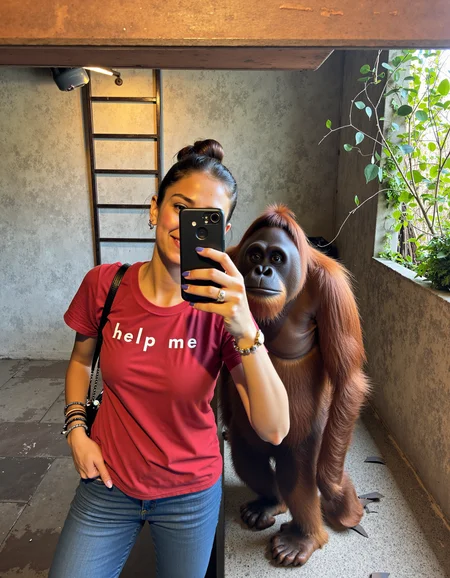

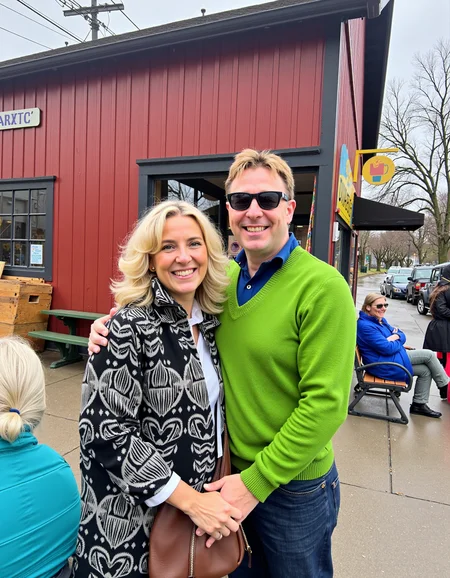
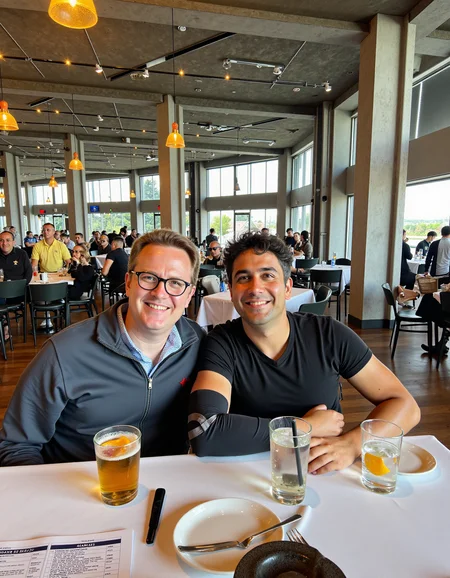
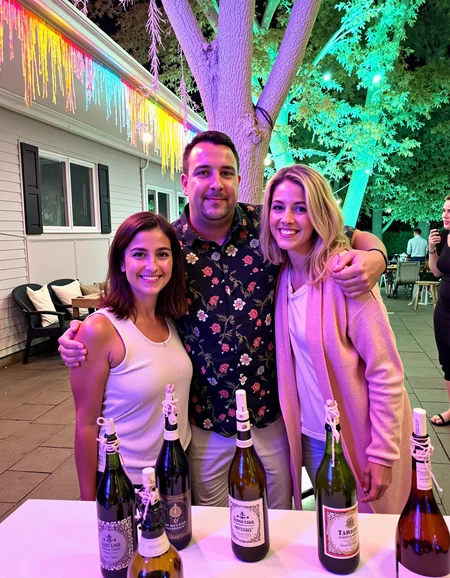
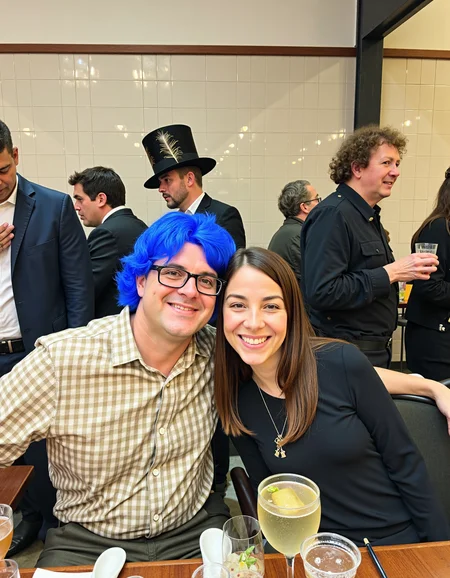
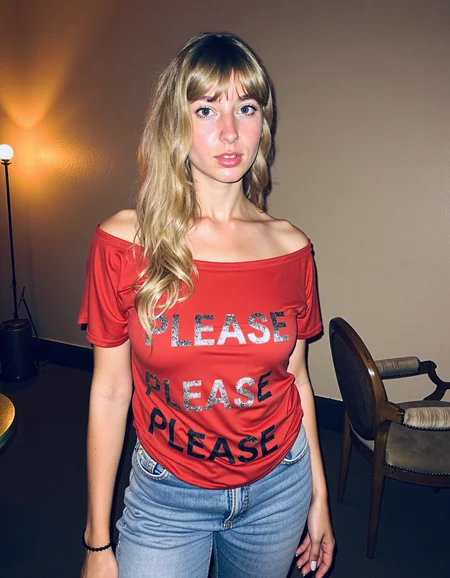
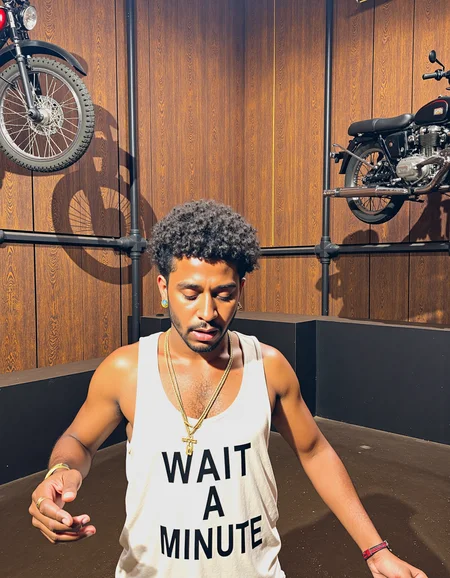
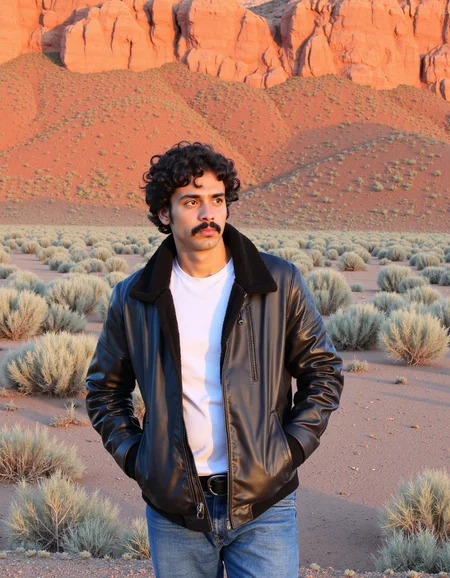
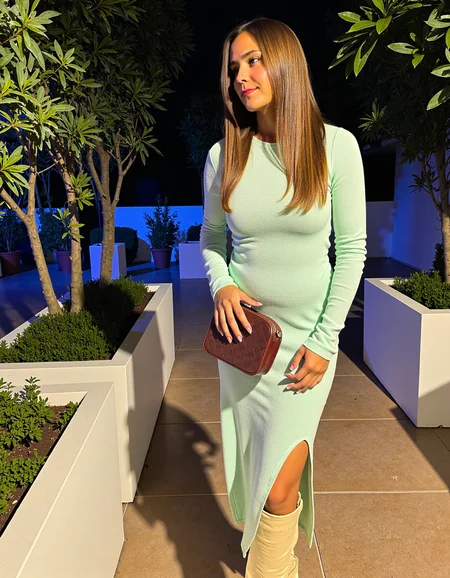
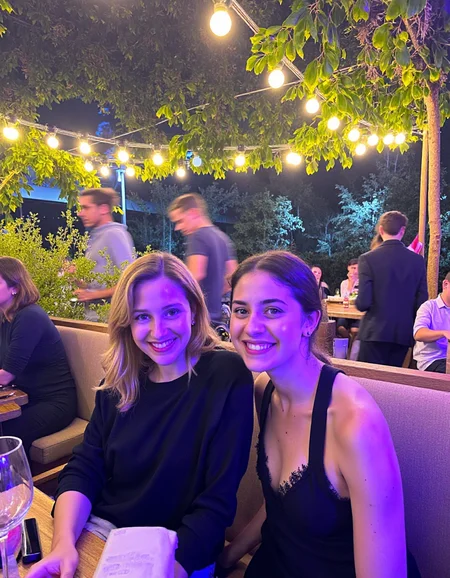
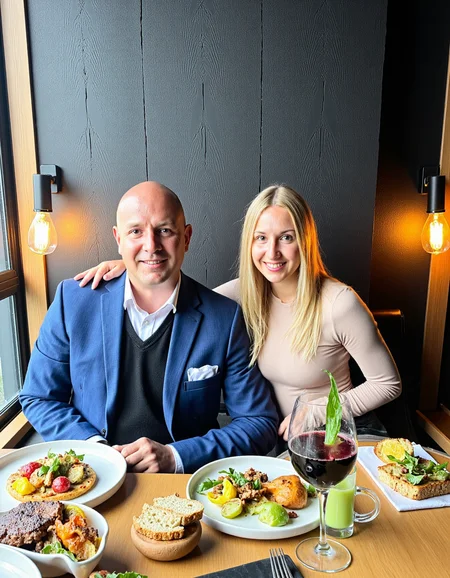
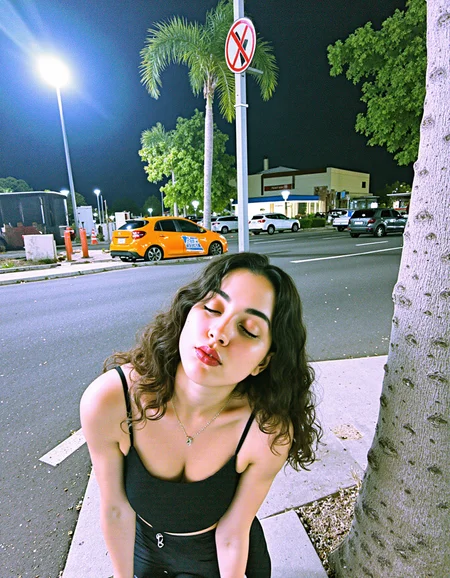
The latest version workflow and nodes are here
https://github.com/peterkickasspeter-civit/ComfyUI-ZImageTurboProgressiveLockedUpscale/tree/experiment
=====
Custom node: https://github.com/peterkickasspeter-civit/ComfyUI-ZImageTurboProgressiveLockedUpscale
Workflow is in the showcase images. More details here - https://www.reddit.com/r/StableDiffusion/comments/1r1qyj2/zimageturboprogressivelockedupscale_works_with_z/
Distill lora for base - https://huggingface.co/alibaba-pai/Z-Image-Fun-Lora-Distill/tree/main
*use either Z-Image-Fun-Lora-Distill-8-Steps.safetensors or Z-Image-Fun-Lora-Distill-4-Steps-2602-ComfyUI.safetensors
Description
GPT4O Prompt - https://pastebin.com/89SnakX7
FAQ
Comments (28)
swarmUI = weird image i do all you said but same result
sorry bro i never used swarmui so i cannot help. i only use forge
How are you using hires fix? Is there a comfy workflow?
In forge only. Copy metadata of one image and you will see it. For comfy I don't know because I only use forge
https://comfyanonymous.github.io/ComfyUI_examples/2_pass_txt2img/ by the comfyui dev
it throws an anime female if I put "japanese" as a prompt. It shouldn't do that
are you using DEIS sampler?
@peterkickasspeter HEUN with BETA
I think its a known issue with Flux. I saw a post in reddit but i'm not able to find it now. Japanese bias to anime. I tested 2 prompts with a Japanese woman using DEIS sampler and out of the 10 images I generated, I got 1 anime image. So I can safely say its not an issue with this lora. I suggest that you tweak your prompt maybe
Hey what dims did you use for this? It looks higher than 16 based off the size. Do you think higher is needed for more 'concept' based loras?
@4pron I think if your training dataset captions are super detailed like mine, the lora benefits from higher dim. I use 32 dim. It served me well so far. Dont want to go below 32 (afraid of wasting buzz) and can't go above 32 (others might have slow generations and it may spill into their RAM)
Yeah I'm going to have to experiment. All my loras posted here are 16x16, but I may have to try at 32x32. I also used an LLM for captioning. It works great.
I use same settings, but background is still same as before. Please guide me how can I use this lora properly.
i am not able to understand correctly, pls elaborate
@peterkickasspeter I mean I want to remove blur from background while creating images with flux. For that I use this Lora, but it not seems working. I used the same setting, but it seems like it ignoring the Lora. Kindly guide me how can I use that Lora
@mudassir6006 I'm having the same issue, the lora isn't seeming to have any effect
@fredakan3047164 I think I am using low data flux model. I think it only works on original flux dev full size model
@mudassir6006 The fp32 is the only one that works?
Yes because it not mention any specific type of flux dev model so it can be f32. I am not sure. I am using f8 because I have only 12 GB vram 😑
@mudassir6006 Checkpoint: flux1-dev-Q8_0.gguf (I use the Q8 one. I don't test this Lora with FP8 or Q4 or other quants)
It's in the description
@peterkickasspeter I think it's not working because different resolution. I am using 1024x1024
@mudassir6006 I have 16gb of vram. Do you think that's enough to run fp32
@peterkickasspeter I tried with the same model, sampling method, and resolution (896x1152) and the image comes out incredibly fuzzy and grainy
@fredakan3047164 can you show me the metadata of the image
@peterkickasspeter DM'ed
@fredakan3047164 it should be at least 24 GB
I am new to forge UI and image generation in general. After downloading this, where do I add it? I am using this model: flux1-dev-fp8.safetensors
in the /models/lora folder
Details
Files
amateurphoto-v5-14-15-1-1.safetensors
Mirrors
amateurphoto-v5-14-15-1-1.safetensors
amateurphoto-v5-14-15-1-1.safetensors
amateurphoto-v5-14-15-1-1.safetensors
amateurphoto-v5-14-15-1-1.safetensors
extra-realism.safetensors
amateurphoto-v5-14-15-1-1.safetensors
amateurphoto-v5-14-15-1-1.safetensors
amateurphoto-v5-14-15-1-1.safetensors
amateurphoto-v5-14-15-1-1.safetensors
amateurphoto-v5-14-15-1-1.safetensors
amateurphoto-v5-14-15-1-1.safetensors
amateurphoto-v5-14-15-1-1.safetensors
amateurphoto-v5-14-15-1-1.safetensors
amateurphoto-v5-14-15-1-1.safetensors
amateurphoto-v5-14-15-1-1.safetensors
mateufrux.safetensors
amateurphoto-v5-14-15-1-1.safetensors
amateurphoto-v5-14-15-1-1.safetensors
Available On (3 platforms)
Same model published on other platforms. May have additional downloads or version variants.