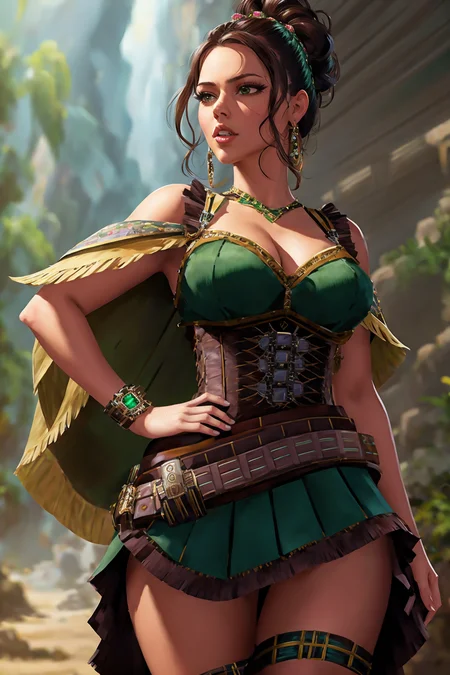
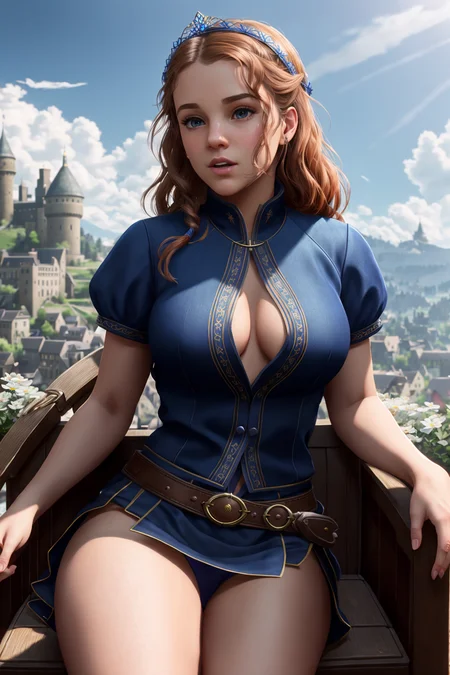
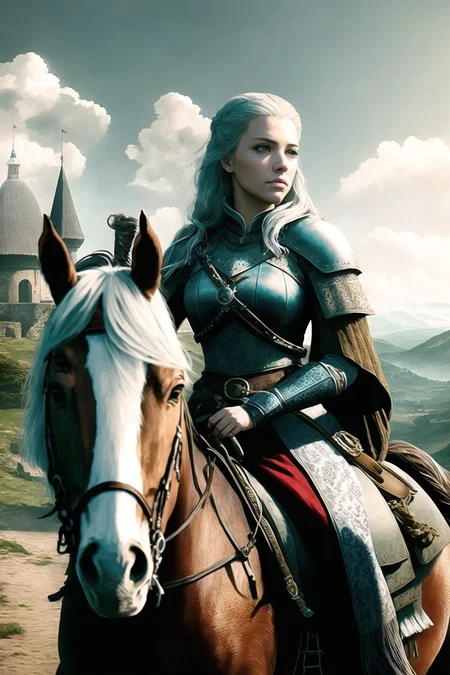
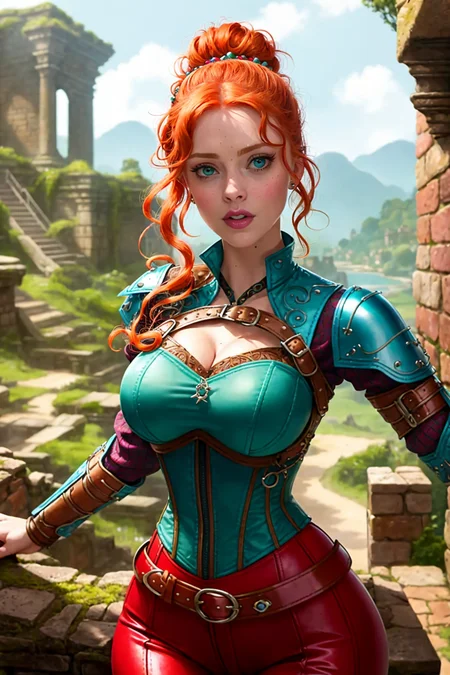

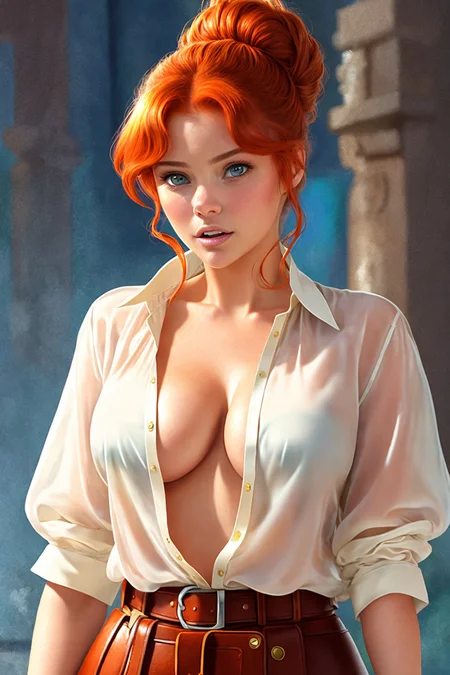
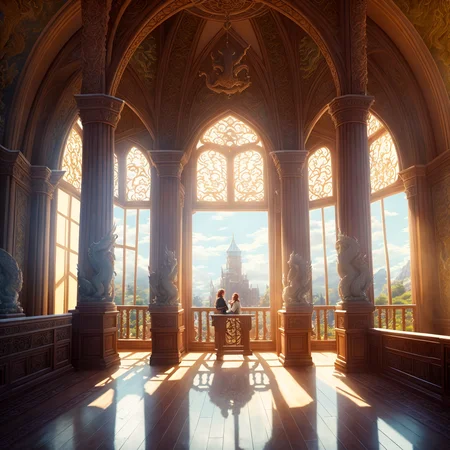
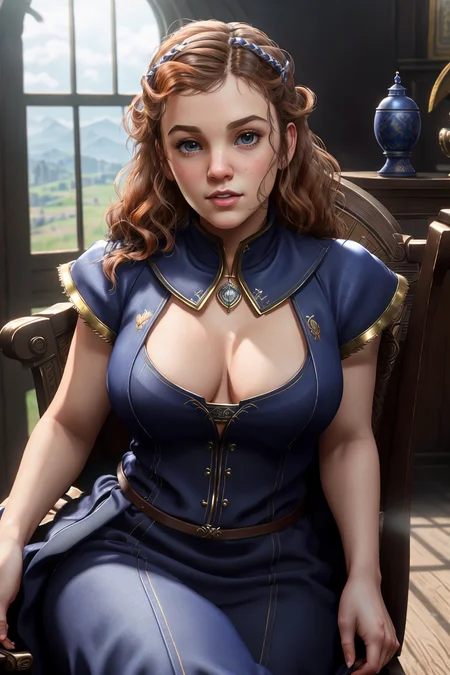
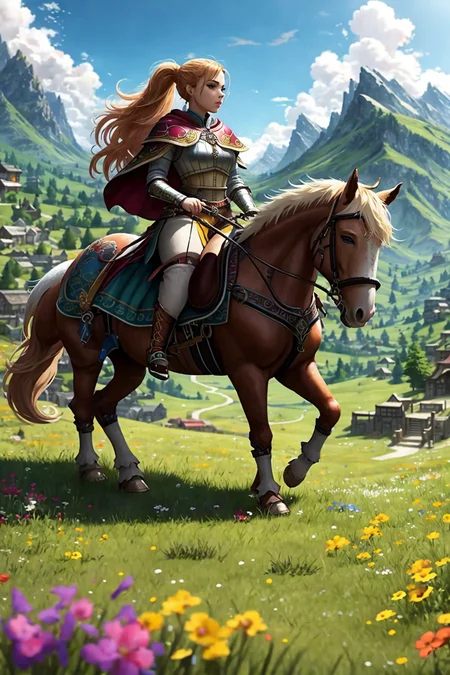
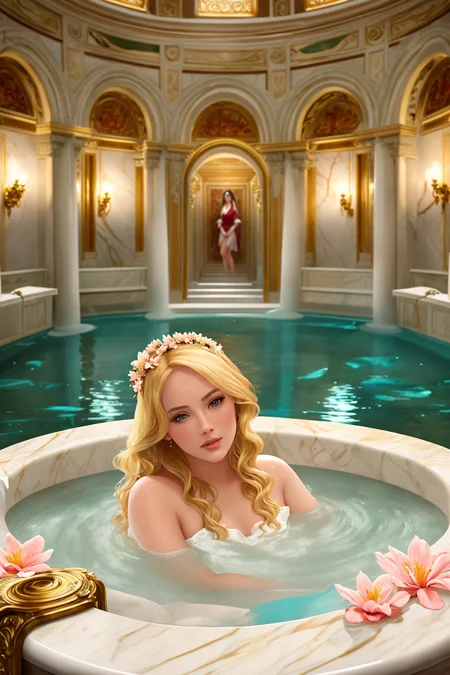
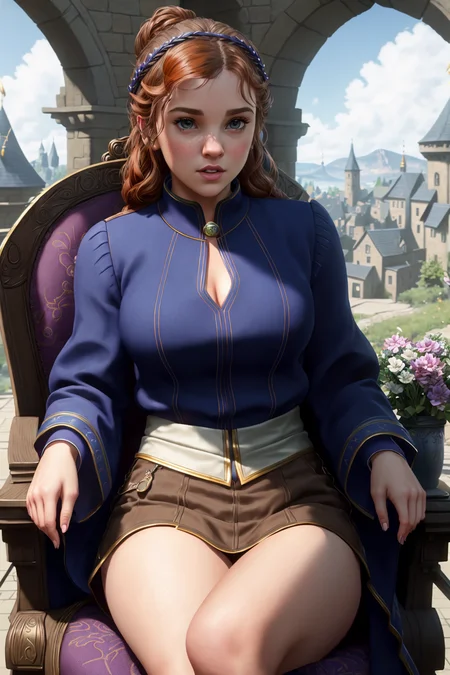
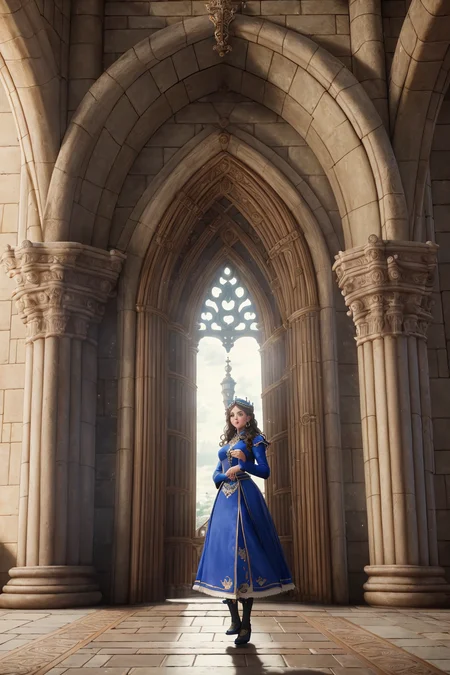
Update April 28th Added version V4 pruned model.
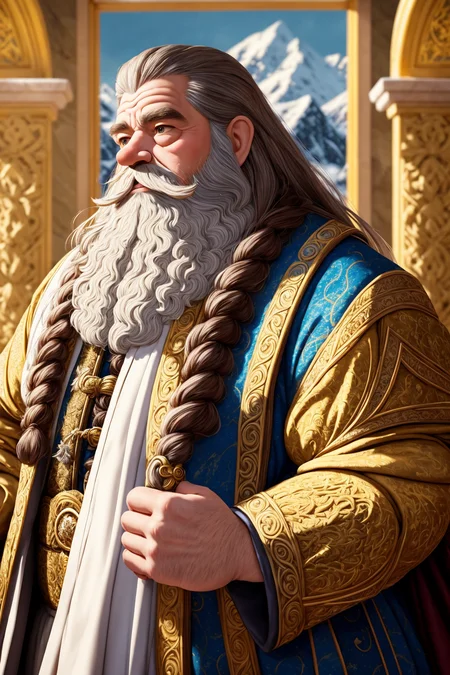
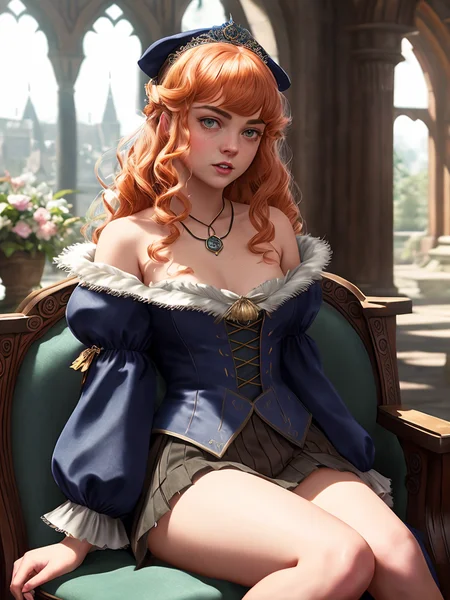
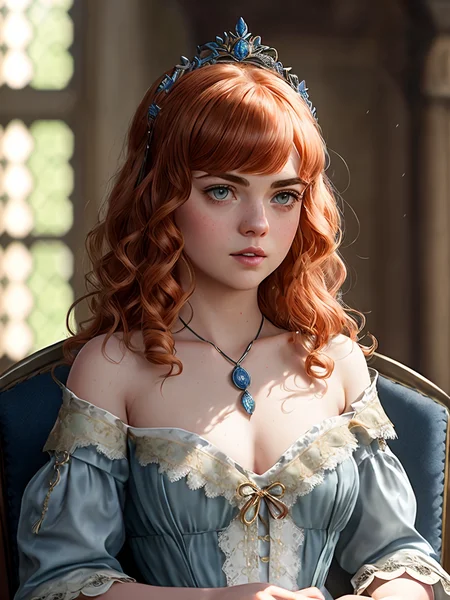
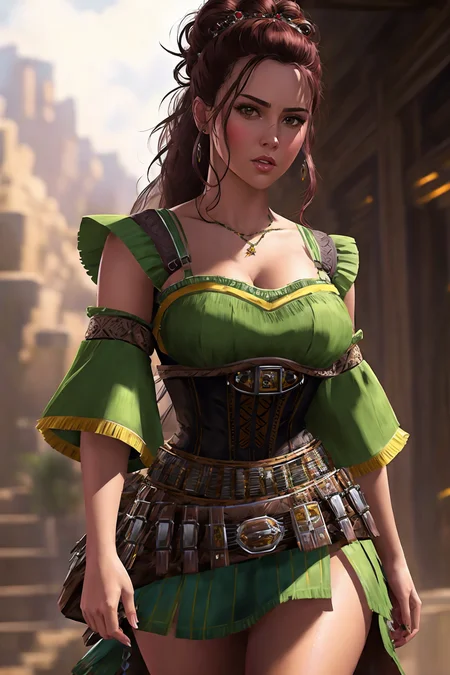
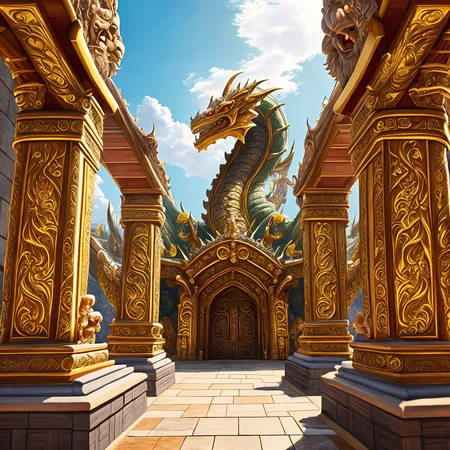
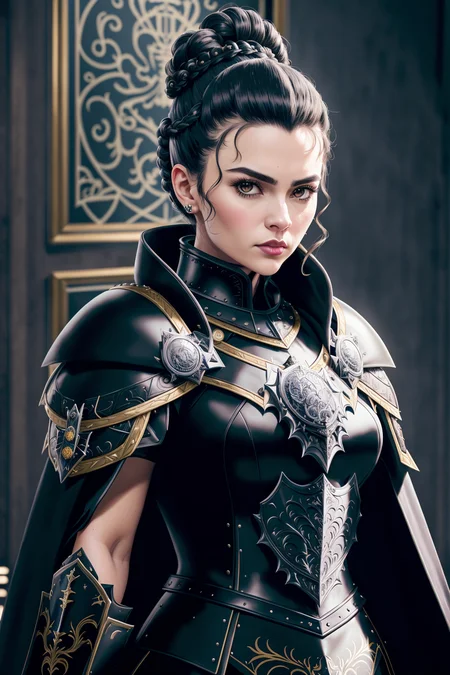
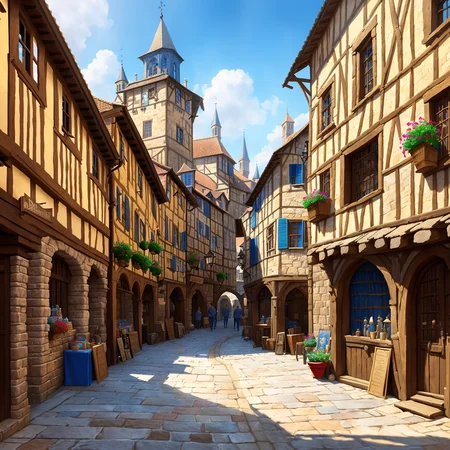
A model with professional RPG industry artists in mind. Those working in video games, board and tabletop games as well as concept art and book covers should get good use from this model. The new version, V4, packs in more training for creatures and RPG subjects including a more illustrative style.
Detailed tutorial on how I get the results in the preview images.
Check here if you're having trouble getting the same results. Initial generation size and VAE usage is key.
You can prompt any style you need with these models, but the default aesthetic is listed for each of the models in this handy list.
Different models available, check the blue tabs above the images up top:
Stable Diffusion 1.5 (512) versions:
V4 inpaint Inpainting version of V4 that's good for outpainting.
V4+VAE Same as V4 but with the added convenience of having a preset VAE baked in so you don't need to select that each time. Saves on vram usage and possible NaN errors. Speeds up workflow if that's the VAE you're going to use anyway.
V4 New aesthetic added to make it a bit more illustrative. More training for better coherency for all things RPG.
V3+VAE Same as V3 but with the added convenience of having a preset VAE baked in so you don't need to select that each time. Saves on vram usage and possible NaN errors. Speeds up workflow if that's the VAE you're going to use anyway.
V3 Stronger painterly style. High contrast and sharpness. Even more RPG knowledge.
V3 inpaint Inpainting version of V3 that's good for outpainting.
V2 Stronger painterly style. High contrast and sharpness. More RPG knowledge.
V2 offset Noise Offset added making more contrast and bringing the model back to photoreal.
V2 Art Trained model. Very artsy. Strongest painterly style. Less details and bigger brush strokes to mimic digital painting style pre-AI.
V2 inpaint Inpainting version of V2 that's good for outpainting.
V1 Smoother renders with least painterly effect.
V1 inpaint Inpainting version of V1 that's good for outpainting.
Stable Diffusion 2.1 (768) versions:
SD 2.1 768 V1 Strong painterly style, very coherent with hands and objects. Higher native resolution and detail. Not good for nudity.
Not as effective, but here's the LoRA if you like to use that instead:
A to Zovya RPG Artist's Tools LoRA
Do you have requests? I've been putting in many more hours lately with this. That's my problem, not yours. But if you'd like to tip me, buy me a beer. Beer encourages me to ignore work and make AI models instead. Tip and make a request. I'll give it a shot if I can. Here at Ko-Fi
Description
Stable Diffusion 1.5 (512 x 512)
A-Zovya RPG Artist Tools V1
VAE recommended vae-ft-mse-840000-ema-pruned.ckpt
FAQ
Comments (24)
Why you twisted little.. I WAS GOING TO DO THIS! :D Man, ok ok.. You win this time Zovya!! (..downloads models), but next time!! I'll get to it first (..has fun making images). Next time!!! :D
..ok.. it looks really cool. :/ grr
You mean an RPG focused model? Yeah I had to do it, I need it for my work. I was inspired by your great models. Got plenty of use out of them too! :)
Is this model coming to Hugging Face?
Hi, can I extract LoRA models from your checkpoints?
Or train LoRA on your source images?
Thanks for asking first, but I'm about to post a LoRA for it in a moment.
@zovya Thank you for the answer and for the warning.
Im waiting the upload of lora files too :)
@JoepT1651 I put a link to it in the description A to Zovya RPG Artist's Tools LoRA
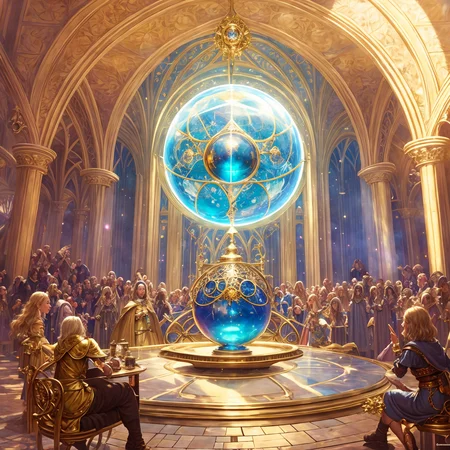
Great Images. you use in the 6th picture (the magical sphere) a style-hoggy embedding, where can i finnd it, or may be you can share the link to it? a can not find it in google nor on hugginface, best regards
I rename my embeddings so I get confused with them sometimes. I use either of these two versions a lot https://civitai.com/models/4932/hogwarts-legacy-embedding but the hoggy one I believe comes from theallys private stash on her patreon
Thanks, i used already the hogwarts legacy emb. but can't get the sphere as in preview... thanks for answer anyway
@Catius ah ok. play around with different seeds and loras/embeddings. I got all kinds of cool results. that's just the one I posted.
It's possible to use safetensor file on Dreambooth?
How can we choose the level of saturation? Can you explain please
If you have desaturated/oversaturated outputs that's probably default VAE problem - choose different one
It's a really great blend, for both versions.
Can you add, if possible, the smaller pruned-fp16 versions (not inpainting) ?
the 1.5 version is pruned. they're just big
@Zovya I know that some models are not compressible beyond a certain level. Besides the pruning, were they also converted to fp16 ? Sometimes going from fp32 to fp16, the filesize become about 50%.
@ritcher1 Interesting point. I'm about to release a newer improved version. I'll make sure there's an fp16 and fp32 version.
@Zovya Thank you !
Genuinely jaw dropping. If you have time, you could explain why there is an in painting version. Im actually having trouble with inpaint when I size up. If I run the inpainting model, will that help? (its not just your model Im having trouble with) Thanks for your time.
inpainting is designed specifically for generating a masked part of the image only. not sure what your specific scenario is for not getting good inpainting results. get on the discord server, there are placed to get help there
Details
Files
aZovyaRPGArtistTools_v1.safetensors
Mirrors
8124_aZovyaRPGArtistTools_v1.safetensors
aToZovyaRPGArtistsTools15_sd15V1.safetensors
aZovyaRPGArtistTools_v1.safetensors
aZovyaRPGArtistTools_v1.safetensors
aToZovyaRPGArtistsTools15_sd15V1.safetensors
aToZovyaRPGArtistsTools15_sd15V1.safetensors
pcia_rpg_artiststools_sd1_5.safetensors
SDPM2HXKyk-V1.safetensors
A-to-Zovya_RPG_Artist_Tools_15_V1.safetensors
A-to-Zovya-Artists-Tools.safetensors