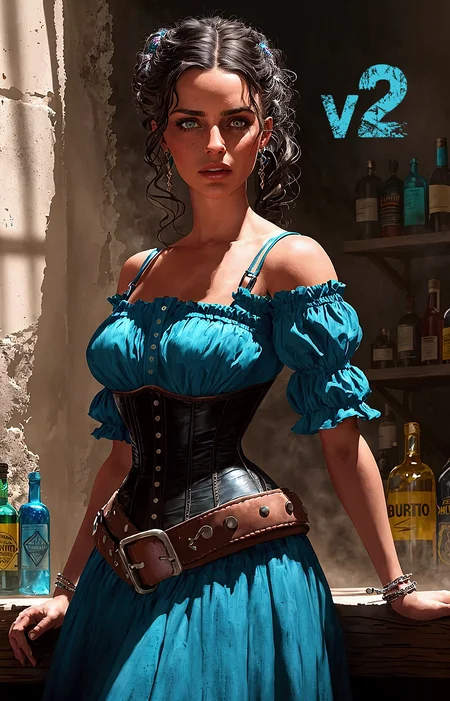


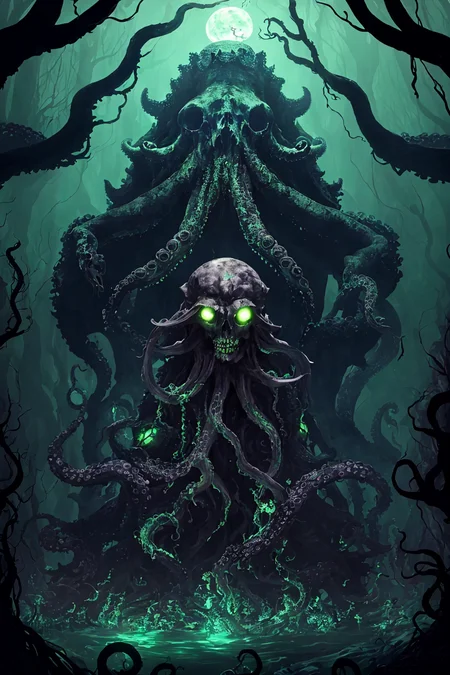
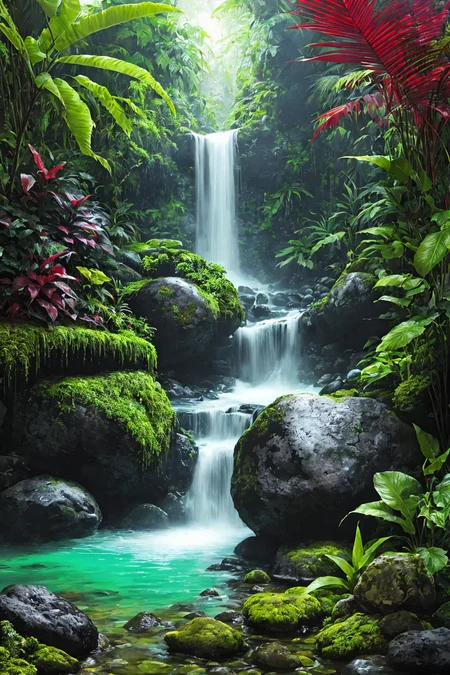
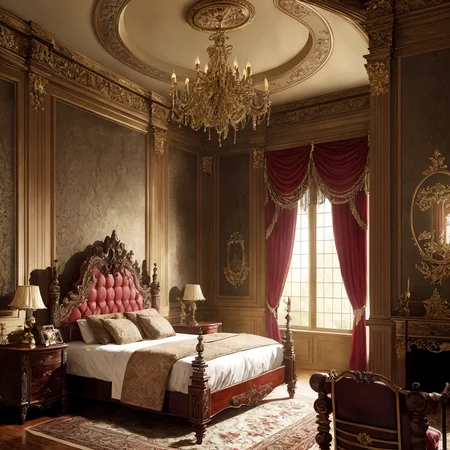
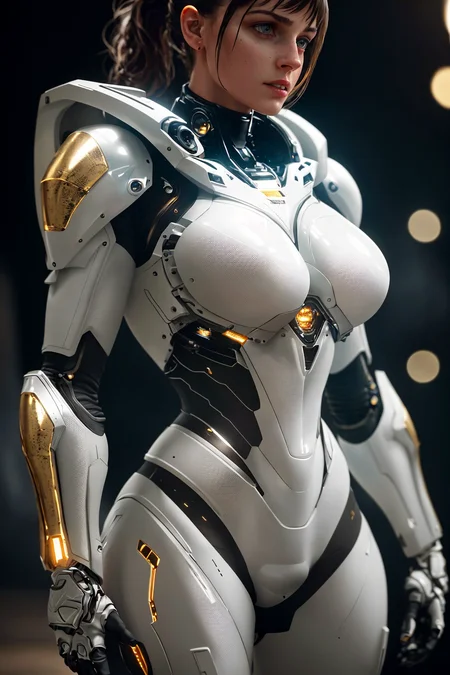
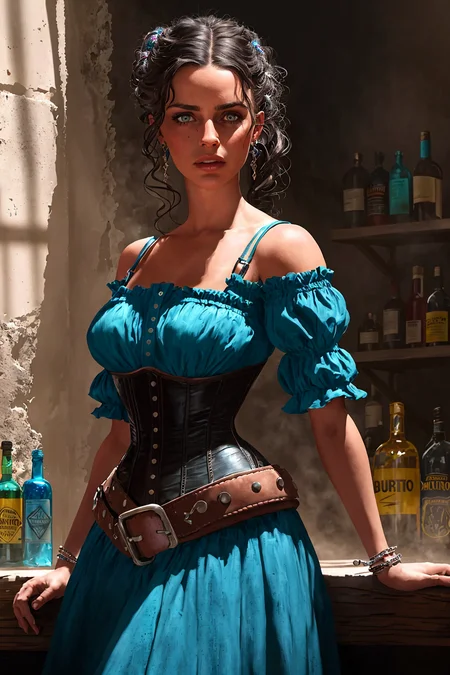
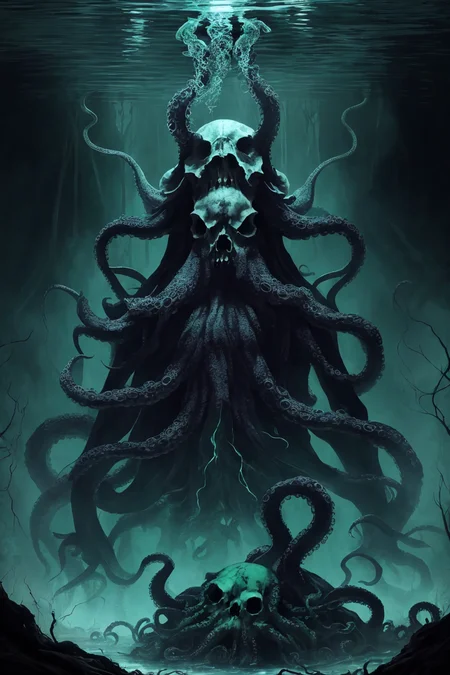
Update April 28th Added version V4 pruned model.
A model with professional RPG industry artists in mind. Those working in video games, board and tabletop games as well as concept art and book covers should get good use from this model. The new version, V4, packs in more training for creatures and RPG subjects including a more illustrative style.
Detailed tutorial on how I get the results in the preview images.
Check here if you're having trouble getting the same results. Initial generation size and VAE usage is key.
You can prompt any style you need with these models, but the default aesthetic is listed for each of the models in this handy list.
Different models available, check the blue tabs above the images up top:
Stable Diffusion 1.5 (512) versions:
V4 inpaint Inpainting version of V4 that's good for outpainting.
V4+VAE Same as V4 but with the added convenience of having a preset VAE baked in so you don't need to select that each time. Saves on vram usage and possible NaN errors. Speeds up workflow if that's the VAE you're going to use anyway.
V4 New aesthetic added to make it a bit more illustrative. More training for better coherency for all things RPG.
V3+VAE Same as V3 but with the added convenience of having a preset VAE baked in so you don't need to select that each time. Saves on vram usage and possible NaN errors. Speeds up workflow if that's the VAE you're going to use anyway.
V3 Stronger painterly style. High contrast and sharpness. Even more RPG knowledge.
V3 inpaint Inpainting version of V3 that's good for outpainting.
V2 Stronger painterly style. High contrast and sharpness. More RPG knowledge.
V2 offset Noise Offset added making more contrast and bringing the model back to photoreal.
V2 Art Trained model. Very artsy. Strongest painterly style. Less details and bigger brush strokes to mimic digital painting style pre-AI.
V2 inpaint Inpainting version of V2 that's good for outpainting.
V1 Smoother renders with least painterly effect.
V1 inpaint Inpainting version of V1 that's good for outpainting.
Stable Diffusion 2.1 (768) versions:
SD 2.1 768 V1 Strong painterly style, very coherent with hands and objects. Higher native resolution and detail. Not good for nudity.
Not as effective, but here's the LoRA if you like to use that instead:
A to Zovya RPG Artist's Tools LoRA
Do you have requests? I've been putting in many more hours lately with this. That's my problem, not yours. But if you'd like to tip me, buy me a beer. Beer encourages me to ignore work and make AI models instead. Tip and make a request. I'll give it a shot if I can. Here at Ko-Fi
Description
Stable Diffusion 1.5 (512 x 512)
A-Zovya RPG Artist Tools V1 offest
VAE recommended vae-ft-mse-840000-ema-pruned.ckpt
Noise offset added giving improved contrast and bringing the model back to photoreal.
FAQ
Comments (29)
Hi there, not sure if they are still on the way.
But at the moment I am only seeing the SD 1.5 V2
You mentioned a SD 1.5 V2 Offset and SD 1.5 V2 Art Not seeing them at the top just yet.
Or am I misunderstanding? Thanks for sharing though. This looks really cool and will be generating a few things to leave a review! :D
yeah, I meant to upload those already but I'm having issues with the preview images. I'll upload them tomorrow. thanks!
@Zovya Thank you for letting me know. I would not be surprised if I just misunderstood things. So just wanted your input :)
Just a heads up. I just downloaded this. And, I couldn't get any discernible images out until i changed the aspect ratio to 512x1024 - something about that tall perspective made it so people could be generated.
a portrait aspect ratio will give better full body by default, but you can get it in square ratios too, you just need to prompt something about their legs or feet. Models will generally ignore stuff if you don't tell it something about it.
of the 100+ models I've downloaded and played with, this one is definitely in my top 3! Absolutely a must-try for anyone who wants to use StableDiffusion
Thank you so much for all your work and for sharing it with the public for free!
Thank you!
what vae best for this model? the art turns washed out
no vae will be flat, best to edit later. but if you want a finish piece, vae-ft-mse-840000-ema-pruned.
yeah i have the same issues, this model is a bit messed up. so many little things. like if the aspect ratio is not exact it will give an error. mine just clonked out when i loaded 84000-ema..
Pax try this. I just got one usable image. I loaded vae84000, then unloaded and loaded again. Euler a at 30 steps and CFG at 5, square 1024x1024 with hires upscaler SwinIR x1.8 (all my system can handle) hires steps 12 and denoise 0.3. this is on the sv15v20 model. any other size and i would get contorted bodies or an error or just a jumbled mess of colors
@DukeNukem47 meta data is misleading, it shows the upscaled version. never generate higher than 512, 768 max with 1.5 model, you'll get all sorts of wonkiness. these for example were generated at 512x768, with hires fix 2x to 1024x1536
I made a tutorial showing how I got the preview images
Ultra Sharp High Contrast Tutorial +vae&upscaler
Hi, any more details you can share about the 1.5 model, namely if the NAI or derivative models are mixed in it? I'm trying to avoid it and did a test with quality modifiers, seems like they had an effect but I want to be sure. Thanks.
You're saying you don't want a model with NAI in it? That's going to be tough unless you go back in time. I'm certain it does, but it's so small. Less than 2 or 3 percent maybe.
Yeah I feel the burn lol Thank you though, I appreciate it!
SD 1.5 V2 a for artistic still missing?
Really struggling with this one. whenever i use hires fix the image is messed up. it loosed all details, looks mushy and contrast and saturations is out the window. is this supposed to run with a VAE, I wish the makers would just add more use instructions instead of uploading something with nothing
copy/paste from another comment in case someone see this here:
meta data is misleading, it shows the upscaled version. never generate higher than 512, 768 max with 1.5 model, you'll get all sorts of wonkiness. these for example were generated at 512x768, with hires fix 2x to 1024x1536
I wish meta data was more clear on this point, you're right, I should post more info on image generation. we sometimes assume everyone knows all about this stuff
@Zovya This was a very thoughtful and helpful reply. I respect creators that take the time to respond in this manner. A+ respect.
thank you, it would def help if some basics were added to like which sizes work and how much upscale to use etc. also i dont know why I wrote, "loosed all details" lol. should be lost all details.
The model is amazing, very good, but ,any chance to get the inpainting version? I tried with the 3 files for 1.5 but they don't work properly with outpaint.
I removed them cause there's not much use for them in inpainting anymore. BUT, I didn't think about outpainting, that still needs help. I'll repost them as soon as the site is behaving again.
@Zovya Thanks!! I made an inpaint version following some tutorials saw on the internet but I think it doesn't work very well hahaha I'm a bit noob.
Do you intended on releasing the 1.5V2 a ? cause i saw you litsed it there but can't find it