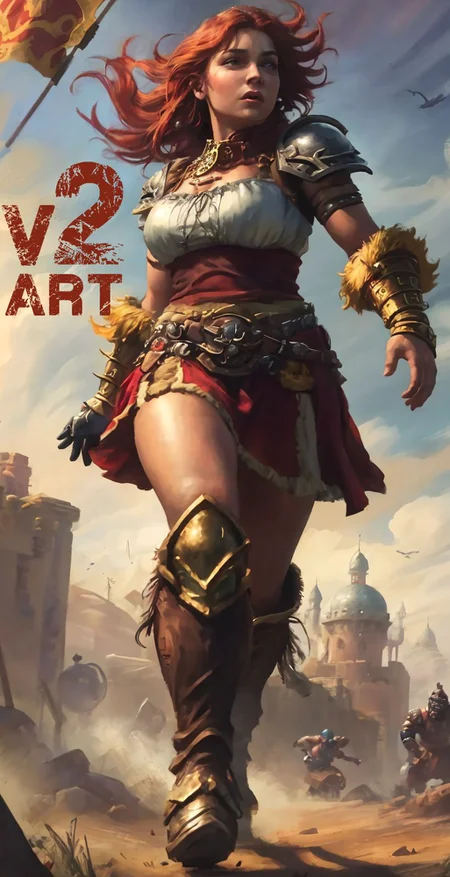
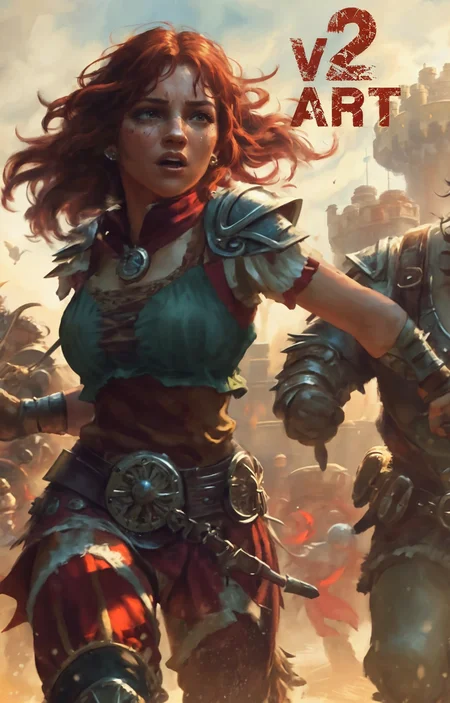
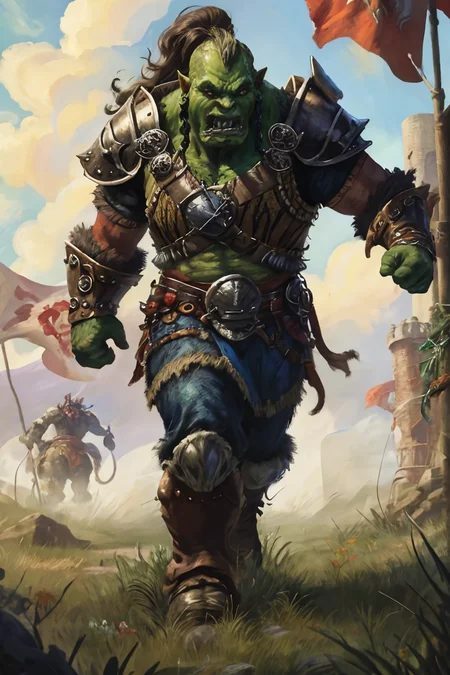
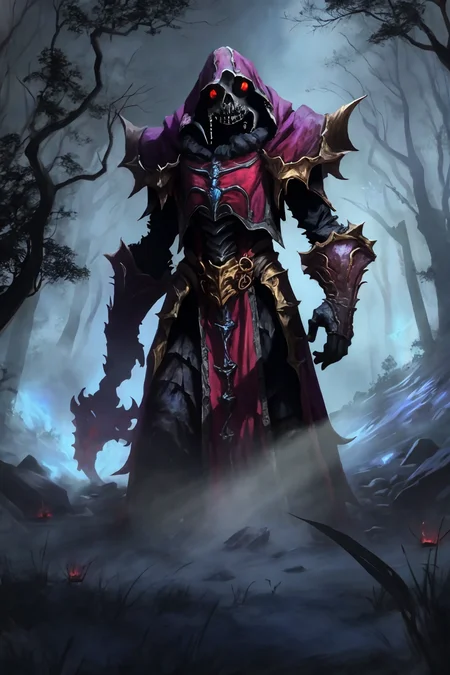
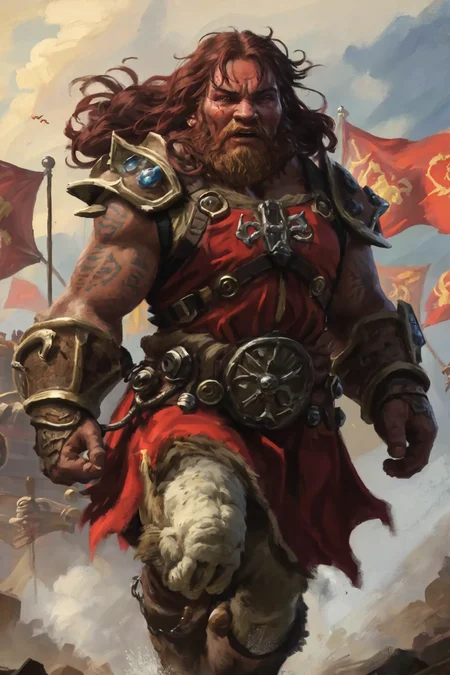
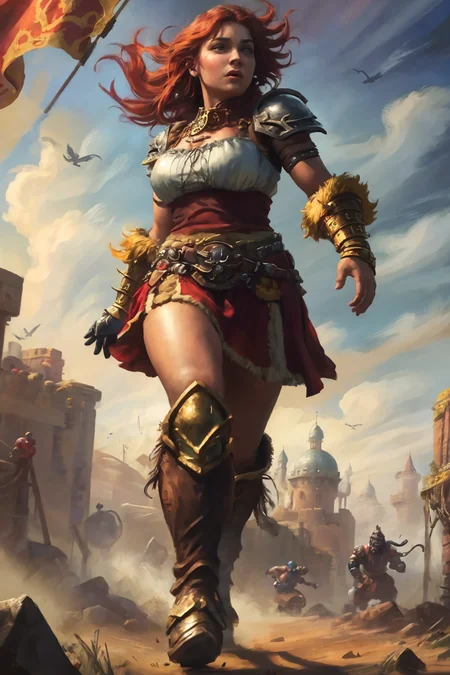
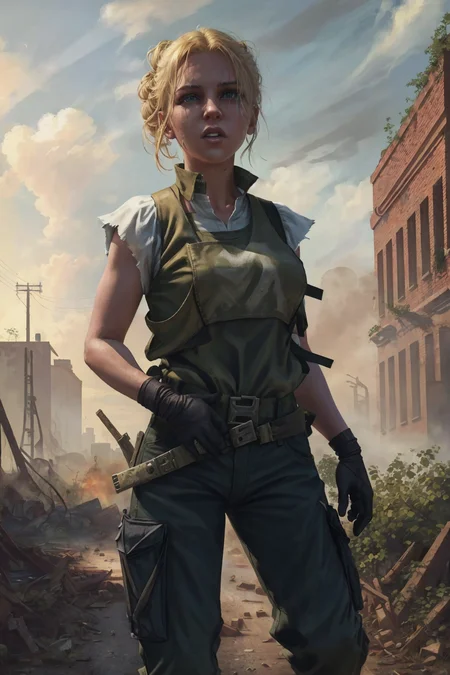
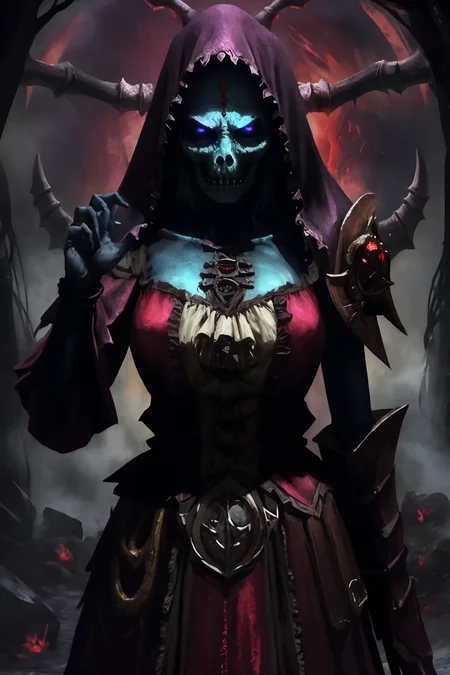
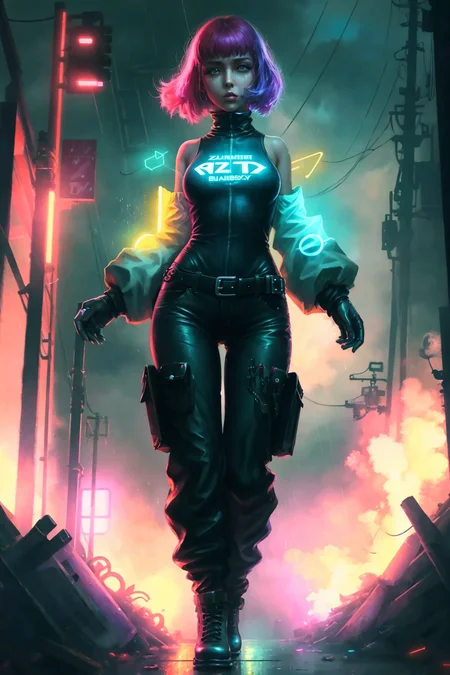
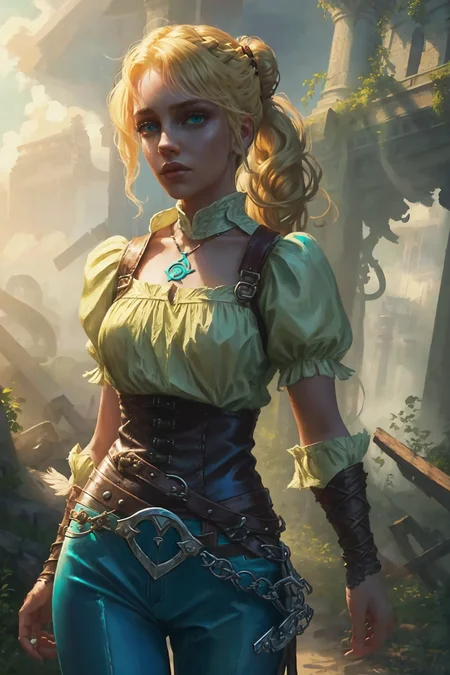
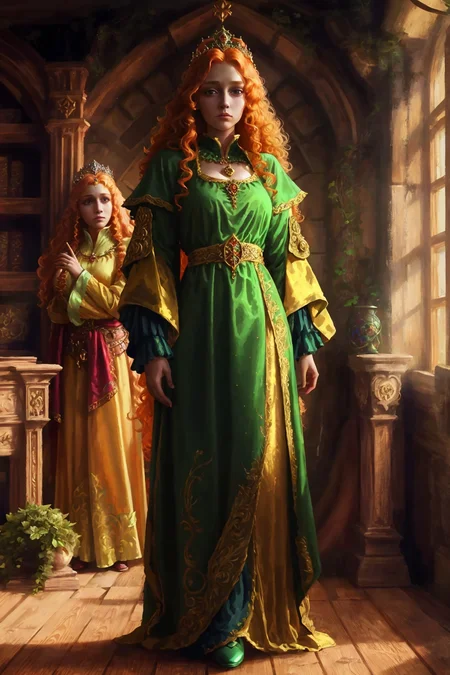
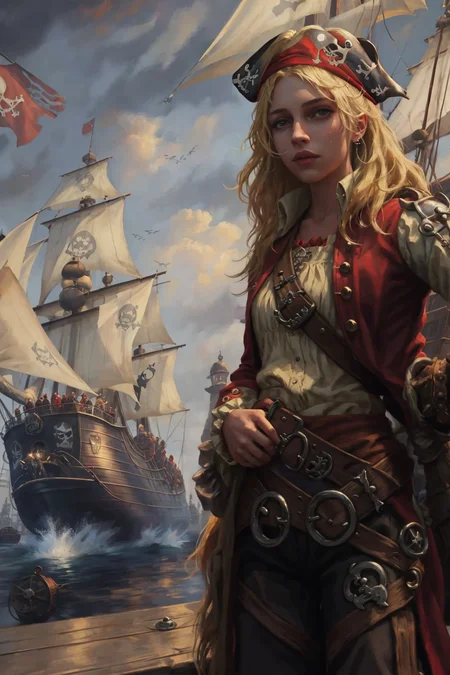
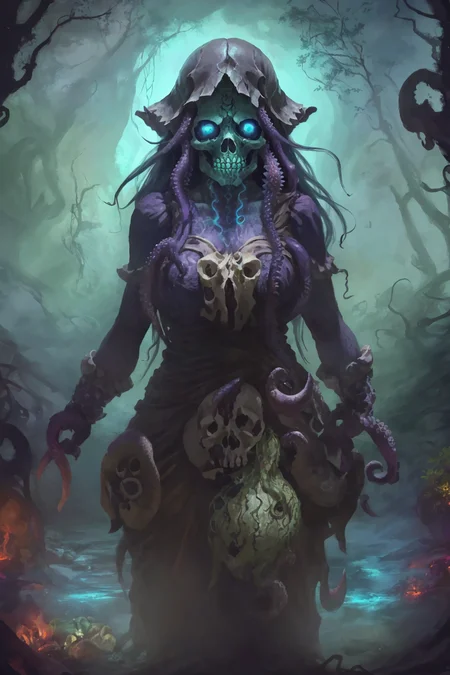
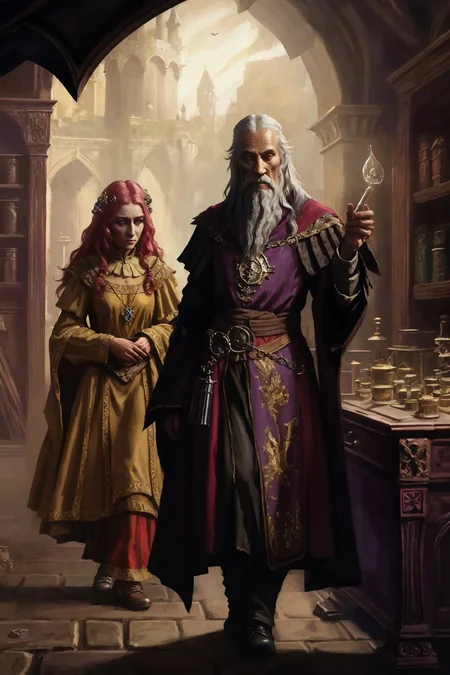
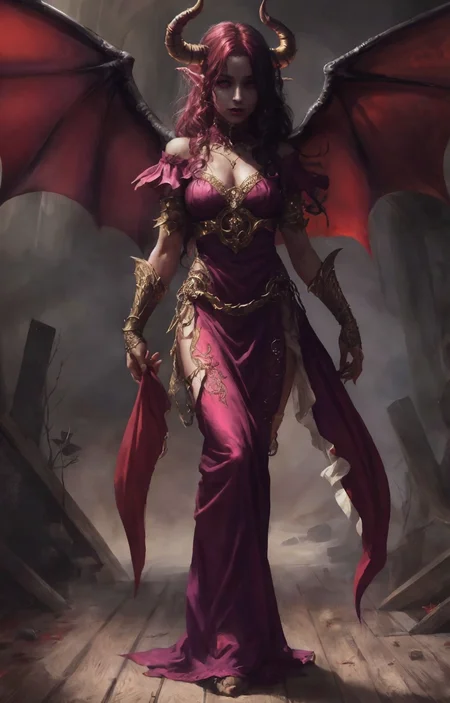
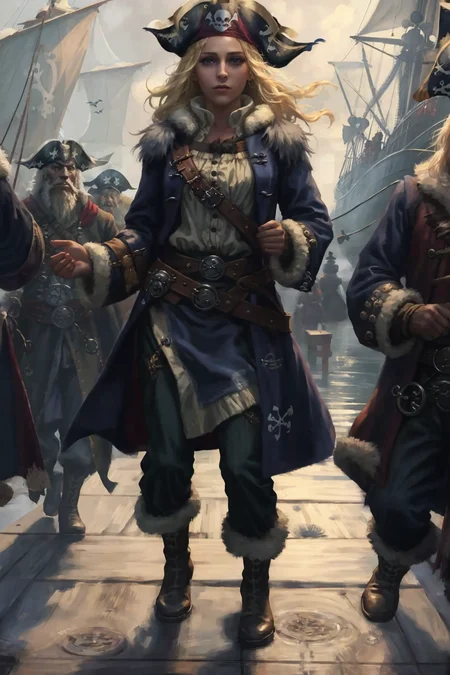
Update April 28th Added version V4 pruned model.
A model with professional RPG industry artists in mind. Those working in video games, board and tabletop games as well as concept art and book covers should get good use from this model. The new version, V4, packs in more training for creatures and RPG subjects including a more illustrative style.
Detailed tutorial on how I get the results in the preview images.
Check here if you're having trouble getting the same results. Initial generation size and VAE usage is key.
You can prompt any style you need with these models, but the default aesthetic is listed for each of the models in this handy list.
Different models available, check the blue tabs above the images up top:
Stable Diffusion 1.5 (512) versions:
V4 inpaint Inpainting version of V4 that's good for outpainting.
V4+VAE Same as V4 but with the added convenience of having a preset VAE baked in so you don't need to select that each time. Saves on vram usage and possible NaN errors. Speeds up workflow if that's the VAE you're going to use anyway.
V4 New aesthetic added to make it a bit more illustrative. More training for better coherency for all things RPG.
V3+VAE Same as V3 but with the added convenience of having a preset VAE baked in so you don't need to select that each time. Saves on vram usage and possible NaN errors. Speeds up workflow if that's the VAE you're going to use anyway.
V3 Stronger painterly style. High contrast and sharpness. Even more RPG knowledge.
V3 inpaint Inpainting version of V3 that's good for outpainting.
V2 Stronger painterly style. High contrast and sharpness. More RPG knowledge.
V2 offset Noise Offset added making more contrast and bringing the model back to photoreal.
V2 Art Trained model. Very artsy. Strongest painterly style. Less details and bigger brush strokes to mimic digital painting style pre-AI.
V2 inpaint Inpainting version of V2 that's good for outpainting.
V1 Smoother renders with least painterly effect.
V1 inpaint Inpainting version of V1 that's good for outpainting.
Stable Diffusion 2.1 (768) versions:
SD 2.1 768 V1 Strong painterly style, very coherent with hands and objects. Higher native resolution and detail. Not good for nudity.
Not as effective, but here's the LoRA if you like to use that instead:
A to Zovya RPG Artist's Tools LoRA
Do you have requests? I've been putting in many more hours lately with this. That's my problem, not yours. But if you'd like to tip me, buy me a beer. Beer encourages me to ignore work and make AI models instead. Tip and make a request. I'll give it a shot if I can. Here at Ko-Fi
Description
Stable Diffusion 1.5 (512 x 512)
A-Zovya RPG Artist Tools V2
VAE recommended vae-ft-mse-840000-ema-pruned.ckpt
Trained model. Very artsy. Strongest painterly style. Less details and bigger brush strokes.
Note: It will be difficult to get lots of details with this model. It's specifically designed to mimic the industry-standard digital art pre-AI era. Refined details in paintings would day days or weeks. Strong brushstrokes and brush textures were used to create a sense of detail. This model aims to replicate that style.
Ethically trained. This model wasn't trained on anyone's artwork. My own brushtrokes were used to train the model. Then, mixing different training epochs using Merged Block Weighted to give different brush styles to different areas of the render. For example, cleaner lines on faces and main subject, but rougher more textured strokes on backgrounds. Hope you enjoy the weeks of effort put into this. It's my baby and I love it.
FAQ
Comments (18)
Can you tell us abit about what the training is like / what you used for V2 Art?
I trained V2 on examples of my brushstrokes, fine medium and coarse. then used Merge Block Weighted to add them into the original V2 based on concepts. Took lots of trial and error, testing and comparing. There's not a good science behind Merge Block Weighted yet so that's how you have to approach it.
Here are some results, I've followed the tutorial step by step on how to get same results as profile images. Any tips or if I've missed something appreciated since my results are not even close to what it's possible with this model.
settings text2img generate 512x768 image
https://i.imgur.com/Hg73yY9.png

img2img settings
https://i.imgur.com/x9xVPPJ.png
result (no where close what author gets)
https://i.imgur.com/CmzYqG2.png


Appreciate any feedback how I can improve the results. I'm on Win11, RTX3090. What have I missed that makes my results so far away from what author is able to accomplish?
ok, I noticed a couple of things.
1. there's no vae being used, that's why it looks washed out
2. img2img is using different settings. the sampler is different the sample steps are different. CFG scale is different. also I can't see the denoise strength in your screenshot but it looks like it might be too high.
I had this same problem after installing the vae. Turns out I had forgot to click the gigantic "Apply settings" button located preeminently at the top of the page.
Restart both your browser and Stable. Make sure your browser is running before starting Stable. Make sure your settings are applied.
Glhf, it's an excellent model.
@AnthoulaSpalla Thanks
I Frigen LOVE the Art model! thank you so much!
Will post some results a bit later :D
can't wait to see them!
When will V2 inpaint be released?Should I download the V2 Art version first?
V2 Art has a different style. I'll get the V2 inpaint uploaded today.
@Zovyathx, I really like the your artworks
@Zovya I seem to have trouble generating good faces in v2art,- are there any trigger words that you recommend? Thanks!
@tt00712345 hi res fix should help. although the v2 art model isn't very detailed. it's supposed to be less detailed and very painterly. check the tutorial I linked in the description for better results.
@ZovyaIt's really great!Thanks for the guide!
Great model, I used it for some Deforum clips like: https://www.youtube.com/watch?v=hn1ovvshKYY
wow, pretty amazing stuff!
4x_foolhardy_Remacri? 4x_foolhardy_remacri? Hello, could you please tell me that the amplification algorithm used in it is installed separately Mom?
it's an ESRGAN model, look for it in the DB: https://upscale.wiki/wiki/Model_Database