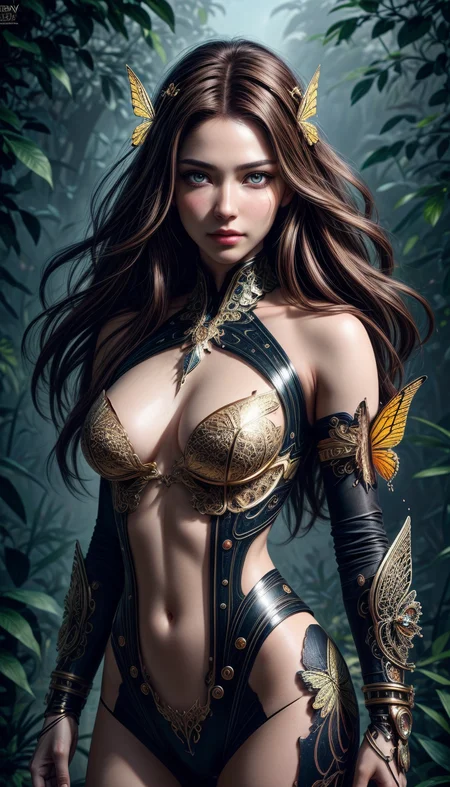
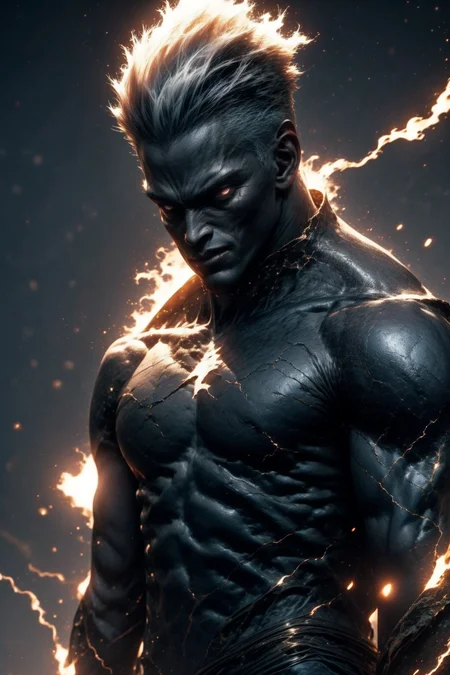
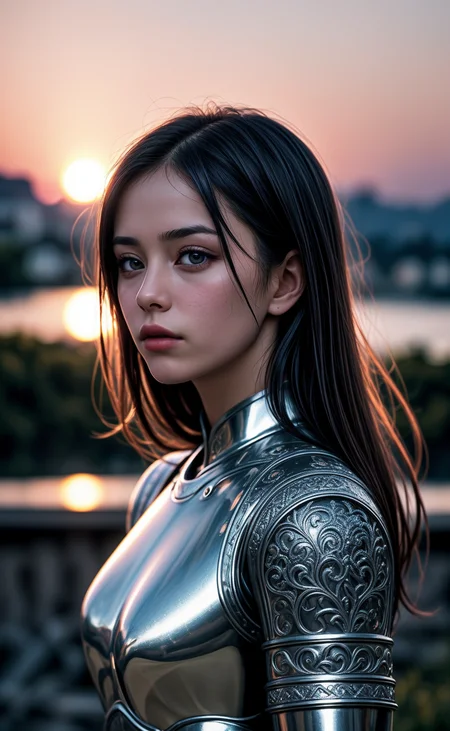
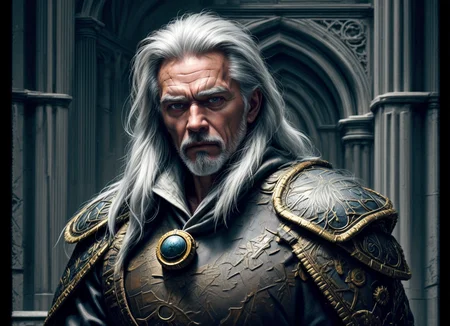
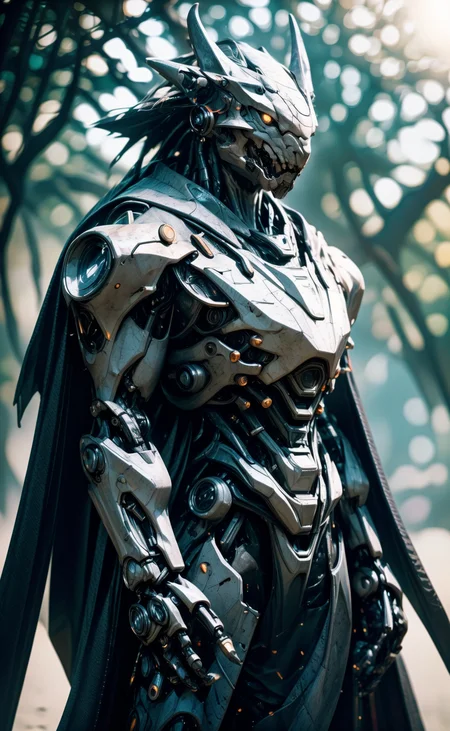
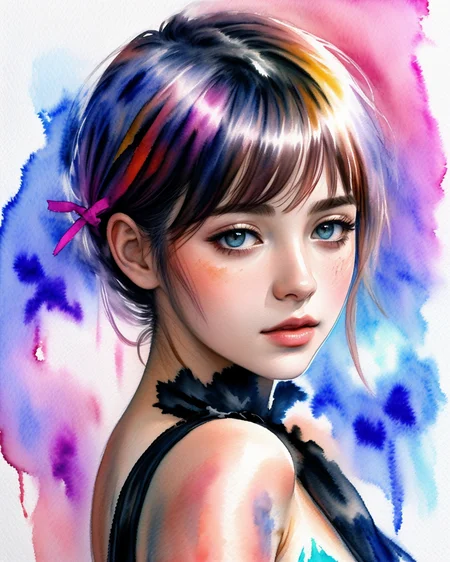
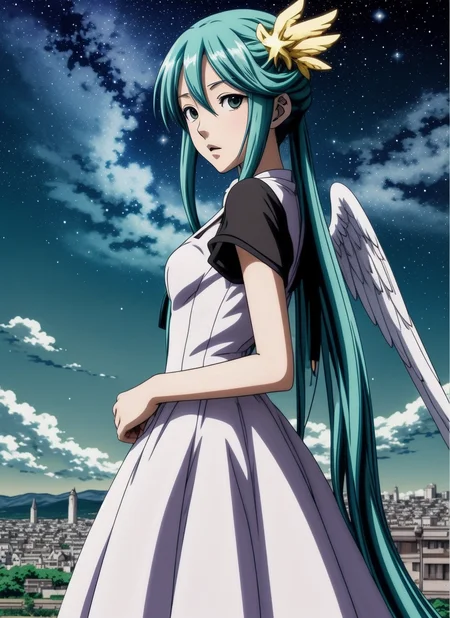
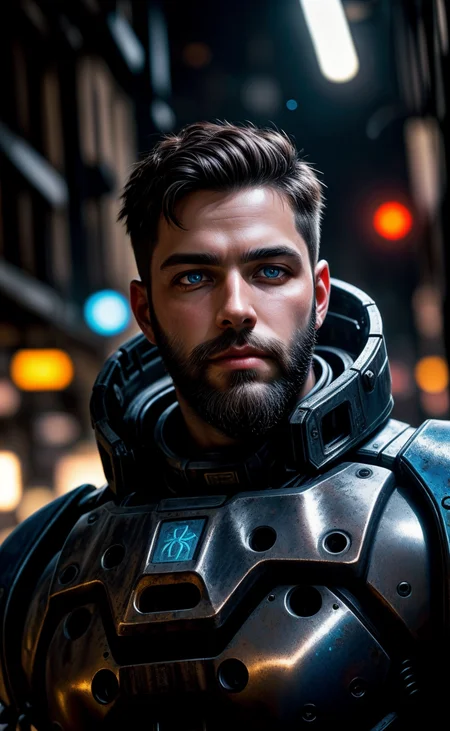
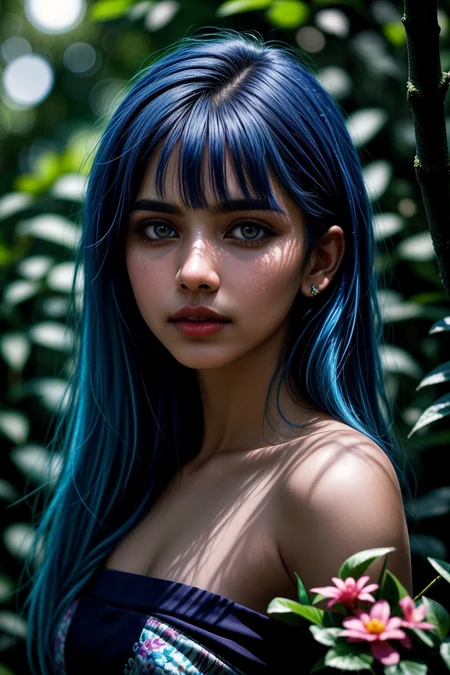
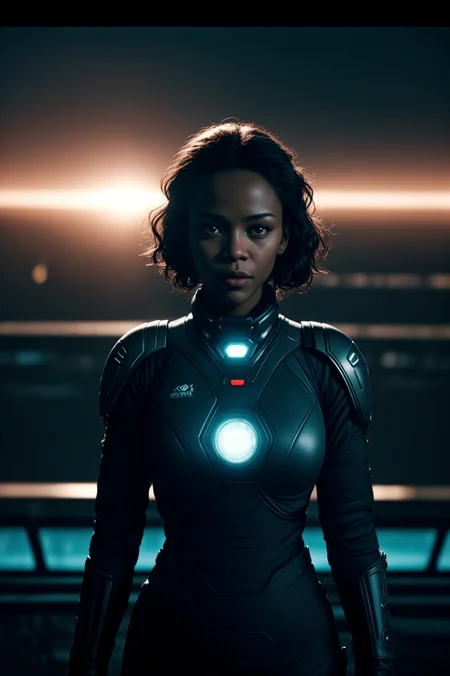
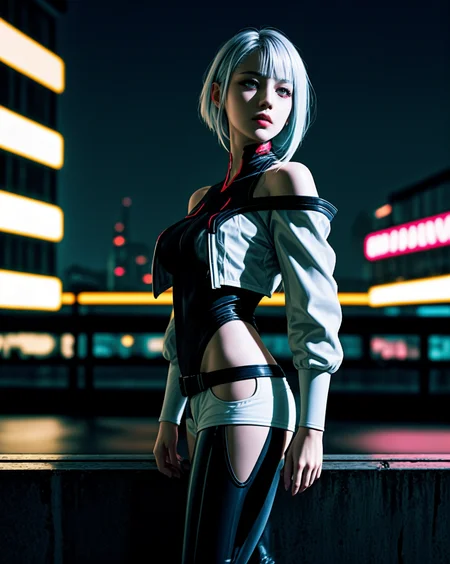

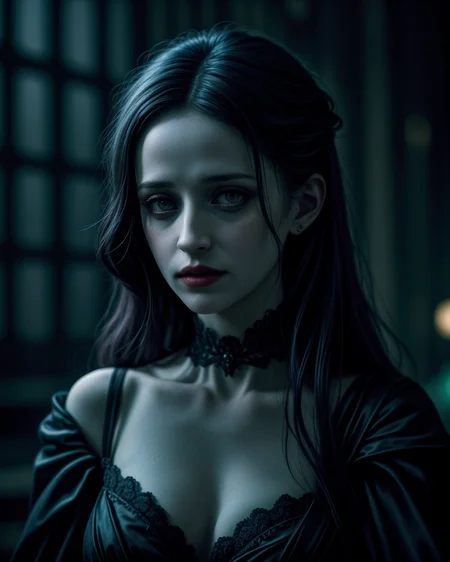
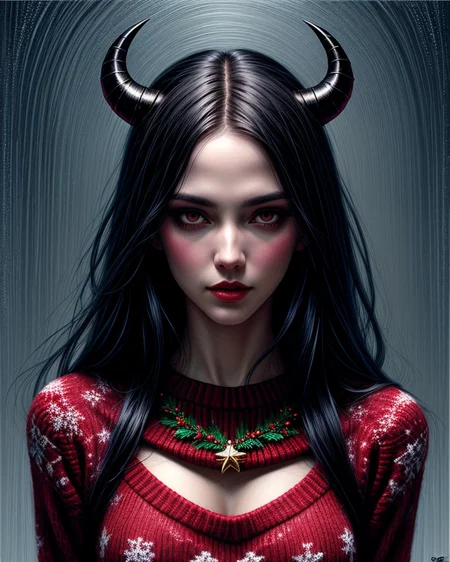

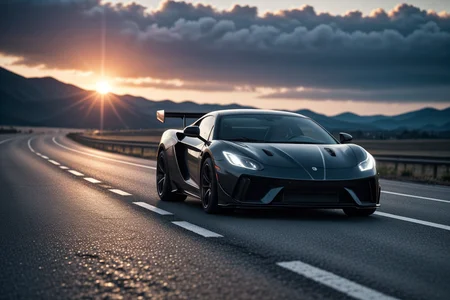
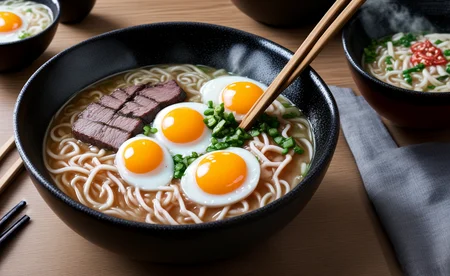
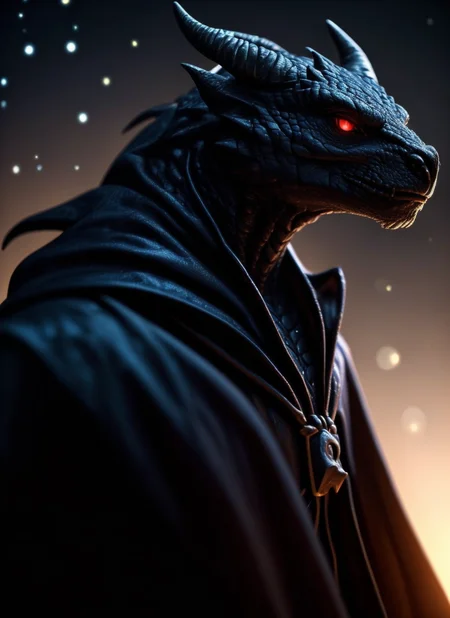
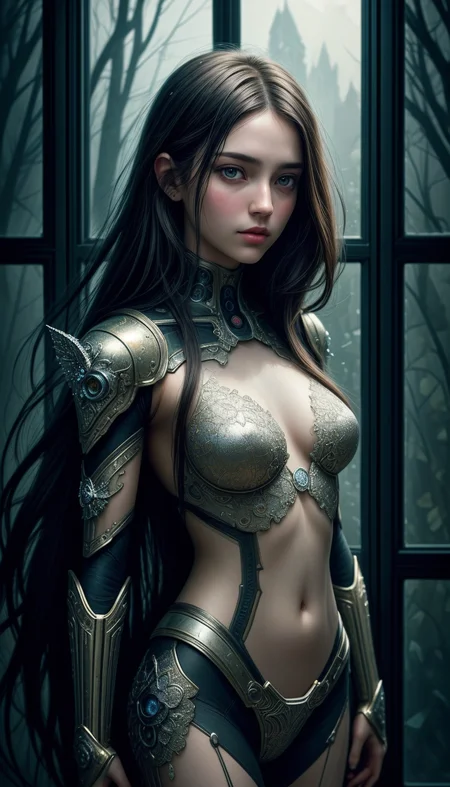
DreamShaper - V∞!
Please check out my other base models, including SDXL ones!
Check the version description below (bottom right) for more info and add a ❤️ to receive future updates.
Do you like what I do? Consider supporting me on Patreon 🅿️ to get exclusive tips and tutorials, or feel free to buy me a coffee ☕
🎟️ Commissions on Ko-Fi
Join my Discord Server
For LCM read the version description.
Available on the following websites with GPU acceleration:
Live demo available on HuggingFace (CPU is slow but free).
New Negative Embedding for this: Bad Dream.
Message from the author
Hello hello, my fellow AI Art lovers. Version 8 just released. Did you like the cover with the ∞ symbol? This version holds a special meaning for me.
DreamShaper started as a model to have an alternative to MidJourney in the open source world. I didn't like how MJ was handled back when I started and how closed it was and still is, as well as the lack of freedom it gives to users compared to SD. Look at all the tools we have now from TIs to LoRA, from ControlNet to Latent Couple. We can do anything. The purpose of DreamShaper has always been to make "a better Stable Diffusion", a model capable of doing everything on its own, to weave dreams.
With SDXL (and, of course, DreamShaper XL 😉) just released, I think the "swiss knife" type of model is closer then ever. That model architecture is big and heavy enough to accomplish that the pretty easily. But what about all the resources built on top of SD1.5? Or all the users that don't have 10GB of vram? It might just be a bit too early to let go of DreamShaper.
Not before one. Last. Push.
And here it is, I hope you enjoy. And thank you for all the support you've given me in the recent months.
PS: the primary goal is still towards art and illustrations. Being good at everything comes second.
Suggested settings:
- I had CLIP skip 2 on some pics, the model works with that too.
- I have ENSD set to 31337, in case you need to reproduce some results, but it doesn't guarantee it.
- All of them had highres.fix or img2img at higher resolution. Some even have ADetailer. Careful with that tho, as it tends to make all faces look the same.
- I don't use "restore faces".
For old versions:
- Versions >4 require no LoRA for anime style. For version 3 I suggest to use one of these LoRA networks at 0.35 weight:
-- https://civarchive.com/models/4219 (the girls with glasses or if it says wanostyle)
-- https://huggingface.co/closertodeath/dpepmkmp/blob/main/last.pt (if it says mksk style)
-- https://civarchive.com/models/4982/anime-screencap-style-lora (not used for any example but works great).
LCM
Being a distilled model it has lower quality compared to the base one. However it's MUCH faster and perfect for video and real time applications.
Use it with 5-15 steps, ~2 cfg. IT WORKS ONLY WITH LCM SAMPLER (as of December 2023, Auto1111 requires an external plugin for it).
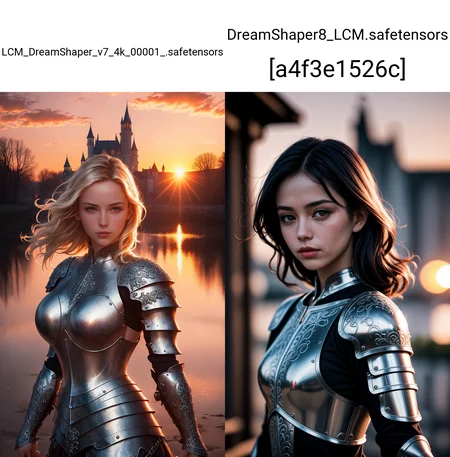
Comparison with V7 LCM https://civarchive.com/posts/951513
NOTES
Version 8 focuses on improving what V7 started. Might be harder to do photorealism compared to realism focused models, as it might be hard to do anime compared to anime focused models, but it can do both pretty well if you're skilled enough. Check the examples!
Version 7 improves lora support, NSFW and realism. If you're interested in "absolute" realism, try AbsoluteReality.
Version 6 adds more lora support and more style in general. It should also be better at generating directly at 1024 height (but be careful with it). 6.x are all improvements.
Version 5 is the best at photorealism and has noise offset.
Version 4 is much better with anime (can do them with no LoRA) and booru tags. IT might be harder to control if you're used to caption style, so you might still want to use version 3.31.
V4 is also better with eyes at lower resolutions. Overall is like a "fix" of V3 and shouldn't be too much different.
Results of version 3.32 "clip fix" will vary from the examples (produced on 3.31, which I personally prefer).
I get no money from any generative service, but you can buy me a coffee.
You should use 3.32 for mixing, so the clip error doesn't spread.
Inpainting models are only for inpaint and outpaint, not txt2img or mixing.
Original v1 description:
After a lot of tests I'm finally releasing my mix model. This started as a model to make good portraits that do not look like cg or photos with heavy filters, but more like actual paintings. The result is a model capable of doing portraits like I wanted, but also great backgrounds and anime-style characters. Below you can find some suggestions, including LoRA networks to make anime style images.
I hope you'll enjoy it as much as I do.
Official HF repository: https://huggingface.co/Lykon/DreamShaper
Description
LCM version. Use it with 5-15 steps, ~2 cfg. IT WORKS ONLY WITH LCM SAMPLER (to get it on Auto1111 you currently need a plugin).
Being a distilled model it has lower quality compared to the base one. However it's MUCH faster and perfect for video and real time applications.
Comparison against V7 LCM distilled by the authors of the LCM paper: https://civitai.com/posts/951513
FAQ
Comments (38)
please upload AbsoluteReality 1.8.1 LCM version. please
trying to get that distilled without losing too much quality
i need real person picture, plaase bring AbsoluteReality LCM version. my pc can't handle sdxl model, all my work dependent on sd1.5 model, if you bring absoluteReality LCM version that help me lot. 😌
i am comfyui user can you tell me how to find or download LCM SAMPLER for comfyui
lcm is already included in comfy
@Lykon you means this setting:
Ksampler condition >>>
Steps : 2 to 8 (idle ~ 3),
CFG : 1 to 2 (idle ~ 1.5),
Sampler : lcm,
Scheduler : sgm_uniform ???
@Beast01 more or less. You can use more steps if you want.
do you need to add an LCM Lora with this checkpoint or its not needed since this is an LCM checkpoint
latent-consistency/lcm-sdxl at main (huggingface.co) ; here you can download the fp16 and rename the safetensor to lora for comfy; #edit: works with SD1.5
The King of Loras has returned to deliver us from the scourge of barely functional LCM/Turbo models
I noticed my images are more "washed out" i.e. saturated with color compared to normal Dreamshaper. Any tips for avoiding this?
maybe you're using a different vae?
@Lykon hm doesn't appear to be it, as I'm not using a VAE checkpoint
@Lykon Here's an example of the before/after for more context: https://civitai.com/posts/983796
i know this model is versatile and more popular , but if i said this model is doing best at "??" what would you say for any who use this model at it's 'best' what it would be ?
any expert user of this model see my comment answer me , thanks
traditional art and digital art
It's the best model I've found to get the results of imaginative realism (surrealism) that MidJourney is known for.
Can anyone help me out please, I am having two issues with both version 7 and version 8, they say they can't find an attribute that says
isModel.sdxl
then they give me that there is no data in the tensors and break my entire stable diffusion, I am not sure why this is happening
are you copying it to the models folder or stable diffusion folder?
I put dreamshaper 7 and 8 as well as their impainting versions in the stable-diffusion folder of the models directory. should I separate them?
@m10renderz I have impainting and normal version in the same folder, but this also happens with other sd.15 models right after I installed these two
Howdy, I see the license and all :) but just out of courtesy, I wanted to check with you to see if its okay if I release an experimental tweaked version of dreamshaper v8 (sd1.5 version). I'd like to give other people a chance to give feedback on my experiment.
So I'm a bit new to Civitai, but my question is simple. Can I use this (SD 1.5 "Base Model") as a refiner on say, FOOOCUS, where the Base Model is only excepted by SDXL models? On FOOOCUS, you can use SDXL or SD models as a refiner, but I am wonder because DreamShaper says it's BaseModel is SD 1.5. Sorry if this is confusing, but I am also confused.
Good question and cam i run lora with dreamshaper turbo xl?
SD 1.5 is stable diffusion and xl is just a faster way to run. You can you any model you like when doing some complex things like making animation that would not work on SDXL models
@shufar552602 SD 1.5 and SDXL (turbo) have different LoRAs. But you can use any XL LoRA with dreamshaper turbo xl.
👋 Hello, here is the ONNX version that I just created of the model in 16 FP and 32 FP, made with an AMD environment. 🚀 Hoping this will be useful to you. 🌟
You can download these models via the following links 📥:
For the 16 FP model, use the following commands:
Install Git LFS:
git lfs install
Clone the repository:
git clone https://huggingface.co/chris3838/Dreamshaper8-fp16_onnx
For the 32 FP model, use these commands:
Install Git LFS:
git lfs install
Clone the repository:
git clone https://huggingface.co/chris3838/Dreamshaper8-fp32_onnx
🙌 Feel free to share your feedback and use these models for your creative projects!
New to stable-diffusion and dreamshaper. Not so new to AI generated images. Getting nipple pokes in clothing with explicitly asking for them, and do not want them at this point. Is it because I'm using this in my prompt: a 50s female pinup ? Otherwise don't know why. No spandex, just simple white cotton minidress. thanks in advance.
It could be, or it could be something elsewhere in your prompt. For instance, if you ask for "breasts" it could be drawing nipples because that's an adjacent idea to breasts. You could try putting nipples, nipple bulges, or similar terms into your negative prompt to avoid that. If that's not enough, you can try increasing the weight of a given term in your prompt by enclosing it in parentheses.
There is a problem. I'm using dreamshaper v8LCM. The image quality is good in the process of creating a picture, but it seems to lower the image quality of the result. Please tell me how to solve it.
processing image:
https://i.imgur.com/Mu4AaFG.png

result image:
https://i.imgur.com/j9nfJKU.png

v1-5-pruned-ema only.safetors [6ce0161689] has a good result, but the above image quality only appears in the downloaded checkpoint.
fixed problem: reinstalled checkpoint
Hi! What sampler do you recommend with LCM Dreamshaper?
lcm
Is there a recommended VAE that should be used with this or is it baked in?
vae_ft_mse_840000_f16.ckpt works well for me
I keep getting two people in my image. I tried prompts and negatives, but I still get two and they look similar. Thoughts?
What resolution you are using to generate image ? if the width is higher try to reduce and use "(1girl:1.2)" in the prompt to get 1 person in image increase the number if needed.
this might help - https://civitai.com/models/114104/people-count-slider-lora
Details
Files
dreamshaper_8LCM.safetensors
Mirrors
dreamshaper_8LCM.safetensors
dreamshaper_8LCM.safetensors
dreamshaper_8LCM.safetensors
dreamshaper_8LCM.safetensors
dreamshaper_8LCM.safetensors
dreamshaper_8LCM.safetensors
DreamShaper8_LCM.safetensors
DreamShaper8_LCM.safetensors
DreamShaper8_LCM.safetensors
dreamshaper_8LCM.safetensors
dreamshaper_8LCM.safetensors
dreamshaper_8LCM.safetensors
DreamShaperLCM.safetensors
DreamShaper8_LCM.safetensors
DreamShaper8_LCM.safetensors
DreamShaper8_LCM.safetensors
DreamShaper8_LCM.safetensors
DreamShaper8_LCM.safetensors
DreamShaper8_LCM.safetensors