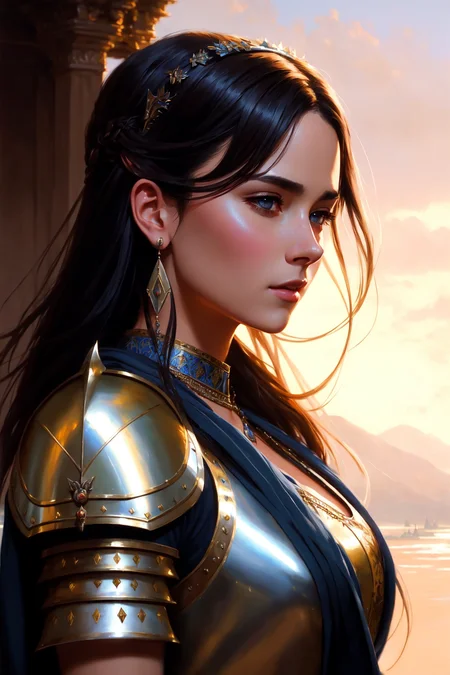
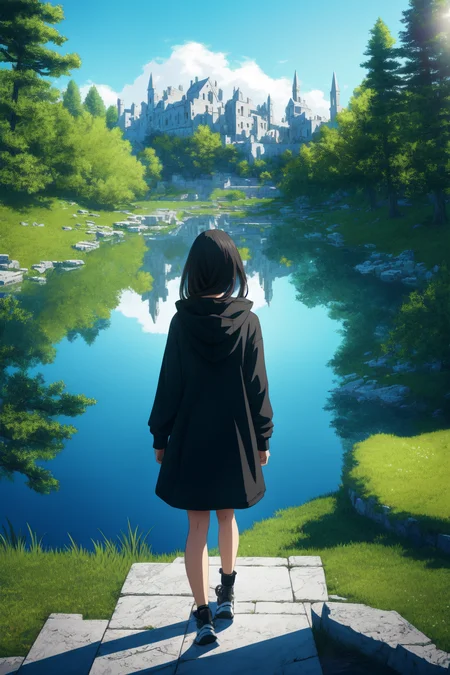
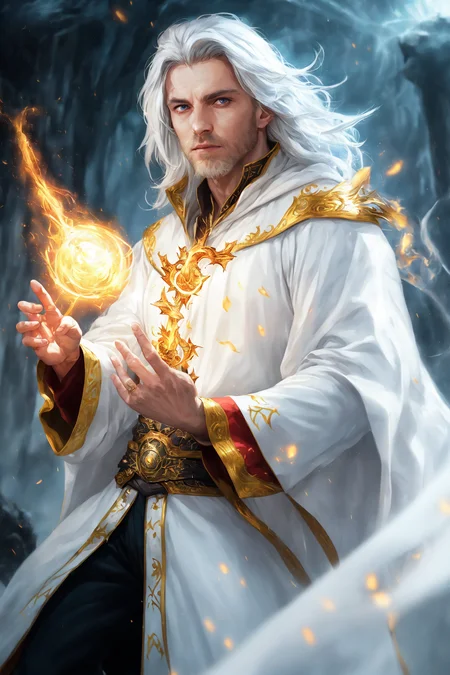
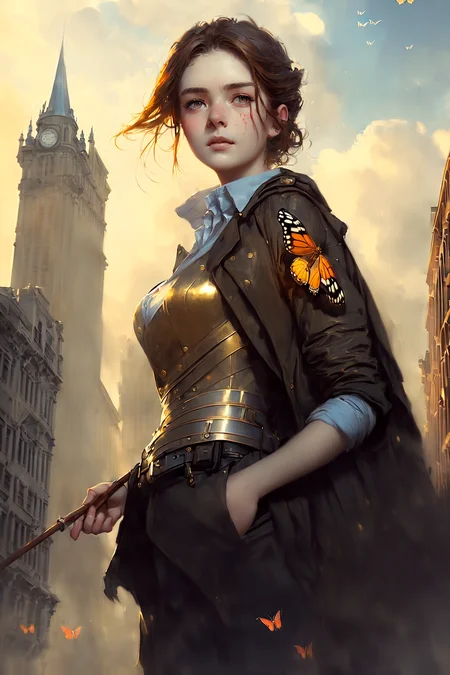
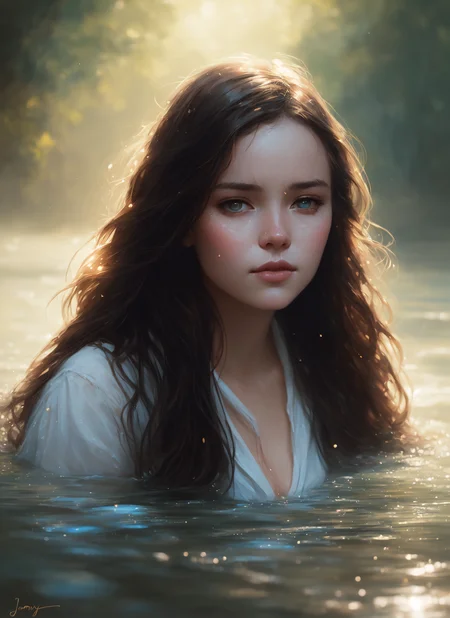
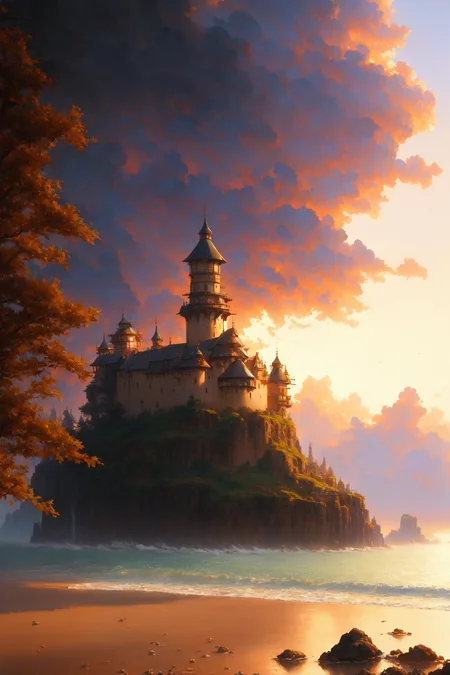
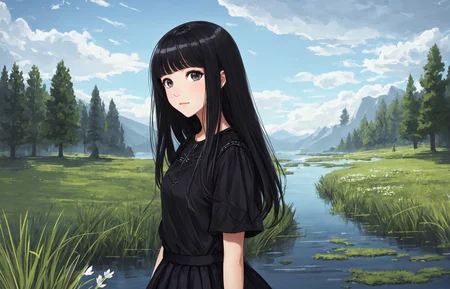
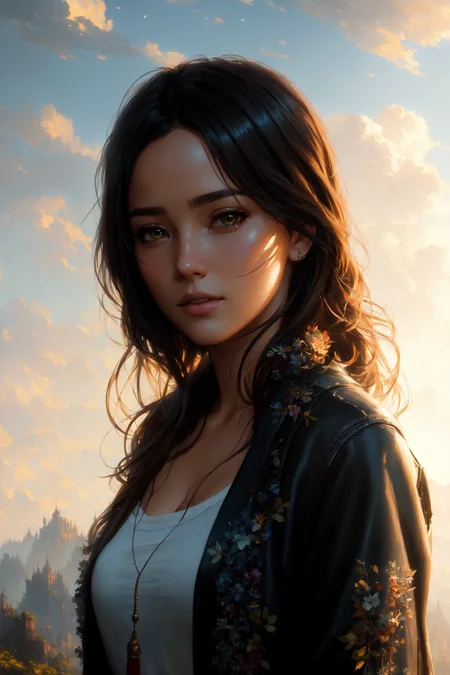
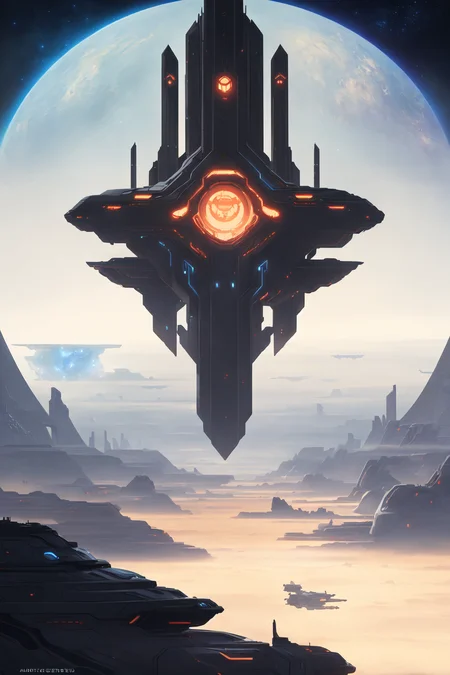
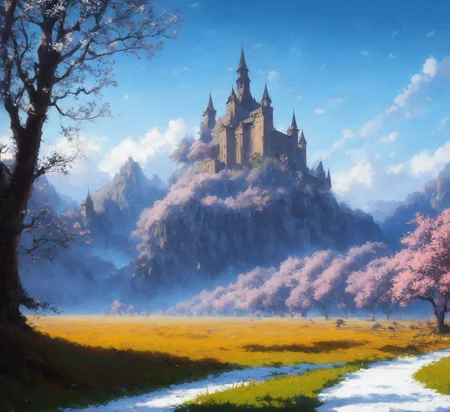

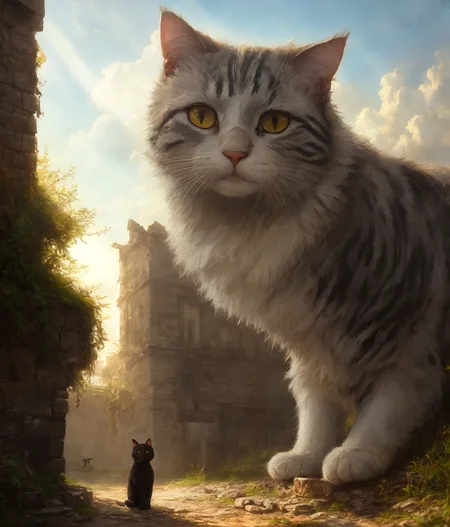
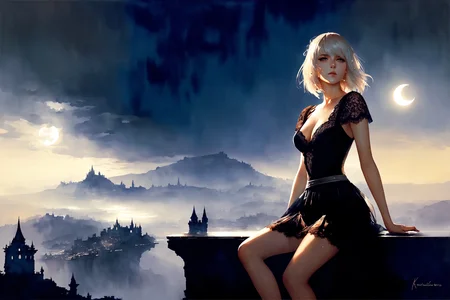
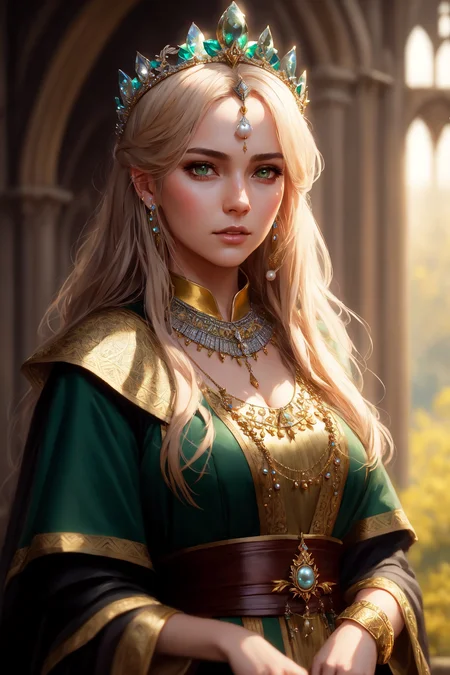

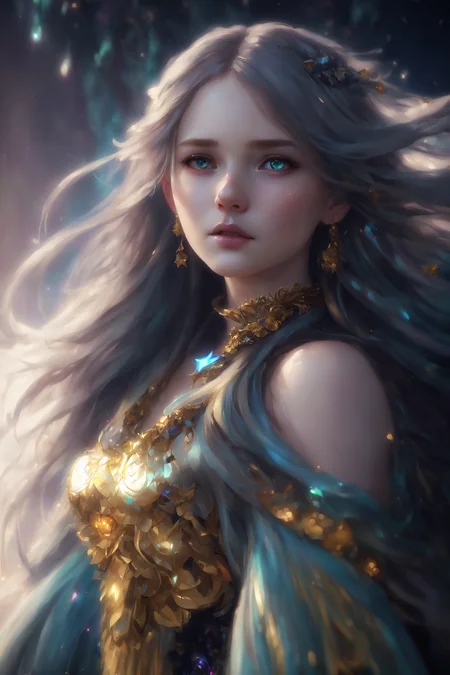
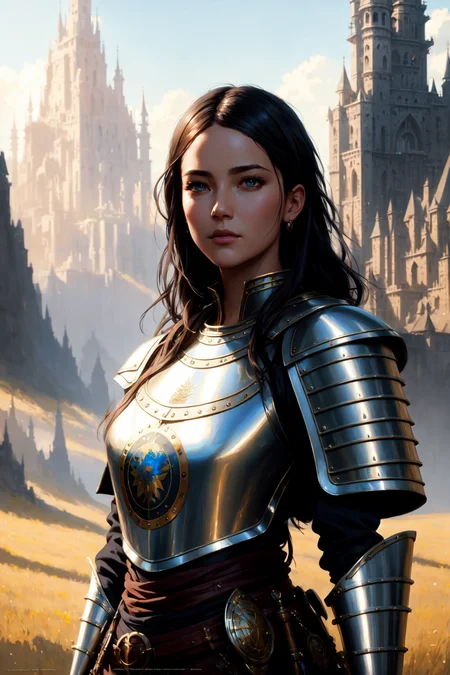
DreamShaper - V∞!
Please check out my other base models, including SDXL ones!
Check the version description below (bottom right) for more info and add a ❤️ to receive future updates.
Do you like what I do? Consider supporting me on Patreon 🅿️ to get exclusive tips and tutorials, or feel free to buy me a coffee ☕
🎟️ Commissions on Ko-Fi
Join my Discord Server
For LCM read the version description.
Available on the following websites with GPU acceleration:
Live demo available on HuggingFace (CPU is slow but free).
New Negative Embedding for this: Bad Dream.
Message from the author
Hello hello, my fellow AI Art lovers. Version 8 just released. Did you like the cover with the ∞ symbol? This version holds a special meaning for me.
DreamShaper started as a model to have an alternative to MidJourney in the open source world. I didn't like how MJ was handled back when I started and how closed it was and still is, as well as the lack of freedom it gives to users compared to SD. Look at all the tools we have now from TIs to LoRA, from ControlNet to Latent Couple. We can do anything. The purpose of DreamShaper has always been to make "a better Stable Diffusion", a model capable of doing everything on its own, to weave dreams.
With SDXL (and, of course, DreamShaper XL 😉) just released, I think the "swiss knife" type of model is closer then ever. That model architecture is big and heavy enough to accomplish that the pretty easily. But what about all the resources built on top of SD1.5? Or all the users that don't have 10GB of vram? It might just be a bit too early to let go of DreamShaper.
Not before one. Last. Push.
And here it is, I hope you enjoy. And thank you for all the support you've given me in the recent months.
PS: the primary goal is still towards art and illustrations. Being good at everything comes second.
Suggested settings:
- I had CLIP skip 2 on some pics, the model works with that too.
- I have ENSD set to 31337, in case you need to reproduce some results, but it doesn't guarantee it.
- All of them had highres.fix or img2img at higher resolution. Some even have ADetailer. Careful with that tho, as it tends to make all faces look the same.
- I don't use "restore faces".
For old versions:
- Versions >4 require no LoRA for anime style. For version 3 I suggest to use one of these LoRA networks at 0.35 weight:
-- https://civarchive.com/models/4219 (the girls with glasses or if it says wanostyle)
-- https://huggingface.co/closertodeath/dpepmkmp/blob/main/last.pt (if it says mksk style)
-- https://civarchive.com/models/4982/anime-screencap-style-lora (not used for any example but works great).
LCM
Being a distilled model it has lower quality compared to the base one. However it's MUCH faster and perfect for video and real time applications.
Use it with 5-15 steps, ~2 cfg. IT WORKS ONLY WITH LCM SAMPLER (as of December 2023, Auto1111 requires an external plugin for it).
Comparison with V7 LCM https://civarchive.com/posts/951513
NOTES
Version 8 focuses on improving what V7 started. Might be harder to do photorealism compared to realism focused models, as it might be hard to do anime compared to anime focused models, but it can do both pretty well if you're skilled enough. Check the examples!
Version 7 improves lora support, NSFW and realism. If you're interested in "absolute" realism, try AbsoluteReality.
Version 6 adds more lora support and more style in general. It should also be better at generating directly at 1024 height (but be careful with it). 6.x are all improvements.
Version 5 is the best at photorealism and has noise offset.
Version 4 is much better with anime (can do them with no LoRA) and booru tags. IT might be harder to control if you're used to caption style, so you might still want to use version 3.31.
V4 is also better with eyes at lower resolutions. Overall is like a "fix" of V3 and shouldn't be too much different.
Results of version 3.32 "clip fix" will vary from the examples (produced on 3.31, which I personally prefer).
I get no money from any generative service, but you can buy me a coffee.
You should use 3.32 for mixing, so the clip error doesn't spread.
Inpainting models are only for inpaint and outpaint, not txt2img or mixing.
Original v1 description:
After a lot of tests I'm finally releasing my mix model. This started as a model to make good portraits that do not look like cg or photos with heavy filters, but more like actual paintings. The result is a model capable of doing portraits like I wanted, but also great backgrounds and anime-style characters. Below you can find some suggestions, including LoRA networks to make anime style images.
I hope you'll enjoy it as much as I do.
Official HF repository: https://huggingface.co/Lykon/DreamShaper
Description
Quick test after the fix: https://imgur.com/OYquYDe
Basically no change on my usual prompts, but should understand sentences better. However the quality might differ, it's a matter of preference. Nothing wrong with using the version without clip fix.
Thanks for @qeq for pointing this out.
FAQ
Comments (81)
nice
Whats the point of sample images if none of them can be generated? Did anyone here manage to reproduce any of these images?
Seriously. I have been trying for 3 hours straight, no fuckin' luck.
They've been generated before clipfix, and many people have been able to reproduce them exactly if you check older reviews. Tell me if you need examples with the clipfix version. Or maybe you're trying to generate the ones using loras?
Either way if you show me examples I can point you to the problem
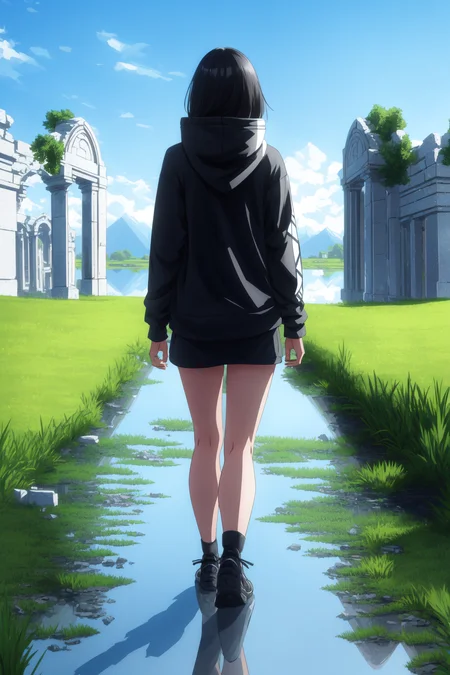
@lykon https://imgur.com/eAn2F5p I have been getting this image when trying to recreate the one of the girl from behind looking at the ruins
@lykon Did everything, ended up with this result https://i.imgur.com/9tLycZs.png. Also tried clip skip 1. Im not using any parameters (xformers, medvram, lowvram, etc...) but i dont think the difference should be that big. Tried the one with baked vae and also without and got the exact same result (expected)

@raslie sorry it was not mksk, but wanostyle (v1). I managed to reproduce it with <lora:wanostyle-20:0.5>
Here is the upload (without highres fix) on mega so you can pnginfo: https://mega.nz/file/kZtASDpJ#0GOZqxHolqBKYW4qH8f-o2u4mizfUi3Ldyo9urJMSio
@joel1997 you may probably need that too ^
@lykon Thank you very much! with 0.35 i could almost get the exact same image as the original. The embeding "bad-image-v2-39000" (https://huggingface.co/Xynon/models/blob/main/experimentals/TI/bad-image-v2-39000.pt) was extremely important and then the "by bad-artist" (https://huggingface.co/NiXXerHATTER59/bad-artist) embedding adjusted the image a tiny bit to almost be there. Here is the result: https://i.imgur.com/vJzVucr.png. I dont know what else might be the difference between this image and the original.

@raslie I'll make sure to link those negative embeddings I used in the description.
"I had ENSD: 31337 for basically all of them"
You need to go to Settings>Show All> Find "Eta noise seed delta" and change "0" to "31337"
greetings, sorry if this has been asked multiple times. Please provide more details on the photo with GIRL WEARING GREEN HOODIES please. The vae, lora, hypernetworks, embeddings used, TQ.
As said in the description, mksks style lora, which is linked ;)
But that's pretty old now, there are more consistent anime loras. I even made one.
Also remember that pic was made before clipfix, so with the clipfix version you won't get the same exact result.
Tell me if you manage to do it, otherwise I'll upload on mega the one with the pnginfo you can import.
@lykon theres no mention 'mksks style' in prompt, only 'anime screencap style', which i downloaded and used, but still not even close. I used the old 3.3 version (without clipfix and baked vae)
@jell_ree nono, it's the mksk style, I just didn't use the trigger word. The anime screencap LoRA didn't exist yet.
Im new to civitai and all the model stuff, so forgive me. I just saw this question asked and I was curious- What is mksk? How do we see the prompts? And what is "Lora"?
@lykon the 'anime screencap' inside the prompt is just a placebo then?
@jell_ree it's a real keyword, just not using that lora but the model
@Faround loras are additional networks you can use on top of the model. They can also bring their own keywords.
i still don't understand why i'm not getting same output 😬. I downloaded the loras, tried them, but still not same result
@helidem yeah sorry, another user commented the same pic and I went and checked. That one uses my wanostyle-20 lora (the older version), not msksk.
@Lykon thank you for responding, I used wanostyle-20 and i've got the same result as yours. Thank you so much for all your work!
@helidem glad it worked. Sorry again for misguiding you in the beginning.
It's PERFECT for generating logo images. It's so good for that, you could put some tags about it.
Thanks to your model, I was able to finally produce an amazing logo for my company. Thank you so much!!!
like what? can you upload some samples?
Very much appreciate your work, passion and sharing your model to our community, I wonder if your model can be the base model for fine tuning derivative models using Dreambooth ? Thanks
I've never personally tried, but other users have commented it's good.
I can not recreate the images in my webui with same setting, anyone whats wrong?
It depends on which one you're trying to recreate
ENSD set to 31337.
It's in setting: ENSD is short of eta noise seed delta.
The 16th image in the 3.3 showcase has an incredible image with "milkun" as the first prompt. Is that a lora? Either way I am unable to recreate that image, so any advice would be appreciated!
uhm there must be a bug on civitai, I can't see the "view more" of older versions. Can you link it?
@Lykon
https://civitai.com/gallery/39708?modelId=4384&modelVersionId=5213&infinite=false&returnUrl=%2Fmodels%2F4384
does this link work?
@chrome42a yes. And also yes to your initial question. This one uses the Mila Kunis embedding you can find here on civitai.
My favourite model right now. Keep up the great work!
Here's my try at replicating the 'quick test after fix' photos for version 3.32 bakedvae (clip fix). How can I make them look similar? Clip fix on 2. Prompts were same as the photos, only the seed had changed.

if the seed is different they'll never be the same.
@Lykon By changed I mean the seed changed from 105259063 to 105259061 for the two images
The two seeds are the only difference in the 'quick test after fix' photos for version 3.32 bakedvae (clip fix). So why can't I replicate the same image?
@toemass not sure what to tell you. I posted the generation data which is the same featured for the old version. You seem to have a different seed or a setting that's altering CLIP or seed differently from mine, but the results you get do look great, so I don't think you're doing anything wrong
@Lykon They do look good, yes. I did copy the same generation data including the seed and tried sliding clip skip to 2 and 1 but both didn't exactly replicate. I think I just want to make sure I'm getting the most out of this model and thought that if I replicated the example images exactly then I've got a great starting point.
@Lykon Waaait I got it! https://i.imgur.com/5HmSAwR.png Clip skip: 1, Seed: 105259063, Batch size: 2. The batch size threw me off, I only did size of 1. Anyway, I feel better knowing that my set up is not abnormal.

@toemass oh right, I forgot that batch size alters the generation. Glad it worked :D
really awesome model. trying to give a human a dragonlike appearance(horns, scales sporadically on the body, tail, etc), but the model only gives me maybe horns but rather spawns a dragon somewhere. can someone give me hints for that?
I think you need an embedding or a lora that's trained on that concept.
i had a few successes, with (dragon:1.2) girl and similar, but without a TI/LORA it will always be up to luck what happens. keeping 9:16 aspect ratio, like 480x872 will increase the chance of a blending, while 16x9 will almost surely try giving a girl and a dragon.
ok, makes sense.....does anyone know a good one for this type? maybe not specific for dragons but a more broader one? havent found anything so far
@Xeltosh as far as I know there is just an experimental model. No lora or ti. I may try to do one in the future if I find good data.
@Lykon pls do. if you need help finding data, then reach out^^
Hi Lykon, its me again. Just wondering when you are going to release your next version of dreamshaper cuz I got 10GB of data left on my contract and I'm wondering if I download this or wait for a new version?
mksk style is textual inversion?
Can i ask you to do lora style for ravenravenraven artist?
If I get it correctly, he just mimics the style of the Titans dc cartoon. I'd rather do that.
@Lykon
Yes .
Unfortunately it has stopped drawing.
So I tried making Lora by copying his method but I fail every time.
If you do that, I will be very grateful to you. And thanks for the reply ❤️
great artist
Remarkable work
So beautiful divine girls
Really beautiful, can anyone tell me if there is a more nsfw mix like the oranges?
Amazing
Any way to improve private parts generation?
I've tried many prompts and messed with the inpaint but can't get good results.
this model isn't too much focused on nsfw stuff, It's mostly for traditional art. However I've seen some great results in the reviews below.
@Lykon Thanks for answering. As for the faces, any tip to improve it? Most of the time seems one of the eyes is off. I'm really new with AI art so i don't know if im doing something wrong.
@Lolen better vae and highres fix. Also disable "fix faces" or any stuff like that
I seem to have terrible luck creating anything that isn't a close up portrait. I try full body shots, all their eyes are black and blurry, distorted or the face is all blurry. Any tips on full body shots?
Close up portraits are great by the way. Amazing model.
Use full res inpainting on faces with full body shots, i have a guide here: https://civitai.com/models/1366?modal=commentThread&commentId=2828
It's a common problem in stablediffusion. Use highres fix or img2img at bigger resolution with the same prompt.
is simple to understand. you have a limited amount of data points that go into a image. so if you have 100 points and a close up portrait, 80 points may go to create the face. so it looks god. but if you create a full body shot, to the face they may go 5 points. I made these numbers up in reality the real data is way higher. But you get the idea. So to fix this you need to use the full res for the faces inpainting technique, which will draw the image again only on the masked area but this time giving it the entire 100 points to work with
@dilectiogames good analogy, thanks
@dilectiogames perfect explanation.
Hi great model, is there an inpaint model coming anytime soon?
no, but I'm about to release a new sexy model ;)
@Lykon Thank you for your work, will be paying attention =)
@Rin471 it's out :)
You can make an inpainting version of any 1.5 based custom models yourself in webui by merging it with 1.5 SD inpainting and then removing 1.5 SD
@kmlau I'll do it
uploaded it
oh wow, i had no idea thanks for the info and the inpainting model.
Details
Files
dreamshaper_332BakedVaeClipFix_pruned_fp16.safetensors
Mirrors
dreamshaper_332BakedVaeClipFix.safetensors
53_dreamshaper_332BakedVaeClipFix.safetensors
dreamshaper_332BakedVaeClipFix_Pruned.safetensors
DreamShaper_3.32_baked_vae_clip_fix_half.safetensors
DreamShaper_3.32_baked_vae_clip_fix_half.safetensors
Dreamshaper_3.32_baked_vae_clip_fix_half.safetensors
DreamShaper_3.32_baked_vae_clip_fix_half.safetensors
dreamshaper_332BakedVaeClipFix.safetensors
DreamShaper_3.32_baked_vae_clip_fix_half.safetensors
DreamShaper_3.32_baked_vae_clip_fix_half.safetensors
DreamShaper_3.32_baked_vae_clip_fix_half.safetensors
dreamshaper_332BakedVaeClipFix_full_fp16.safetensors
Mirrors
Dreamshaper_3.32_baked_vae_clip_fix.safetensors
4384_dreamshaper_332BakedVaeClipFix.safetensors
dreamshaper_332BakedVaeClipFix.safetensors
dreamshaper_332BakedVaeClipFix.safetensors
DreamShaper_3.32_baked_vae_clip_fix.safetensors
DreamShaper_3.32_baked_vae_clip_fix.safetensors
dreamshaper_332BakedVaeClipFix.safetensors
DreamShaper (Anime).safetensors
DreamShaper_3.32_baked_vae_clip_fix.safetensors
dreamshaper_332BakedVaeClipFix.safetensors
Dreamshaper_3.32_baked_vae_clip_fix.safetensors
dreamshaper_332BakedVaeClipFix.safetensors
dreamshaper_332BakedVaeClipFix.safetensors
dreamshaper_332BakedVaeClipFix.safetensors
DreamShaper_3.32_baked_vae_clip_fix.safetensors
DreamShaper_3.32_baked_vae_clip_fix.safetensors
51_dreamshaper_332BakedVaeClipFix.safetensors
DreamShaper_3.32_baked_vae_clip_fix.safetensors
dreamshaper_332BakedVaeClipFix_pruned_fp16.ckpt
Mirrors
dreamshaper_332BakedVaeClipFix.ckpt
dreamshaper_332BakedVaeClipFix_Pruned.ckpt
DreamShaper_3.32_baked_vae_clip_fix_half.ckpt
DreamShaper_3.32_baked_vae_clip_fix_half.ckpt
dreamshaper_332BakedVaeClipFix.ckpt
dreamshaper_332BakedVaeClipFix.ckpt
Dreamshaper_3.32_baked_vae_clip_fix_half.ckpt
DreamShaper_3.32_baked_vae_clip_fix_half.ckpt
DreamShaper_3.32_baked_vae_clip_fix_half.ckpt
DreamShaper_3.32_baked_vae_clip_fix_half.ckpt
52_dreamshaper_332BakedVaeClipFix.ckpt
DreamShaper_3.32_baked_vae_clip_fix_half.ckpt
dreamshaper_332BakedVaeClipFix_full_fp16.ckpt
Mirrors
4384_dreamshaper_332BakedVaeClipFix.ckpt
50_dreamshaper_332BakedVaeClipFix.ckpt
DreamShaper_3.32_baked_vae_clip_fix.ckpt
dreamshaper_332BakedVaeClipFix.ckpt
DreamShaper_3.32_baked_vae_clip_fix.ckpt
DreamShaper_3.32_baked_vae_clip_fix.ckpt
Dreamshaper_3.32_baked_vae_clip_fix.ckpt
DreamShaper_3.32_baked_vae_clip_fix.ckpt
DreamShaper_3.32_baked_vae_clip_fix.ckpt
DreamShaper_3.32_baked_vae_clip_fix.ckpt
Available On (1 platform)
Same model published on other platforms. May have additional downloads or version variants.