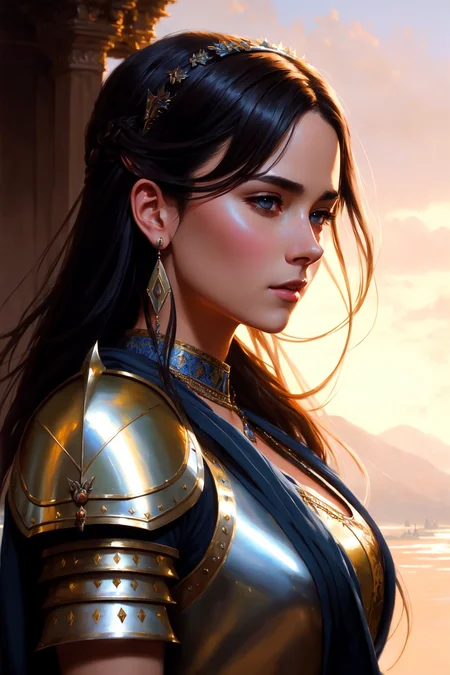
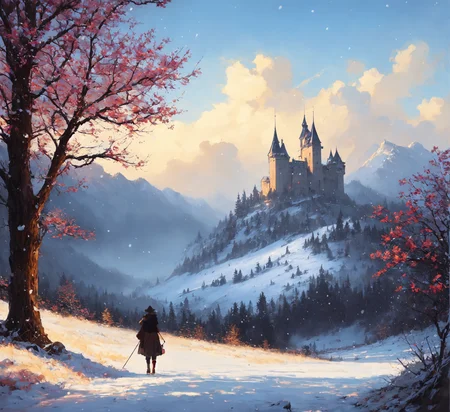
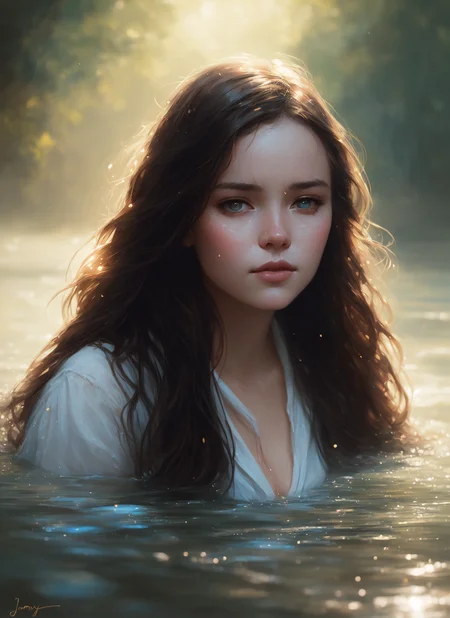

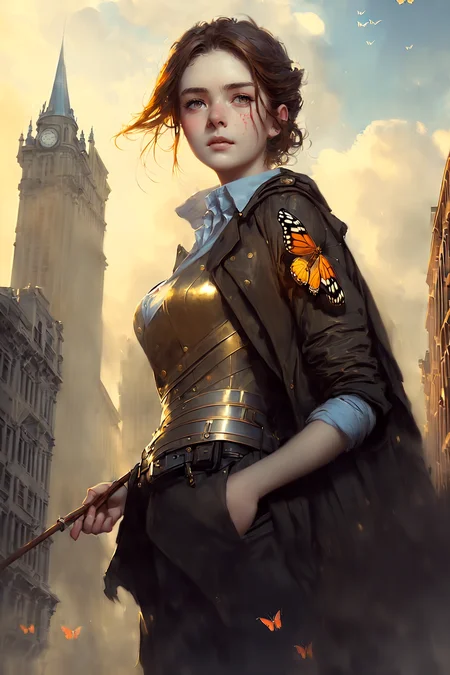
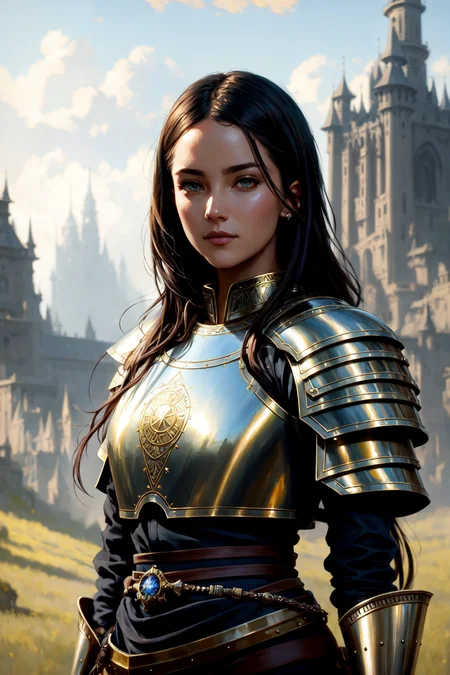
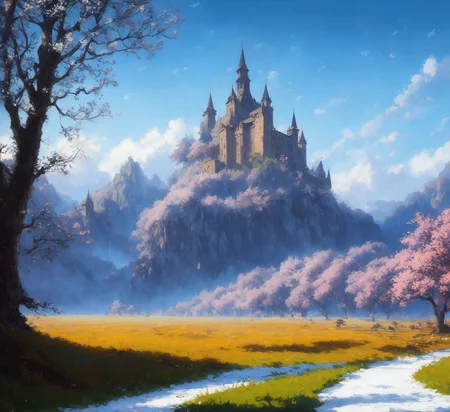
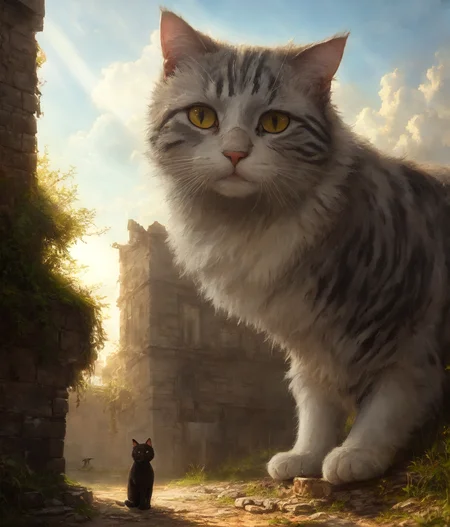
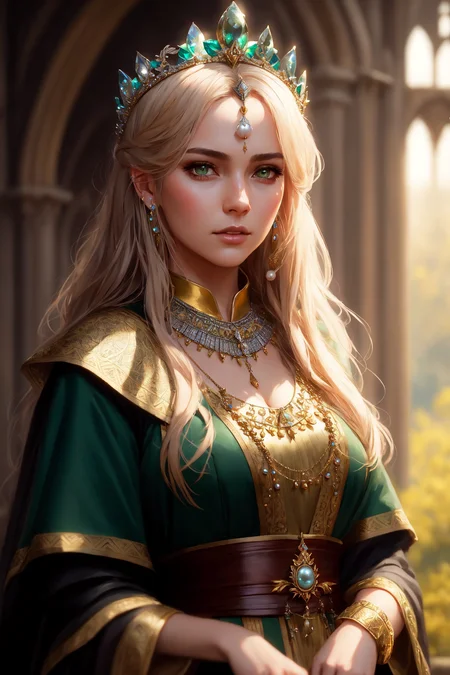
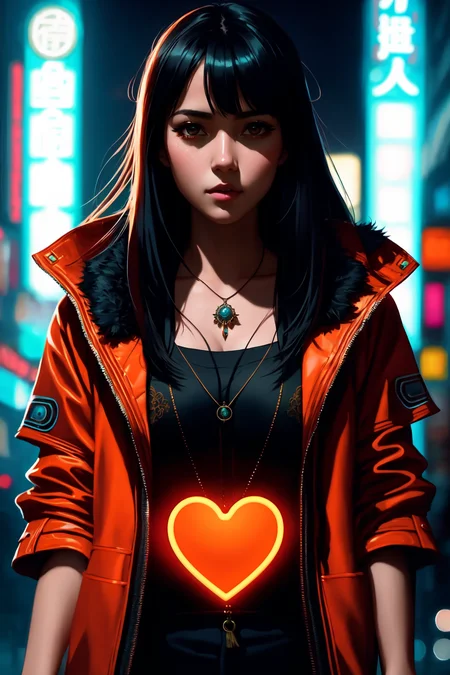
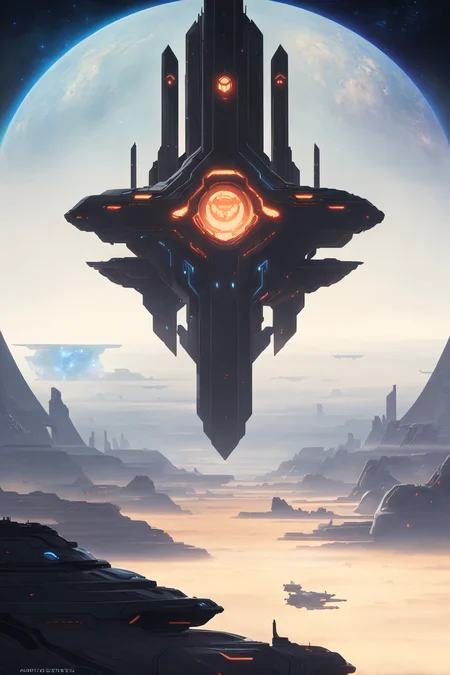

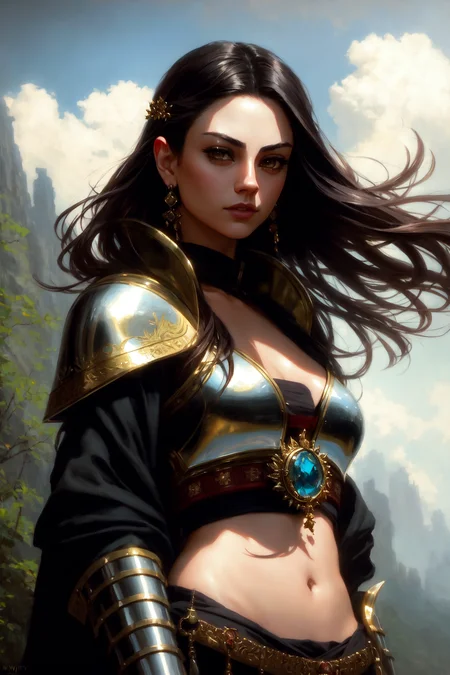


DreamShaper - V∞!
Please check out my other base models, including SDXL ones!
Check the version description below (bottom right) for more info and add a ❤️ to receive future updates.
Do you like what I do? Consider supporting me on Patreon 🅿️ to get exclusive tips and tutorials, or feel free to buy me a coffee ☕
🎟️ Commissions on Ko-Fi
Join my Discord Server
For LCM read the version description.
Available on the following websites with GPU acceleration:
Live demo available on HuggingFace (CPU is slow but free).
New Negative Embedding for this: Bad Dream.
Message from the author
Hello hello, my fellow AI Art lovers. Version 8 just released. Did you like the cover with the ∞ symbol? This version holds a special meaning for me.
DreamShaper started as a model to have an alternative to MidJourney in the open source world. I didn't like how MJ was handled back when I started and how closed it was and still is, as well as the lack of freedom it gives to users compared to SD. Look at all the tools we have now from TIs to LoRA, from ControlNet to Latent Couple. We can do anything. The purpose of DreamShaper has always been to make "a better Stable Diffusion", a model capable of doing everything on its own, to weave dreams.
With SDXL (and, of course, DreamShaper XL 😉) just released, I think the "swiss knife" type of model is closer then ever. That model architecture is big and heavy enough to accomplish that the pretty easily. But what about all the resources built on top of SD1.5? Or all the users that don't have 10GB of vram? It might just be a bit too early to let go of DreamShaper.
Not before one. Last. Push.
And here it is, I hope you enjoy. And thank you for all the support you've given me in the recent months.
PS: the primary goal is still towards art and illustrations. Being good at everything comes second.
Suggested settings:
- I had CLIP skip 2 on some pics, the model works with that too.
- I have ENSD set to 31337, in case you need to reproduce some results, but it doesn't guarantee it.
- All of them had highres.fix or img2img at higher resolution. Some even have ADetailer. Careful with that tho, as it tends to make all faces look the same.
- I don't use "restore faces".
For old versions:
- Versions >4 require no LoRA for anime style. For version 3 I suggest to use one of these LoRA networks at 0.35 weight:
-- https://civarchive.com/models/4219 (the girls with glasses or if it says wanostyle)
-- https://huggingface.co/closertodeath/dpepmkmp/blob/main/last.pt (if it says mksk style)
-- https://civarchive.com/models/4982/anime-screencap-style-lora (not used for any example but works great).
LCM
Being a distilled model it has lower quality compared to the base one. However it's MUCH faster and perfect for video and real time applications.
Use it with 5-15 steps, ~2 cfg. IT WORKS ONLY WITH LCM SAMPLER (as of December 2023, Auto1111 requires an external plugin for it).
Comparison with V7 LCM https://civarchive.com/posts/951513
NOTES
Version 8 focuses on improving what V7 started. Might be harder to do photorealism compared to realism focused models, as it might be hard to do anime compared to anime focused models, but it can do both pretty well if you're skilled enough. Check the examples!
Version 7 improves lora support, NSFW and realism. If you're interested in "absolute" realism, try AbsoluteReality.
Version 6 adds more lora support and more style in general. It should also be better at generating directly at 1024 height (but be careful with it). 6.x are all improvements.
Version 5 is the best at photorealism and has noise offset.
Version 4 is much better with anime (can do them with no LoRA) and booru tags. IT might be harder to control if you're used to caption style, so you might still want to use version 3.31.
V4 is also better with eyes at lower resolutions. Overall is like a "fix" of V3 and shouldn't be too much different.
Results of version 3.32 "clip fix" will vary from the examples (produced on 3.31, which I personally prefer).
I get no money from any generative service, but you can buy me a coffee.
You should use 3.32 for mixing, so the clip error doesn't spread.
Inpainting models are only for inpaint and outpaint, not txt2img or mixing.
Original v1 description:
After a lot of tests I'm finally releasing my mix model. This started as a model to make good portraits that do not look like cg or photos with heavy filters, but more like actual paintings. The result is a model capable of doing portraits like I wanted, but also great backgrounds and anime-style characters. Below you can find some suggestions, including LoRA networks to make anime style images.
I hope you'll enjoy it as much as I do.
Official HF repository: https://huggingface.co/Lykon/DreamShaper
Description
This newer version of DreamShaper was made in order to achieve 2 things that the previous one had a hard time with:
- depth of field (even in artwork style outputs)
- anime style
While still not being at the level of dedicated anime models, this version is vastly improved and can do anime style artworks much better compared to 2.52. What it can do better then other anime models is to mix the anime artstyle with a more realistic one, so it's able to add reflection and global illumination effect, while still keeping a handpainted look. It can also generate anime screenshots if equipped with LoRA networks.
The depth of field in general is spectacular.
Thanks to Elldreth for the help with evaluating v3.0. It gave me what I needed to improve it to 3.3.
FAQ
Comments (37)
Please add Dan Mumford's paintings to your model!
sorry to clarify, but I want to make sure I'm doing this correctly.
To use the VAE, i download, change the name to the same name as this but with a .vae.pt and then put it in the model folder with this?
Am i missing anything, am I completely wrong? and where do i go to learn accurate information on all of this?
(ALSO, lovely looking model! I cannot wait to try it out!)
You can either put it into the model folder and give it the same name (just the .pt extension) or you put it into the vae folder and select it in the settings
I can't replicate any example, I'm using dreamshaper_33 pruned [752e2491], kl-f8-anime2 vae, CLIP skip 2 and 1, ENSD 31337, highres.fix and last.pt for mksks style, the only thing I'm not using is the lora file for wanostyle because I don't know where to put it.
Any help?
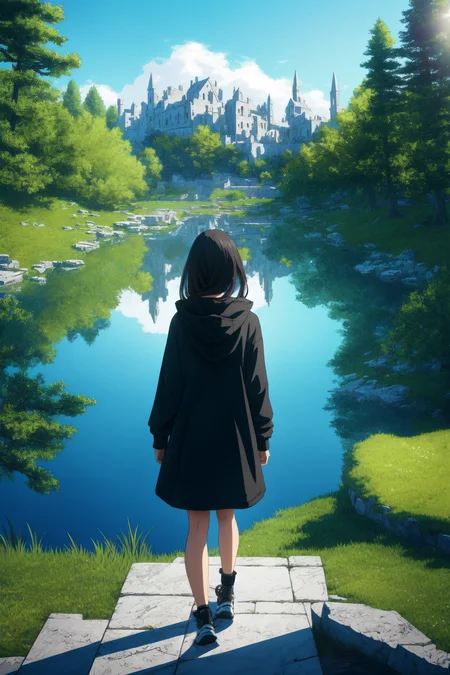
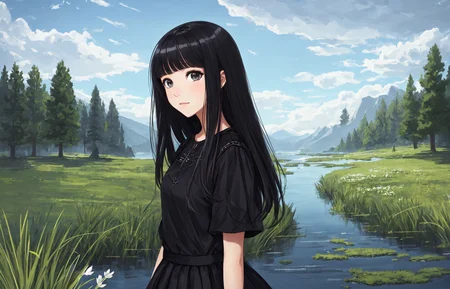
This is my take on the black hoddie girl in front of the lake XD

Where do you put the Lora?
Where do you put the lora? I can't find the proper folder.
I updated automatic1111 and now can use the lora last.pt in additional networks, but cant replicate the picture, even with 0,35 in lora weight. Any help?
I found the bad-image-v2-39000 embedding at https://huggingface.co/Xynon/models/tree/main/experimentals/TI but I don't know if full_body, looking_at_viewer and partially_unzipped are embeddings, wildcards for dynamic prompts, or what, this tech changes so fast that I can't keep up lol
you can put loras in a folder you create. Then you have to download the additional networks plugin and select lora files there, enable lora and set the weight. If that's not enough jump on the discord server and ask there ;)
Link to the discord? I can't find it in the description.
@xijamk, @windaldon,
To use LoRA files you need to download an extension from this url:
https://github.com/kohya-ss/sd-webui-additional-networks
^ This page (the README.md file) contains instructions for how to install and use a LoRA file.
You can use the Extensions Tab --> Install from URL tab to install the extension, just paste the above URL into the bar and click install. (You can disable it from the "Installed Extensions" tab by unchecking the box next to the name).
The extension will insert a new tab and a new section into the existing localhost webapp.
Install the LoRA files at:
./stable-diffusion-webui/extensions/sd-webui-additional-networks/models/lora/
The "additional networks" section on the txt2img tab has a "refresh models" at the bottom, click it to refresh, and you should be able see your LoRA file.
Make sure you check the box marked "enable" at the top of the additional networks section on the txt2img tab.
Then set the network module1 to LoRA, set the LoRA file you want to use with the drop down for model1, as well as setting its weight.
LoRA files are used in order 1 --> 5, so order is significant. Weight effects how heavily the LoRA file is applied to the resulting output when you generate.
@Howwwwl Thank you very much worked great
@windaldon Glad it was helpful, one other comment I forgot to make regarding LoRA files, is they usually have a specific set of text to invoke the LoRA processing.
In the case of the last.pt file, you need to invoke it with "mksks style" in your positive prompt box.
@Howwwwl thanks for the explanation, I was using lora and msks style but still can't get the same pictures, can you reproduce the girl in front of the lake?
@xijamk Nope, I tried to reproduce the images using the authors settings, I was able to reproduce the style and rendering effects, but not the exact image. Also the correct textual inversion invocation phrase is "mksks style" according to what OP wrote in the description.
Hi Friends, do you know how to find the ipynb file linked to this model so i can open it easily in google colab ? Thanks a lot !
Can't you just load it as a model in any stable diffusion colab?
Is there a CKPT version of this model? I am using DiffusionBee on Mac. Thanks.
I uploaded all formats, click on the arrow next to the download button
Getting loads of errors when trying to dreambooth train over this model. Any idea why? I thought my DB extension was messed up but just confirmed other models are working just fine, only this one is giving issues.
same to me
I've never tried to use this model as a training base for dreambooth. Don't you need diffusers for that? A friend is working on those on his repo, I'll send the link to you as soon as it's done
done, check the description
@lykon sweet I will check it out.
I was able to train this model with faces but i didnt make it perfectly fit, i tried 100,140,150,200,500 steps training per image, learn rate of 0.000001 constant. However, my data set works well on dreamlike 2.0 model. anyone works well with urs?
@kingmac this model is not for reproducing people's faces, so you'll get high loss and not converge. I suggest you train for faces in photorealistic models and then apply the embeddings/loras to this. Check my review here for an example: https://civitai.com/models/4944/emma-watson?modal=reviewThread&reviewId=6850
Of course this model is good instead at training for painting artstyles and fictional characters.
@lykon I've checked your work and it was a textual inversion, i was looking for a training of my face images method on top of the popular models out there.
@lykon so eventually I figured it out, and I trained myself and others over this model and got really good results, it's become my go-to for a lot of things now. Great "anything" model.
@lman146 really? That's interesting. Show me please.
@lman146 Let me see your see your work flow.. cause seems so pretty hard to deal with train faces since SD was updated and broked
@kingmac that is true, I recommend rolling back to an older commit. (Although I think things might be fixed now, I saw a newer tutorial floating around with instructions for the new version.) For now I'm sticking with the older versions of Auto1111 and Dreambooth extension because I got fed up dealing with the broken versions. Eventually I will get bored and update, supposedly the new version needs different settings but trains better/faster.
@Lykon I'll make another comment and tag you
@lman146 Do you have the information in how to get the old SD version that was working well with training faces? Have you experience running two version of sd install in your drives? tried running the old sd from Ai cartoon YT videos but it gaves me only errors.
@kingmac search YouTube, there is a video from last month from a YouTube (I think it was AItrepreneur) and he gives detail on how to get to the older version, I think he even linked to a zip file.
Details
Files
Available On (1 platform)
Same model published on other platforms. May have additional downloads or version variants.