🛠️ Purpose & Design Philosophy
This workflow is a high-fidelity environment built for Illustrious. It prioritizes stability and professional texture over generation speed. It follows an "all-in-one" philosophy: configure your prompts, hit queue, and let the workflow handle the multi-stage refinement from start to finish.
Not for Speed: This is a heavy-duty refinement tool. If you want 2-second previews, use a basic workflow.
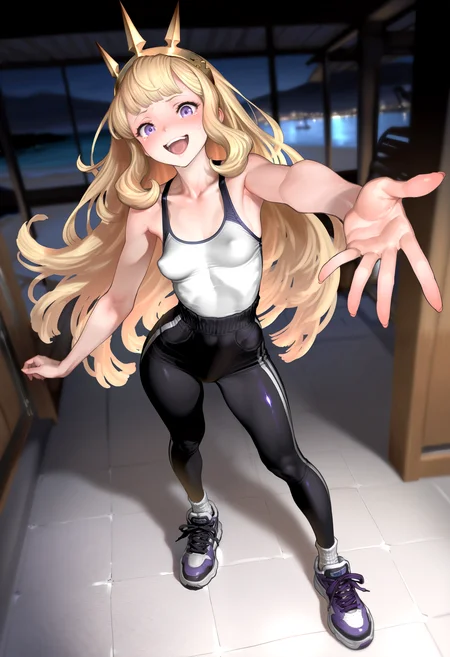
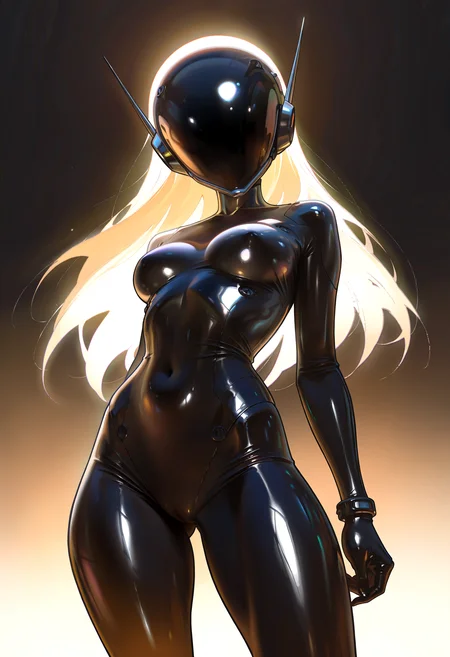
Personal Use: Built for my specific production needs. It is shared as-is for those who want a "set-and-forget" pipeline for Illustrious. Adjust the settings and models to fit your needs. The defaults on v19+ will be what I used for the sample images.
All-in-One Logic: The workflow handles generation, detailing, and upscaling in one continuous pass.
If you're needing something with more features: Try checking out Silly All-in-one, Multiple Characters With Regional Loras which is on civitai. I have no plans to implement additional features.
⚠️ Disclaimer & Compatibility
Install at Your Own Risk: Custom nodes can break your environment. I am not responsible for troubleshooting your specific installation.
ComfyUI: Built and tested on the non-app version. Desktop app users may face additional hurdles.
The "Your Version" Factor: Your node versions and environment are 99.9% likely to differ from mine.
Nodes 2.0: I do not recommend using Nodes 2.0. It creates unpredictable UI behavior; I will not provide support for issues involving this feature.
🤝 Support & Boundaries
I have not and never will monetize my workflow. CivitAI is the only platform I am maintaining this workflow on. If you find a version of my workflow posted and/or monetized anywhere and use it, then whoever posted it is responsible for providing you any support. This is the main reason why I don't monetize this: I don't want to be or feel obligated to provide support.
No DMs: DMs are disabled due to repeat spam. Please check the Discussions tab below; most questions have already been answered.
Modifications: You are free to hack this workflow apart. However, you are responsible for fixing it if it breaks.
Custom Requests: I do not make private workflows. If you need a custom solution, post a Bounty on CivitAI. There are many talented creators ready to help you for a fee.
Description
v4e changes:
Removed the 1st USDU node and replaced it with a KSampler (Sampler Custom)
This node upscales via the same upscaler model as USDU
Added a node to pick the upscale factor without you having to do the math. (Example: if your initial image is 1024x1024 and you set the Scale Factor to "2" this KSampler will upscale it to 2048x2048).
Node for selecting denoise for this node has been added as well to keep it separate from the USDU settings for denoise.
Watermark Removal
Split up the nodes to be just like how they are grouped in the workflow it originally came from.
Added the alternative version back in for those who want to use it. (Personally, I will stick to what I know works.)
Added Fast Groups Bypasser from rgthree
This allows you to toggle groups on/off in one place and also provides a way to go to any group by clicking on the arrow button.
Added a Detailer Group after the 1st Upscale.
This can be bypassed if you don't want to use it.
Dynamic Thresholding and Detail Daemon are set to bypass by default.
If you like using these (I do), then just re-enable them and adjust your parameters accordingly.
Workflow using default settings from start to finish took 130 seconds on my 3060. YMMV.
FAQ
Comments (8)
I was using the v4e but I get this error always and can't generate images:
Failed to validate prompt for output 159:
* VAEEncode 67:
- Required input is missing: pixels
Output will be ignored
Failed to validate prompt for output 76:
Output will be ignored
Failed to validate prompt for output 122:
Output will be ignored
Failed to validate prompt for output 208:
Output will be ignored
Failed to validate prompt for output 211:
Output will be ignored
Failed to validate prompt for output 158:
Output will be ignored
Prompt executed in 0.35 seconds
You probably have something toggled off that probably shouldn't be. What do you have bypassed or disabled? Based on the message, it's wanting a missing input somewhere.
Updating the workflow soon and labelling what should not be bypassed.
@joemoe136147323 you can try to select a valid image in the "image to image" group, if I remember correctly Comfy checks that group, even if you don't use Image2Image (i.e. if the toggle is false)
that's a good point. Definitely could be one of those comfy quirks that I just haven't ran into yet.
@hocepo what if I don't want to use an image input and just want text prompts?
If you aren't going to use that part of the workflow and it's the cause of your issue, then you can just remove it (Just like any part of the workflow).
Delete the "Enable Image to Image?" switch, the Load Image node, the resize image for IMG2IMG, the VAE Encode node below that, and the Switch Latent node next to that VAE Encode node. The latent "noodle" should automatically go to the 1st KSampler. If it does not, then you have to connect the latent output from the Efficient Loader to the KSampler.
That portion of the workflow is there because someone requested it and I found it useful, so I will not be removing it.
If you aren't comfortable doing removing it on your own, then you can just throw some random image in the Load Image node and see if that fixes your issue. If it does, then yeah that's just a comfyui quirk (and it has many of them).
@Gladas thx