



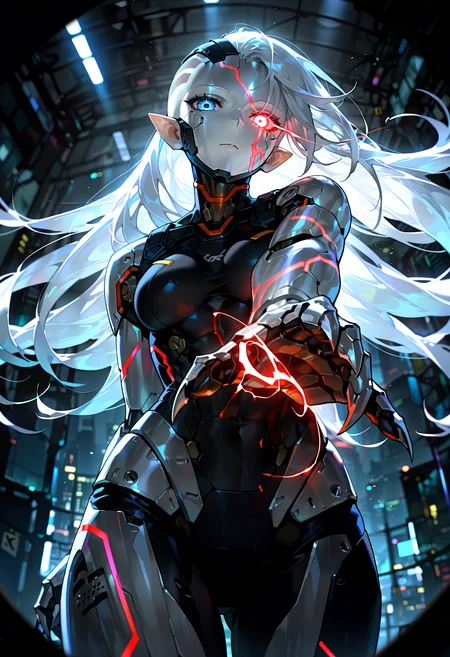
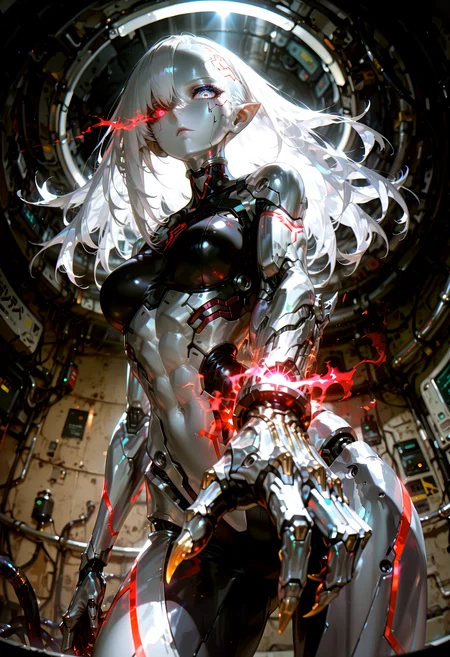


🛠️ Purpose & Design Philosophy
This workflow is a high-fidelity environment built for Illustrious. It prioritizes stability and professional texture over generation speed. It follows an "all-in-one" philosophy: configure your prompts, hit queue, and let the workflow handle the multi-stage refinement from start to finish.
Not for Speed: This is a heavy-duty refinement tool. If you want 2-second previews, use a basic workflow.
Personal Use: Built for my specific production needs. It is shared as-is for those who want a "set-and-forget" pipeline for Illustrious. Adjust the settings and models to fit your needs. The defaults on v19+ will be what I used for the sample images.
All-in-One Logic: The workflow handles generation, detailing, and upscaling in one continuous pass.
If you're needing something with more features: Try checking out Silly All-in-one, Multiple Characters With Regional Loras which is on civitai. I have no plans to implement additional features.
⚠️ Disclaimer & Compatibility
Install at Your Own Risk: Custom nodes can break your environment. I am not responsible for troubleshooting your specific installation.
ComfyUI: Built and tested on the non-app version. Desktop app users may face additional hurdles.
The "Your Version" Factor: Your node versions and environment are 99.9% likely to differ from mine.
Nodes 2.0: I do not recommend using Nodes 2.0. It creates unpredictable UI behavior; I will not provide support for issues involving this feature.
🤝 Support & Boundaries
I have not and never will monetize my workflow. CivitAI is the only platform I am maintaining this workflow on. If you find a version of my workflow posted and/or monetized anywhere and use it, then whoever posted it is responsible for providing you any support. This is the main reason why I don't monetize this: I don't want to be or feel obligated to provide support.
No DMs: DMs are disabled due to repeat spam. Please check the Discussions tab below; most questions have already been answered.
Modifications: You are free to hack this workflow apart. However, you are responsible for fixing it if it breaks.
Custom Requests: I do not make private workflows. If you need a custom solution, post a Bounty on CivitAI. There are many talented creators ready to help you for a fee.
Description
v9d changes:
Layout changes primarily in the beginning of the workflow.
Made heavy use of rgthree's reroute nodes to clean up some of the spaghetti.
Re-added ComfyUI-ppm back to the workflow after removing it in v10.
I think my issues with ppm stemmed from bad Dynamic Thresholding settings.
Adjusted the Dynamic Thresholding settings to be more in line with what the project page's wiki info.
If using Dynamic Thresholding (with how I have it set):
Set the CFG value to 2x the normal number
Set the minimum CFG to whatever lowest value you want, you'll need to experiment. I usually go like 1 to 2 lower than normal if the sampler allows for it.
Global Seed (Inspire) node controls the seed for all related nodes in the workflow now.
Note: if you load from queue history, this node will switch to fixed and stay that way until you change it to something else.
v10 is scrapped.
I never want to use Set/Get nodes ever again.
ControlNet and Detail Daemon were also removed.
FAQ
Comments (2)
Just curious, do you have any idea as to the technical reason why USDU can result in ghosting at the large tiling levels? Thanks for the note btw about this, I thought I was going crazy at first hahaha.
I don't know the technical reason unfortunately. I'm just a random guy throwing stuff at the wall and using what sticks pretty much.
The only suggestions I have found to try and prevent it are usually lowering the denoise, bigger tile padding, using Half Tile mode, etc.
Even then, it still happens sometimes. If I get desperate enough, I try iterative upscaling or just normal "hi-res fix" in a 2nd KSampler instead of USDU.
Depending on how big you are upscaling, you definitely should increase the tile padding and mask blur (based on what I have read).
Different upscale models can have an effect too. I have experienced this personally.
You've probably already tried looking it up on your own (just like I have).
You could try asking on the original project page, but I am not sure how responsive they are. The person who converted it for ComfyUI will probably say the same thing.