



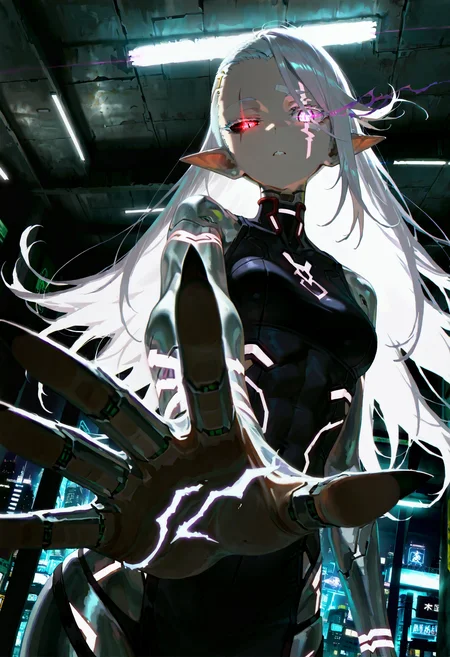
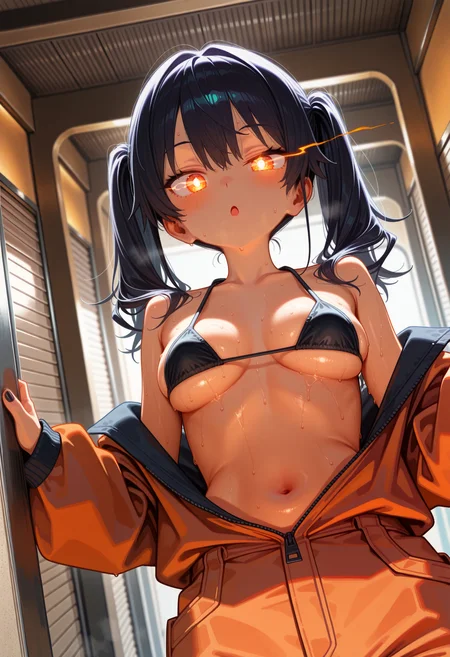
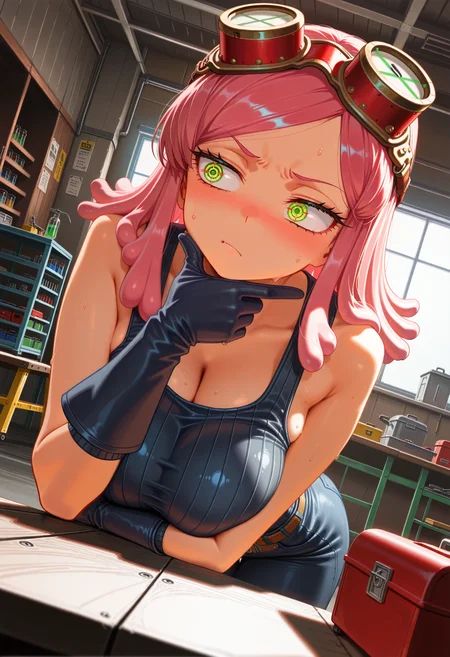
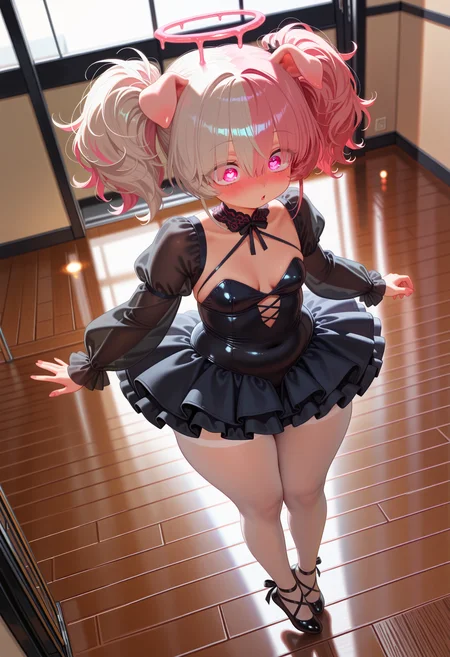
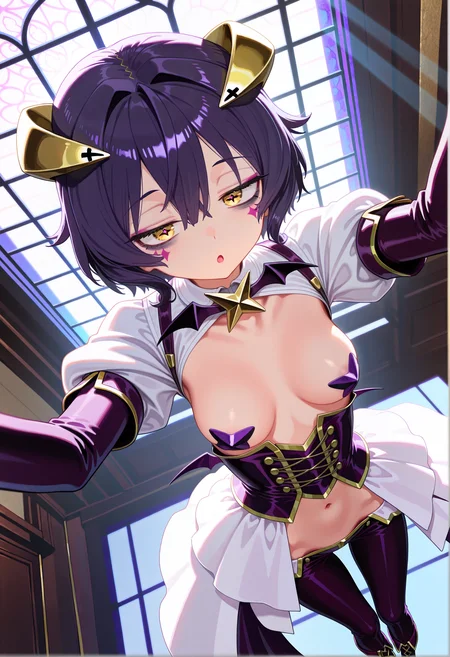
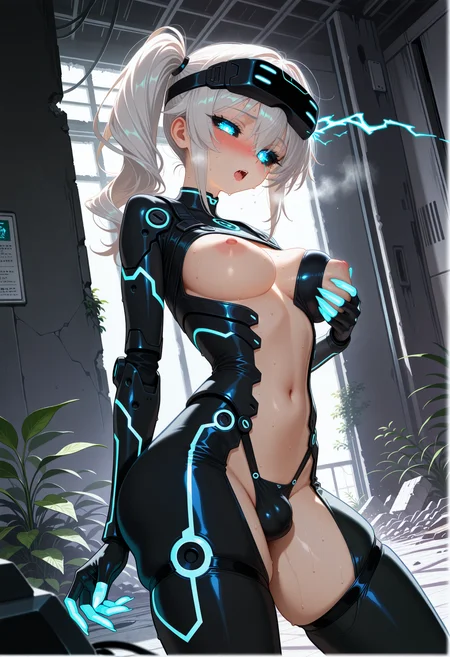
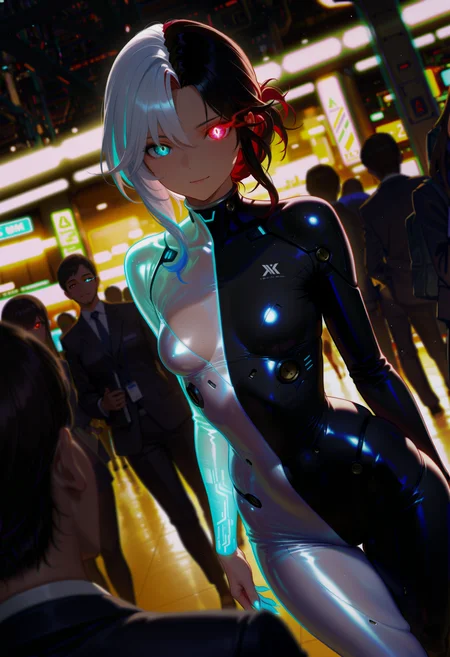
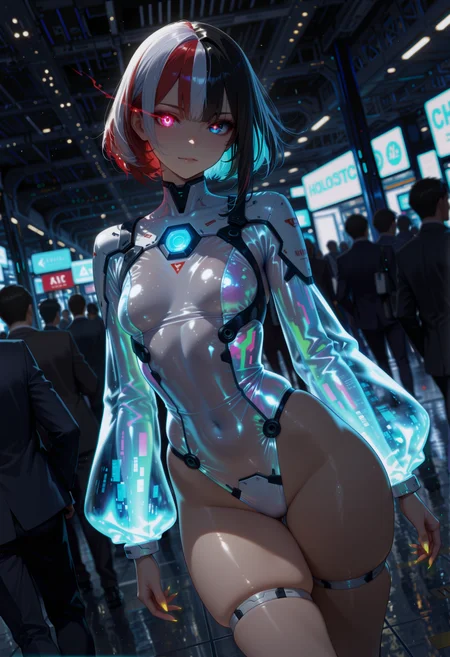
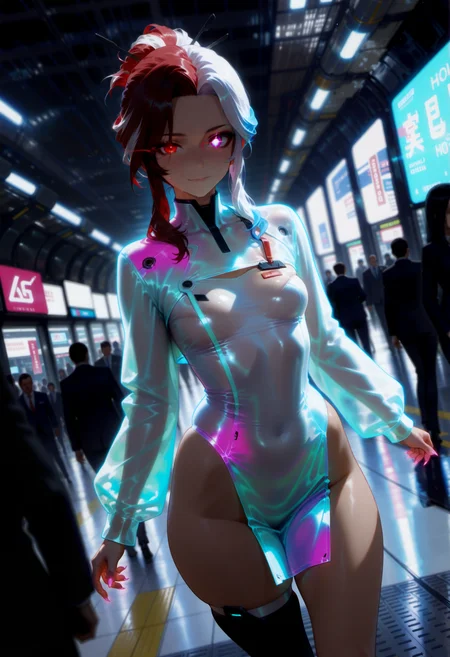
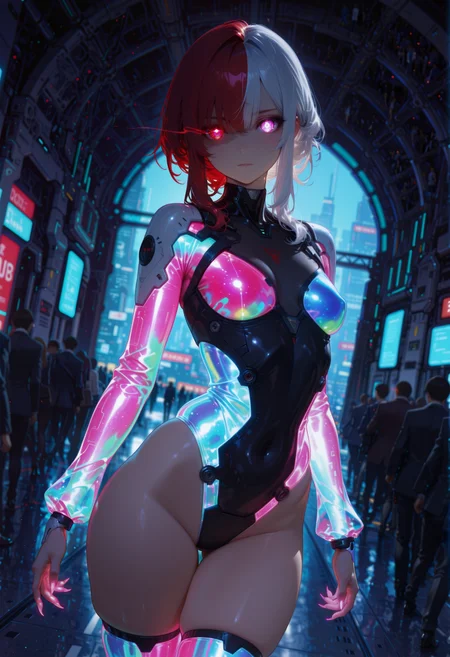
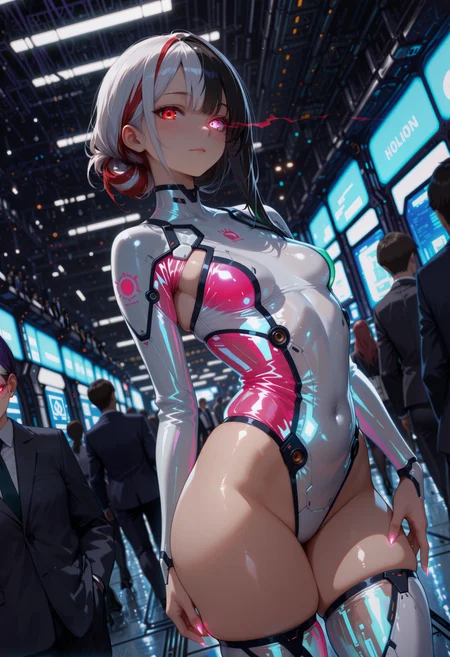
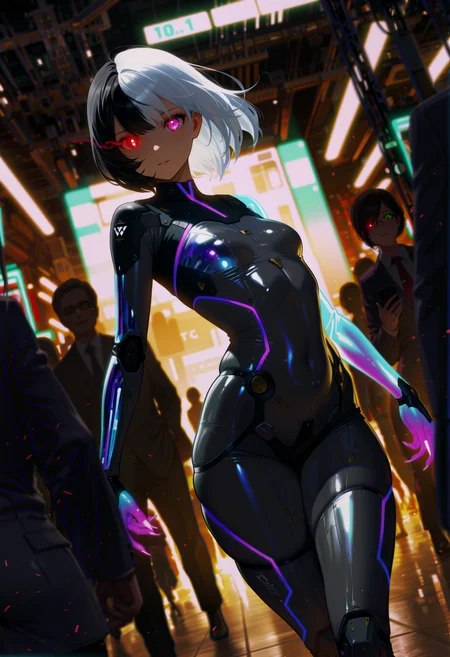
🛠️ Purpose & Design Philosophy
This workflow is a high-fidelity environment built for Illustrious. It prioritizes stability and professional texture over generation speed. It follows an "all-in-one" philosophy: configure your prompts, hit queue, and let the workflow handle the multi-stage refinement from start to finish.
Not for Speed: This is a heavy-duty refinement tool. If you want 2-second previews, use a basic workflow.
Personal Use: Built for my specific production needs. It is shared as-is for those who want a "set-and-forget" pipeline for Illustrious. Adjust the settings and models to fit your needs. The defaults on v19+ will be what I used for the sample images.
All-in-One Logic: The workflow handles generation, detailing, and upscaling in one continuous pass.
If you're needing something with more features: Try checking out Silly All-in-one, Multiple Characters With Regional Loras which is on civitai. I have no plans to implement additional features.
⚠️ Disclaimer & Compatibility
Install at Your Own Risk: Custom nodes can break your environment. I am not responsible for troubleshooting your specific installation.
ComfyUI: Built and tested on the non-app version. Desktop app users may face additional hurdles.
The "Your Version" Factor: Your node versions and environment are 99.9% likely to differ from mine.
Nodes 2.0: I do not recommend using Nodes 2.0. It creates unpredictable UI behavior; I will not provide support for issues involving this feature.
🤝 Support & Boundaries
I have not and never will monetize my workflow. CivitAI is the only platform I am maintaining this workflow on. If you find a version of my workflow posted and/or monetized anywhere and use it, then whoever posted it is responsible for providing you any support. This is the main reason why I don't monetize this: I don't want to be or feel obligated to provide support.
No DMs: DMs are disabled due to repeat spam. Please check the Discussions tab below; most questions have already been answered.
Modifications: You are free to hack this workflow apart. However, you are responsible for fixing it if it breaks.
Custom Requests: I do not make private workflows. If you need a custom solution, post a Bounty on CivitAI. There are many talented creators ready to help you for a fee.
Description
v10 changes:
Your choice of upscale model will greatly impact the time this version of the workflow take to finish.
I am currently using ModernSpanimationV1 for my upscale model, but please use what you prefer.
This version of the workflow adds 3 additional SamplerCustomAdvanced nodes to do something similar to Iterative Upscale.
The reason for doing it this way, is because the nodes for Iterative Upscaling do not support custom samplers without doing some extra work (which I am not willing to do).
Default settings for this are set to result in a 2x upscale going from 1.33>1.66>2.0 from the original image size.
This group of nodes can be bypassed and the workflow will be similar to how it was prior to this version. Alternatively, you can also bypass the USDU groups if you are satisfied with the results from this group.
Detail Daemon nodes are now individually assigned to each node that can use them.
Added an option for IMG2IMG at the start of the flow.
It will try and automatically calculate the closest starting SDXL resolution based on the image size.
Changed the bookmarks on the workflow.
They are now labelled and range from 1 to 9. rgthree-comfy must be installed for these to function.
Duplicate FreeU_V2 and Dynamic Thresholding nodes were removed.
Color Match was removed.
FAQ
Comments (14)
Uploaded a new v10 workflow. This one is not fast if you have everything enabled. Takes about 4 to 6 minutes depending on your hardware and your choice of upscale model.
Edit: I did not use the 1 billion reroute nodes on this one. That takes way too much effort. If noodles bother you, you can make use of your comfyui settings to change how they behave or hide them.
The moment I opened v10, my mind went buzzing.XD
With the newest version of ComfyUI the workflow saved on images does not load anymore, can you verify this? The image meta loads on V3.31.13 but not V3.32.5.
I will take a look. Need to see what version I am on first.
v3.32.5 is your Comfy Manager version?
If so, that's what I have and I am using ComfyUI version v0.3.39 and comfy_ui frontend v1.20.7
Works for me with no issues.
@Gladas Never mind, it's fixed 2 hours ago on frontend v1.21.4
frontend v1.21.3 is the buggy version does not load image workflows
@Cephe1d good to know, thanks for sharing that info. It wouldn't be the first time the frontend has broken stuff (for me at least).
v10 is my new fave. this is really good.
Edit: if you are experiencing white edges (on v10) during the first upscale group, try changing the numbers to something like these: 1.25, 1.5, 1.75, etc.
This is what fixed it for me.
I'll update the workflow tomorrow with some other minor changes.
Original Message: Ran into an issue that happens during the first upscale group. Sometimes a white edge will appear on the bottom and right sides of the image. After trying various things I finally Googled it, and apparently it was an issue back in 2023, but seems to be happening now (for me). Will try some things since it's supposedly fixed and see if I can get this to work. Otherwise this will have to be removed from the workflow. I already tried it with latent upscaling initially and it had its own issues.
It seems to be more noticeable when using CFG++ samplers. I just tested it with latent upscaling instead and the white edges still happen.
It still happens with "normal" samplers, but it's not as bad. At the moment, it looks like I may be removing that group from the workflow.
I also tried the SamplerCustom node and it behaved the same. I'm going to try updating my frontend version since I seem to be a little behind and see it that resolves it.
Updating the frontend helped a little, but now that I have seen the edge, I can't unsee it. It's still there, just not as bad. Will work on this for a little longer, but I need to sleep soon.
Edit: v10a uploaded.
Only one sample image for now. Got sidetracked with adding and testing Multiply Sigmas (stateless).
Update to v10 coming soon(-ish). Just need to generate some SFW examples.