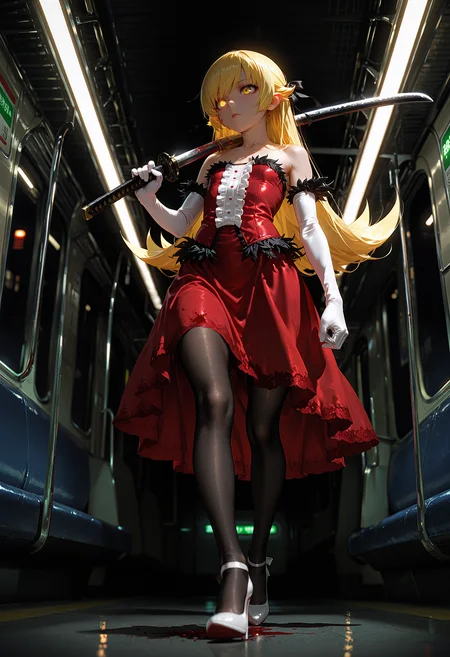
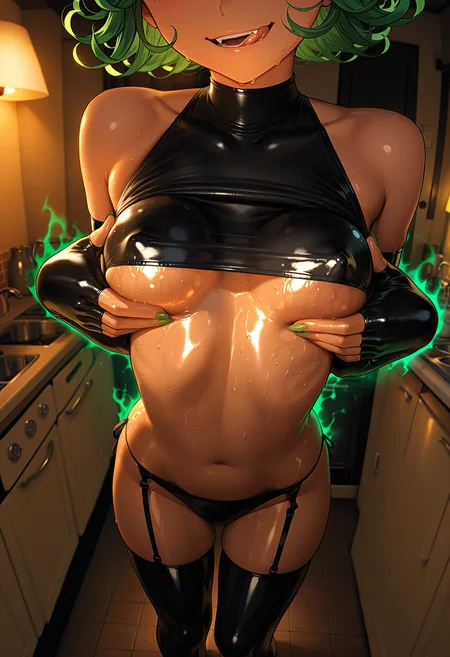
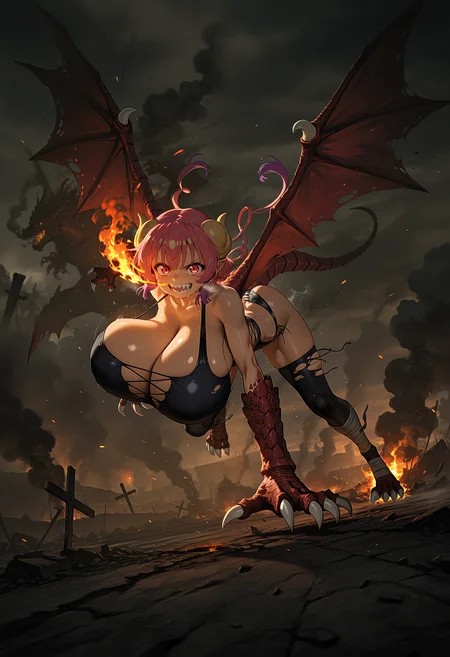
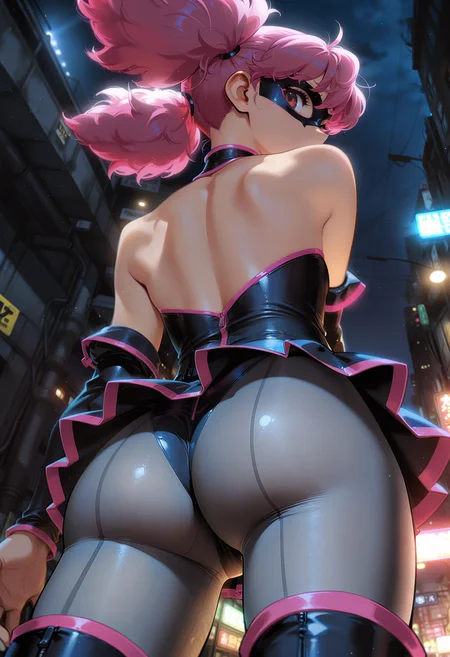
🛠️ Purpose & Design Philosophy
This workflow is a high-fidelity environment built for Illustrious. It prioritizes stability and professional texture over generation speed. It follows an "all-in-one" philosophy: configure your prompts, hit queue, and let the workflow handle the multi-stage refinement from start to finish.
Not for Speed: This is a heavy-duty refinement tool. If you want 2-second previews, use a basic workflow.
Personal Use: Built for my specific production needs. It is shared as-is for those who want a "set-and-forget" pipeline for Illustrious. Adjust the settings and models to fit your needs. The defaults on v19+ will be what I used for the sample images.
All-in-One Logic: The workflow handles generation, detailing, and upscaling in one continuous pass.
If you're needing something with more features: Try checking out Silly All-in-one, Multiple Characters With Regional Loras which is on civitai. I have no plans to implement additional features.
⚠️ Disclaimer & Compatibility
Install at Your Own Risk: Custom nodes can break your environment. I am not responsible for troubleshooting your specific installation.
ComfyUI: Built and tested on the non-app version. Desktop app users may face additional hurdles.
The "Your Version" Factor: Your node versions and environment are 99.9% likely to differ from mine.
Nodes 2.0: I do not recommend using Nodes 2.0. It creates unpredictable UI behavior; I will not provide support for issues involving this feature.
🤝 Support & Boundaries
I have not and never will monetize my workflow. CivitAI is the only platform I am maintaining this workflow on. If you find a version of my workflow posted and/or monetized anywhere and use it, then whoever posted it is responsible for providing you any support. This is the main reason why I don't monetize this: I don't want to be or feel obligated to provide support.
No DMs: DMs are disabled due to repeat spam. Please check the Discussions tab below; most questions have already been answered.
Modifications: You are free to hack this workflow apart. However, you are responsible for fixing it if it breaks.
Custom Requests: I do not make private workflows. If you need a custom solution, post a Bounty on CivitAI. There are many talented creators ready to help you for a fee.
Description
FAQ
Comments (12)
New update :O I was barely done finetuning the last one!
But LAPLACE :D I love that shit, the thing that gave me both a headache and love at first sight!
haha yeah, I have been working on this one for probably like 22 hours. A lot of going in circles!
LOL, yeah, I hadn't even gotten around to play with 18d, and a new version comes out... from what I read, this also has the RTX upgrades that 18d had? In other words, can i delete 18d and just use 18e?
@artificialotaku of course!
I'm not planning on any updates this week unless something breaks for me.
@Gladas got it, will do so then, thanks for your hard work!
Issues with Color Shift and High Contrast in Initial Rendering (Illustrious Workflow)
First of all, thank you so much for always creating and sharing the best Illustrious workflows.
original (674×571)
I am experiencing an issue where the colors shift significantly during the initial rendering stage. For example, when generating Hatsune Miku, her hair appears as the intended blue in the SamplerCustomAdvanced preview, but in the initial Image Result, it shifts to emerald green, and the contrast becomes excessively high. This color shift carries through to the final upscale and detailer passes, resulting in green hair instead of blue.
To resolve this, I have already tested the following, but the issue persists:
CFG Adjustments: I tried increasing the CFG from the default low values (1.3) to 4.0~5.0 to see if the model could regain color control, but the oversaturation remained.
Node Bypassing: I bypassed CFG Zero Star, ZSNR, and ModelSamplingDiscrete nodes to eliminate any potential contrast-boosting interference.
Scheduler Changes: I switched the scheduler from Beta to Karras and Simple, but it did not prevent the emerald green color shift.
Post-Processing: I ensured that EasyColorCorrection was disabled (Bypassed) during testing to confirm the issue originates from the rendering stage itself.
Is there any way to prevent this drastic color shift and high contrast during the initial rendering phase? I would appreciate your insight on which part of the noise scheduling or model sampling might be causing this.
First, I want to let you know I am not a comfyui guru and can only take some educated guesses based on experience. If you need technical reasons as to why this happens, I'm not the person to ask.
1. What VAE are you using?
2. Is it baked-in or are you loading a VAE?
There should be no color shift at that point, which makes me think it's VAE related since there is nothing between the SamplerCustomAdvanced and the Preview Image node other than the VAE Decoder subgraph that has the toggle for denoised output.
I use TAESD previews, so my previews look pretty much the same as what is shown on the Preview Image node.
If you have the Sigma Rescale node enabled, try turning it off, but I don't think that's the cause.
Your linked screenshot screams VAE to me though.
Edit: I'll try a gen on the model you used.
@F4nta5IA I tried it out with your prompts and the same model and I'm not getting the color shift. I just used the baked-in VAE and just regular quality prompts. I don't use embeddings typically. If you have denoise output toggled off, it'll leave noise on the initial image, but not enough to cause that big of a color change. Unfortunately, I have no idea what's causing it for you.
@Gladas
Re: Issues with Color Shift - Resolved!
Thank you so much for your incredibly detailed and kind explanation.
Based on your advice, I suspected there might be an issue with how the previews were being handled on my end, so I took the following steps:
1. I changed the Live preview method in the settings from 'default' to 'TAESD'.
2. I downloaded and placed the taesdxl_decoder.safetensors file into my ComfyUI/models/vae_approx folder.
3. After refreshing ComfyUI and running a new render—VAMOS!!! The color tones in the SamplerCustomAdvanced preview now perfectly match the initial Image Result. It seems the default preview method was misinterpreting the latent data in my environment, and TAESD fixed it immediately.
Thank you again for sharing this amazing workflow and for taking the time to provide such helpful support. I really appreciate it!
My request may seem a bit bold. Could you please create a short guide with links to all the current nodes and the Comfy UI version? Some nodes conflict with certain versions of Comfy UI, or even refuse to download through the built-in downloader. I think this guide has been very helpful to many (including me). And the community that appreciates your workflows is growing. Thanks in advance, regardless of the answer!
I'll add it to the description soon. Seems like the 'about this version' section is broken (for me).
Pushing out a small update (v18e2). The only change will be dropping the RTX VSR node.
I can't see it when searching in ComfyUI-Manager now and I suspect others are running into this as well.