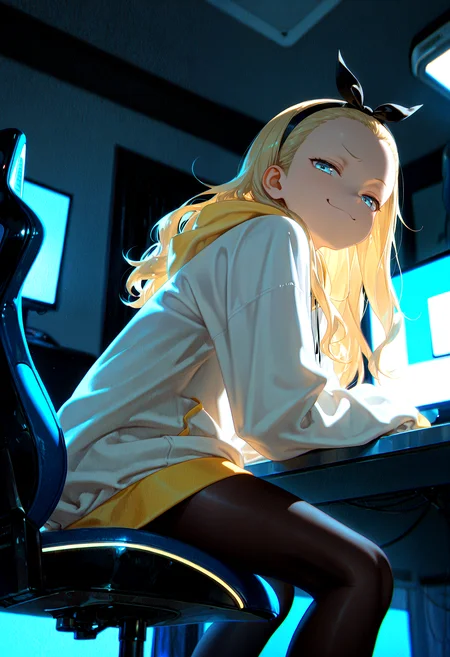
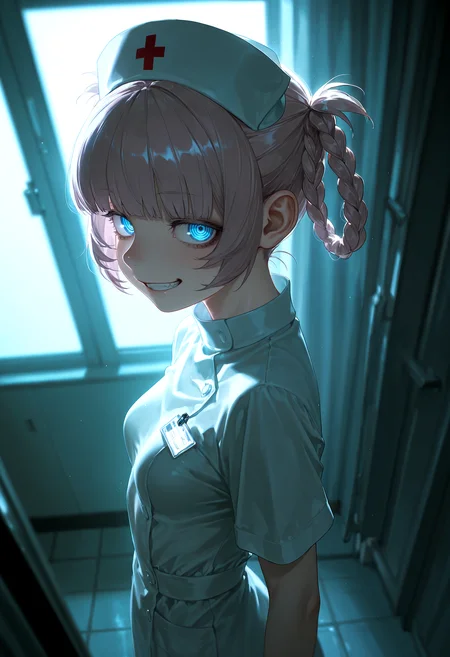
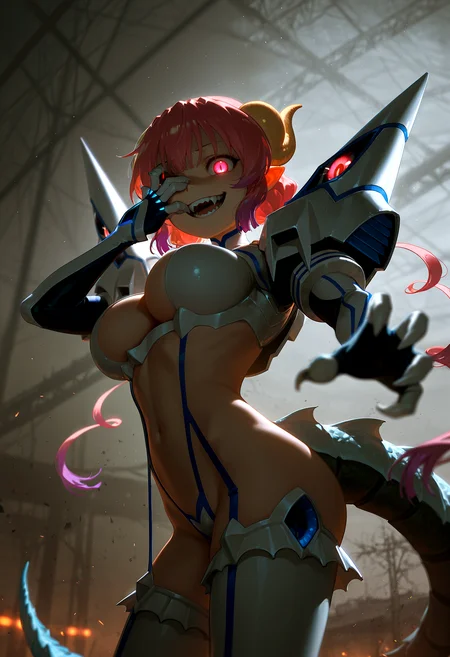
🛠️ Purpose & Design Philosophy
This workflow is a high-fidelity environment built for Illustrious. It prioritizes stability and professional texture over generation speed. It follows an "all-in-one" philosophy: configure your prompts, hit queue, and let the workflow handle the multi-stage refinement from start to finish.
Not for Speed: This is a heavy-duty refinement tool. If you want 2-second previews, use a basic workflow.
Personal Use: Built for my specific production needs. It is shared as-is for those who want a "set-and-forget" pipeline for Illustrious. Adjust the settings and models to fit your needs. The defaults on v19+ will be what I used for the sample images.
All-in-One Logic: The workflow handles generation, detailing, and upscaling in one continuous pass.
If you're needing something with more features: Try checking out Silly All-in-one, Multiple Characters With Regional Loras which is on civitai. I have no plans to implement additional features.
⚠️ Disclaimer & Compatibility
Install at Your Own Risk: Custom nodes can break your environment. I am not responsible for troubleshooting your specific installation.
ComfyUI: Built and tested on the non-app version. Desktop app users may face additional hurdles.
The "Your Version" Factor: Your node versions and environment are 99.9% likely to differ from mine.
Nodes 2.0: I do not recommend using Nodes 2.0. It creates unpredictable UI behavior; I will not provide support for issues involving this feature.
🤝 Support & Boundaries
I have not and never will monetize my workflow. CivitAI is the only platform I am maintaining this workflow on. If you find a version of my workflow posted and/or monetized anywhere and use it, then whoever posted it is responsible for providing you any support. This is the main reason why I don't monetize this: I don't want to be or feel obligated to provide support.
No DMs: DMs are disabled due to repeat spam. Please check the Discussions tab below; most questions have already been answered.
Modifications: You are free to hack this workflow apart. However, you are responsible for fixing it if it breaks.
Custom Requests: I do not make private workflows. If you need a custom solution, post a Bounty on CivitAI. There are many talented creators ready to help you for a fee.
Description
Added IMG2IMG functionality (again)
This feature was asked for by a few people
It's very basic and will adjust the initial image size to the closest SDXL resolution and use that same resolution for the USDU tile size.
Remember to adjust your denoise setting below 1 (I used 0.5 in my testing) if you are using this and don't forget to put it back to 1 if you are not using IMG2IMG.
FAQ
Comments (9)
Hey! I tried to fix the coloring issue and Loading Vae again and adding it directly to Ultimate SD Upscale fixed the issue for me. Maybe you can use this later on
did you try changing the setting on the VAE switch from 1 > 2? It's on 1 by default, which is for Baked VAE. If your model doesn't have the VAE baked in, that will happen when you don't toggle that.
I'll add a visual aid for this in the description.
Ohhhh didn't try that setting. My bad. I was using the non baked one
Regarding Images appearing "washed-out" after the initial image:
1. The most likely culprit is your model does not have a VAE baked in.
2. Try changing the setting on the CR VAE Input Switch to 2.
3. Make sure your VAE model is installed to your VAE folder and select it in the Load VAE node.
Added a visual version of this to the description. Click "show more" to see it if needed.
This is a pretty nice addition to ComfyUI. Not sure when they added it, but definitely makes a difference in the output image.
Here's the AI explanation of what it does:
The "CFG Zero Star" (often referred to as CFG-Zero*) node in ComfyUI is a custom node designed to improve the quality of AI model outputs, particularly in text-to-image and text-to-video tasks, by enhancing the classifier-free guidance (CFG) process. It optimizes the way the model balances conditional (guided by the prompt) and unconditional (random) predictions, leading to better coherence, detail, and overall quality in generated content.
I'll provide an example in the description showing the difference in output.
For some reason after USDU it retains leftovers from original image (example: https://files.catbox.moe/nau9by.png). I've tried everything, but no success. Can you please help me to fix this?
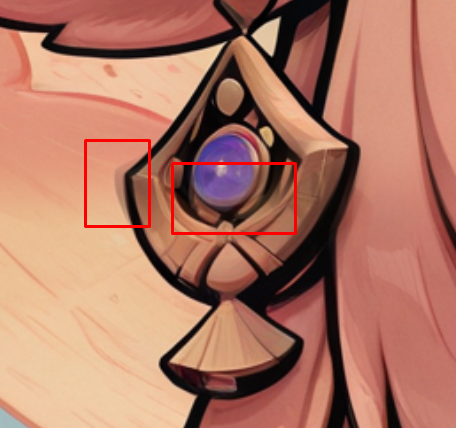
I don't know what settings you are using, so I can give you some general info, but it's probably stuff you've done already.
Try using ControlNet (or turn it off if you are using it)
Increase or Lower Denoise
Try a different upscale model
Set edge enhancement to 0 on the image adjustment nodes
Try using seams_fix mode "Half tile"
Depending on your sampler/scheduler you may need to adjust the amount of steps
USDU has a lot of quirks. If your machine is good enough, you can just use a 2nd KSampler instead of USDU for upscaling.
You can try hitting up people on Civitai's discord, but they'll probably just bitch about the workflow and how it isn't just two nodes and takes more than 5 seconds from start to finish.
Gladas Thanks for the tips! I'll try to use ControlNet
Your workflow is LIT, thanks for your work!!!