


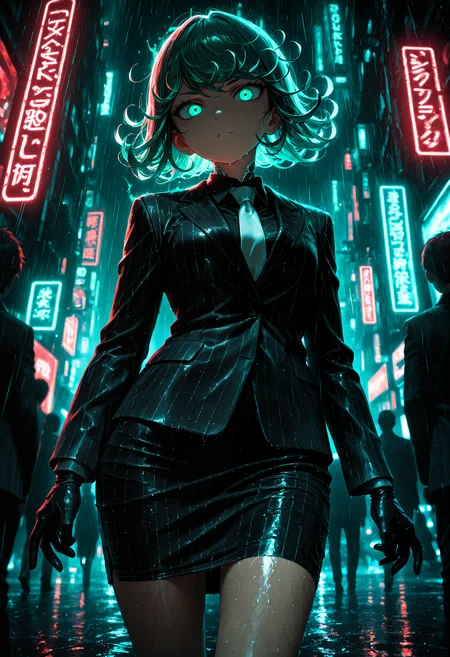


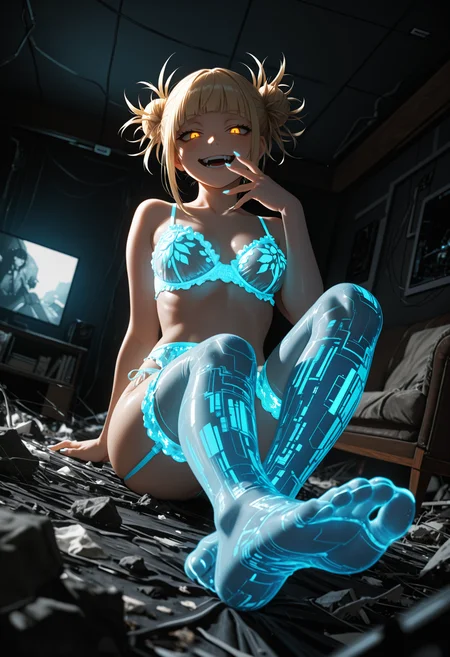
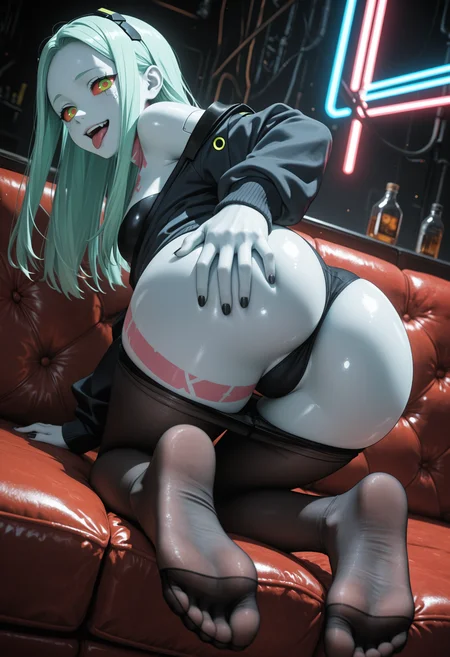



🛠️ Purpose & Design Philosophy
This workflow is a high-fidelity environment built for Illustrious. It prioritizes stability and professional texture over generation speed. It follows an "all-in-one" philosophy: configure your prompts, hit queue, and let the workflow handle the multi-stage refinement from start to finish.
Not for Speed: This is a heavy-duty refinement tool. If you want 2-second previews, use a basic workflow.
Personal Use: Built for my specific production needs. It is shared as-is for those who want a "set-and-forget" pipeline for Illustrious. Adjust the settings and models to fit your needs. The defaults on v19+ will be what I used for the sample images.
All-in-One Logic: The workflow handles generation, detailing, and upscaling in one continuous pass.
If you're needing something with more features: Try checking out Silly All-in-one, Multiple Characters With Regional Loras which is on civitai. I have no plans to implement additional features.
⚠️ Disclaimer & Compatibility
Install at Your Own Risk: Custom nodes can break your environment. I am not responsible for troubleshooting your specific installation.
ComfyUI: Built and tested on the non-app version. Desktop app users may face additional hurdles.
The "Your Version" Factor: Your node versions and environment are 99.9% likely to differ from mine.
Nodes 2.0: I do not recommend using Nodes 2.0. It creates unpredictable UI behavior; I will not provide support for issues involving this feature.
🤝 Support & Boundaries
I have not and never will monetize my workflow. CivitAI is the only platform I am maintaining this workflow on. If you find a version of my workflow posted and/or monetized anywhere and use it, then whoever posted it is responsible for providing you any support. This is the main reason why I don't monetize this: I don't want to be or feel obligated to provide support.
No DMs: DMs are disabled due to repeat spam. Please check the Discussions tab below; most questions have already been answered.
Modifications: You are free to hack this workflow apart. However, you are responsible for fixing it if it breaks.
Custom Requests: I do not make private workflows. If you need a custom solution, post a Bounty on CivitAI. There are many talented creators ready to help you for a fee.
Description
🚀 Not So Simple (or is it?) Illustrious Workflow — v18b
What’s New:
✨ Epsilon Scaling Integration: Added a specialized Model Patch for the initial generation phase only. This helps correct exposure bias and restores the high-contrast depth that can sometimes be lost in complex sampling.
Ease of Use: A dedicated Toggle has been added near the categorized group bypass nodes.
Documentation: See the local Markdown note in the workflow for a detailed technical breakdown of its impact.
📐 Streamlined Resolution Management: Replaced the previous resolution node with a cleaner JPS-Nodes SDXL Resolution selector. This removes unused settings and "clutter" from the UI.
Custom Sizes: To use a non-standard resolution, simply disconnect the
widthandheightwires from the Empty Latent Image node to unlock manual entry.
🧹 Workflow Optimization: Removed the LaplaceScheduler node. By leveraging the new Epsilon Scaling patch, I’ve achieved comparable (or superior) results using standard schedulers, allowing for a much cleaner node graph in the sampling area.
⚙️ Default Presets: The workflow comes pre-configured with the exact settings used to create the first sample image in this gallery.
Performance Benchmark:
Hardware: NVIDIA RTX 5060 Ti
Total Runtime: 111 Seconds
Process Includes: Initial Gen → High-Res Upscale → USDU → Dual Detailer Pass (Face & Eyes)
FAQ
Comments (10)
tnx, best workflow!
Normally I shy away from workflows this complex but I'm glad I stuck with it, it really wasn't hard to figure out and produces great results.
The only thing it's missing that I added myself is prompt delay, or whatever it's called these days when you swap prompts partway through the generation. It's done using ConditioningSetTimes and ConditioningCombine nodes. Friendly suggestion for the future. :)
Thanks!
Thanks for the feedback and I am glad you are making it work! Some of my older workflows are probably more complex then the newest one.
As far as the swapping prompts partway thing: that is over my head and I think it would be confusing for some folks who use this workflow if I did end up adding it. Sounds pretty interesting, but I don't think it is something I personally would use.
I always encourage folks to modify the workflow to fit their own needs. Which is part of the reason why I keep all the nodes visible and not converted into a subgraph. All the connections are visible and folks can add/remove stuff at their discretion.
just loaded it up, and finished installing all the needed extras (thanks for not using any truly left-field stuff), and noticed it's the first complex refining workflow I've found that DOESN'T use FaceDetailer! So glad - I gen with all CPU (dual Xeon), and FaceDetailer has some kind of bug that limits comfy to only 8 cores/threads (I have 44) during/after it's execution, and apparently triggers some kind of bug in comfy that keeps the environment using only 8 cores until you restart the instance.
Great workflow, and I haven't even used it yet =)
There is a rather convenient node: comfyui-resolution-master.
I know about it and I think a majority of people would struggle to use it, plus the node takes up too much space.
I'd love to see inpainting added
Sorry, that's something I never use or plan to. If you know how to use it (which I do not), you can probably easily add it yourself.