


🛠️ Purpose & Design Philosophy
This workflow is a high-fidelity environment built for Illustrious. It prioritizes stability and professional texture over generation speed. It follows an "all-in-one" philosophy: configure your prompts, hit queue, and let the workflow handle the multi-stage refinement from start to finish.
Not for Speed: This is a heavy-duty refinement tool. If you want 2-second previews, use a basic workflow.
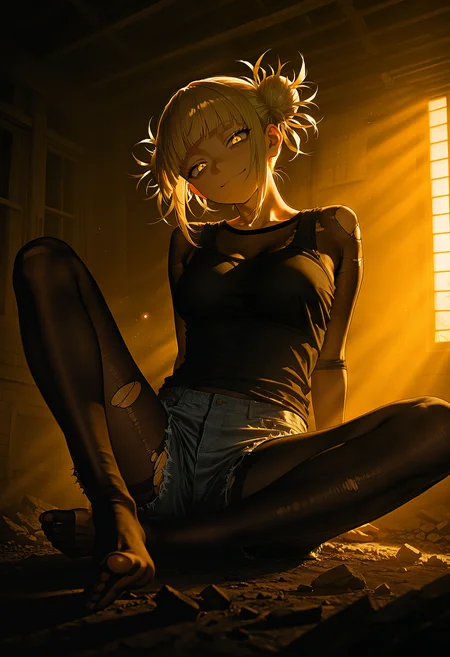
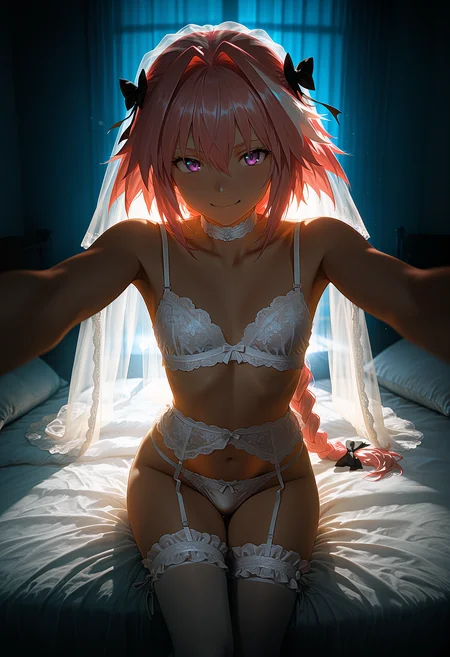
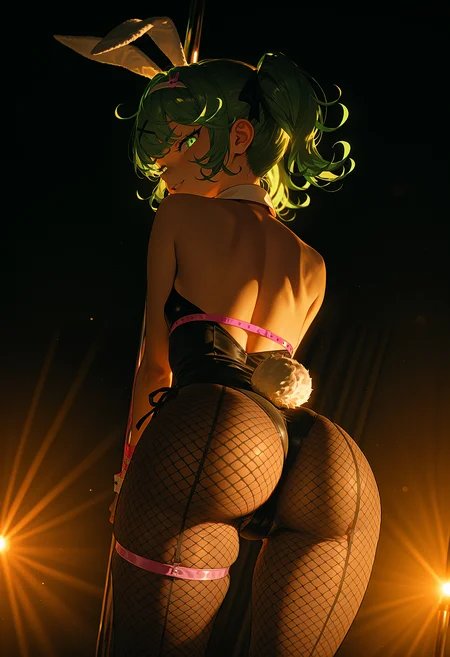
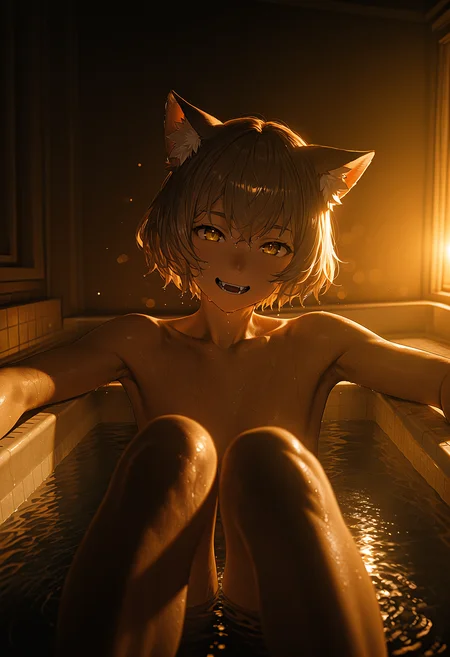
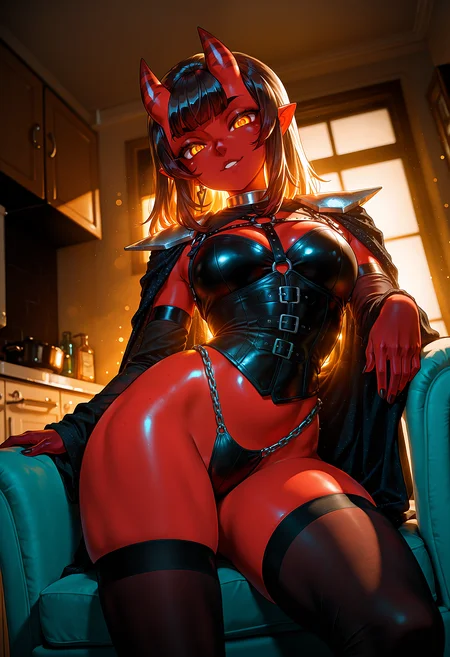
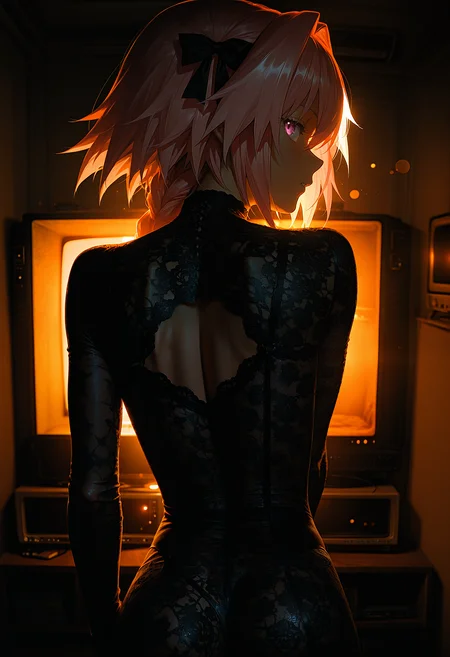
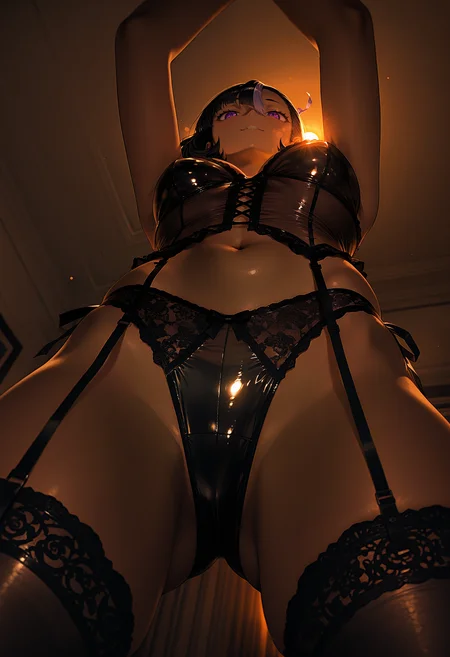
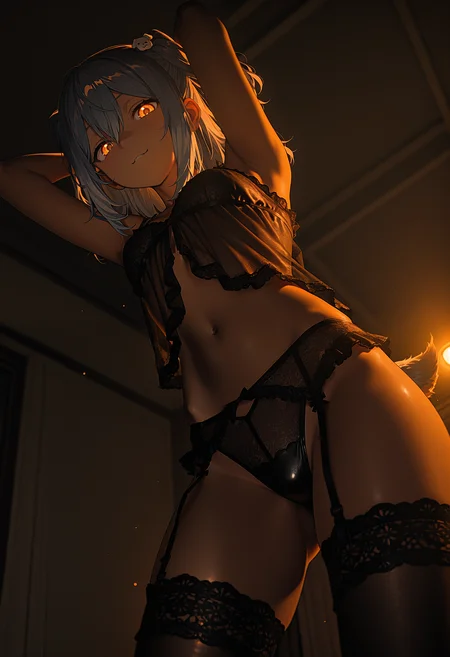
Personal Use: Built for my specific production needs. It is shared as-is for those who want a "set-and-forget" pipeline for Illustrious. Adjust the settings and models to fit your needs. The defaults on v19+ will be what I used for the sample images.
All-in-One Logic: The workflow handles generation, detailing, and upscaling in one continuous pass.
If you're needing something with more features: Try checking out Silly All-in-one, Multiple Characters With Regional Loras which is on civitai. I have no plans to implement additional features.
⚠️ Disclaimer & Compatibility
Install at Your Own Risk: Custom nodes can break your environment. I am not responsible for troubleshooting your specific installation.
ComfyUI: Built and tested on the non-app version. Desktop app users may face additional hurdles.
The "Your Version" Factor: Your node versions and environment are 99.9% likely to differ from mine.
Nodes 2.0: I do not recommend using Nodes 2.0. It creates unpredictable UI behavior; I will not provide support for issues involving this feature.
🤝 Support & Boundaries
I have not and never will monetize my workflow. CivitAI is the only platform I am maintaining this workflow on. If you find a version of my workflow posted and/or monetized anywhere and use it, then whoever posted it is responsible for providing you any support. This is the main reason why I don't monetize this: I don't want to be or feel obligated to provide support.
No DMs: DMs are disabled due to repeat spam. Please check the Discussions tab below; most questions have already been answered.
Modifications: You are free to hack this workflow apart. However, you are responsible for fixing it if it breaks.
Custom Requests: I do not make private workflows. If you need a custom solution, post a Bounty on CivitAI. There are many talented creators ready to help you for a fee.
Description
Dropped RTX-VSR node.
Not worth keeping this node when people can't find it via ComfyUI-Manager.
Pre-USDU Upscale will only have the Upscale with Model option now.
FAQ
Comments (12)
google translate
I also had trouble finding it, but I found it manually. Here's the link if anyone else is reading this and wants to try it: https://github.com/PixWizardry/ComfyUI-PIX_Nvidia_RTX_Deblur_Denoise.
And these nodes themselves are very questionable in my opinion; sometimes they looked worse due to the sharpness.
That's correct, having them on is not a one-size-fits all solution. Just use them if needed.
All my sample images use the Deblur node set to 'Light'.
which version that have anima toggle? if im not forgot there version that you can use SD and Anima in one workflow
17c could use both Anima or Illustrious, after that I split Anima off to its own workflow.
@Gladas thanks for info buddy
Links for related custom nodes on latest version will be posted below the sample images under '🛠️ Other Related Info'. Click 'show more' and scroll down if you are not able to find the related nodes in ComfyUI-Manager. I'll try to keep this up to date with each update.
I've tried using Wildcards but it failed.
I did install it correctly as the nodes shows me populated text from my user input (see below) but it doesn't affect in any way my image whatsoever.
User input: __bw_face_shapes__, reijssexyposing
automatically generated text: Angular heart face, pointed chin, angular jaw, high cheekbones, flat brow, spaced eyes, one_leg_forward
I've enabled wildcard
I've changed populate, fixed, reproduce.
I've ran different seeds.
I've ran the same seeds multiple times by changing the wildcard.
Nothing affects my image, I get the same image.
Sorry, I'm new to wildcards and your workflow motivated me to try it :')
I'm dumb. I just had to link "processed text" to one of the 3 positive prompt input. It seems to work now :')
Is the output connected to one of the text boxes on the positive prompt? That's the only thing I can think of. It is disconnected by default. Edit: Looks like you figured it out. :)
@Gladas I took for granted everything was connected from the get go :'(
Thanks for the reply tho ^^
What's your go to wildcards btw?
@Fellaitio I use my personal wildcards (nothing fancy) and the two below.
https://civitai.red/models/2514184/cozy-sexy-lacy-racy-sleepwear
@Gladas thank you very much :) will take a look ^^