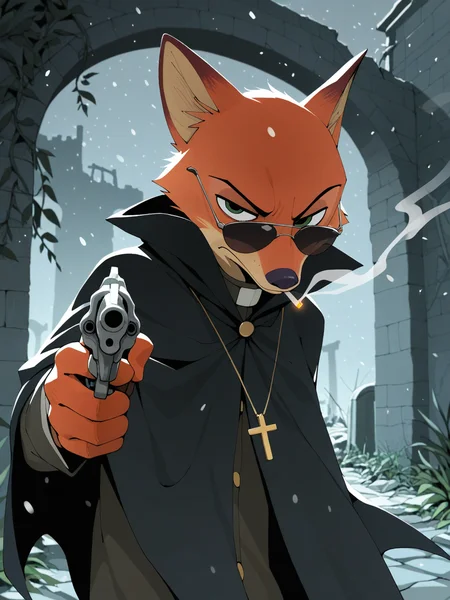
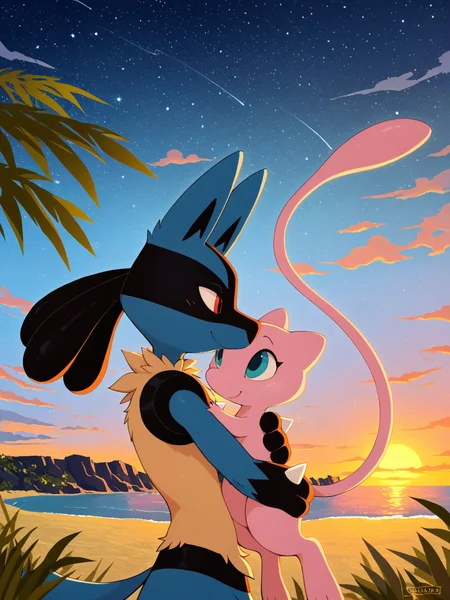
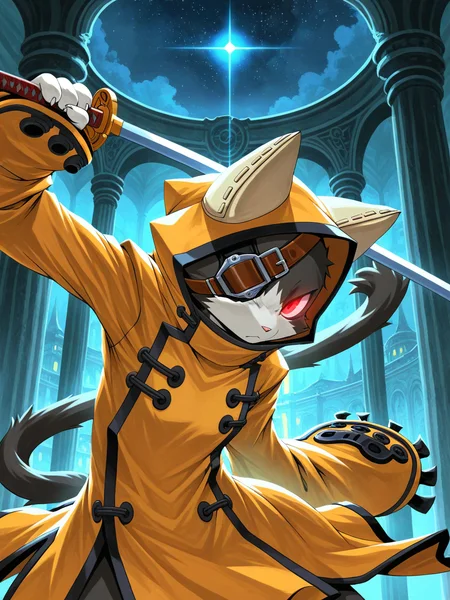

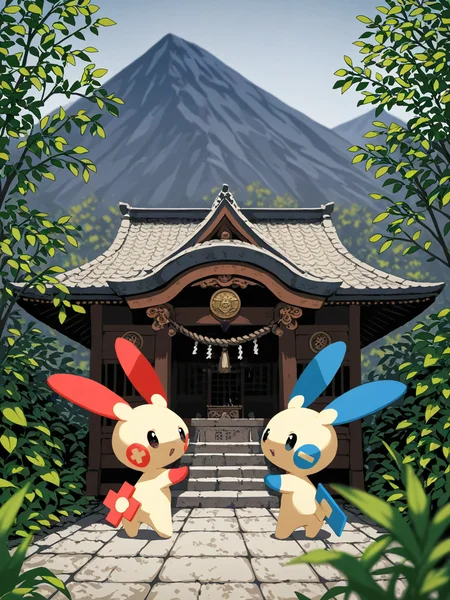



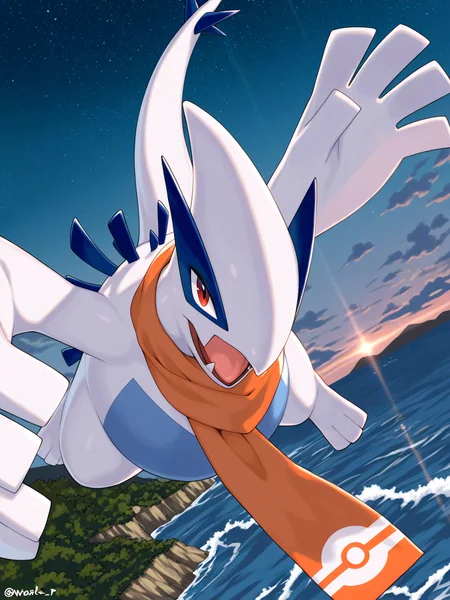


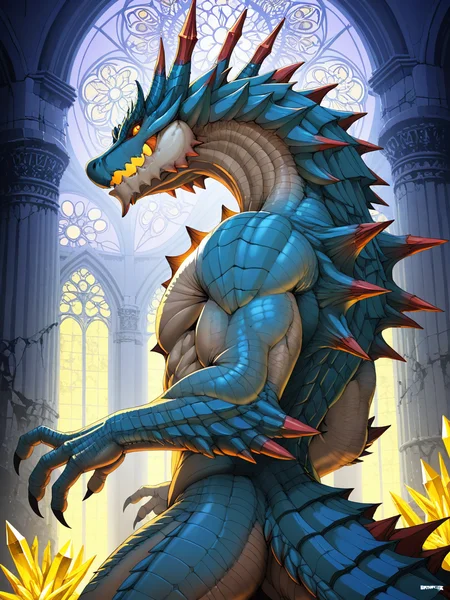
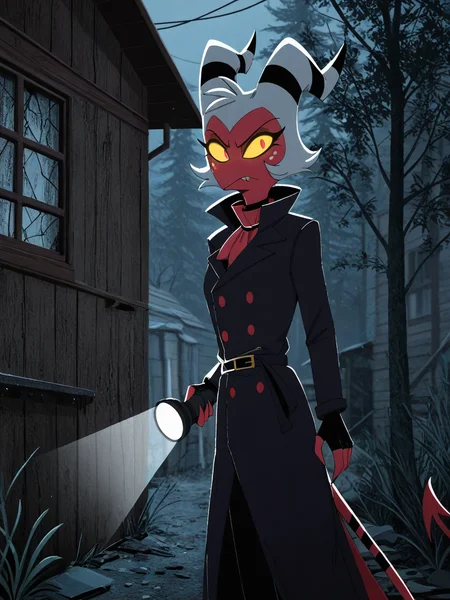

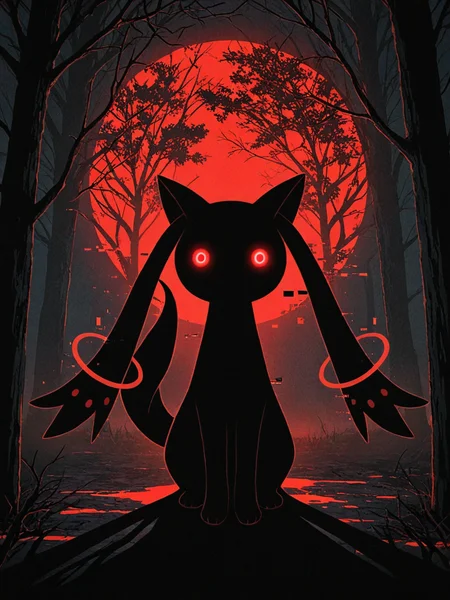
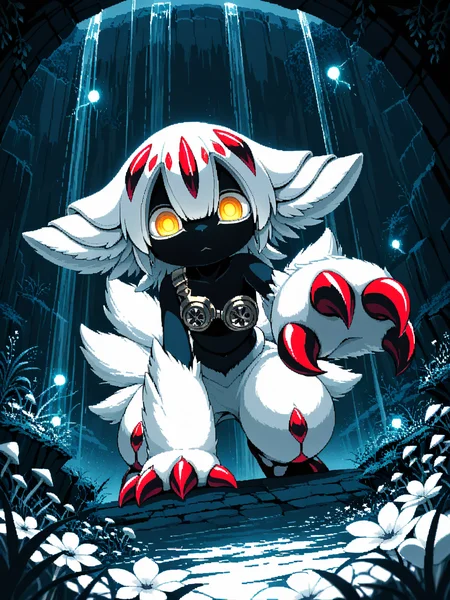
Use e621 tags (no underscore), Artist tag very effective in YiffyMix.
GridList Species/Artist(v64) update!! & LoRAs (SDXL)/samples/wildcards
Recommend Artist tags (NoobXL) & comfyUI workflow.
Example Setting (Use recommended sampler to get correct quality)
Setting SDXL (SDXL-lightning & NoobXL)
Steps = 12~24
Sampler = "DDPM", "Euler A SGMUniform", "Euler SGMUniform"
CFG scale = 3~4
Negative embeddings SDXL = ac-neg1, ac-neg2 (You don't really need this)
Postive LoRA SDXL = SeaArt Quality Tags LoRA (You don't really need this)
Stop at CLIP layers = 2
Setting SD 1.5 + vpred
Steps = 30~40
Sampler = "DPM++ 2M Karras", "DPM++ SDE Karras", "DDIM", "UniPC"
CFG scale = 6~8
Negative embeddings = deformity_v6, bwu [SD-WebUI\embeddings]
Stop at CLIP layers = 1
SD VAE = kl-f8-anime2, Furception [SD-WebUI\models\VAE]
Hires. fix
Hires steps = Steps * Denoising strength
Denoising strength = 0.25
Hires upscaler = 4x-UltraMix_Smooth [SD-WebUI\models\ESRGAN]
ControlNet
ControlNet = softedge_hed, control_v11p_sd15_softedge
ControlNet SDXL = softedge_hed, sdxlsoftedge-dexined, noobai-xl-controlnet
ControlNet Weight = 0.35~0.5
ControlNet Pixel Perfect = true
Wan 2.2 ComfyUI Animeted [workflow]
model = wan2.2_ti2v_5B_fp16
vae = wan2.2_vae
lora (turbo) = lora_wan2.2_ti2v_5B_turbo_lora_rank_64_fp16
lora (furry-nsfw) = wan2.2-5B_furry-nsfw-v2.0-e83
lora (livewallpaper) = wan2.2-5B_livewallpaper-720p
sampler = steps:4, cfg:1, sampler:"eular_ancestral", schedule:"sgm_uniform"
SD WebUI
LoRA Training SDXL
imgs count = 15~50
total steps = epoch * imgs count * folder loop = 3000~4500
network_dim = 64
network_alpha = 128 (SDXL) \ 16 (Noob)
learning_rate = 0.0002~0.0005
unet_lr = 0.0001 #learning_rate/2
text_encoder_lr = 0.00005 #learning_rate/4
lr_scheduler = "cosine_with_restarts"
mixed_precision = "bf16"
optimizer_type = "Adafactor"
optimizer_args = [ "scale_parameter=False", "relative_step=False", "warmup_init=False", ]
YiffyMix v4x V-pred Setting
# YiffyMix v4x A1111 SD-WebUI or Forge V-pred Setting
1.Download config file ".yaml" paste next to the model.
2.Raname ".yaml" same as model name. ( check the ".yaml" has [parameterization: "v"] line )
3.Restart SD-WebUI ( if config fails to load, the model just generate noise )
# YiffyMix v4x ComfyUI or StableSwarmUI V-pred Setting
Add node "ModelSamplingDiscrete", Sampling = "v_prediction"
# ComfyUI V-pred Setting (old version)
1.Copy config ".yaml" to [ComfyUI\models\configs] and refresh ComfyUI
2."Load Checkpoint (With Config)" [Right Click\AddNode\advanced\model_merging]
workflow:[Load Checkpoint (With Config)]-[KSampler]-[VAE Decode]-[Save Image]
# v-pred mode troubleshoot
If you use new version webui-forge and failed detect v-pred model.
Try update webui-forge (click update.bat).
When loading v-pred model, you will see this line in cmd console:
left over keys: dict_keys(['v_pred'])
# v4.x some time will get little fried issue image in this case
Use "Dynamic Prompts with __wildcards__ prompts" and "batch size > 1"
Just generate again with same prompts with parament, it will return normal.
Version Info
v1.x [2D,512~768] old model, unstable, low resolution
v2.x [2D,512~896] e621 dataset + 30~40% SD5 dataset
v3.0 [2D,3D,512~1088] large dataset then v2.x version, can do 2D, 3D
v3.1 [2D,3D,Real,512~1088]
more realistic, but loss some concept (e621 tag count lower 1000)
v3.2 [2D,3D,Real,512~1088]
unstable version, use SNR version FluffyRock, more noise detail
v3.3 [2D,3D,Real,512~1088]
stable version, more detail, more sensitive to prompts
v3.4 [2D,3D,Real,512~1088] ※include Fluffy Rock Quality Tags-LoRA
stable version, more detail, clear result, reduce some noise (like bush,pattern)
v3.5 [2D,3D,Real,512~1088]
unstable version, contrast & detailed enhance
v3.6 [2D,3D,Real,512~1088]
stable version, more sensitive to e621 tags
v3.7 [2D,3D,Real,512~1088]
stable version, reduce noise overactivity, fix blurry eyes and finger error, fix failed background depth
v4.0 [2D,3D,Real,512~1088]
v-pred version, remix from EasyFluff
accuracy anatomy and style with fewer prompt,
little dim blue average color with smooth noise, weakly negative prompt issue
v4.1 [2D,3D,Real,512~1088]
v-pred version, color and low contrast fix, reduced realistic noise.
v4.2 [2D,3D,Real,512~1088]
v-pred version, more contrast and detail, yelow issue.
if you feel too fried use Rescale CFG =0.35
v4.3 [2D,3D,Real,512~1088]
v-pred version, clear artist style, fix most yellow/brown issue
the version doesn't need CFG Rescale
v4.4 [2D,3D,Real,512~1088]
v-pred version, no more yellow/brown issue.
the version doesn't need CFG Rescale
v5.0 [2D,3D,Real,896~1536]
SDXL-lightning version, base on Compassmix XL.
v5.1 [2D,3D,Real,896~1536]
SDXL-lightning version, more e621 dataset, lower human face, better NSFW stuff.
v5.2 [2D,3D,Real,896~1536]
SDXL-lightning version, increase average quality. Little unstable than v51 but more creative.
v6.0 [2D,3D,res:896~1536]
More character better sex pose, limited and uncontrollable style (mostlly anime style).
v6.1 [2D,3D,Real,896~1536]
More realistic detail, reduce anime style, fix flat and boring background.
v6.1a-RE [2D,3D,Real,896~1536]
Same as v61 but adjust average style to simi-realistic.
v6.2 [2D,3D,Real,896~1536]
more effective prompt, keep style also with good realistic detail, saturation down little bit.
v6.3 [2D,3D,Real,896~1536]
Detail(noise) level between v62 and v61, upgrade character/artist accuracy.
v6.4 [2D,3D,Real,896~1536]
Upgrade light quality and average detail.
Note about NoobXL to create stable furry (v6x):
use "furry" tag in propmt can let AI create furry not human.
use "no human" tag in propmt can avoid NoobXL model add human and reduce anthro affect (more original style).
use "anime style" in negative propmt can reduce classic booru style and more realistic.
Some SD prompt trick:
Combine two character:
characterA \(characterB\)
Avoid tag bleeding:
(chain:0)-link fence
(cowboy:0) shot
high (collar:0)
Multi-tag combine, enhance and reduce token use:
from side + side view = from side view
crossed legs + legs up = crossed legs up
Basic Style
Negative Prompt SD1.5
unusual anatomy, mutilated, malformed, watermark,
amputee, mosaic censorship, sketch, monochrome
Negative Prompt SDXL
malformed, worst quality, bad quality, signature, text, url
3D Artwork Style
Prompt v5x: blender \(software\), ray tracing, 3d, unreal engine
Photorealistic Style SDXL
Prompt v5x:
by Mandy Disher, by Wim Wenders, by Robert Rauschenberg, [by Fossa666::0.65],
ultra realistic, photorealism, photograph
Negative prompt v5x: sketch, manga, vector, line art, toony
Prompt v6x: film photography, photorealistic, film grain
Negative prompt v6x: anime style, vibrant, pastel
Photorealistic Style SD1.5
Prompt sd15: [:photorealistic, analog style, realistic, photorealism:0.5]
Negative prompt sd15: [:bwu:0.5]
Recommend Refiner: IndigoFurryMix v110-Realistic Switch at 0.5
Description
Recipes v60:
partA = Chroma XL Mix v331 Mango + illustrious XL Personal Merge v30 * 0.65
partB = ZoinksNoob + ZoinksNoob Test * 0.25
YiffyMix v60 = partA + partB * 0.75
FAQ
Comments (41)
Ooh Pretty Picture for v60 Nice Work
dang, has it really been half a year? the waits feel so long yet always worth it...
Yeah, dude, the future's here.
The lord (chilon) has answered my prayers 🙏🏼🙏🏼😭🎶🌟
I damn just the other day complained about how long it's been since I've had models, gotta download and check it out.
/
Я блин только недавно жаловался что давно не было моделей, надо скачать и заценить.
Eh, the generated images on 6.0 may be more correct, but the generation style is not as cool as on 5.2
And it seems that it does not understand what realistic style means.
If you want realistic style, use this:
(only work in a1111 prompt, remember check "Emphasis Mode" setting is on)
prompt:
[3d \(artwork\):(ultra realistic, photorealism, photograph:1.35):0.35]
negative prompt:
sketch, manga, vector, line art
Realistic style is very weak in NoobXL, you need more prompt strength.
Use 3d \(artwork\) in early steps can reduce human face more close to anime face.
If you still feel too much human face, add the "furry" tag.
Will this model be added to CivitAI's Image generator in the future?
v60Noobxl feels more like a beta than a real model. The art is better, and going back to a more cartoonish style is the right way to go. If you want to make a realistic one, it should be a different model, so as not to ruin the style of the current one. The logo/signatures and teeth are very problematic on this model. Certain concepts and positions that are easily done with other models are very chaotic in this one.
It's all up to personal preference. YiffyMix v36 in my opinion is better than v42, and v51 is better than v52. These are just merge recipes and each model does output slightly differently. In classic fashion I do expect there to be a v61 at some point, but v60 is less of a beta and more of a first version. Chilon absolutely knows what their merges offer by this point.
Watermarks have generally always been a pretty consistent issue throughout the YiffyMix models, even during the SD 1.5 days as you may know. I personally find this model rather fits my use cases, it's very versatile and understands a wide variety of characters and styles out the box - and realism has never been a focus point of the YiffyMix models. You could potentially train a realism lora on YiffyMix v60 and it would work fine as Illustrious can handle certain real scenes, or you could merge YiffyMix with one of the many other realism models out there.
I don't know what I am doing wrong, but when I try to generate the same sample images, it never be the same. I copy the prompt, the sample method, and even the same seed. I use forgeUi and I try to generate this image: https://civitai.com/images/20572595
there are different ways to generate random numbers based on seed. In automatic1111 there is a choice between cpu random, gpu random and nvidia replication random
@Gidraulght so if forge is same, how I know what number is used to generate the image?
Some time different GPU can cost different gen, you need same WebUI setting + same GPU to create 100% same picture (this image create by RTX3060).
@Gidraulght Nvm I find it thank for the info
@chilon249 yeah that maybe the case I have RTX 4060, just assumed that am did something wrong.
+1 for regular SDXL plz
To obtain a good "regular SDXL" version of YiffyMix, it will be necessary at least a SDXL version of FluffyRock, I think.
There's no regular eps SDXL (not lightning or v-pred) furry base model now.
Horizon (Fluffyrock) team working on Flux version, PonyXL team working on AuraFlow version.
Next furry base model will be Flux or Aura, not SDXL.
@chilon249 Gotcha. Thank you for your answer.
@chilon249 then the 52 version will be my love forever. In my opinion SDXL+SAG+FREEU >> flux ultra.
Flux is just terrible at rendering fingers, and it's not clear how well it renders detail in long promts. SDXL with Cross atention optimizer v1 in a1111 drew promts with 400-500 tokens without losing details.
V60 has way too much influence from Chroma XL.
75% of your merged models use Chroma which is not the best quality model. Has lots of signatures, artifacts, and other experimental quirks.
Be careful when using team horizon models! Compass, Bananastrike and Chroma all have lots and lots of pitfalls!
just a quick note, you have to use chatgpt for the extra quality tags such as
soft shading, 2D illustration, highly detailed, smooth gradients, soft shadows, anime-style, vibrant colors, painterly, semi-realistic, cel shading blend, dynamic lighting, intricate details, digital painting, fantasy style, artstation trending
thanks for updating to a noob/ill version, we actually needed it, is one of the best furry models out there , is slightly much better than indigo, this is my preference
Why model cannot use for civitai a only downoald?
Because that's up to Civitai, not the person making the model
Just wanted to stop by and say how awesome and incredible your models are. Top tier stuff mate <3
Is there a way to get Miles Tails Prower from the v60 model without a LoRa? I've tried e621 tags, I've tried miles prower, miles tails prower, tails the fox, to no avail. Strange...
use "tails \(sonic\)" this is danbooru tags
yes there is also a tag catcher script for firefox when you press the tilde it catches the tags so you can modify them for complex images, this model works differently, it only worls on e621
@chilon249 It worked ! Thank you very much ^^
@lucretius Could you elaborate please ? I'm not sure I understand the usage nor purpose 🤔
FYI, this model is innocuously categorized as "Character" rather than "Base Model".
How to fix the random color artefacts? Sometimes the image has a detail with sharp color or there's a random color spot on the image, sometimes the color spot malforms the face - is there a fix for it?
Use "hires." or "ADetailer" fix it, and check your sampler is in recommand list, wrong sampler may produce lot of artifacts noise.
Artifacts noise may appear in:
1.high noise texture area (pattern, realistic style, 3d)
2.lot of tags interference in small area (eyes, nose, genitals etc.)
3.very strong LoRA style
use DPM++ 3M SDE Karras instead of Euler SGMUniform
What do you recommend for good adetailers?
Not sure if you asked everyone, but just in case you didnt find any yet, youd probably look for this one: https://civitai.com/models/1228695?modelVersionId=1384450
@Bigboyblaziken Thanks!
nice base model on NoobAI, its also works with illustrious loras
v53-xl when ?
my AI porn producer wants to make more hot girls.
Details
Files
Available On (3 platforms)
Same model published on other platforms. May have additional downloads or version variants.