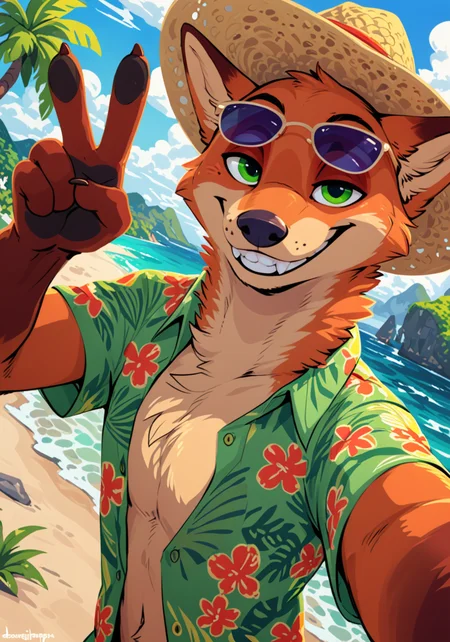
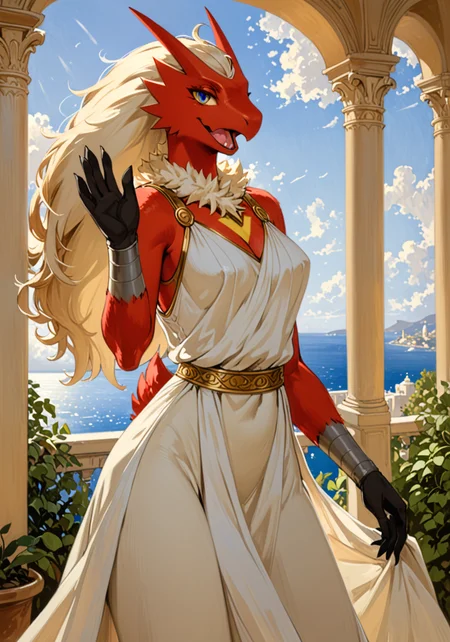
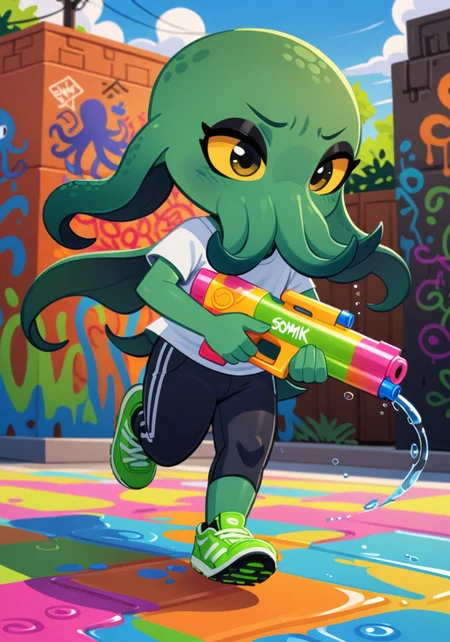
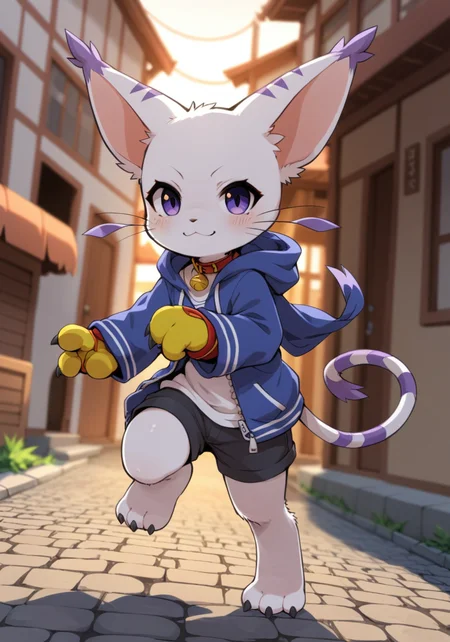
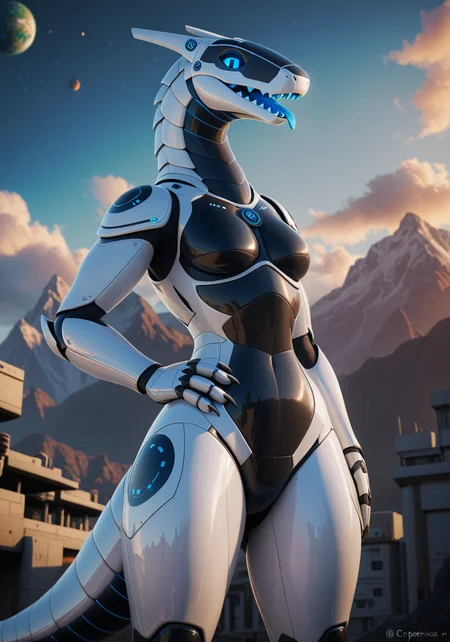


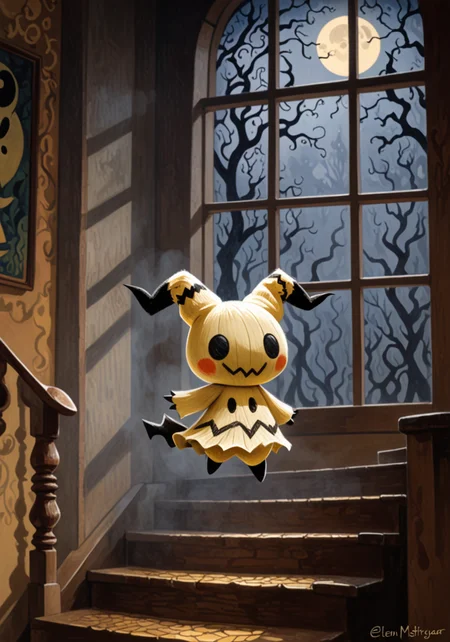

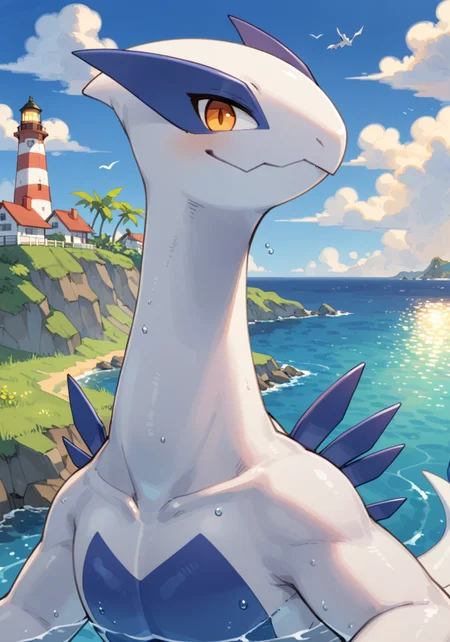
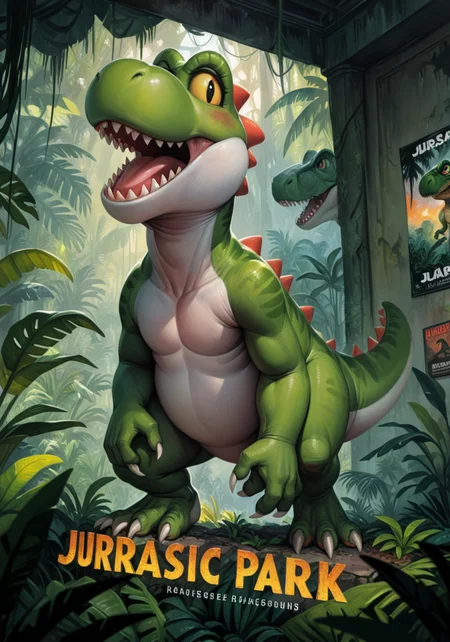

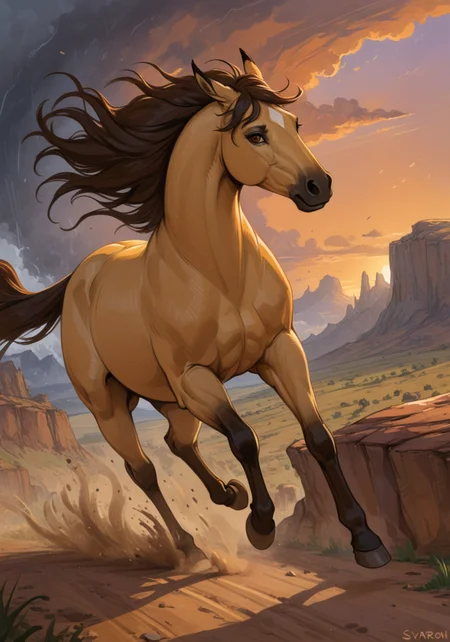
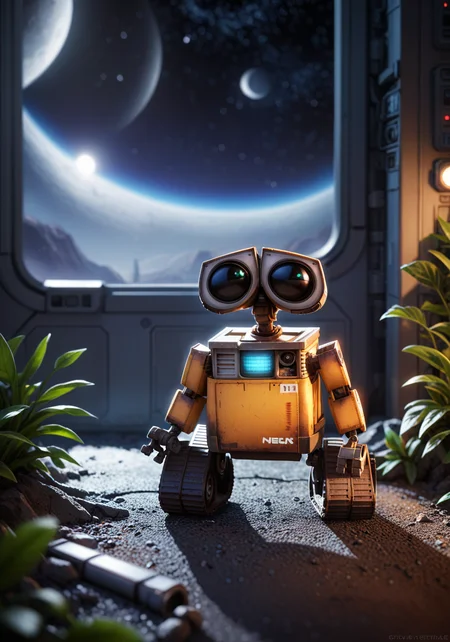
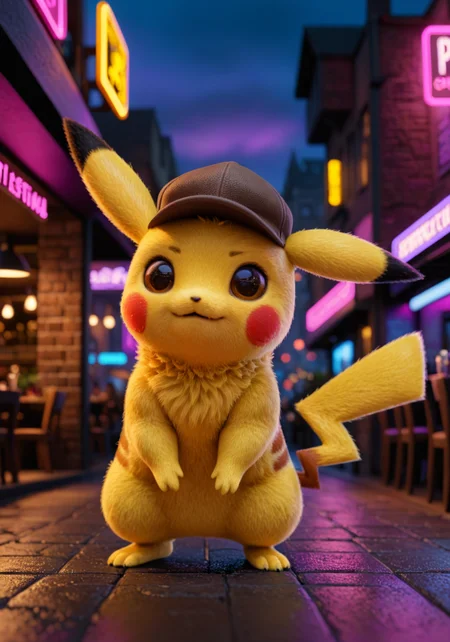
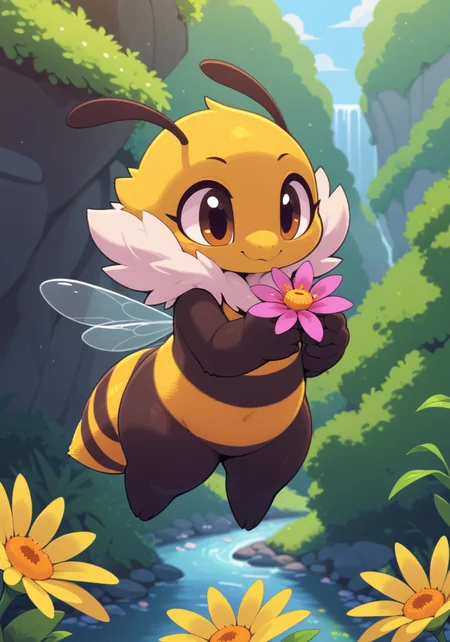

Use e621 tags (no underscore), Artist tag very effective in YiffyMix.
GridList Species/Artist(v64) update!! & LoRAs (SDXL)/samples/wildcards
Recommend Artist tags (NoobXL) & comfyUI workflow.
Example Setting (Use recommended sampler to get correct quality)
Setting SDXL (SDXL-lightning & NoobXL)
Steps = 12~24
Sampler = "DDPM", "Euler A SGMUniform", "Euler SGMUniform"
CFG scale = 3~4
Negative embeddings SDXL = ac-neg1, ac-neg2 (You don't really need this)
Postive LoRA SDXL = SeaArt Quality Tags LoRA (You don't really need this)
Stop at CLIP layers = 2
Setting SD 1.5 + vpred
Steps = 30~40
Sampler = "DPM++ 2M Karras", "DPM++ SDE Karras", "DDIM", "UniPC"
CFG scale = 6~8
Negative embeddings = deformity_v6, bwu [SD-WebUI\embeddings]
Stop at CLIP layers = 1
SD VAE = kl-f8-anime2, Furception [SD-WebUI\models\VAE]
Hires. fix
Hires steps = Steps * Denoising strength
Denoising strength = 0.25
Hires upscaler = 4x-UltraMix_Smooth [SD-WebUI\models\ESRGAN]
ControlNet
ControlNet = softedge_hed, control_v11p_sd15_softedge
ControlNet SDXL = softedge_hed, sdxlsoftedge-dexined, noobai-xl-controlnet
ControlNet Weight = 0.35~0.5
ControlNet Pixel Perfect = true
Wan 2.2 ComfyUI Animeted [workflow]
model = wan2.2_ti2v_5B_fp16
vae = wan2.2_vae
lora (turbo) = lora_wan2.2_ti2v_5B_turbo_lora_rank_64_fp16
lora (furry-nsfw) = wan2.2-5B_furry-nsfw-v2.0-e83
lora (livewallpaper) = wan2.2-5B_livewallpaper-720p
sampler = steps:4, cfg:1, sampler:"eular_ancestral", schedule:"sgm_uniform"
SD WebUI
LoRA Training SDXL
imgs count = 15~50
total steps = epoch * imgs count * folder loop = 3000~4500
network_dim = 64
network_alpha = 128 (SDXL) \ 16 (Noob)
learning_rate = 0.0002~0.0005
unet_lr = 0.0001 #learning_rate/2
text_encoder_lr = 0.00005 #learning_rate/4
lr_scheduler = "cosine_with_restarts"
mixed_precision = "bf16"
optimizer_type = "Adafactor"
optimizer_args = [ "scale_parameter=False", "relative_step=False", "warmup_init=False", ]
YiffyMix v4x V-pred Setting
# YiffyMix v4x A1111 SD-WebUI or Forge V-pred Setting
1.Download config file ".yaml" paste next to the model.
2.Raname ".yaml" same as model name. ( check the ".yaml" has [parameterization: "v"] line )
3.Restart SD-WebUI ( if config fails to load, the model just generate noise )
# YiffyMix v4x ComfyUI or StableSwarmUI V-pred Setting
Add node "ModelSamplingDiscrete", Sampling = "v_prediction"
# ComfyUI V-pred Setting (old version)
1.Copy config ".yaml" to [ComfyUI\models\configs] and refresh ComfyUI
2."Load Checkpoint (With Config)" [Right Click\AddNode\advanced\model_merging]
workflow:[Load Checkpoint (With Config)]-[KSampler]-[VAE Decode]-[Save Image]
# v-pred mode troubleshoot
If you use new version webui-forge and failed detect v-pred model.
Try update webui-forge (click update.bat).
When loading v-pred model, you will see this line in cmd console:
left over keys: dict_keys(['v_pred'])
# v4.x some time will get little fried issue image in this case
Use "Dynamic Prompts with __wildcards__ prompts" and "batch size > 1"
Just generate again with same prompts with parament, it will return normal.
Version Info
v1.x [2D,512~768] old model, unstable, low resolution
v2.x [2D,512~896] e621 dataset + 30~40% SD5 dataset
v3.0 [2D,3D,512~1088] large dataset then v2.x version, can do 2D, 3D
v3.1 [2D,3D,Real,512~1088]
more realistic, but loss some concept (e621 tag count lower 1000)
v3.2 [2D,3D,Real,512~1088]
unstable version, use SNR version FluffyRock, more noise detail
v3.3 [2D,3D,Real,512~1088]
stable version, more detail, more sensitive to prompts
v3.4 [2D,3D,Real,512~1088] ※include Fluffy Rock Quality Tags-LoRA
stable version, more detail, clear result, reduce some noise (like bush,pattern)
v3.5 [2D,3D,Real,512~1088]
unstable version, contrast & detailed enhance
v3.6 [2D,3D,Real,512~1088]
stable version, more sensitive to e621 tags
v3.7 [2D,3D,Real,512~1088]
stable version, reduce noise overactivity, fix blurry eyes and finger error, fix failed background depth
v4.0 [2D,3D,Real,512~1088]
v-pred version, remix from EasyFluff
accuracy anatomy and style with fewer prompt,
little dim blue average color with smooth noise, weakly negative prompt issue
v4.1 [2D,3D,Real,512~1088]
v-pred version, color and low contrast fix, reduced realistic noise.
v4.2 [2D,3D,Real,512~1088]
v-pred version, more contrast and detail, yelow issue.
if you feel too fried use Rescale CFG =0.35
v4.3 [2D,3D,Real,512~1088]
v-pred version, clear artist style, fix most yellow/brown issue
the version doesn't need CFG Rescale
v4.4 [2D,3D,Real,512~1088]
v-pred version, no more yellow/brown issue.
the version doesn't need CFG Rescale
v5.0 [2D,3D,Real,896~1536]
SDXL-lightning version, base on Compassmix XL.
v5.1 [2D,3D,Real,896~1536]
SDXL-lightning version, more e621 dataset, lower human face, better NSFW stuff.
v5.2 [2D,3D,Real,896~1536]
SDXL-lightning version, increase average quality. Little unstable than v51 but more creative.
v6.0 [2D,3D,res:896~1536]
More character better sex pose, limited and uncontrollable style (mostlly anime style).
v6.1 [2D,3D,Real,896~1536]
More realistic detail, reduce anime style, fix flat and boring background.
v6.1a-RE [2D,3D,Real,896~1536]
Same as v61 but adjust average style to simi-realistic.
v6.2 [2D,3D,Real,896~1536]
more effective prompt, keep style also with good realistic detail, saturation down little bit.
v6.3 [2D,3D,Real,896~1536]
Detail(noise) level between v62 and v61, upgrade character/artist accuracy.
v6.4 [2D,3D,Real,896~1536]
Upgrade light quality and average detail.
Note about NoobXL to create stable furry (v6x):
use "furry" tag in propmt can let AI create furry not human.
use "no human" tag in propmt can avoid NoobXL model add human and reduce anthro affect (more original style).
use "anime style" in negative propmt can reduce classic booru style and more realistic.
Some SD prompt trick:
Combine two character:
characterA \(characterB\)
Avoid tag bleeding:
(chain:0)-link fence
(cowboy:0) shot
high (collar:0)
Multi-tag combine, enhance and reduce token use:
from side + side view = from side view
crossed legs + legs up = crossed legs up
Basic Style
Negative Prompt SD1.5
unusual anatomy, mutilated, malformed, watermark,
amputee, mosaic censorship, sketch, monochrome
Negative Prompt SDXL
malformed, worst quality, bad quality, signature, text, url
3D Artwork Style
Prompt v5x: blender \(software\), ray tracing, 3d, unreal engine
Photorealistic Style SDXL
Prompt v5x:
by Mandy Disher, by Wim Wenders, by Robert Rauschenberg, [by Fossa666::0.65],
ultra realistic, photorealism, photograph
Negative prompt v5x: sketch, manga, vector, line art, toony
Prompt v6x: film photography, photorealistic, film grain
Negative prompt v6x: anime style, vibrant, pastel
Photorealistic Style SD1.5
Prompt sd15: [:photorealistic, analog style, realistic, photorealism:0.5]
Negative prompt sd15: [:bwu:0.5]
Recommend Refiner: IndigoFurryMix v110-Realistic Switch at 0.5
Description
Recipes v51:
YiffyMix v51 = (YiffyMix v50 + Compassmix XL - SDXL Lightning 2 step) * trainDiff:0.55
FAQ
Comments (48)
Still not able to generate anatomically correct female animal genitalia?
Any tips for generating full body female furries using Yiffymix v50/51? Also, would be cool if there's a Yiffymix version based on Pony one day lol
Use correct image size, and e621 tags, like full-lenght portrait
@wolfydemon612 I don't even do that, I just use tags like "legs" and "knees" and "feet" depending on how far down I want the portrait to go. As long as there are also tags for the face, it will generate everything in between.
Love the XL models. Pony based models are great, but we need more SDXL Furry models, so really happy to see them.
is new version is compatible new oc/furry type
v51 is a significant improvement over v50.
Best CompassMix merge out there!
You would never think this is a SDXL lightning model.
Can SDXL verion be downloaded for automatic1111?
You should be able to just download it and place it in the models/stable-diffusion folder for A1111 and be good to go
Hi,
Loved the model so far, but after deleting v40 and downloading v44 whatever I do, it keeps generating black images with green or blue blobs on it. Tried to return to v40, but it seems broken as well. Tried to change VAE, but to no success. Any idea what might be happening?
V-Pred detection failure? Check yaml file
@wolfydemon612 yup, downloading it again seems to fix the problem. Thanks fam!
hey would you mind making it available for civitai too?
Hi! I'm glad you made it to SDXL!
I found one problem: artists styles composition is broken in v5.1.
SDXL lighting is poorly reacting to weights in prompt, and my old artstyle of (by jijis-waifus), (by nakimayo:0.5) is now extremely different from v4.4 model. And I can't change artstyle at all by tuning weights.
If there is solution to this problem, please tell me
In A1111 emphasis parentheses sometime can disrupt style.
Try use BREAK to balance artist weight.
"xxx (by Artist:1.2)" Change to "xxx BREAK by Artist"
Image ratio and resolution may cause style change.
You can follow SeaArt Furry XL recommended ratio:
1024 x 1024 1:1 Square
1152 x 896 9:7
896 x 1152 7:9
1216 x 832 19:13
832 x 1216 13:19
1344 x 768 7:4 Horizontal
768 x 1344 4:7 Vertical
1536 x 640 12:5 Horizontal
640 x 1536 5:12 Vertical
where is the .yaml file???
Not needed.
@Reaver2000 That's extremely unhelpful - one, that's not true, this model generates garbage out of the box. Two, the instructions for this model reference using a yaml file, which is not included in the downloads and no link is provided to download one.
SDXL dosen't need it.
Only v-pred model (YiffyMix v4x, EasyFluff..) need additional yaml config (SD2.0 and some ControlNet model need yaml too).
Civitai download tip will show "This checkpoint includes a config file, download and place it along side the checkpoint."
Just click the "config file" link and download it.
@chilon249 i dont see the config file link, i might just be blind
@varrin221is there one anywhere for this model? and thank you
@varrin221 also is there anyway to make this not generate badly
@sdefasdewfewffrwee334 I find it struggles with anything other than 1 character at a time, so you would want to use region prompting or layer masking for scenes. I also try to find at least 3 artists with a similar style but with aspects I enjoy in order to get consistency. Beyond that, controlnets.
But honestly it struggles out of the box.
@varrin221 You are misinformed. The YiffyMix XL (v50, v51) do not require a config. You should use a step count from 8-12, and CFG of 5 or less. The reason you are getting fried images is likely because you have your settings on default SDXL settings.
Seems to behave weird. I can see big potential in it: sometimes it give out superior details, but it looks like there is no YAML config or whatever: color artifacts, weird deformations etc..
I made a spreadsheet with the top 300 artists from e621: (Works well with dynamic prompts) https://docs.google.com/spreadsheets/d/12BFTpsl4fjth9Jh2MLHiefC7jfiyjX44xfgRVvWLxiU/edit?usp=sharing
Great work!
@denis0k I am currently making a 16 part catalogue containing all images produces under the same seed using each artist's style :D (under v44)
@puppyboom9000 Is there somewhere I can follow the updates?
Do u need any help? It seems like it would be cool to sort artists by style, for example realism/cartoon etc
@Volceberg if U want u could try organizing it lol. Just copy and paste what I did into ur own spreadsheet and cite me somewhere in it! Trying to organize all of them by art style is a Kafkaesque task that I really don't want to try doing, but if you have the time and energy to, feel free to shoot it out there! I already made all of those images that I posted so if you downloaded all of them (or generated ur own catalogue) one could name all of them by artist and sort them into folders that represent art styles
In versions 50-51 LoRa does not work, it does not generate the necessary characters, what could be the reason? How can I fix this?
Instead of the necessary character, a regular picture is generated
Only SDXL base LoRA can use in YiffyMix-XL.
SD1.5 LoRA can't work in SDXL.
PonyXL base LoRA maybe have little effect.
@chilon249 Understood, Thanks)
For all those who are interested in this:
I do not post mice on versions 5.x because my calculator does not handle SDXL 😭
let me do it for you (◕ω◕)
@chilon249 😁👍
What does that mean?
fingies crossed the somday bring this to the internal generator
Honk if you're still using v4x
Could you make a version that is usable on civit like normal SDXL or Pony, please?
yo like I cant use the xls... can you make normal versions-
Time to upgrade, ampy!
Skin or fur just looks too smooth, and not actually furry with depth on most of my generations.
Did not have an issue with the older models
I'm curious how does entering popular artist's name works so well with this checkpoint? 😮
pretty good
Love the new Model, after playing a long time with v41 it is crazy how fast the new XL Model is with the larger resolution. Thank you for your amazing work <3
This is my furry model of choice.
Is there a Flux finetune in the future?